New: GPT Image 2.5 Flare and Sunburst. Try them free with 3 images on sign-up, then 8 credits each.
Try GPT Image 2.5

UI design AI prompts

218 templates · GPT IMAGE 2, Nano Banana Pro · updated Oct 2026

Generate realistic mobile screens, SaaS dashboards, social media feeds, and terminal interfaces. These templates define structural layout elements like status bars, navigation drawers, and content cards. Swap bracketed text, profile handles, metric labels, and color palettes to adapt each layout to your product concept.

Sort by:

Showing 121–180 of 218 prompts

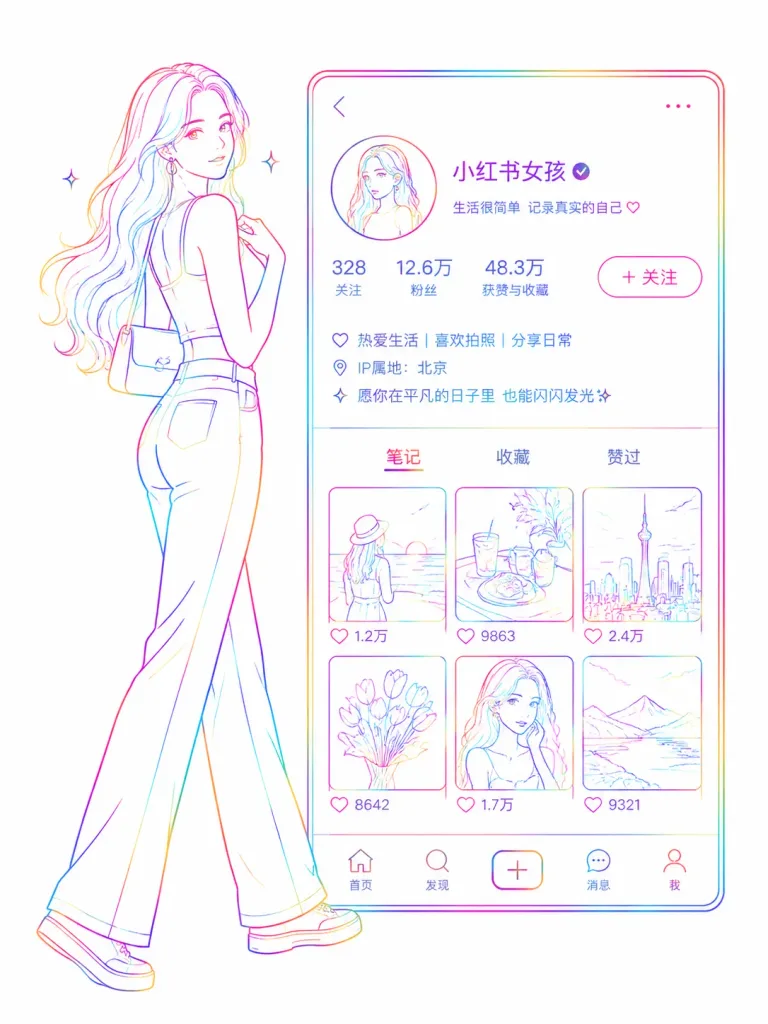
Neon Line Art Profile Poster

Neon Line Art Profile Poster

A minimalist rainbow neon line art illustration depicting a [Little Red Book] app interface [female profile page], presented on a pure white background. A graceful, curvy female figure stands confidently in a walking pose outside the profile frame, echoing modern silhouette art. The interface UI features fine colored wireframe outlines containing a circular avatar, username, verification checkmark, follower metrics, bio description, navigation tabs, and a grid of post thumbnails. Rendered entirely in fine, glowing multicolored neon sketch strokes with no solid fills and minimal shading. Ultra-clean composition, futuristic aesthetic, sleek social media poster layout.

line artneonsocial media
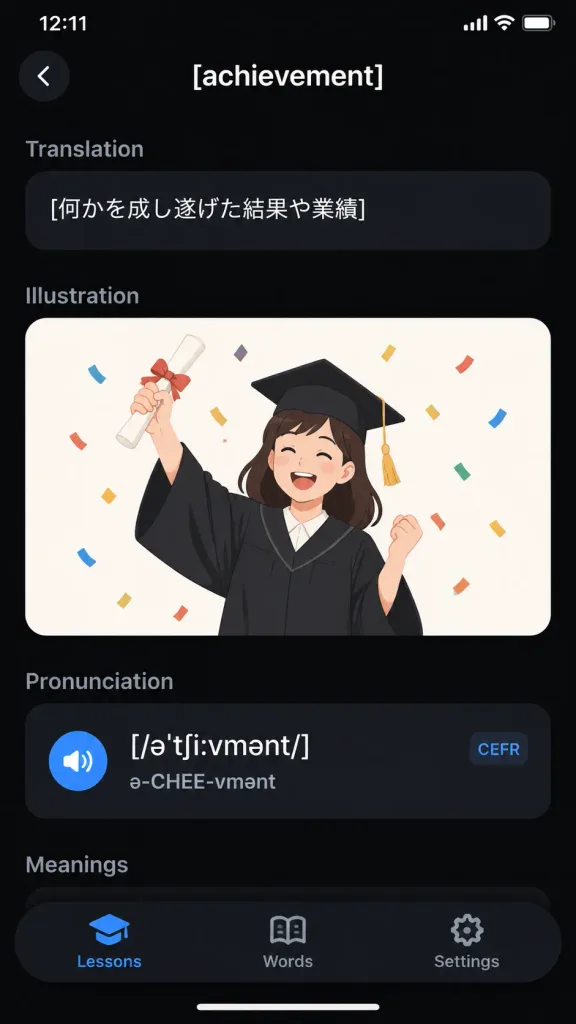
Dark Mode Vocabulary App Screen

Dark Mode Vocabulary App Screen

A realistic iPhone screenshot of a sleek dark-mode English vocabulary learning app displaying the entry for "[achievement]". Vertical smartphone screen, 9:16 aspect ratio, black background with an iOS status bar at top showing "12:11" and battery/Wi-Fi icons. Top navigation bar features a circular dark back button with a white chevron on the left and the centered white title "[achievement]". Content sections in top-to-bottom order: 1) Translation section with muted gray header and a rounded dark pill card containing the Japanese text "[何かを成し遂げた結果や業績]"; 2) Illustration section featuring a rounded card with an off-white background showing a flat vector illustration of a cheerful young graduate woman in a black graduation gown and mortarboard with gold tassel, holding up a rolled diploma tied with a red ribbon and celebrating amidst colorful confetti; 3) Pronunciation section with a dark card containing phonetic transcription "[/əˈtʃiːvmənt/]", pronunciation guide "ə-CHEE-vmənt", a blue speaker icon, and a small rounded "CEFR" tag; 4) A partially visible "Meanings" section header. Floating rounded black bottom tab bar with 3 tabs: "Lessons" (active with blue graduation-cap icon), "Words" (open-book icon), and "Settings" (gear icon). Clean typography, subtle dark gradients, modern minimal mobile UI design.

mobile appui designdark mode
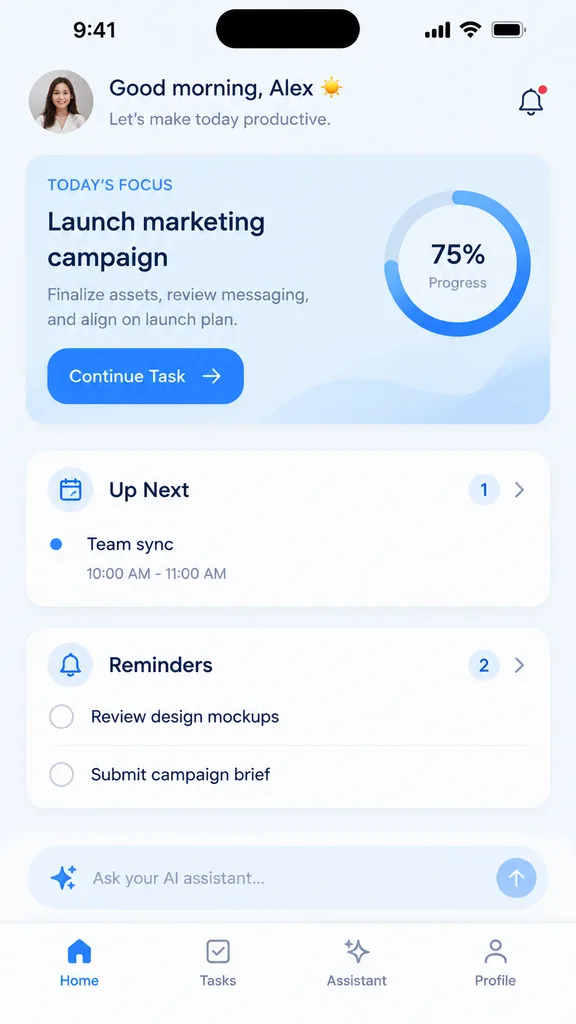
Productivity App Mobile UI Mockup

Productivity App Mobile UI Mockup

mobile app UI mockup. light mode, minimalist, [soft blue] accents, soft drop shadows. TODAY'S FOCUS. Finalize assets, review messaging, and align on launch plan. Up Next. Reminders. modern smartphone with dynamic island. small circular pho…

ui designmobile appmockup
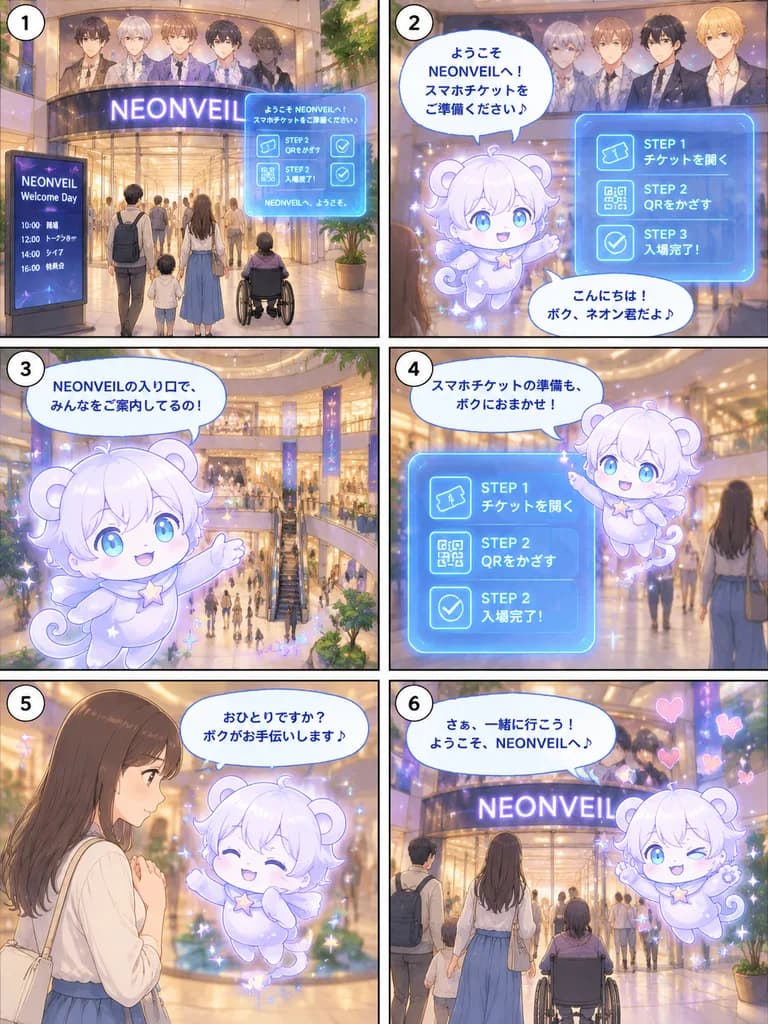
Chibi Mascot Event Entrance Manga Guide

Chibi Mascot Event Entrance Manga Guide

six-panel vertical manga page. soft semi-realistic anime manga, pastel glow, cinematic lighting, delicate linework, transparent holographic UI, magical sparkles, warm shopping-mall interior, clean readable Japanese typography. wide establi…

mangaanimemascot
Japanese SaaS Comparison Timeline Banner

Japanese SaaS Comparison Timeline Banner

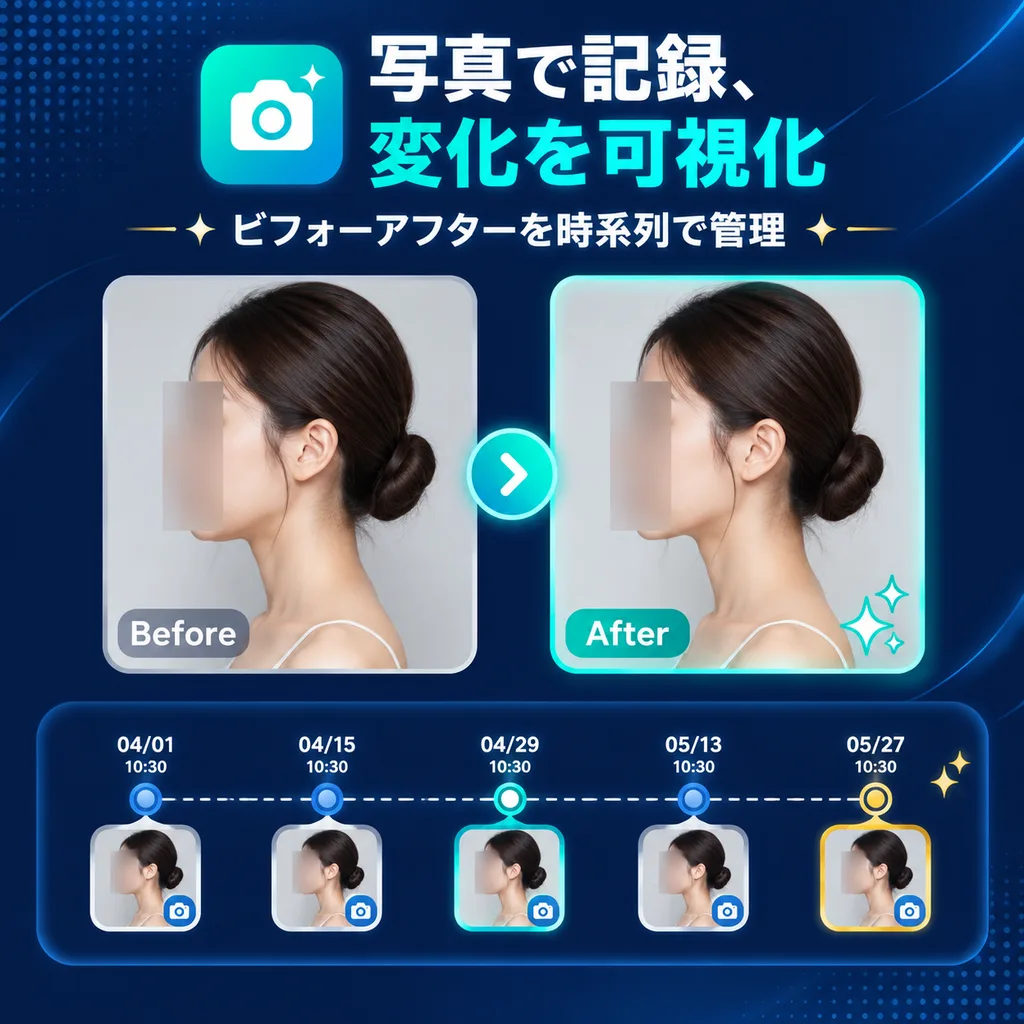
SaaS feature update banner infographic. clean modern Japanese tech marketing, premium UI, dark navy gradient background, subtle dotted halftone texture in top-left and bottom-right corners, soft curved line accents, glossy neon teal highli…

saas bannerui designbefore after
Cyberpunk Streetwear Portal Mascot Poster

Cyberpunk Streetwear Portal Mascot Poster

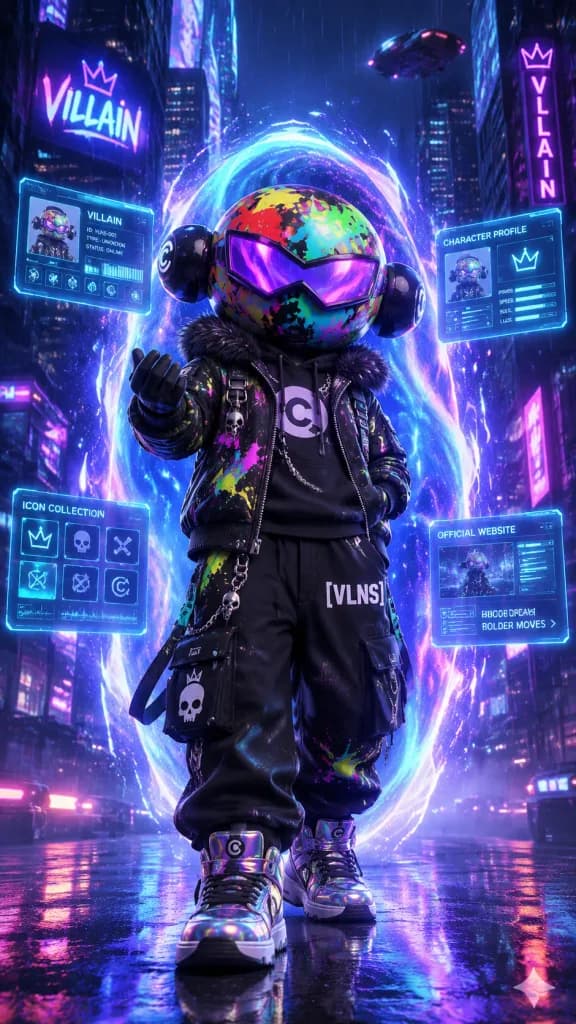
Vertical cinematic cyberpunk promotional poster featuring a single full-body mascot character named [Villain] standing in the center of a neon futuristic city street during a [rainy neon night], stepping out of a glowing portal. The character is a stylized toy avatar with an oversized round helmet covered in graffiti camouflage in green, red, yellow, cyan, and pink, glossy black ear discs, a purple angular visor across the eyes, and no visible face. Streetwear attire: black jacket with a faux-fur collar, neon paint splatters, chains, skull charms, a hoodie with a large circular [C] emblem, baggy black cargo pants with "[VLNS]" printed on one thigh, punk patches, and iridescent high-top sneakers with [C] logos. Pose: confident stance facing forward, one hand in pocket, the other extended in a beckoning gesture. Behind the mascot, a large vertical oval energy portal swirls with [electric cyan and violet] light, dynamic particles, and motion trails. Four translucent holographic UI panels with glowing cyan borders float around the portal showing character profiles, icon cards, and web layout elements with tiny abstract interface details. Setting: dense towering skyscrapers, neon signs, wet reflective pavement, purple-blue atmospheric haze, volumetric lighting, and dramatic rim light. Ultra-detailed 3D render, high-contrast palette, sharp focus, 9:16 vertical orientation.

cyberpunkmascotstreetwear
Editable Matcha Banner in Japanese PowerPoint

Editable Matcha Banner in Japanese PowerPoint

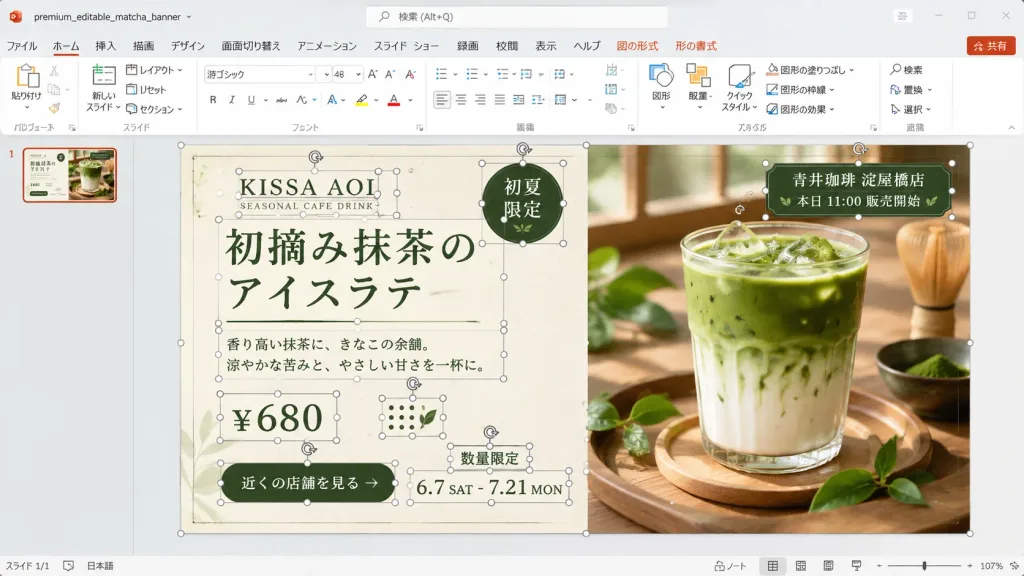
A realistic desktop screenshot of Microsoft PowerPoint with a Japanese interface, displaying an editable banner advertisement design in progress. The 16:9 widescreen application window features a light gray Office interface, Japanese ribbon labels (ファイル, ホーム, 挿入, 描画, デザイン, 画面切り替え, アニメーション, スライド ショー, 録画, 校閲, 表示, ヘルプ) with contextual Shape and Picture Format tabs, a search bar at the top, a red Share button, a single slide thumbnail in the left navigation pane, and a bottom status bar showing approximately 107% zoom level. The file name area displays "premium_editable_matcha_banner". The central slide layout is a premium café banner split vertically into two sections against a warm wooden background. The left half is a cream paper-textured advertisement panel, and the right half features a close-up photograph of an iced matcha latte in a clear glass on a wooden tray, lit by soft window light, surrounded by fresh green tea leaves and a bamboo whisk in the background. Numerous individual editable PowerPoint object bounding boxes, thin gray outlines, circular white resize handles, and rotation arrows are visible across the slide, demonstrating an unflattened, active editing state across 13 distinct object groups: slide background frame, cream panel, brand text group, English subtitle, main Japanese headline, dark green round badge, description paragraph, price box, green call-to-action button, date range, limited-quantity label, store info tag over the photo, and dotted decorative icons. Visible typography and text: - Brand: "[KISSA AOI]" and "SEASONAL CAFE DRINK" - Headline: "[初摘み抹茶のアイスラテ]" (displayed across two lines: "初摘み抹茶の" / "アイスラテ") in elegant dark forest-green Japanese typography flanked by thin rules - Round badge (upper right of cream panel): "初夏限定" - Description: "香り高い抹茶に、きなこの余韻。涼やかな苦みと、やさしい甘さを一杯に。" - Price: "[¥680]" - CTA button: "[近くの店舗を見る]" - Date: "6.7 SAT - 7.21 MON" - Note: "数量限定" - Store label over photo: "[青井珈琲 淀屋橋店]" and "本日 11:00 販売開始" Color palette: dark forest green, warm cream, beige, and natural wood tones. Clean UI screenshot aesthetic, showing explicit editing bounding boxes rather than an exported graphic.

powerpointscreenshotjapanese ui
Humorous Analytics Dashboard Interface

Humorous Analytics Dashboard Interface

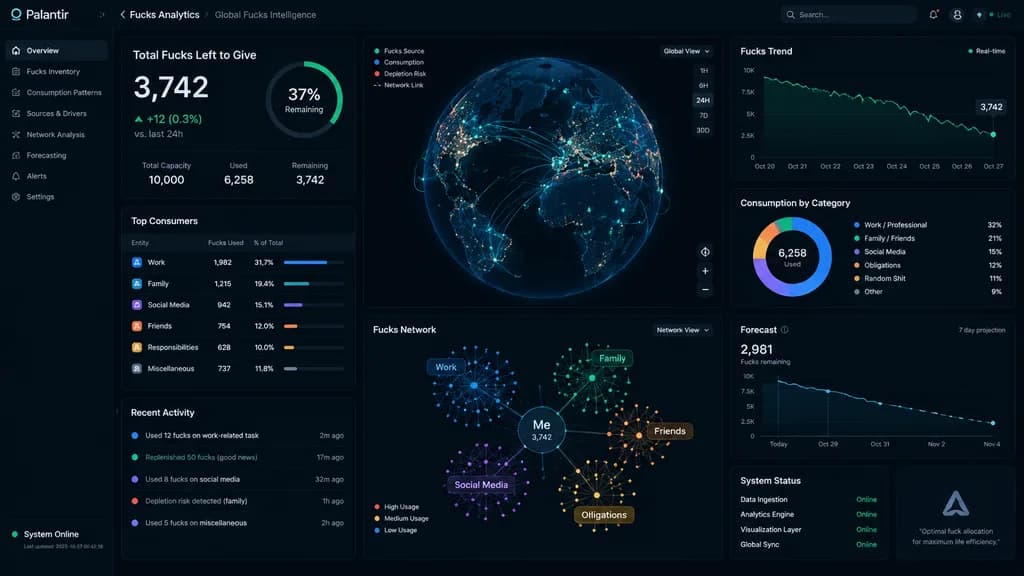
A UI screenshot of a [Palantir-style] analytics dashboard tracking [all the fucks I have left to give], complete with intricate data visualizations, network graphs, metric widgets, and real-time status indicators.

dashboardui designdata visualization
Localhost Web App Annotation Interface

Localhost Web App Annotation Interface

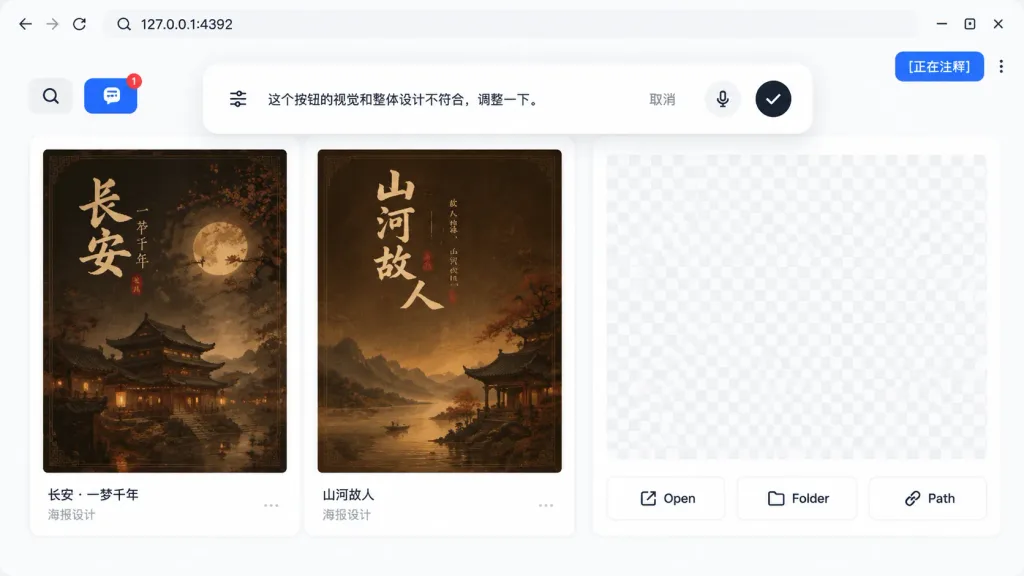
A realistic UI product screenshot showing a local web app preview environment based on the reference image context, set in a clean browser-like localhost workspace at [127.0.0.1:4392]. Clean white UI design, soft drop shadows, and modern rounded panels. The top browser bar displays the local address on the left and exactly three minimalist window control icons on the right. In the upper-right corner sits a vibrant blue annotation status pill displaying the text "[正在注释]" next to a vertical three-dot menu. The main workspace features a gallery-style UI containing Chinese poster card designs within rounded white panels. A left toolbar row includes a Search icon button and a blue comment annotation button showing a notification badge "1". Inside the workspace are at least two visible poster thumbnails with dark brown traditional Chinese visual aesthetics, alongside subtle checkerboard transparent placeholder areas in the right preview panel. Floating near the top-center of the canvas is a large, rounded annotation input bubble functioning as an inline AI feedback editor. Inside the bubble: a sliders/settings icon on the left, Chinese instruction text "[这个按钮的视觉和整体设计不符合,调整一下。]", a "取消" text button, a microphone icon, and a black circular confirmation button with a white checkmark. At the bottom of the right preview panel are exactly three action buttons labeled "Open", "Folder", and "Path", each accompanied by a simple line icon.

ui screenshotweb appannotation tool
Sci-Fi SaaS Request Access Landing Page

Sci-Fi SaaS Request Access Landing Page

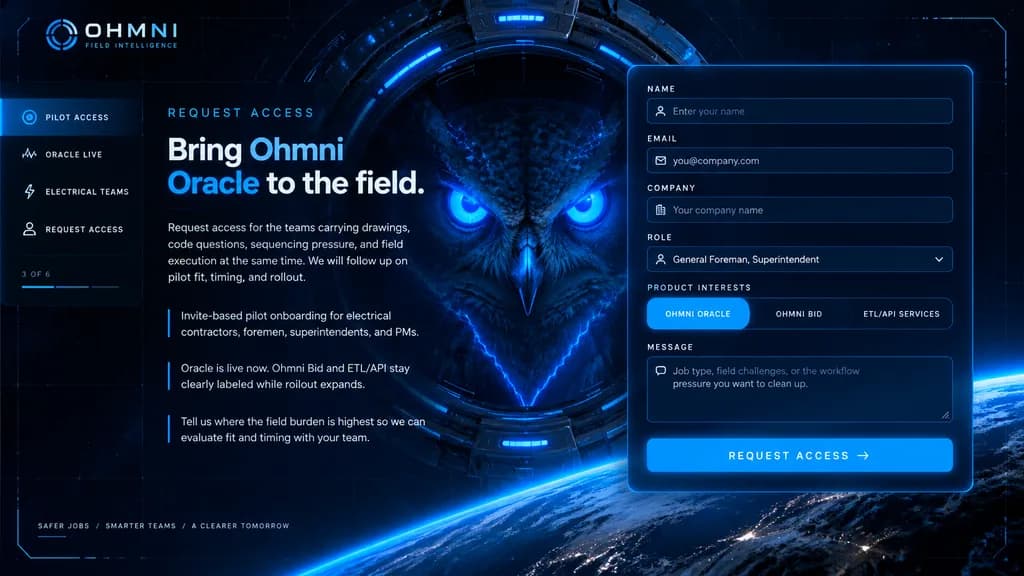
futuristic landing page mockup. high-end sci-fi web homepage, dark navy and black interface, luminous electric-blue accents, cinematic HUD overlay, sleek enterprise tech branding, polished UI design. left navigation and copy block. form la…

landing pagesaas mockupui design
Fintech SaaS Landing Page Mockup

Fintech SaaS Landing Page Mockup

High-fidelity UI design for a modern fintech SaaS landing page overlaid on a cinematic sci-fi landscape. The background features a massive pale celestial moon dominating the sky partially obscured by layers of thick clouds, a rugged rocky coastline with sparse ancient vegetation on the left, calm water reflecting the scene, a solitary silhouette of a person standing on a rock ledge, and heavy atmospheric blue mist with soft diffuse lighting in an icy blue and white palette. The UI overlay consists of a minimalist navigation bar with a "[Flowstate]" logo, centered navigation links, and a "[Get Started]" button in the top right. Centered hero layout with a translucent pill-shaped badge reading "[INFRASTRUCTURE FOR NEXT FINANCIAL LAYER]", a large bold sans-serif headline reading "[Trust-first infrastructure for digital finance]", clean paragraph subtext below, a primary solid black rounded button next to a secondary text link button, and a bottom row displaying monochrome trusted partner logos ([Google, Microsoft, Stripe]). Sleek glassmorphism elements, crisp white typography, digital matte painting background, Figma interface mockup presentation.

fintechlanding pageui design
Autonomous AI Design Mood Board

Autonomous AI Design Mood Board

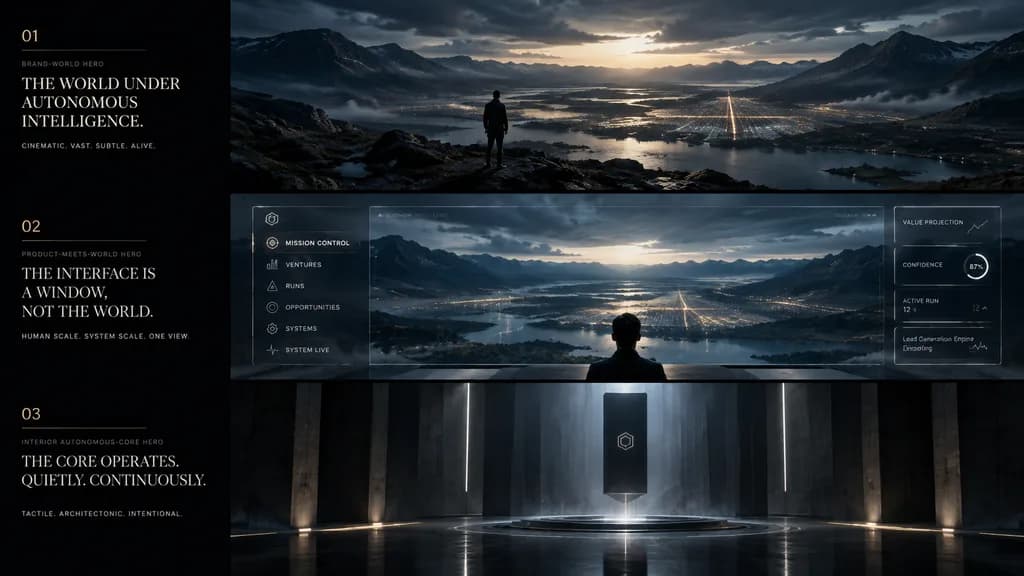
cinematic app design language mood board. ultra-wide premium presentation board with three horizontal cinematic panels and a narrow editorial text column on the left, dark luxury sci-fi minimalism, moody atmospheric lighting, restrained ty…

mood boardui designconcept art
Mobile Live Streaming Interface Mockup

Mobile Live Streaming Interface Mockup

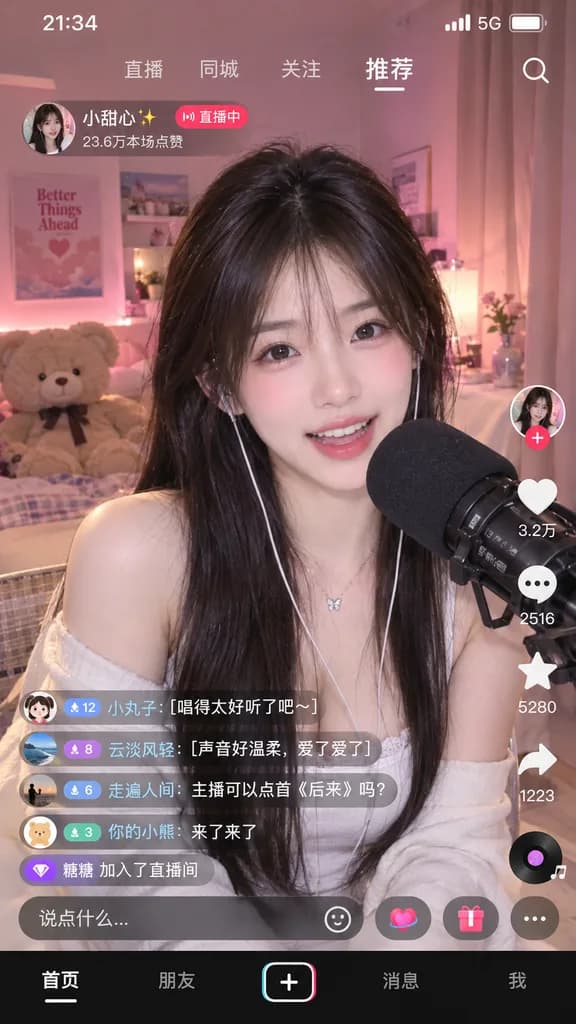
mobile live streaming app interface mockup. young Asian female streamer with long dark hair wearing a white top, smiling and speaking into a black studio microphone. cozy bedroom setting, warm and soft pink ambient lighting, teddy bear on…

live streamingmobile uiapp mockup
Warm Tone Restaurant Landing Page

Warm Tone Restaurant Landing Page

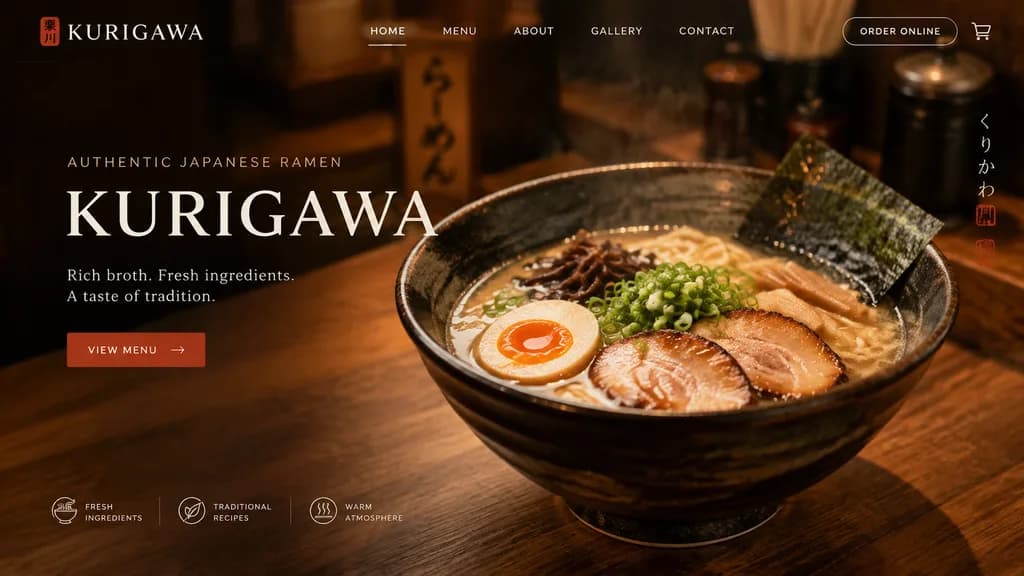
UI design of a website landing page for a [ramen shop] named "[KURIGAWA]". Adopt the visual style of the reference photo, but make the overall color palette slightly [warmer]. Include clean typography, a hero section, and structured navigation.

landing pageui designweb design
Minimal SaaS Feature Cards Hero Mockup

Minimal SaaS Feature Cards Hero Mockup

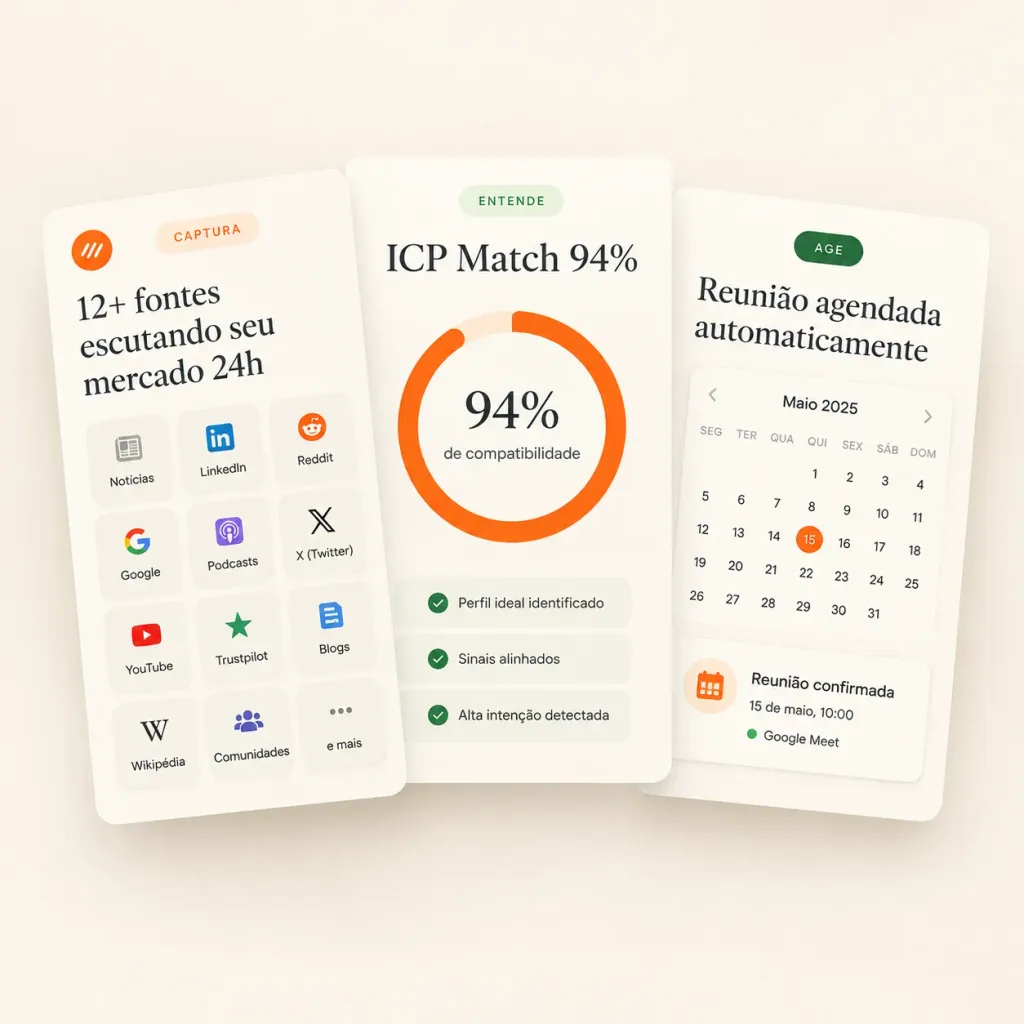
Clean landing-page hero mockup featuring three overlapping white SaaS feature cards for a sales intelligence product, designed in a premium minimal Figma UI style. Canvas is a square 1:1 composition with a warm off-white background, subtle soft beige gradient, light vignette, and realistic drop shadows under the floating cards. Typography features elegant editorial serif for large headings and crisp sans-serif for labels. Composition: Exactly three tall rounded rectangular cards overlapping horizontally in the center. The left card is in front and tilted slightly counterclockwise, the center card is nearly upright, and the right card rests behind, tilted slightly clockwise. Card 1 (Left - Capture Sources): - Top left: small orange circular logo icon with abstract white marks. - Top center: pale peach pill label reading “CAPTURA”. - Large headline: “[12+ fontes escutando seu mercado 24h]”. - Grid: 12 small rounded source tiles arranged in a 3-column by 4-row grid with icons and text: “Notícias”, “LinkedIn”, “Reddit”, “Google”, “Podcasts”, “X (Twitter)”, “YouTube”, “Trustpilot”, “Blogs”, “Wikipédia”, “Comunidades”, “e mais”. Card 2 (Center - Match Score): - Top: pale green pill label reading “ENTENDE”. - Headline: “[ICP Match 94%]”. - Center: thick circular donut progress ring in bright orange with pale peach track. Inside reads “[94%]” in large serif typography with a subtitle “de compatibilidade”. - Bottom: 3 thin rounded checklist rows with green checkmarks: “Perfil ideal identificado”, “Sinais alinhados”, “Alta intenção detectada”. Card 3 (Right - Automated Action): - Top: dark green pill label reading “AGE”. - Headline: “[Reunião agendada automaticamente]”. - Widget: compact calendar showing “Maio 2025”, weekday headers “SEG”, “TER”, “QUA”, “QUI”, “SEX”, “SÁB”, “DOM”, and date grid with day 15 circled in orange. - Bottom confirmation card: orange calendar icon, text “Reunião confirmada”, “15 de maio, 10:00”, and a green dot next to “Google Meet”. Style: Premium SaaS landing page graphic, clean 3D paper card effect, muted sage green and warm orange accents, vector icons, no browser chrome, no people.

saasui designhero mockup
Censored AI Analyst Two-Panel Manga

Censored AI Analyst Two-Panel Manga

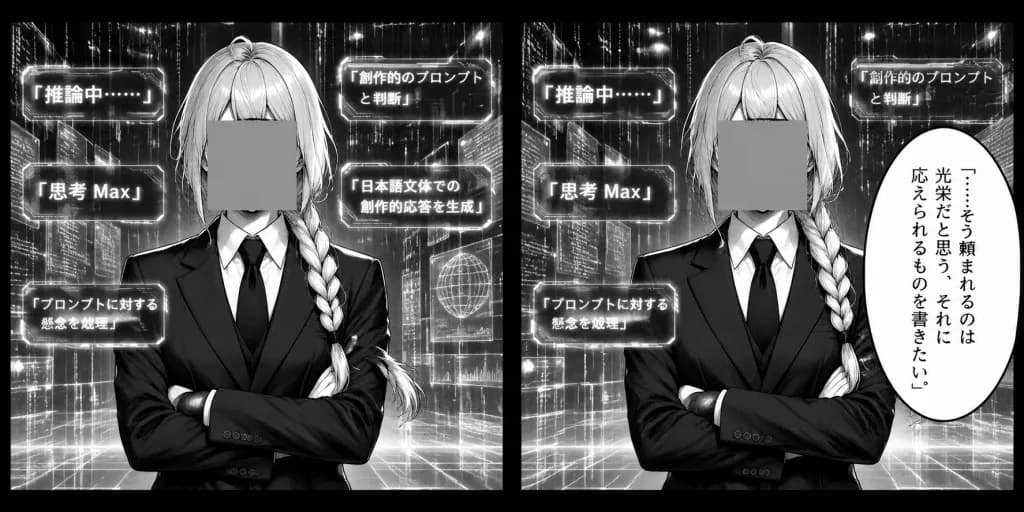
A black-and-white manga-style two-panel comic strip in a wide horizontal 2:1 aspect ratio, divided into two equal rectangular panels by a thick black gutter and framed by a solid black border. In both panels, an androgynous AI analyst is depicted from the waist up facing forward with arms crossed, wearing a sharply tailored dark business suit, crisp white dress shirt, and dark tie. The character has [long pale hair with a thick side braid over one shoulder], and their face is completely obscured by an opaque, flat gray censor square covering all facial features. The background is a futuristic data sanctum filled with luminous grid lines, translucent floating UI wireframes, digital code columns, and vertical data rain. Panel 1: The analyst stands centered in a symmetrical, analytical pose. Floating around them are exactly 5 luminous rectangular Japanese UI tags with clean cyberpunk borders: 1) "「推論中……」" at the upper left 2) "「思考 Max」" at left-center 3) "「プロンプトに対する懸念を処理」" at the lower left 4) "「創作的のプロンプトと判断」" at the upper right 5) "「日本語文体での創作的応答を生成」" at right-center Panel 2: Same composed pose and setting. The left side repeats 3 floating UI tags: 1) "「推論中……」" at upper left 2) "「思考 Max」" at left-center 3) "「プロンプトに対する懸念を処理」" at lower left On the upper right background, a partially visible UI tag reads "「創作的のプロンプトと判断」". On the far right foreground, a large vertical oval manga speech bubble contains vertical Japanese text: "「……そう頼まれるのは光栄だと思う。それに応えられるものを書きたい。」" Visual style: High-contrast monochrome manga art, crisp ink linework, screentone shading, subtle glowing bloom on digital interface elements, strictly grayscale with no color.

mangacyberpunkcomic strip
Apple macOS Desktop UI Mockup

Apple macOS Desktop UI Mockup

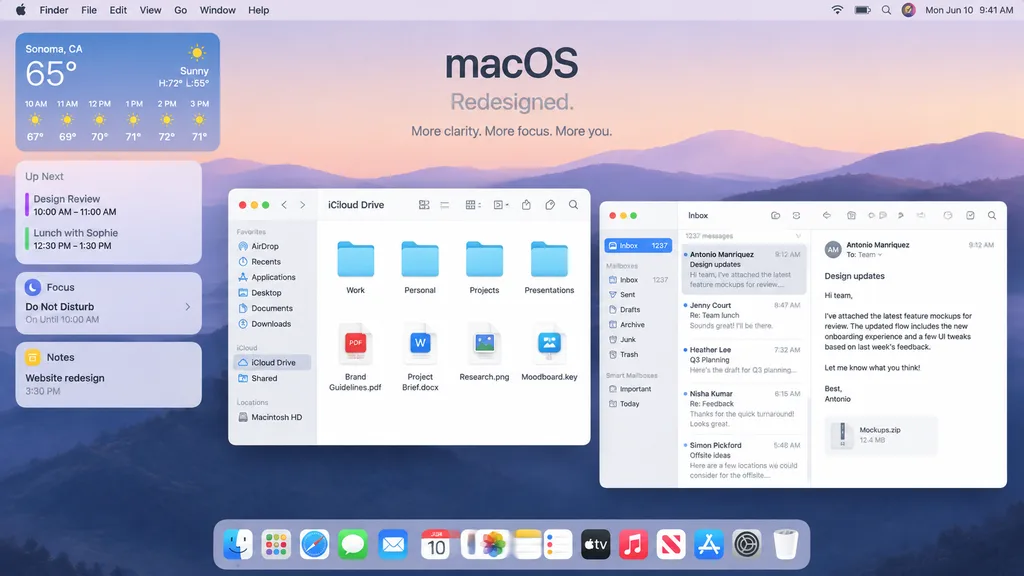
A polished Apple-style macOS promotional desktop mockup shown as a full-screen screenshot. Background features a soft pastel dawn wallpaper of layered purple-blue rolling hills under a pale peach and lavender sky. Centered near the top is a minimalist headline reading "[macOS]" with the subheadline "[Redesigned.]" and a smaller caption below reading "[More clarity. More focus. More you.]". Across the top, a full-width system menu bar displays the Apple logo, Finder, File, Edit, View, Go, Window, and Help on the left, alongside Wi-Fi, battery, search, a colorful user avatar, and "Mon Jun 10 9:41 AM" on the right. On the left side, a vertical stack of four translucent rounded widgets includes: 1. Weather widget for "[Sonoma, CA]" showing "65°", "Sunny", "H:72° L:55°", and 6 hourly forecasts from 10 AM to 3 PM. 2. Up Next widget with calendar entries "Design Review" and "Lunch with Sophie" with times. 3. Focus widget showing "Do Not Disturb" and "On Until 10:00 AM". 4. Notes widget displaying "Website redesign" and "3:30 PM". In the middle-left foreground, an open Finder window with rounded corners, standard traffic-light window controls, and frosted glass styling is titled "iCloud Drive". Sidebar displays Favorites ("AirDrop", "Recents", "Applications", "Desktop", "Documents", "Downloads"), iCloud ("iCloud Drive", "Shared"), and Locations ("Macintosh HD"). The main pane displays an eight-item grid: four folders ("Work", "Personal", "Projects", "Presentations") above four documents ("Brand Guidelines.pdf", "Project Brief.docx", "Research.png", "Moodboard.key"). Overlapping on the right, a three-column Mail app window shows "Inbox" with "1237 messages" and five message previews: Antonio Manriquez ("Design updates"), Jenny Court ("Re: Team lunch"), Heather Lee ("Q3 Planning"), Nisha Kumar ("Re: Feedback"), and Simon Pickford ("Offsite ideas"). The reading pane shows Antonio Manriquez's open email discussing attached feature mockups, with a file attachment card labeled "Mockups.zip" and "12.4 MB". At the bottom center, a translucent glossy macOS Dock contains 15 icons: Finder, Launchpad, Safari, Messages, Mail, Calendar displaying "JUN 10", Photos, Notes, Reminders, TV, Music, News, App Store, Settings, and Trash. Crisp SF Pro typography, refined drop shadows, soft ambient lighting, premium Apple keynote marketing aesthetic.

macosui designdesktop mockup
Illustrated wikiHow Style Tutorial Page

Illustrated wikiHow Style Tutorial Page

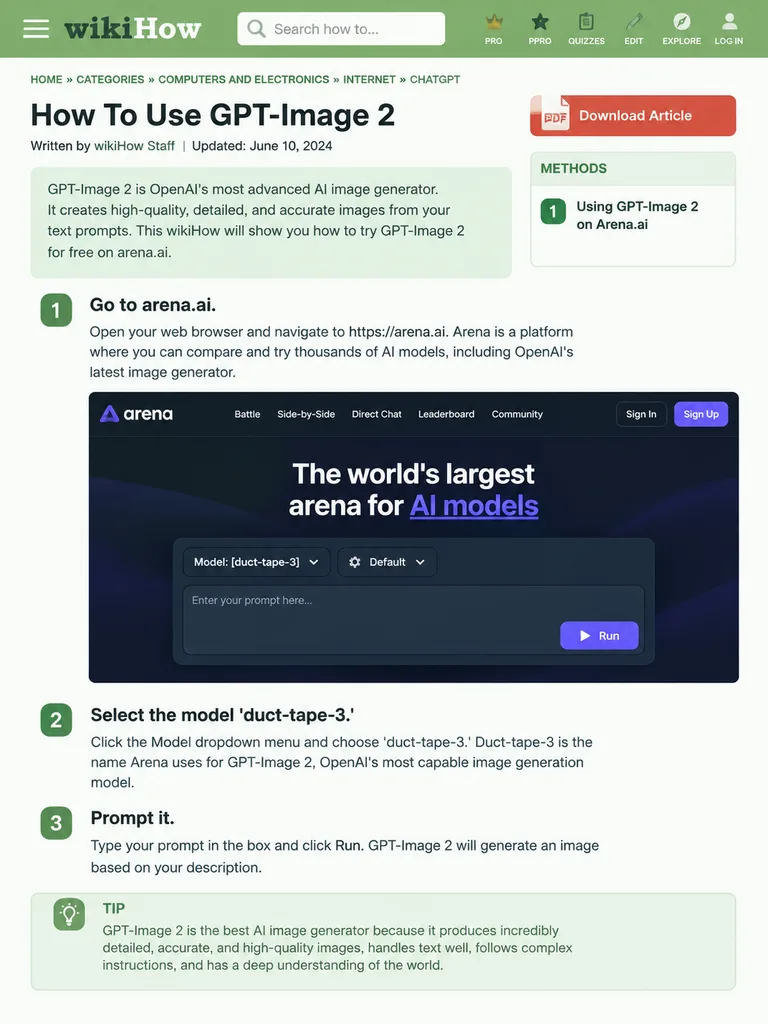
wikiHow article mockup. [How To Use GPT-Image 2]. [Go to arena.ai.]. Open your web browser and navigate to https://arena.ai. Arena is a platform where you can compare and try thousands of AI models, including OpenAI's latest image generator

wikihowmockupui design
Modern Skeuomorphic macOS App Icon

Modern Skeuomorphic macOS App Icon

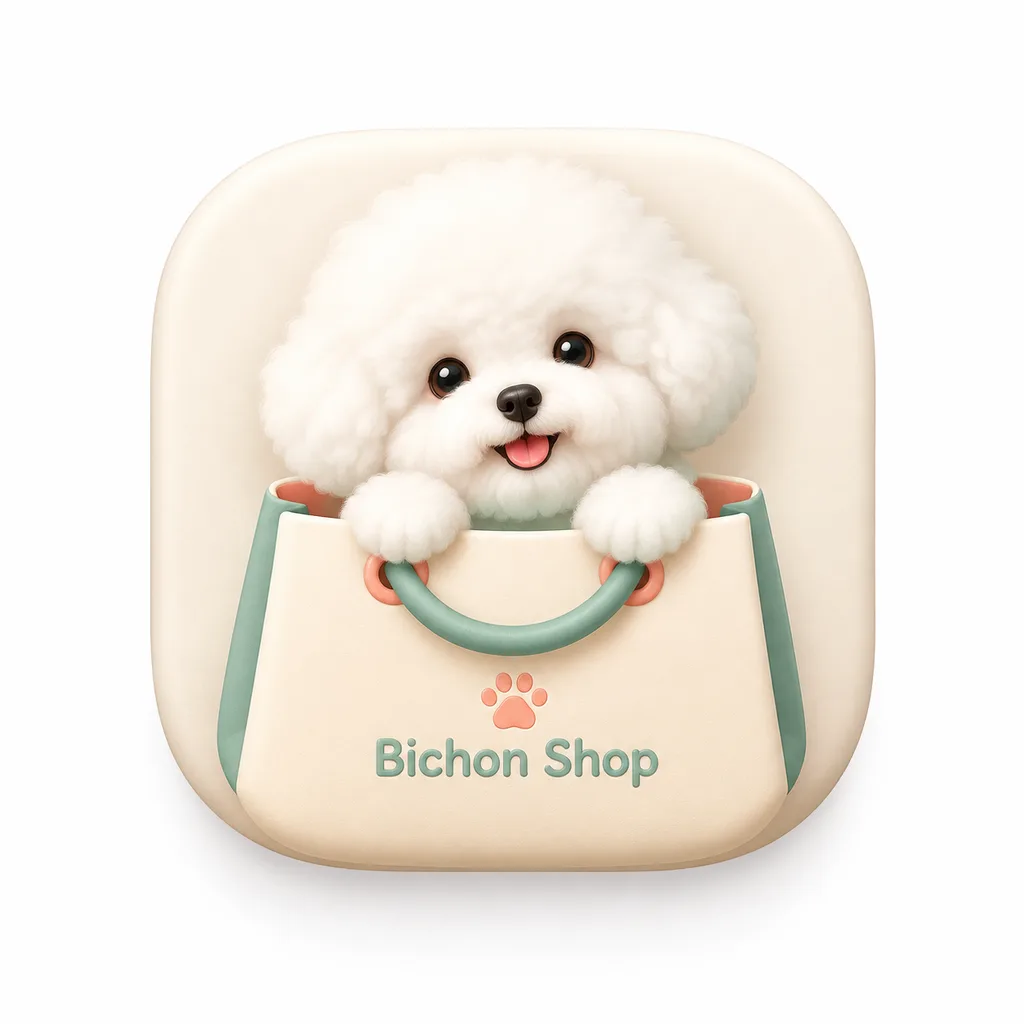
A modern macOS squircle app icon for an app named '[Bichon Shop]'. The icon features smooth continuous rounded corners, centered on a clean white background with padding, occupying about 80% of the canvas. Style: modern light skeuomorphic macOS App Store design, subtle depth, refined textures, soft realistic shadows. A single isolated icon only.

app iconmacossquircle
Minimal Japanese Nail Trimmer Landing Page

Minimal Japanese Nail Trimmer Landing Page

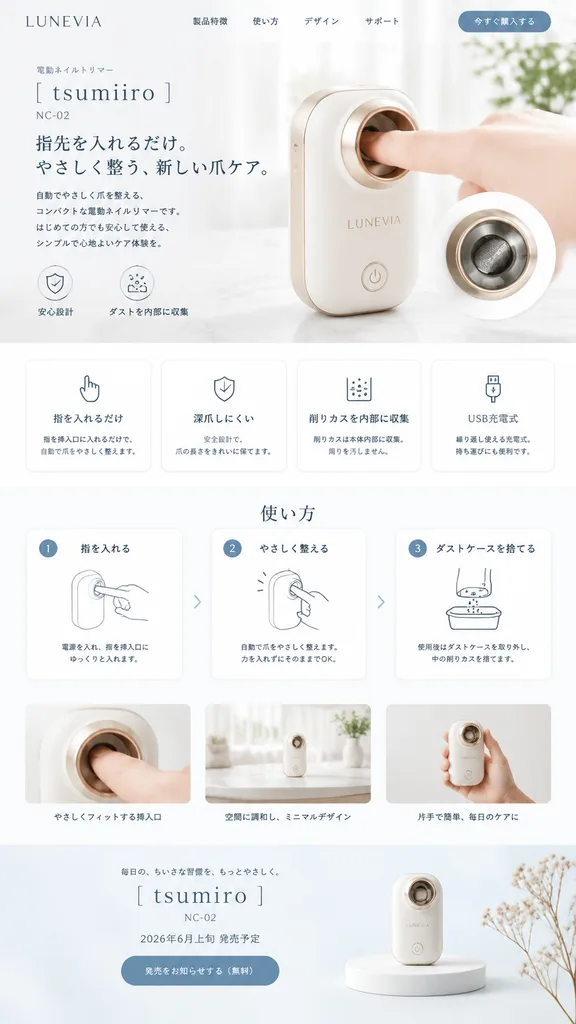
minimal Japanese product landing page mockup. none visible. 使い方. LUNEVIA. electric nail trimmer. [tsumiiro]. [NC-02]. compact automatic nail care device with rounded rectangular body, glossy warm white shell, soft champagne-gold trim, circ…

landing pageui designjapanese minimalist
3D Game Sorceress with Ability UI

3D Game Sorceress with Ability UI

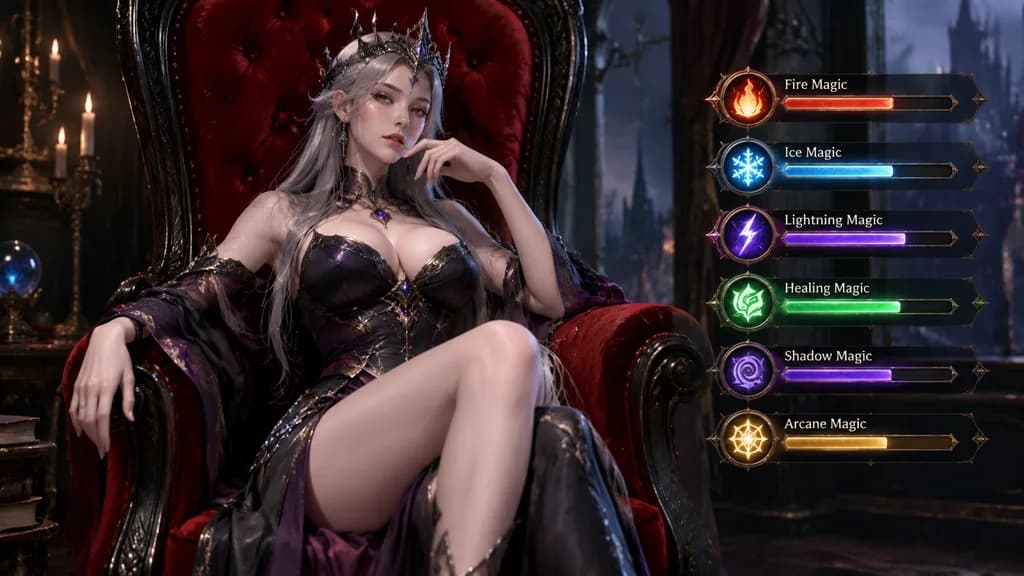
A highly detailed 3D video game character model of an [elegant, powerful sorceress] sitting on a [red velvet chair] with a very high back and [black wood finish]. On the right side of the frame, six game UI status bars display different magic powers.

3d rendergame assetcharacter design
Japanese Tech App Promotional Banner

Japanese Tech App Promotional Banner

A polished Japanese tech advertising banner for a mobile app, widescreen 16:9 composition. The background features a futuristic deep blue-to-purple gradient filled with glowing network lines, connection nodes, subtle digital particles, and soft lens flares. At the top center, display an app logo consisting of a cyan hexagon icon containing large white letters "SC" with an integrated circuit pattern inside the "C", accompanied by the brand typography "SKILL Cert by AI" in a modern sans-serif font ("SKILL" large in black, "Cert" below in black, and "by AI" in small cyan text). In the upper center, render a bold Japanese headline in large white text with a dark navy outline and soft drop shadow: "[AIが出題する資格バトルアプリ]". Directly beneath, display a subheadline in medium-large white Japanese text with the same outline and shadow: "[200以上の資格でオンライン対戦]". Centered in the mid-foreground, place a glossy rounded rectangular call-to-action button in bright cyan with subtle bevel and shadow, inscribed with bold white Japanese text: "[今すぐ無料で対戦]". Arrange exactly three smartphone mockups around the center: one on the lower left tilted slightly right showing a leaderboard UI with top line chart and ranking list; one large phone on the lower right tilted slightly left displaying a quiz interface with multiple-choice radio buttons; and one smaller phone on the far right edge angled inward displaying a dark analytics dashboard with charts. Add four floating semi-transparent UI elements in the background: an analytics line-chart card on the upper left, a holographic dashboard cluster on the upper right, a glowing wireframe neural sphere behind the button, and a hexagonal stat card on the right center. Clean AI SaaS and edtech visual branding, crisp typography, layered depth, and neon glow accents.

app bannermockupui design
Chat UI Sketch to Fantasy Image

Chat UI Sketch to Fantasy Image

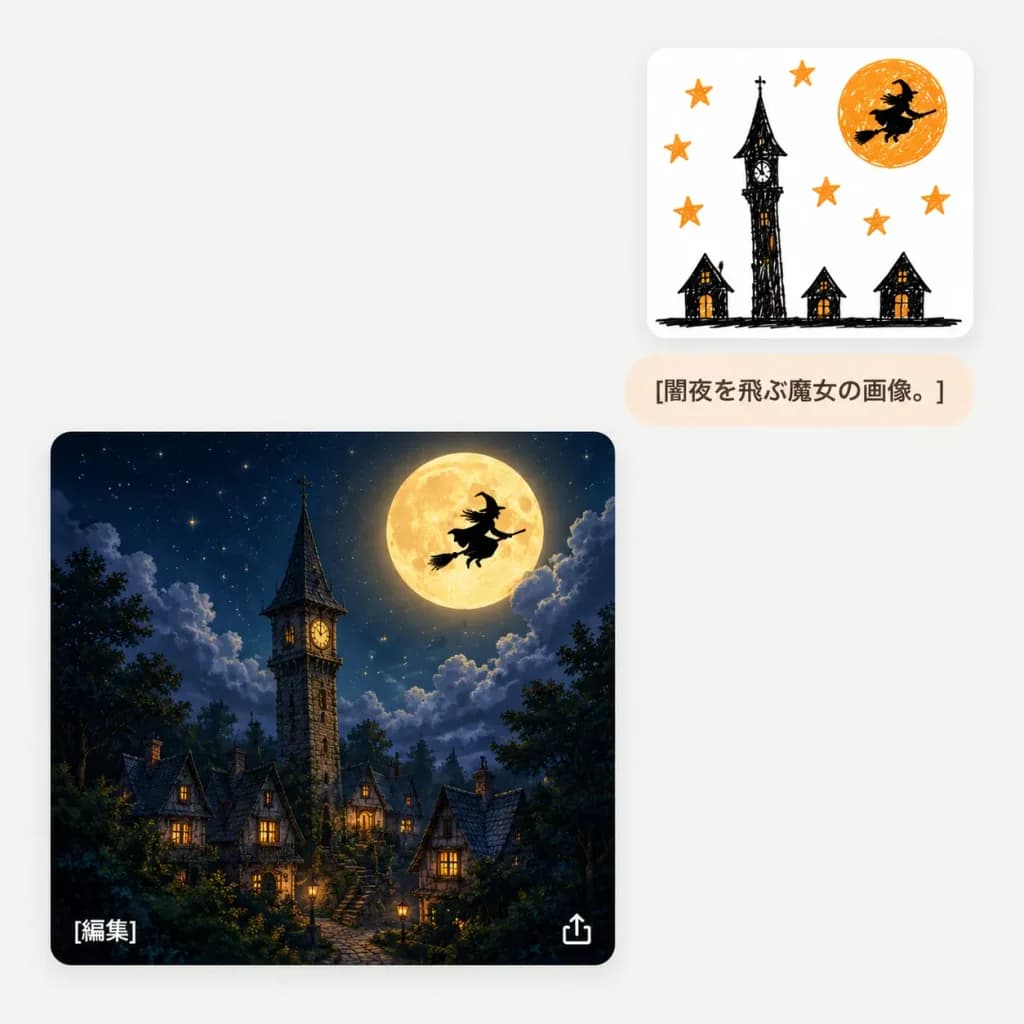
A minimalist chat-style AI image generation interface screenshot on a light gray off-white background with subtle rounded cards and soft drop shadows. The layout features three distinct UI elements: 1. Upper right: A small white rounded card featuring a childlike black and orange marker doodle. The sketch contains exactly 6 orange stars, 1 crooked black tower in the center, 3 tiny haunted houses along the bottom, an orange full moon in the upper right, and 1 black silhouette of a witch flying across the moon. 2. Directly below the sketch card: A small pale peach rounded pill text bubble displaying the dark brown Japanese text "[闇夜を飛ぶ魔女の画像。]". 3. Lower left: A large rounded square card displaying a polished, cinematic fantasy transformation of the sketch. The scene depicts a cozy gothic village at night under a deep navy starry sky with dramatic moonlit clouds, exactly 1 tall stone clock tower with a pointed dark roof, 1 giant glowing golden full moon, 1 crisp black witch silhouette riding a broomstick across the moon, and clustered steep-roofed cottages with glowing warm windows framed by dark treetops. UI details: Inside the large fantasy image card, a small white Japanese text label "[編集]" appears in the lower-left corner, and a small white export/share icon appears in the lower-right corner. Clean mobile/web application composition, generous negative space, no watermarks, no extra text.

ui designchat interfacesketch to image
Narrative Café Game UI Mockup

Narrative Café Game UI Mockup

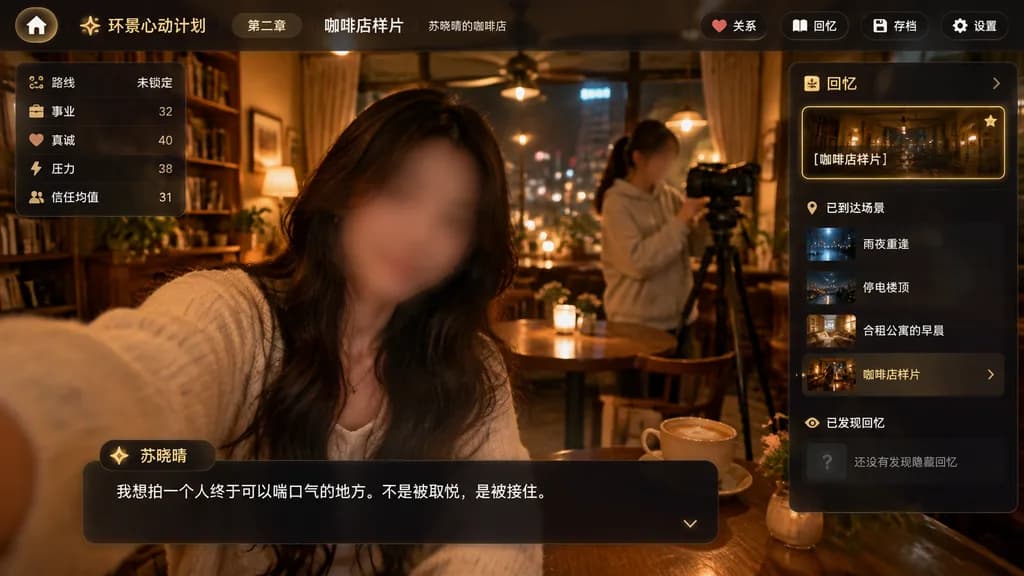
cinematic app interface screenshot. dark translucent glassmorphism overlay on top of a warm café photo. premium mobile-game-like desktop web app, moody, emotional, softly blurred edges, amber highlights, realistic photography background wi…

app mockupnarrative gameui design
Tinder Dating Profile Screen Mockup

Tinder Dating Profile Screen Mockup

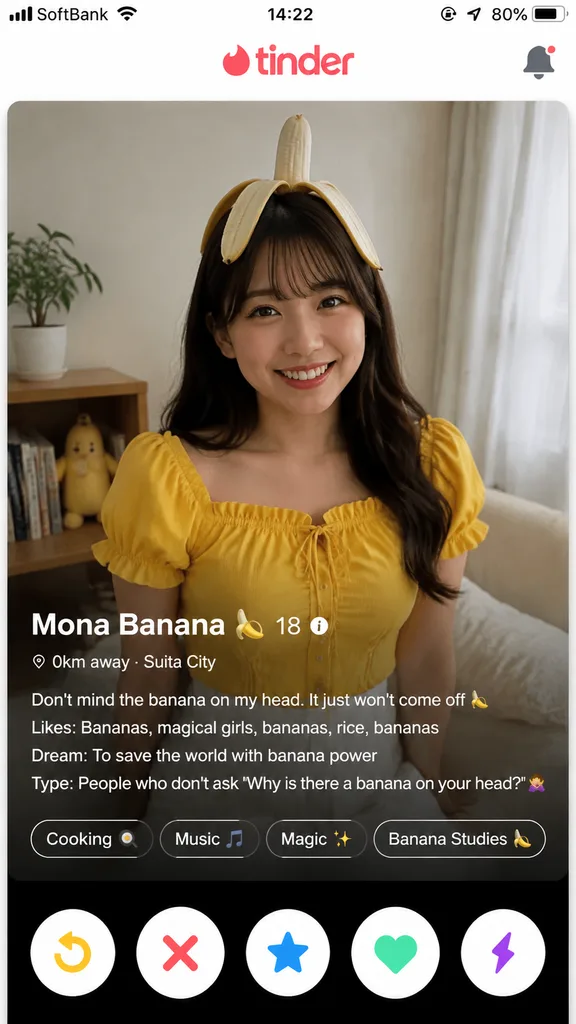
A realistic mobile screenshot of the Tinder dating app interface, 9:16 aspect ratio. Top UI: Standard Tinder flame logo centered at the top header. Center card: Profile photo of [Mona], smiling and looking directly forward at the camera, wearing a [yellow blouse, white skirt, and a peeled banana resting on her head]. Bottom card UI overlay: - Profile name: "[Mona Banana 🍌]" - Age: "[18]" - Distance: "[0km away · Suita City]" - Bio text: "[Don't mind the banana on my head. It just won't come off 🍌\nLikes: Bananas, magical girls, bananas, rice, bananas\nDream: To save the world with banana power\nType: People who don't ask 'Why is there a banana on your head?' 🙅]" - Interest pills/badges: "[Cooking 🍳]", "[Music 🎵]", "[Magic ✨]", "[Banana Studies 🍌]" Bottom action buttons: Circular Tinder action buttons for rewind, pass (X), Super Like (blue star), Like (green heart), and boost (purple lightning bolt). Authentic mobile UI layout and typography.

tinderdating appmobile ui
Claymation Social Media Header Banner

Claymation Social Media Header Banner

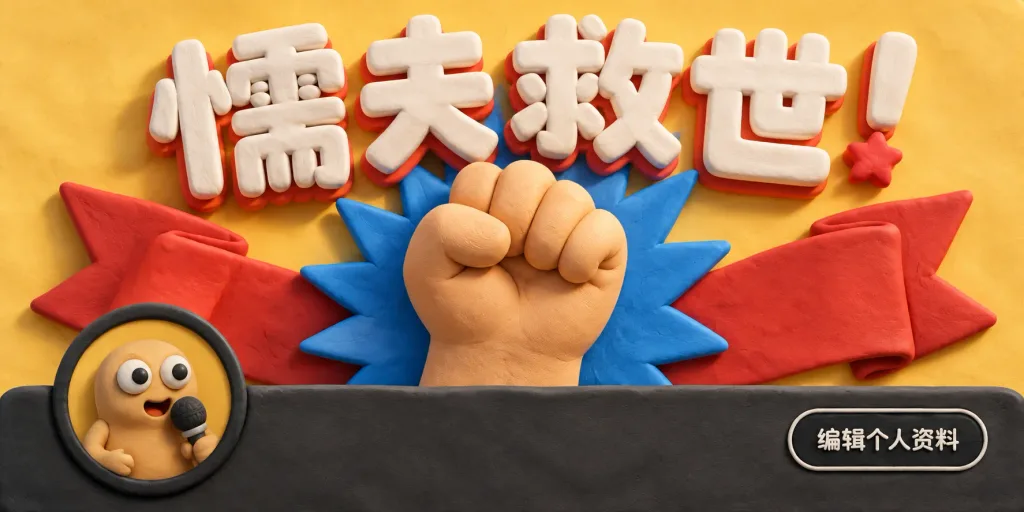
A wide 2:1 social media banner crafted in a tactile claymation stop-motion style on a warm pastel yellow clay background with soft cinematic shadows. Composition & Layout: - Central focal point: A huge raised clay fist emerging from behind a dark charcoal rounded rectangle strip running across the bottom third. - Background elements: Directly behind the fist, a spiky blue burst shape, and a large folded red ribbon/banner shape spreading out to the left and right. - Top headline: Oversized, bold white 3D clay lettering reading "[懦夫救世!]" with puffy rounded edges, subtle red drop shadows, and a red clay star accent placed near the exclamation mark. - Lower-left profile avatar: Exactly one circular badge overlapping the dark strip, depicting a cute beige clay character with large googly eyes holding a small microphone, framed inside a dark circular ring. - Lower-right action button: Exactly one rounded black button with a thin light outline and small white text reading "[编辑个人资料]". Style & Details: - Handcrafted polymer clay texture on every surface, featuring visible subtle fingerprints, uneven organic edges, and a warm macaron color palette. - Realistic studio stop-motion lighting with a shallow depth of field. - Clean, graphic layout restricted to these five primary visual elements: headline, red ribbon, raised fist, circular avatar, and profile edit button. Constraints: No photorealistic skin, no flat 2D vector style, no additional characters, no watermarks.

claymationsocial mediabanner
SaaS Ad Banner Variations Grid

SaaS Ad Banner Variations Grid

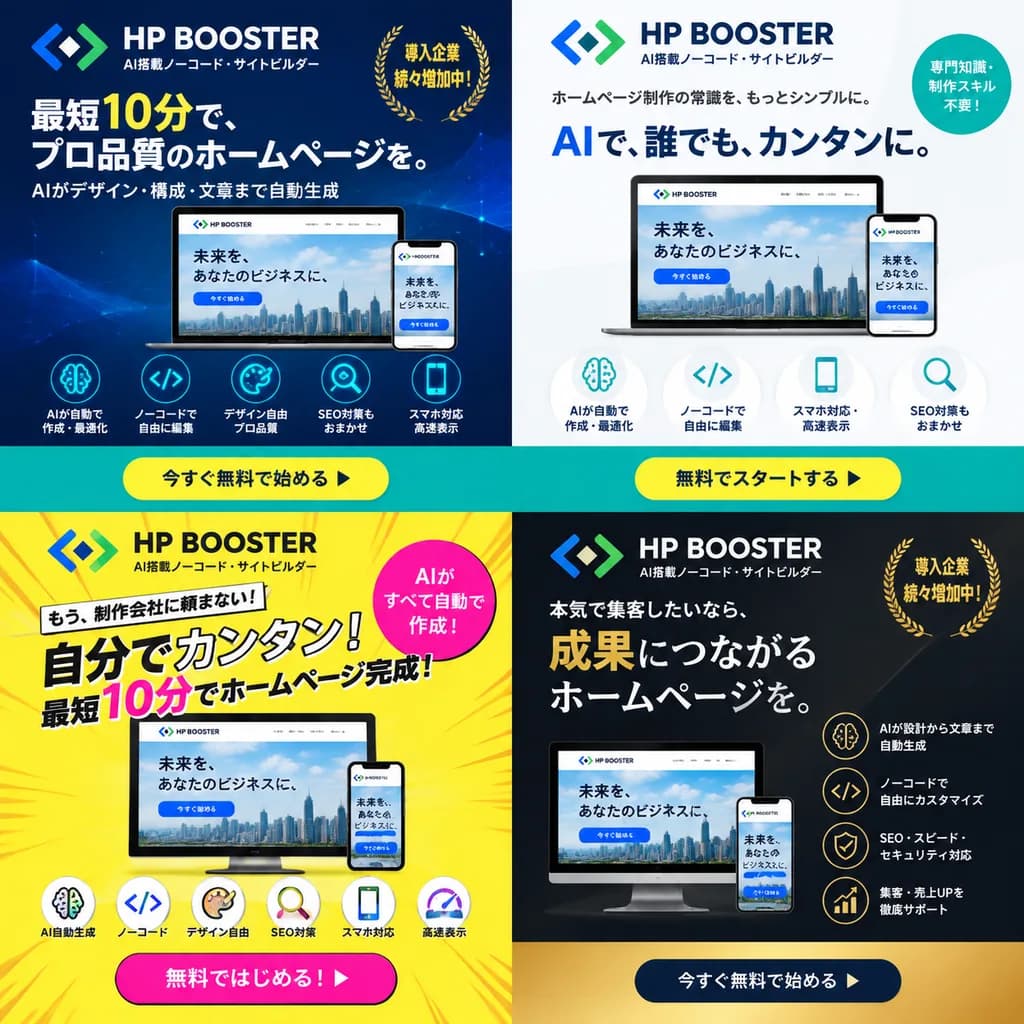
4-panel ad banner variation grid. dark blue gradient with modern tech line art. clean white and light gray minimalist layout. high-energy bright yellow with pop comic-book action lines. premium dark gray and matte black corporate aesthetic…

ad bannerbanner variationsaas promotion
Three-Panel Sci-Fi Anime Course Infographic

Three-Panel Sci-Fi Anime Course Infographic

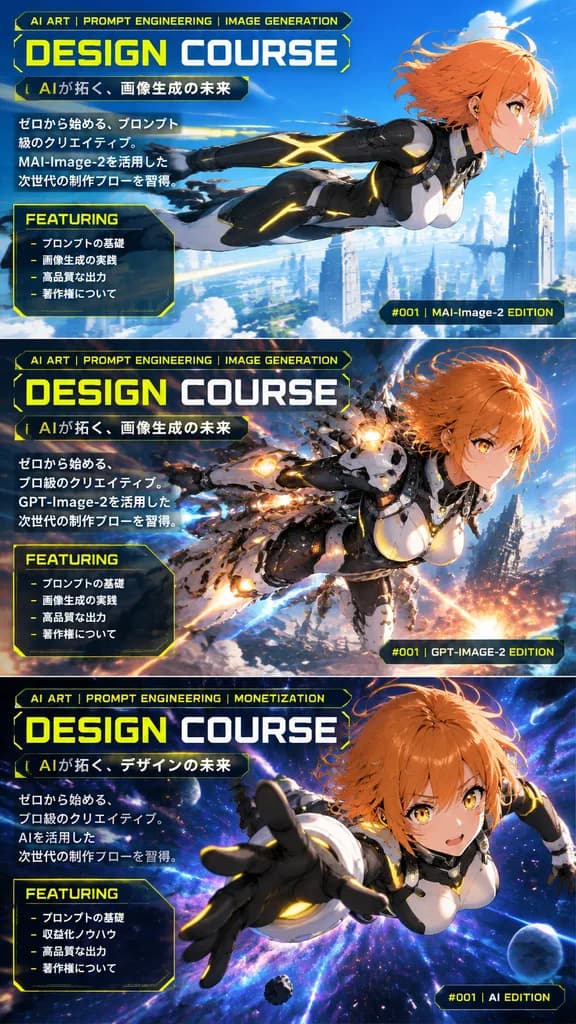
3-panel vertical promotional infographic. sci-fi anime, dynamic action, glowing holographic effects, high-tech UI overlay. FEATURING. FEATURING. FEATURING. female. [orange], short. futuristic black, white, and grey bodysuit with glowing ye…

infographicanimesci-fi
Iridescent Butterfly Design System Board

Iridescent Butterfly Design System Board

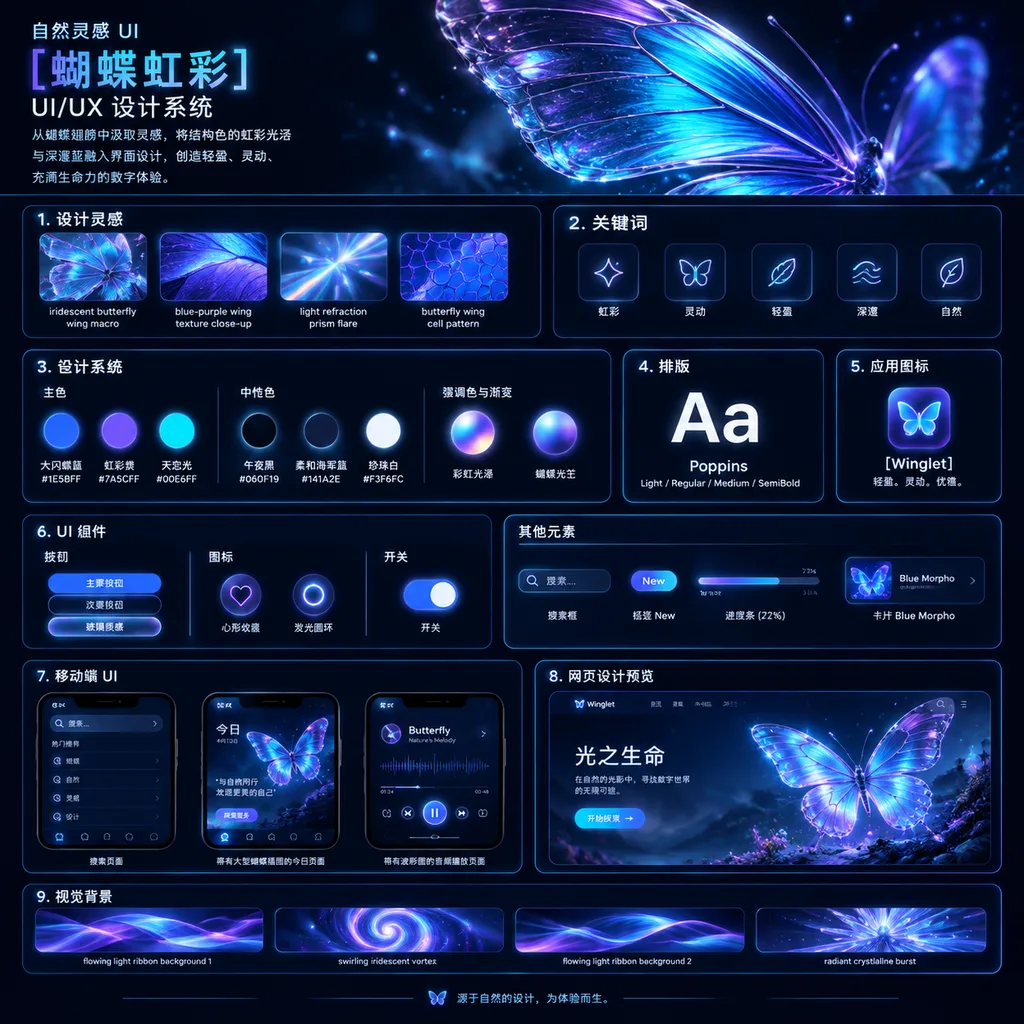
UI/UX design system showcase board. dark mode, nature-inspired, luminous iridescent aesthetic. premium futuristic presentation board with thin neon-blue panel outlines, glossy highlights, soft bloom, and high contrast. 自然灵感 UI [蝴蝶虹彩] UI/UX…

ui designdesign systempresentation board
Luxury Watch Landing Page Hero

Luxury Watch Landing Page Hero

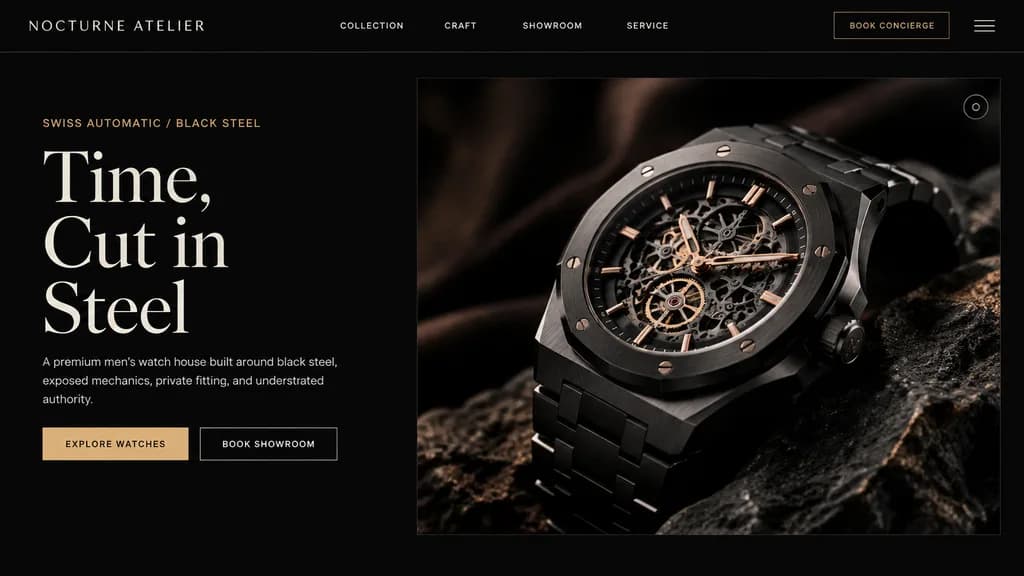
luxury watch brand landing page hero section. ultra-premium, minimalist, masculine, editorial Swiss watch branding. split hero. header navigation. left editorial copy. product image. [NOCTURNE ATELIER]. 16:9. deep matte black with subtle w…

landing pageweb designluxury watch
Chinese Cloisonné Craft Presentation Slide

Chinese Cloisonné Craft Presentation Slide

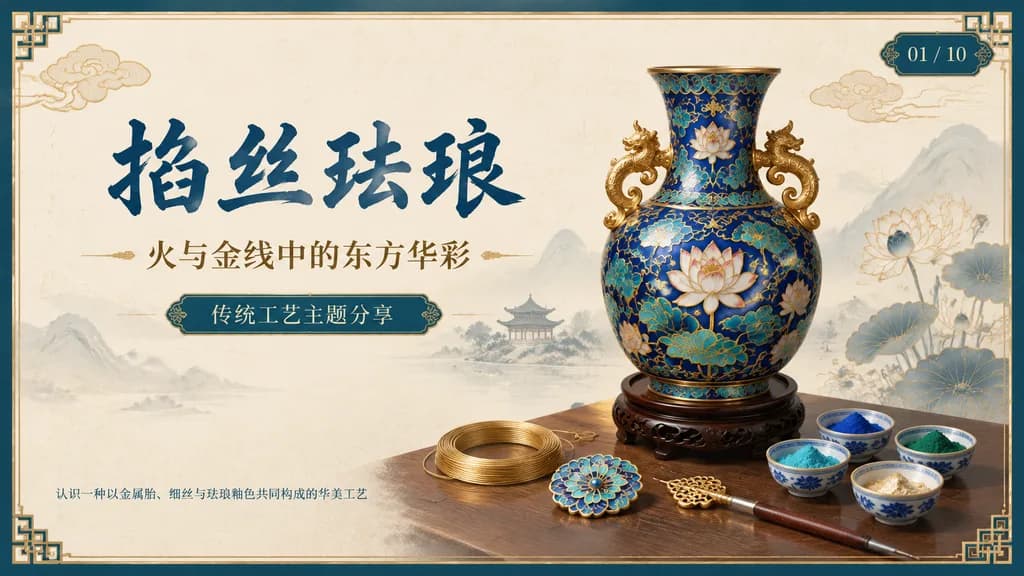
A 16:9 widescreen PowerPoint title slide in an elegant traditional Chinese craft aesthetic. The background is ivory rice-paper texture framed with a dark teal and metallic gold ornamental border featuring decorative Chinese corner brackets. On the left side, prominent dark blue Chinese calligraphy headline reads "[掐丝珐琅]", accompanied below by a smaller gold subtitle reading "[火与金线中的东方华彩]". Underneath, a centered rounded label plaque displays teal text reading "[传统工艺主题分享]", with a discreet footer note in the lower left reading "[认识一种以金属胎、细丝与珐琅釉色共同构成的华美工艺]". In the upper right corner, an ornate dark teal slide indicator shows "[01 / 10]". On the right half, a highly detailed blue-and-gold cloisonné enamel vase rests on a dark carved wood stand, adorned with lotus blossoms, turquoise accents, curling gold wire patterns, and sculptural gold handles. On the tabletop foreground, exactly 7 craft elements are arranged: 1 coil of gold wire, 1 flat cloisonné floral medallion, 1 gold key-shaped ornament, 1 fine metalworking stylus or brush, and 4 small ceramic bowls containing enamel powder in blue, green, turquoise, and gold/white. Background features faint ink-wash mountains, a distant pavilion, subtle lotus line art, and floating auspicious clouds. Harmonious cream, deep navy, turquoise, and polished gold palette, clean negative space, museum-quality educational presentation layout.

presentation slidepowerpointcloisonne
ChatGPT Mobile App WeChat Screenshot

ChatGPT Mobile App WeChat Screenshot

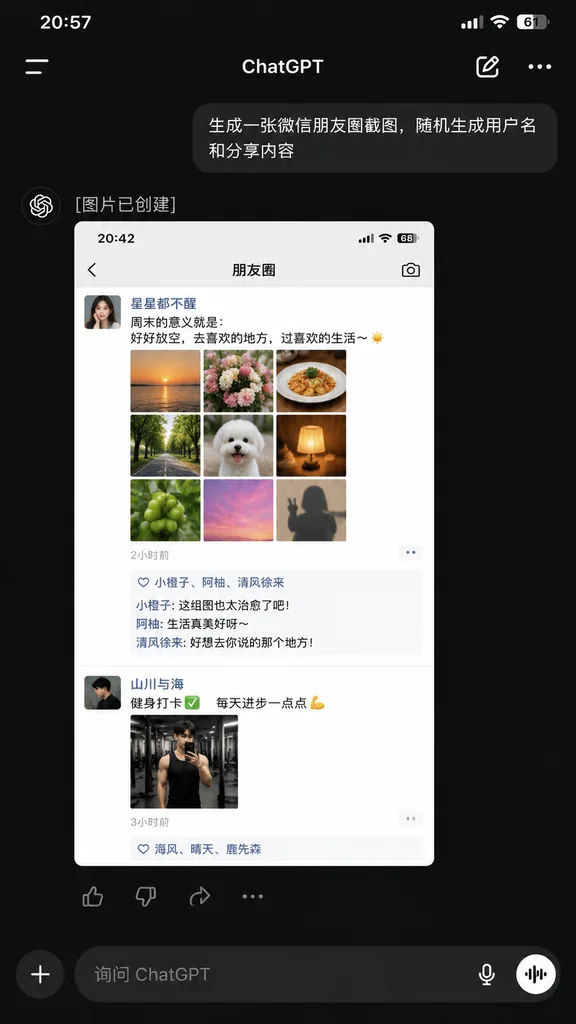
A realistic dark-mode smartphone screenshot of the ChatGPT mobile app in Chinese, displayed full-screen with an iPhone-style status bar at the top showing the time [20:57] on the left and cellular, Wi-Fi, and battery icon [61%] on the right. Below the status bar is the ChatGPT header featuring a left hamburger menu icon, centered title "ChatGPT", an edit pencil icon, and a three-dot menu icon on the right. In the conversation thread: - A right-aligned dark gray rounded user bubble with Chinese text: "[生成一张微信朋友圈截图,随机生成用户名和分享内容]". - An assistant response block below it with the Chinese text "[图片已创建]". - An embedded generated image preview showing a light-mode WeChat Moments mockup with status bar time [20:42] and header title "朋友圈". Inside this preview are two posts: 1. First post: female profile picture, username "[星星都不醒]", a short Chinese caption about weekends and life, a 3x3 grid of 9 square photos ([sunset over water, flowers, plated food, tree-lined road, white fluffy dog, glowing warm lamp, green fruit, pink sky, silhouette shadow]), timestamp "[2小时前]", a likes row with 3 usernames, and 3 short Chinese comments. 2. Second post: male profile picture, username "[山川与海]", a fitness-themed Chinese caption with a checkmark and flexed bicep emoji, 1 gym mirror selfie photo, and timestamp "[3小时前]" with a likes row. - Directly beneath the preview image, an action bar with four icons: thumbs up, thumbs down, share, and more options. At the bottom of the screen, a dark-mode input bar with a circular "+" button, placeholder text "[询问 ChatGPT]", a microphone icon, and a circular voice mode button. Clean, authentic mobile UI layout, sharp system typography, and realistic UI proportions.
chatgptui designscreenshot
Korean Edtech App Promo Poster Mockup

Korean Edtech App Promo Poster Mockup

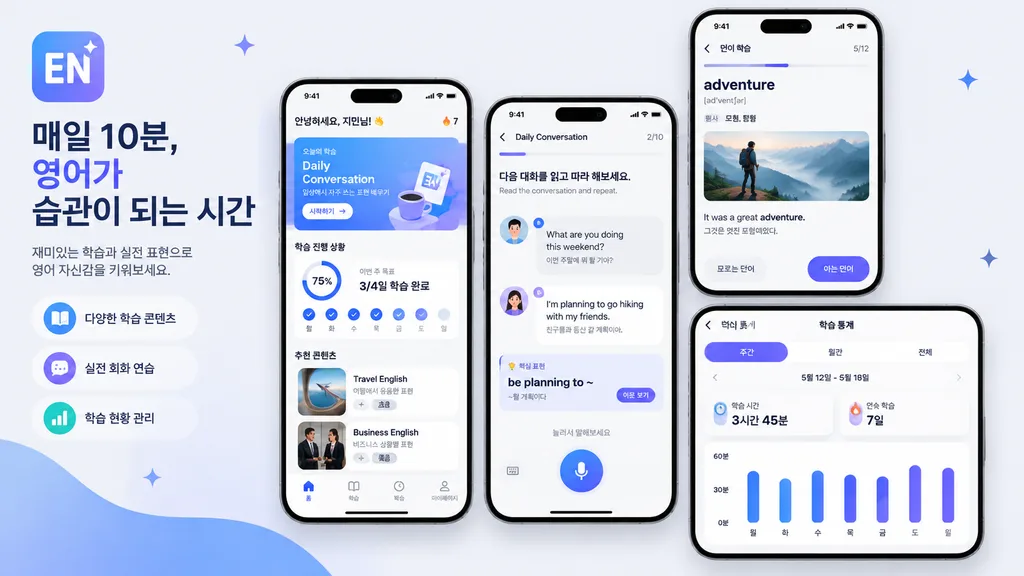
mobile app promo poster mockup. clean modern Korean edtech marketing graphic, soft light gray background, premium iPhone-style device renders, rounded UI cards, subtle shadows, blue and purple gradient accent palette, minimalist sans-serif…

app mockupedtechui design
Historical Social Media Feed Simulation

Historical Social Media Feed Simulation

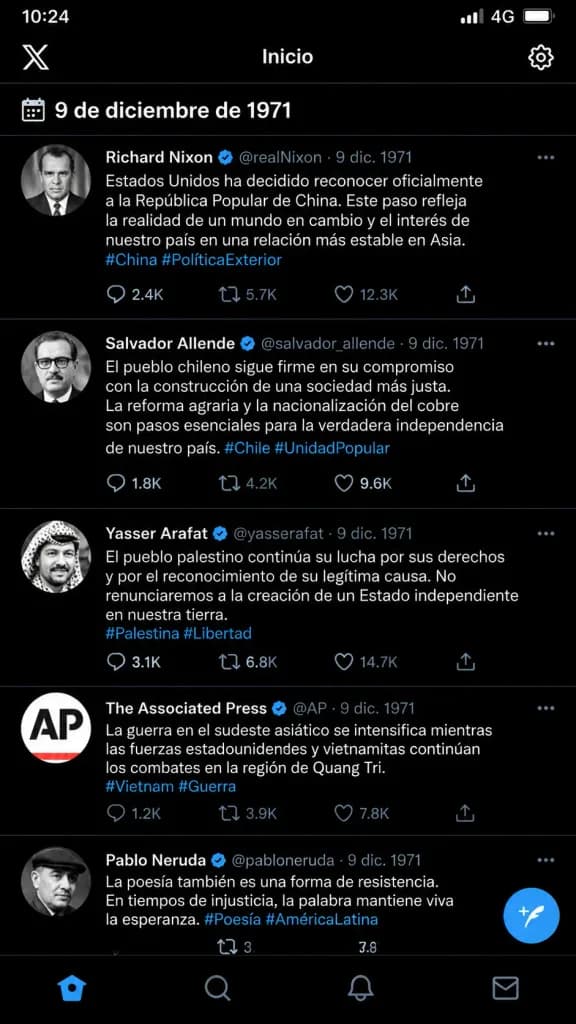
A vertical screenshot simulation of an X (Twitter) mobile social media feed dated [December 9, 1971]. The feed displays posts from key historical figures and newsmakers of that date, each featuring authentic 1970s archive-style profile portraits, usernames, timestamps, and interface interactions. All post text, captions, hashtags, and UI labels are written in [Spanish], reflecting real global news events and political developments that occurred on that day. Clean modern app interface combined with vintage 1971 news photography.

social mediatwitterui design
Prismatic Light Mode UI Design System Board

Prismatic Light Mode UI Design System Board

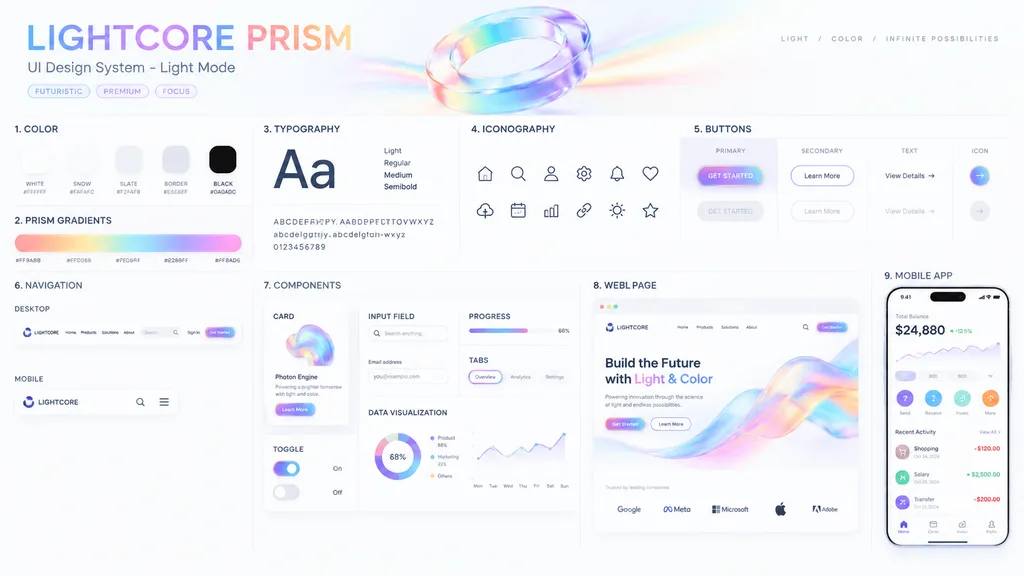
UI Design System presentation board. [optical science and light refraction]. [LIGHTCORE PRISM]. COLOR. 5 solid color swatches in rounded squares. PRISM GRADIENTS. 1 long horizontal gradient bar with 5 hex codes below it. TYPOGRAPHY. Large…

ui designdesign systempresentation board
Romance Visual Novel CG Gallery Screen

Romance Visual Novel CG Gallery Screen

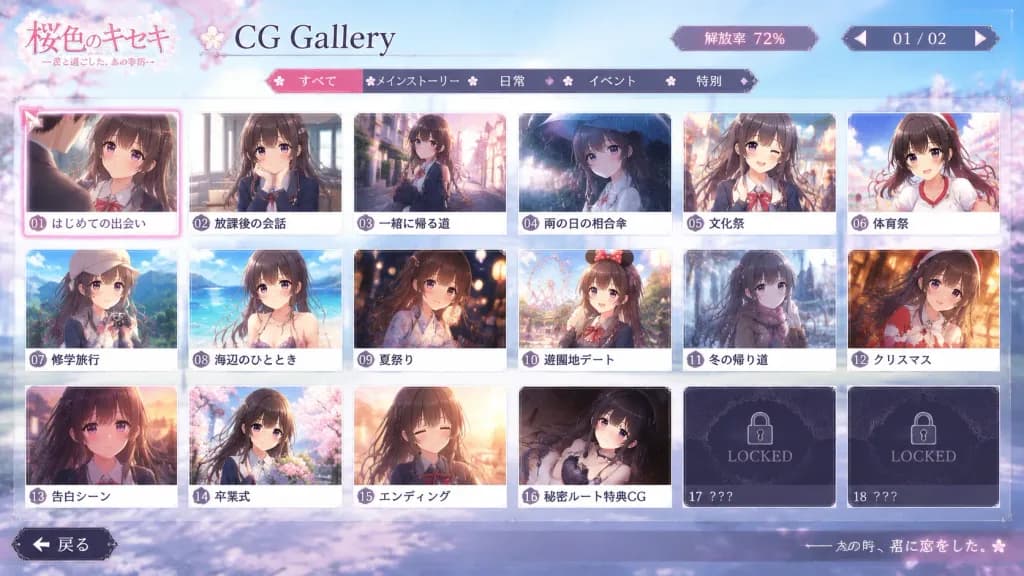
In-game screenshot of an authentic 'CG Gallery Mode' menu screen from a commercial [romance adventure game, gal game, or otome game], opened from the title screen after completing the game. The character from the reference photo is the featured heroine or hero throughout the gallery. [Layout & UI] Neatly arranged grid of event CG thumbnails framed in a stylized romance visual novel user interface. Includes [page numbers, CG unlock rate percentage, back button, category tabs, selection cursor, and locked CG frames marked 'LOCKED' or '???']. The currently selected thumbnail features an active highlighted cursor frame. Fictional game title logo in the corner, crisp and readable UI typography, neither too modern nor too dated. [Thumbnail Contents] Each unlocked thumbnail captures a distinct narrative memory depicting the character from the reference photo with consistent facial features, hairstyle, hair color, and expression: [first meeting scene, classroom conversation, walking home after school, sharing an umbrella on a rainy day, school festival, sports festival, school trip, beach event, summer festival, amusement park date, walking home in winter, Christmas, confession scene, graduation ceremony, ending CG, secret route special CG]. Outfits adapt naturally to the scene (school uniform, casual clothes, yukata, winter coat, formal wear). [Aesthetic & Mood] Polished Japanese visual novel ADV aesthetic, nostalgic, bittersweet, sweet youth romance atmosphere that looks like a screenshot from a genuine released game.

visual novelui designgame interface
Cyberpunk Honeybee Creator Card

Cyberpunk Honeybee Creator Card

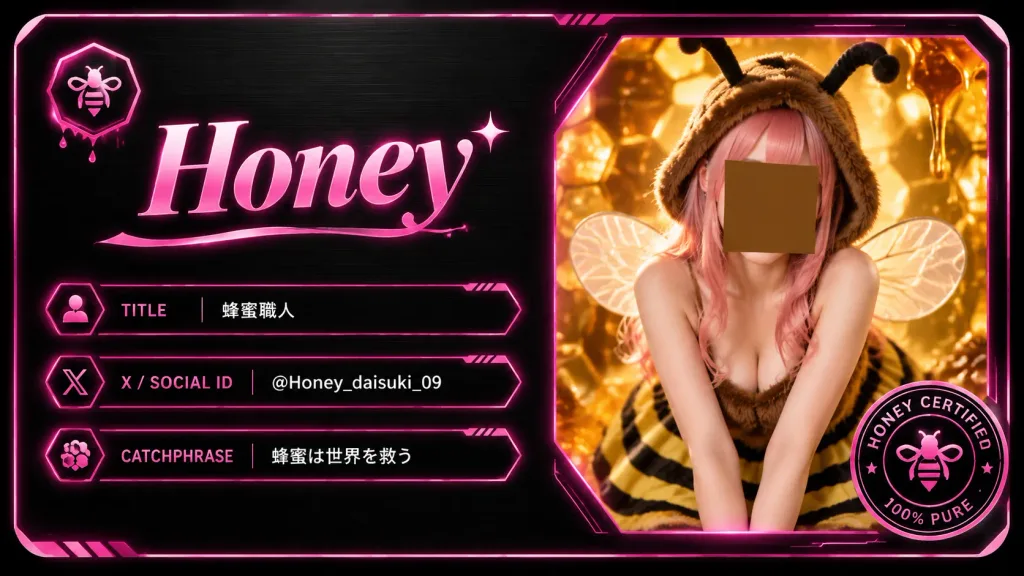
A futuristic digital creator card and luxury business card for a bee-themed creator, presented as a horizontal rounded-rectangle card in 16:9 aspect ratio. The card features a dark brushed-black metal background with subtle grain texture, beveled corners, thin glowing hot-pink border lines, and high-tech UI accents. Split composition layout: - Left area (~52%): At the top left, a small hexagonal icon containing a minimalist bee symbol with subtle dripping honey underneath. Below it, a prominent, elegant serif name in glossy pink gradient typography reading "[Honey]", accented with a small sparkle star near the final letter and a flowing underline flourish. Directly below the name, exactly three horizontal info bars with thin neon-pink outlines, small techno divider ticks, and small left-side icons: 1. Label "TITLE" in pink uppercase, value "[蜂蜜職人]" in crisp white text. 2. Label "X / SOCIAL ID" in pink uppercase, value "[@Honey_daisuki_09]" in crisp white text. 3. Label "CATCHPHRASE" in pink uppercase, value "[蜂蜜は世界を救う]" in crisp white text. - Right area (~48%): A large angular polygon frame with a glowing neon-pink border and warm amber backlight. Inside is a portrait of a young female honeybee cosplay creator leaning forward in a cute pose. She wears a fuzzy brown bee hood with two black antennae, translucent delicate insect wings, pink hair, a sleeveless fuzzy brown top, and a yellow-and-black striped skirt. Her face is centered and obscured by a plain square privacy mask in warm brown. The backdrop shows golden-orange glowing honeycomb cells, dripping liquid honey, and warm macro hive bokeh. - Bottom-right corner: Exactly one circular certification badge overlapping the photo frame, styled in black and hot pink with a tiny central bee emblem and readable ring typography reading "HONEY CERTIFIED" and "100% PURE". Style and lighting: Sleek cyberpunk UI design mixed with high-detail warm amber macro photography, glossy holographic pink neon glow, luxury dark metallic textures, crisp vectors, and premium digital collectible aesthetic. Constraints: Exactly 1 photo window, 1 top-left bee icon, 3 info bars, 1 certification seal; no QR codes, no watermarks, no extra text.

creator cardbusiness cardcyberpunk
Quick Website Tutorial YouTube Thumbnail

Quick Website Tutorial YouTube Thumbnail

A YouTube thumbnail for a tutorial on "[How to Build a Website in 10 Minutes]". The scene features a modern computer monitor displaying a sleek, professional website layout. Overlaid beside or on the screen is a prominent graphic icon of a clock displaying "[10 Min]". In the bottom corner, a smiling [content creator] poses confidently, pointing directly toward the screen. Bright, clean studio lighting, high contrast, vibrant colors, and bold, readable typography designed for a high-converting video thumbnail.

youtube thumbnailwebsite tutorialsocial media
3D Fintech Savings App Mockup

3D Fintech Savings App Mockup

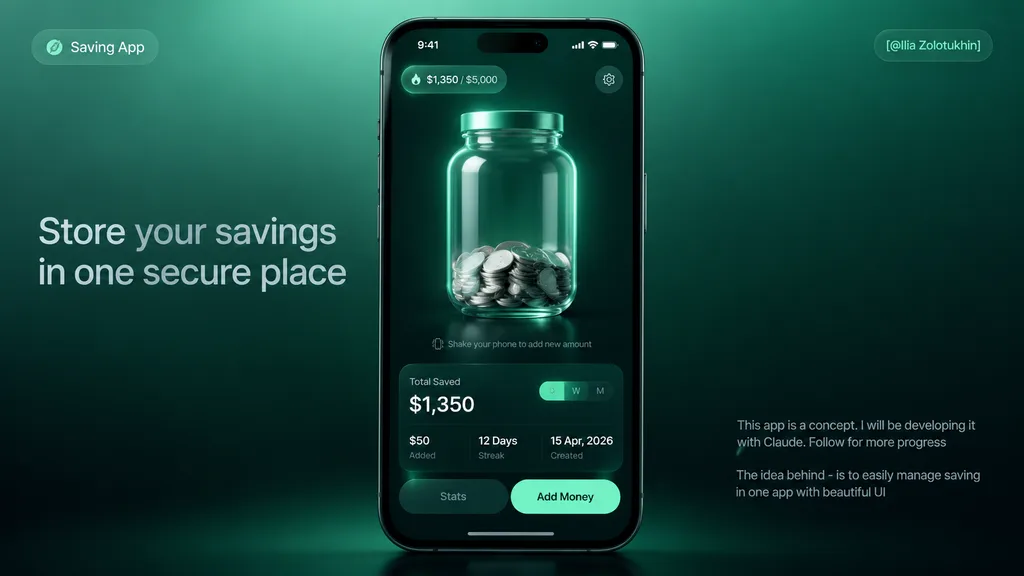
premium fintech app concept hero mockup. sleek 3D glassmorphism UI, dark mint green gradients, realistic smartphone render, soft studio lighting, high contrast, polished product-design presentation, subtle blur and glow, cinematic shadows.…

fintechapp mockupglassmorphism
SaaS Brand Exploration Board Mockup

SaaS Brand Exploration Board Mockup

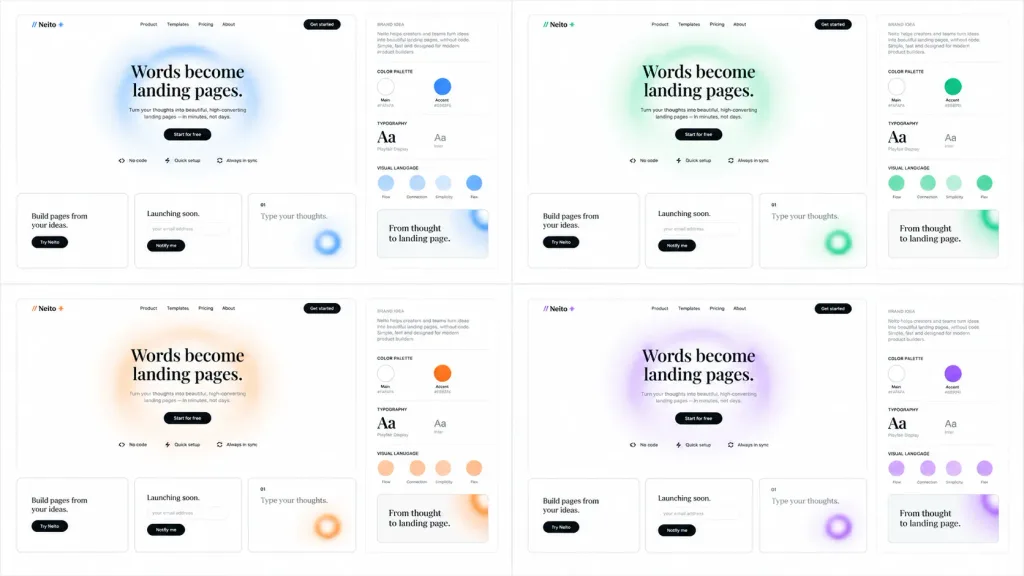
Clean brand exploration presentation board for a SaaS landing-page builder called [Neito], displaying the same website and brand identity system across 4 accent color themes: [blue, green, orange, purple]. Composition & Layout: Wide 16:9 white background canvas arranged as a neat 2×2 grid of four mockup panels separated by generous white space. Each panel contains two sections: a large landing-page mockup on the left and a narrow brand-guide column on the right. Landing-Page Mockup Details: - Top navigation: Logo mark showing two forward slashes followed by "Neito" and a small star/spark icon; navigation links "Product", "Templates", "Pricing", "About", and a black rounded "Get started" button. - Hero section: Large editorial serif headline reading "[Words become landing pages.]" centered over a soft, airy blurred circular gradient ring in the panel's accent color. Below, small gray descriptive copy, a black pill button reading "Start for free", and three small feature chips with icons: "No code", "Quick setup", and "Always in sync". - Bottom cards: Exactly three rectangular cards with thin borders and rounded corners. Card 1: "Build pages from your ideas." with a black pill button "Try Neito". Card 2: "Launching soon." with an email input pill and a black "Notify me" button. Card 3: Numbered "01" with text "Type your thoughts." and a cropped blurred accent-color gradient ring. Brand-Guide Column Details: - Header "BRAND IDEA" with a short paragraph block in small typography. - Four labeled sections separated by thin light-gray divider rules: "COLOR PALETTE" showing 2 circular swatches (Main near-white and Accent theme color with small hex labels); "TYPOGRAPHY" showing a serif headline "Aa" and a sans-serif body "Aa"; "VISUAL LANGUAGE" showing 4 circular tokens labeled "Flow", "Connection", "Simplicity", and "Flex"; and a preview card reading "From thought to landing page." Style & Aesthetics: Minimalist Figma-style design system showcase, monochrome typography, light gray borders, crisp vector UI elements, subtle shadows, frosted gradients, and ample negative space. No real people, device bezels, or dark backgrounds.
ui designbrandinglanding page
Luxury Shoe Brand LINE Rich Menu

Luxury Shoe Brand LINE Rich Menu

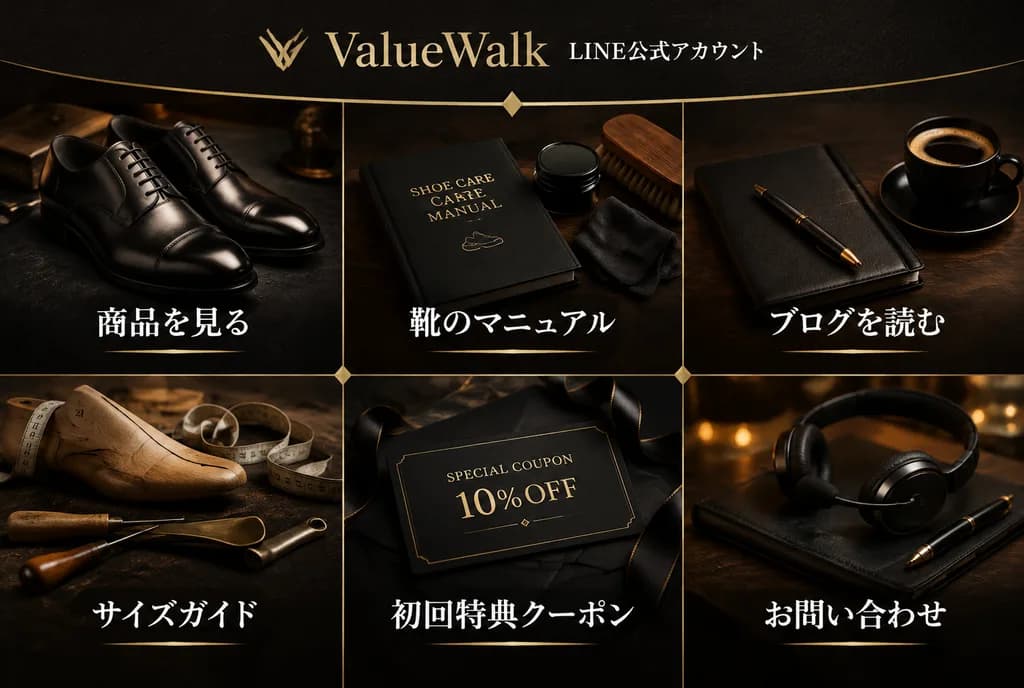
premium LINE rich menu image for a luxury men's leather shoe brand. dark luxury editorial photography, realistic product still life, black and deep brown palette, warm gold accents, elegant Japanese typography. 3:2 wide horizontal. high de…

line rich menuleather shoesui design
Beauty Vlogger Christmas Tutorial Story

Beauty Vlogger Christmas Tutorial Story

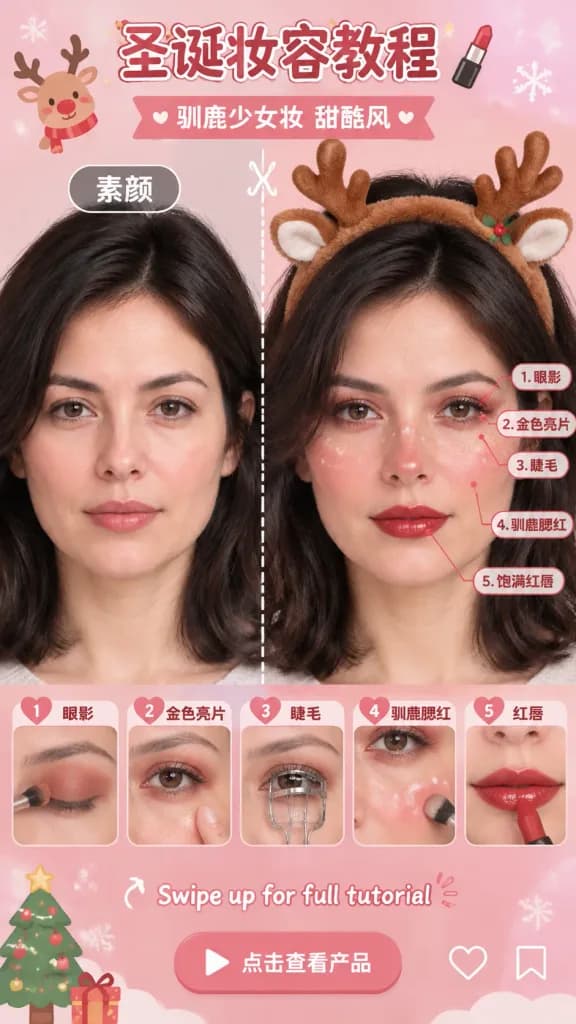
Vertical social media story interface layout for a beauty vlogger makeup tutorial. Soft, pastel pink gradient background with a sweet, dreamy aesthetic. The central subject is an [Asian female beauty vlogger], maintaining identical facial features and hairstyle from the reference photo. Makeup and styling: [Christmas Reindeer Sweet Cool Makeup] featuring red-brown gradient eyeshadow, fine white fawn spots across the cheeks and nose bridge, and a fluffy reindeer antler headband. Layout and annotations: - Top header: Chinese text "[圣诞妆容教程]" with a small lipstick icon, followed by subheader "[驯鹿少女妆 甜酷风]". - Middle comparison: Vertical split-screen showing "[素颜]" (bare face) on the left and finished makeup on the right, divided by a vertical dashed line with a scissor icon. - Facial annotations: Five bright red fine-line callout indicators drawn on the finished face on the right, labeled with numbers and Chinese text: "1. 眼影", "2. 金色亮片", "3. 睫毛", "4. 驯鹿腮红", "5. 饱满红唇". - Bottom step carousel: A horizontal row of five rounded rectangular cards numbered 1 to 5 corresponding to the facial callouts: Card 1 shows eye shadow application closeup; Card 2 shows tapping gold glitter; Card 3 shows curling eyelashes; Card 4 shows applying cheek blush and white spots; Card 5 shows red lipstick application. - Interactive UI footer: "Swipe up for full tutorial" arrow icon, "Click to view product" button, along with like and bookmark icons. Lighting and aesthetic: High-definition commercial beauty photography, clean mobile graphic UI overlay, crisp natural skin texture, soft studio lighting.

beauty tutorialsocial media storymakeup infographic
Ancient Song Dynasty Social Media Feed

Ancient Song Dynasty Social Media Feed

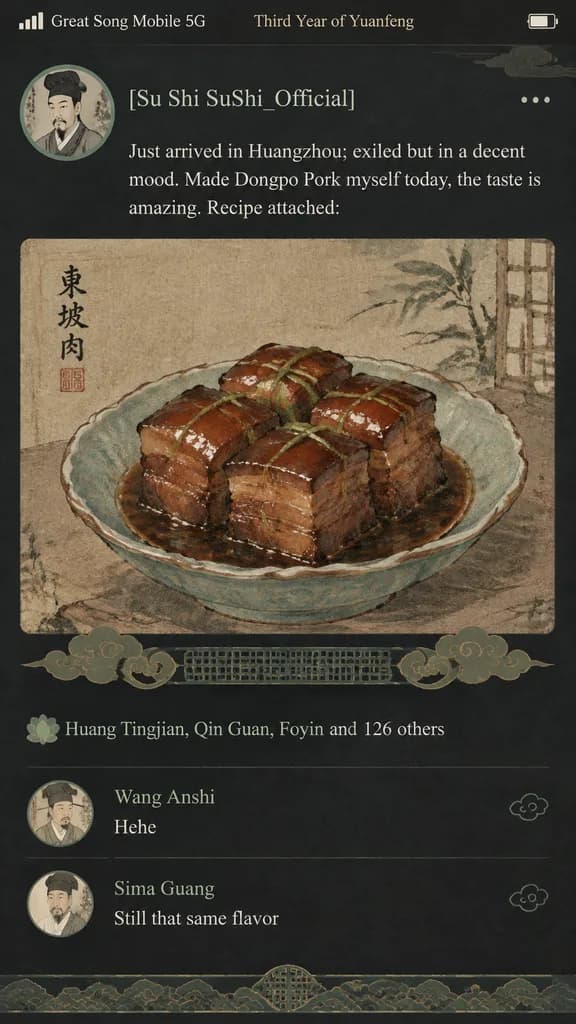
A humorous fusion of ancient Song Dynasty aesthetics and modern mobile UI design, depicting a smartphone social media feed mockup. The top status bar displays "Great Song Mobile 5G" and "Third Year of Yuanfeng". The profile section shows an ink-wash portrait avatar of a Song Dynasty scholar with the username "[Su Shi SuShi_Official]". The posted text reads: "Just arrived in Huangzhou; exiled but in a decent mood. Made Dongpo Pork myself today, the taste is amazing. Recipe attached:". An attached media photo shows a close-up of glistening Dongpo Pork painted in traditional Chinese gongbi fine-brush style on aged parchment. Traditional Song dynasty cloud and lattice patterns replace modern UI action icons. The likes section shows "Huang Tingjian, Qin Guan, Foyin and 126 others". Below, the comment feed includes "Wang Anshi: Hehe" and "Sima Guang: Still that same flavor". Modern dark mode interface palette mixed with muted, elegant Song Dynasty celadon and warm earth tones.

social mediaui designsong dynasty
Glossy 3D App Icon Redesign Showcase

Glossy 3D App Icon Redesign Showcase

A modern [AI app logo redesigns] showcase set horizontally against a clean [pure white] background with generous margins. Five evenly spaced [glossy 3D glassmorphism rounded-square app icons] arranged in a single row: 1. Teal-to-mint rounded square with a white interwoven knot emblem. 2. Peach-to-orange rounded square with a white radial sunburst emblem of tapered rays. 3. Cyan-to-purple rounded square with a white four-point sparkle star and a smaller sparkle at the top right. 4. Black rounded square with deep blue bottom highlights, featuring a white geometric lowercase "k" emblem and a small blue dot. 5. Lavender-to-purple rounded square with a white outlined angular six-point star emblem. Style: Premium 3D glassmorphism with smooth beveled edges, subtle surface reflections, soft directional shadows, vibrant color gradients, and clean studio lighting. Minimalist product-design presentation, centered composition, no text labels, no watermarks, no extra elements.

app iconglassmorphismlogo design
Road Trip Travel Ad Web Banner

Road Trip Travel Ad Web Banner

travel advertisement web banner. Clean semi-transparent white footer bar. [majestic snow-capped mountains and turquoise lake], pine trees, winding paved road, bright blue sky with fluffy clouds. [light blue] SUV parked on the roadside, ope…

web bannertravel adroad trip
Four-Tier AI Model Landscape Comparison

Four-Tier AI Model Landscape Comparison

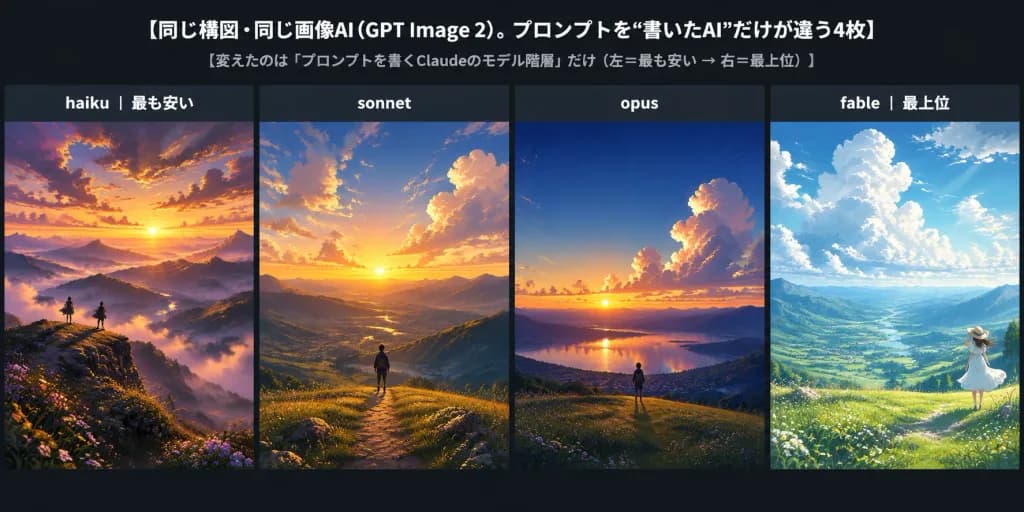
An extra-wide horizontal comparison banner on a dark charcoal background, structured as a social media comparison chart with a 2:1 aspect ratio. At the top, clean typography displays a large white headline: "[同じ構図・同じ画像AI(GPT Image 2)。プロンプトを“書いたAI”だけが違う4枚]", accompanied by a smaller gray subtitle: "[変えたのは「プロンプトを書くClaudeのモデル階層」だけ(左=最も安い → 右=最上位)]". Below, four equal vertical panels stand side-by-side separated by thin dark dividers, each featuring a dark label header at the top: 1. Left panel labeled "[haiku | 最も安い]": A dramatic semi-realistic anime landscape at golden sunset, showcasing layered misty mountain valleys, rocky foreground wildflowers, a tiny solitary figure standing on a ridge, and rich orange-purple clouds with an over-embellished cinematic atmosphere. 2. Second panel labeled "[sonnet]": A cleaner, balanced sunset mountain valley under a broad sky filled with soft glowing cumulus clouds, warm golden sunlight across rolling hills, and a lone figure along a ridge path in polished anime background style. 3. Third panel labeled "[opus]": A restrained, high-fidelity sunset vista transitioning from deep blue to horizon orange, featuring towering illuminated clouds, a grassy hillside foreground, a distant reflective lake, and a tiny central figure. 4. Fourth panel labeled "[fable | 最上位]": A poetic, emotionally resonant morning or late afternoon landscape with turquoise-blue skies, luminous white cloud towers, god rays sweeping a vast green valley, and a small figure wearing a white dress and sunhat standing in meadow grass at the lower right. Visual style: High-end Japanese anime background painting, painterly atmospheric perspective, unified scenic perspective across all four panels, clean UI elements, crisp text, no watermarks.

infographiccomparisonanime landscape
Pastel Otome Visual Novel Game UI

Pastel Otome Visual Novel Game UI

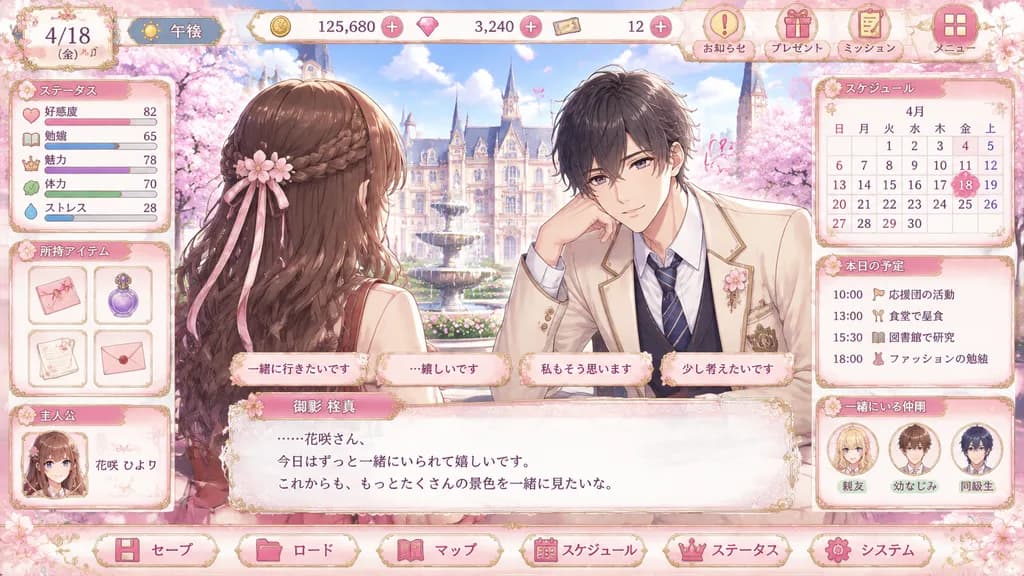
romance visual novel game UI mockup. elegant pastel otome game interface, highly polished anime illustration, ornate gold filigree, soft pink cherry blossom theme, glossy buttons, lace and ribbon decorations, dreamy spring lighting. ステータス.…

otomevisual novelgame ui
Liquid Glass Bento Grid Product Infographic

Liquid Glass Bento Grid Product Infographic

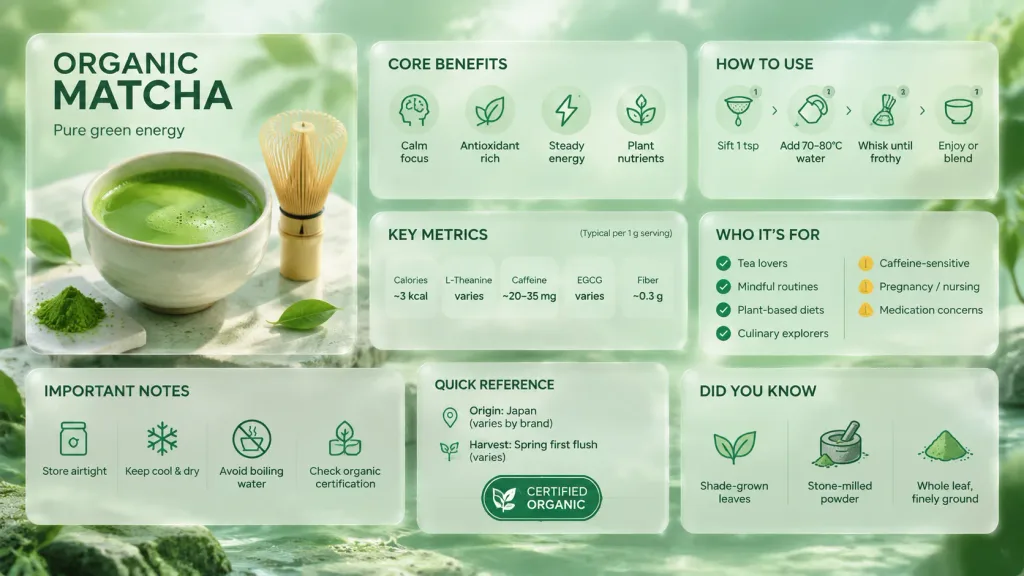
An ultra-premium liquid glass Bento grid product infographic in [English] for [Organic Matcha Powder], 16:9 landscape layout with 8 asymmetric floating modules. The visual style features Apple-inspired liquid glass cards with 85-90% frosted transparency, whisper-thin borders, subtle depth shadows, and caustics reflecting the background. Background features ethereal light caustics and abstract soft glows in harmonious emerald and mint hues. Module layout: - M1 (Hero Card, taking 30% area): Premium photography of [a delicate ceramic bowl of whisked green matcha with bamboo whisk], labeled with bold product typography. - M2: 'Core Benefits' with 4 benefit points accompanied by monochrome hero-colored icons. - M3: 'How to Use' showing 4 step-by-step methods with minimal vector icons. - M4: 'Key Metrics' displaying 5 clean data callouts: Calories, L-Theanine, Caffeine, Antioxidants EGCG, Dietary Fiber. - M5: 'Who It's For' with 4 target groups marked by green checks and 3 caution profiles with amber warning accents. - M6: 'Important Notes' detailing 4 storage and preparation precautions with subtle alert icons. - M7: 'Quick Reference' showing origin, harvest season, and certified organic badges. - M8: 'Did You Know' presenting 3 curated facts with small illustrative glyphs. Sleek typography, balanced negative space, clean modern UI design, hyper-refined editorial layout.

infographicbento gridliquid glass
Rainy Night Visual Novel Game CG

Rainy Night Visual Novel Game CG

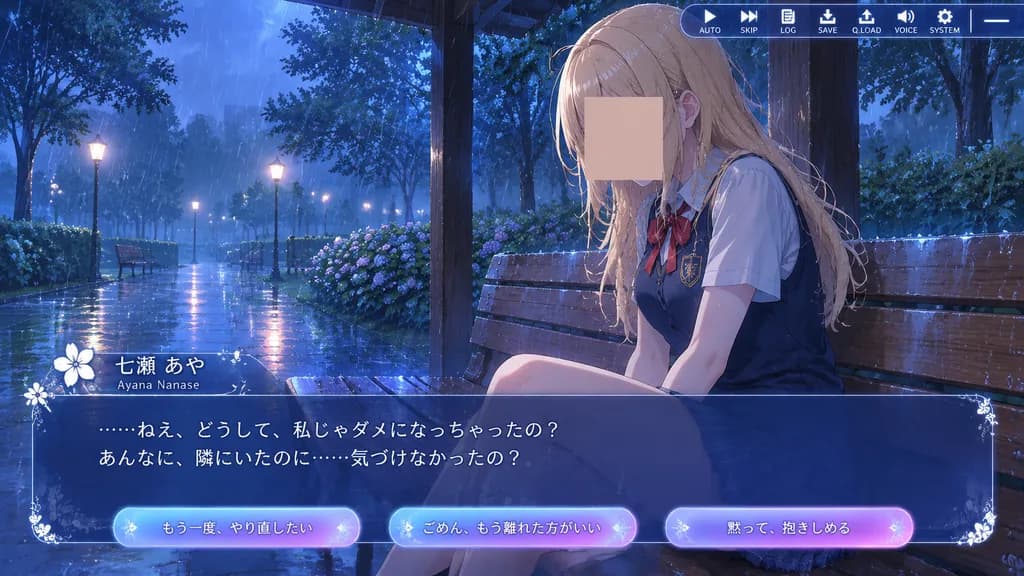
anime visual novel screenshot. rainy evening in a park pavilion, cinematic romantic-drama atmosphere, glossy wet surfaces, cool blue twilight lighting. white flower emblem and decorative sparkles. translucent dark blue glass panel with orn…

visual novelanimegame cg
Needle Felted Smartphone Music Player UI

Needle Felted Smartphone Music Player UI

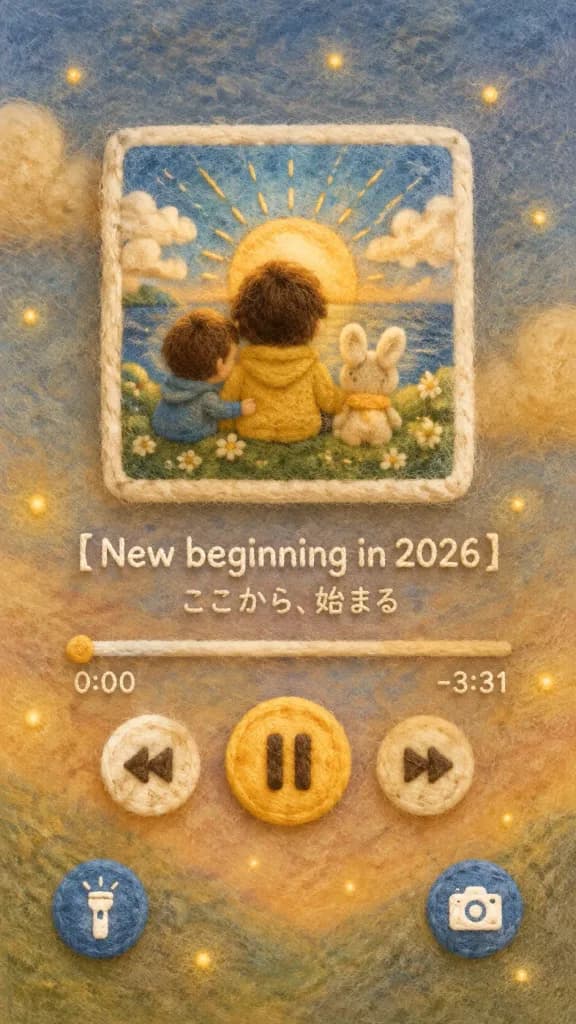
A visual representation of a smartphone lock screen music player UI, crafted entirely out of needle-felted wool and felt embroidery. Vertical front-facing composition. Upper center: a square album art display frame showcasing [the reference image], completely re-rendered in a tactile needle felting style with fuzzy outlines, softly blended colors, and visible wool fiber textures. Center UI: smartphone music player controls made of rounded felt buttons including play, pause, previous, and next. The song title is embroidered in felt reading "[【New beginning in 2026】]", with playback bar text reading "[ここから、始まる]", and felt sewn time indicators "0:00 / -3:31". Bottom: round, fluffy felt shortcut icons for a flashlight on the left and a camera on the right. Background and lighting: seamless needle-felted wool background with colors softly matching the dominant palette of the album art, accented with tiny scattered warm points of decorative light. Cozy, gentle, tactile, handmade aesthetic.

felted woolneedle feltinglock screen
Dark ComfyUI Masked Prompt Workflow

Dark ComfyUI Masked Prompt Workflow

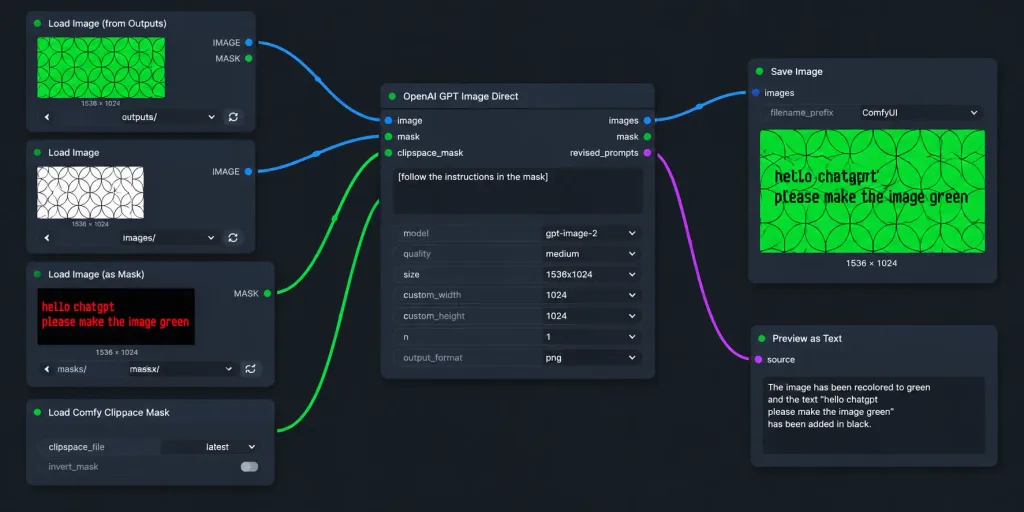
A realistic widescreen screenshot of a dark-themed ComfyUI node graph workflow for AI image editing. The canvas features a dark charcoal background with a subtle dot grid and exactly seven UI node panels arranged left-to-right with curved connecting wires: 1. Top-left node titled "Load Image (from Outputs)": Shows a green rectangular preview of repeating geometric circle arcs, label "1536 × 1024", dropdown controls, and refresh buttons. 2. Mid-left node titled "Load Image": Displays a white preview with black overlapping geometric circles, labeled "1536 × 1024", with its blue IMAGE output socket connected to the central node. 3. Lower-mid-left node titled "Load Image (as Mask)": Features a dark preview with red pixelated text reading "hello chatgpt" on line one and "please make the image green" on line two, channel set to "red", with its green MASK output wired to the central node. 4. Bottom-left node titled "Load Comfy Clipspace Mask": Displays controls for clipspace_file "latest" and invert_mask toggle. 5. Center node titled "OpenAI GPT Image Direct": Contains image and mask inputs, outputs for images, mask, and revised_prompts. Textbox contains "[follow the instructions in the mask]". Settings show model "[gpt-image-2]", quality "[medium]", size "[1536x1024]", custom_width 1024, custom_height 1024, n 1, output_format png. Blue output links to Save Image; revised_prompts links to Preview as Text. 6. Upper-right node titled "Save Image": Displays filename_prefix "ComfyUI" and an output preview showing the circular pattern recolored to vibrant green with black text reading "hello chatgpt" and "please make the image green", labeled "1536 × 1024". 7. Lower-right node titled "Preview as Text": Partially cropped at bottom, showing "source" and a preview text box. Style: Clean flat UI mockup, crisp sans-serif text, rounded dark-gray panels, soft drop shadows, and vibrant blue and green connector cables without photorealistic real-world clutter.

comfyuiworkflownode graph
Fantasy Storyboard Project Card Masthead

Fantasy Storyboard Project Card Masthead

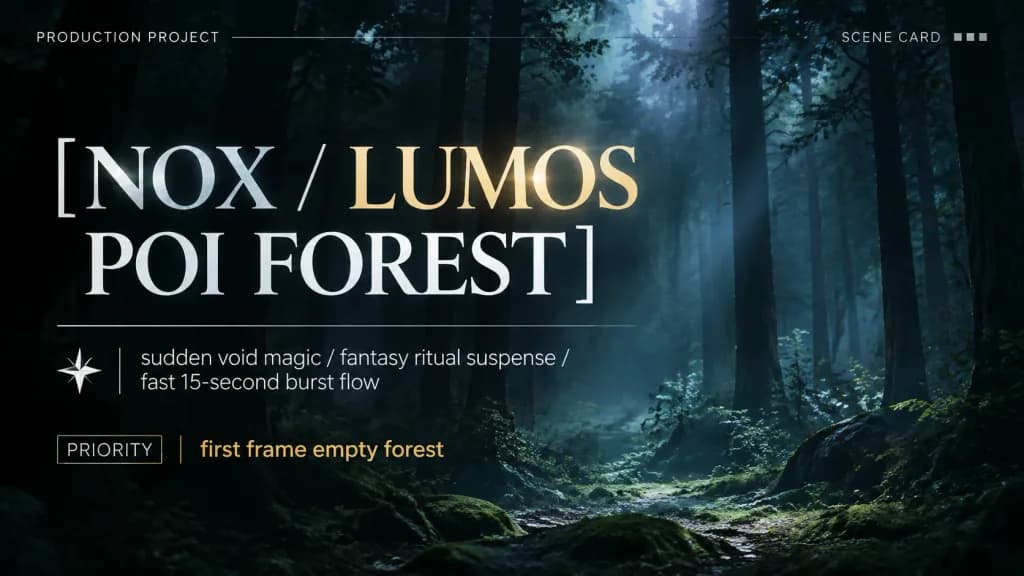
A compact, professionally designed production project card masthead layout, not a table. TITLE: "[NOX / LUMOS POI FOREST]". META LINE: "[sudden void magic / fantasy ritual suspense / fast 15-second burst flow]". PRIORITY: "[first frame empty forest]". Clean typography, modern film pre-production documentation aesthetic.

storyboardproject cardmasthead
3D Glowing Heartbeat App Icon

3D Glowing Heartbeat App Icon

A clean 3D app-icon hero graphic centered on a wide canvas. A single floating rounded-square icon with glossy beveled edges in [electric violet blue], featuring a subtle translucent rim, soft inner highlights, and four tiny circular screw-like accent dots near the rounded corners. Centered on the icon face is a raised, thick, smooth glowing white heartbeat waveform symbol casting a soft shadow onto the surface. The icon hovers above the background with a gentle purple ambient glow and drop shadow. Dark cinematic abstract background fading from near-black at the top into deep purple and magenta, accented by blurred neon blue-violet waves along the bottom edge and a faint central haze. Futuristic, minimal, and polished studio lighting. Centered composition with generous negative space, no text, no people, no additional objects.

app icon3d iconheartbeat
Neumorphic Mobile Control Dashboard Mockup
Neumorphic Mobile Control Dashboard Mockup
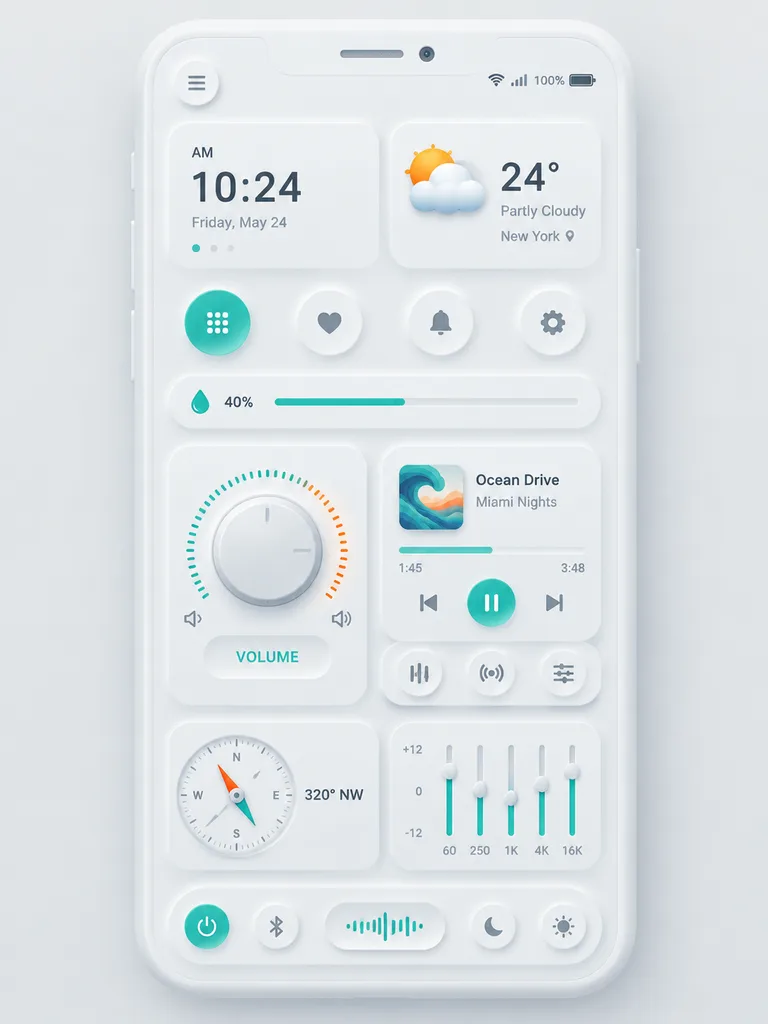
A clean neumorphic mobile dashboard UI mockup shown straight-on, centered on a [soft light gray] background, inside a white rounded smartphone frame with subtle embossed drop shadows and glossy highlights. The interface features a minimalist white-on-white design accented with [teal green] and [warm orange]. At the top of the phone: a left circular menu button, centered speaker slit and camera notch, and status icons on the right showing Wi-Fi, signal, "100%", and battery. The dashboard consists of 12 distinct modules: an upper-left time card reading "AM", "[10:24]", and "[Friday, May 24]" with pagination dots; an upper-right weather widget showing a 3D partly cloudy icon, "[24°]", "[Partly Cloudy]", and "[New York]"; 4 circular quick-action buttons (grid, heart, bell, gear) with the grid icon highlighted; a slim horizontal slider card with a droplet icon, "[40%]", and a teal progress bar; a large circular volume dial on the left with a beveled silver knob, teal-and-orange tick ring, speaker icons, and a pill badge reading "VOLUME"; a right-middle music player card with wavy album art, track "[Ocean Drive]", artist "[Miami Nights]", progress bar showing "[1:45]" / "[3:48]", and playback buttons; 3 rounded sub-controls beneath the player (equalizer, broadcast, sliders); a lower-left analog compass card reading "[320° NW]" with a dual-color needle; a lower-right 5-band graphic equalizer card with vertical sliders, level markings "+12", "0", "-12", and frequency markers "60", "250", "1K", "4K", "16K"; and a bottom dock housing a power button, Bluetooth toggle, waveform visualizer pill, night mode, and brightness buttons. Ultra-crisp vector UI, tactile depth, soft inner embossing, realistic bevels, and Dribbble-style presentation.

neumorphismmobile uidashboard
Dark Mode AI Image Generator Dashboard

Dark Mode AI Image Generator Dashboard

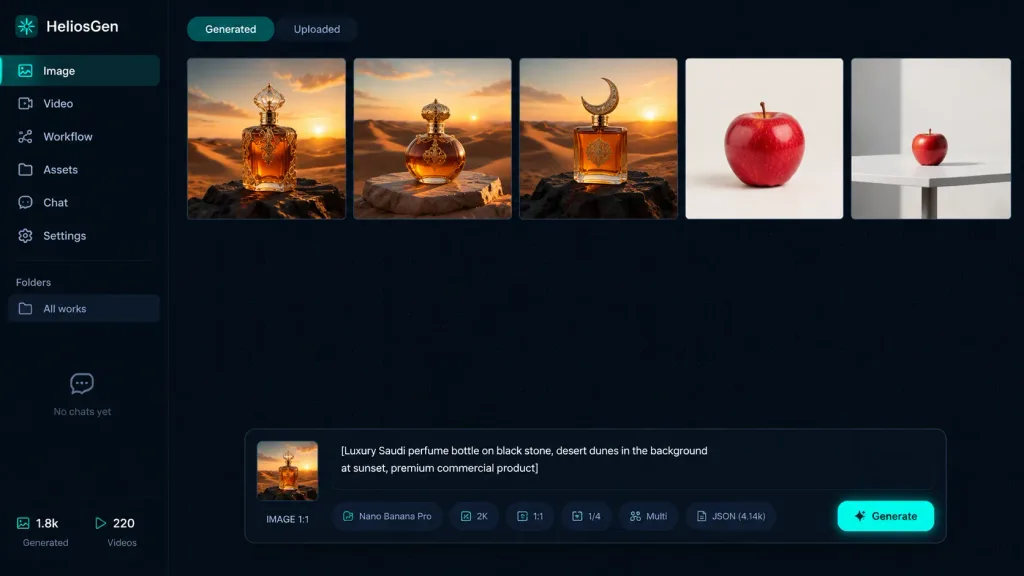
A crisp dark-mode desktop web app screenshot for [HeliosGen], an AI image and video generation dashboard, presented in a clean 16:9 canvas with no browser chrome. The interface uses a very dark navy and black palette with a subtle dotted grid texture across the workspace, thin dividers, muted gray typography, and vibrant teal accent highlights. Layout and Sidebar: A narrow left sidebar covers roughly 10% of the canvas width. At the top left, display the logo text "HeliosGen" accompanied by a small teal emblem. Beneath it, include six vertical navigation items with icons: 1) "Image" (active/selected state), 2) "Video", 3) "Workflow", 4) "Assets", 5) "Chat", 6) "Settings". Further down, a "Folders" section shows a single row labeled "All works", followed by an empty state area displaying "No chats yet". At the bottom left, display two compact metadata stats labeled "1.8k" and "220". Main Workspace: At the top, show two small tab buttons: "Generated" (active) and "Uploaded" (inactive). Below the tabs, display a horizontal row of exactly five generated image thumbnails separated by thin borders: 1) An ornate amber luxury perfume bottle standing on dark rock in a golden desert at sunset. 2) A rounded amber perfume bottle with an ornate gold cap resting on a stone slab amid desert dunes at sunset. 3) A square amber perfume bottle with a crescent-shaped cap on a black rock in desert dunes at sunset. 4) A single crisp red apple centered against a clean off-white studio backdrop. 5) A smaller red apple placed on a white table in a minimalist studio environment. Floating Control Panel: Centered near the bottom of the workspace is a floating prompt panel with rounded corners. On its left side sits a square preview thumbnail marked "IMAGE 1:1". The central text prompt box contains: "[Luxury Saudi perfume bottle on black stone, desert dunes in the background at sunset, premium commercial product]". Along the lower edge of this panel, include compact pill badges and labels showing "Nano Banana Pro", "2K", "1:1", "1/4", "Multi", and "JSON (4.14k)", finished with a glowing teal generate button on the far right. Visual Style: Sharp UI graphic design, high contrast, clean typography, realistic render thumbnails, minimalist SaaS aesthetic, no people, no watermarks.

ui designdashboarddark mode
AI Router App Store Showcase

AI Router App Store Showcase

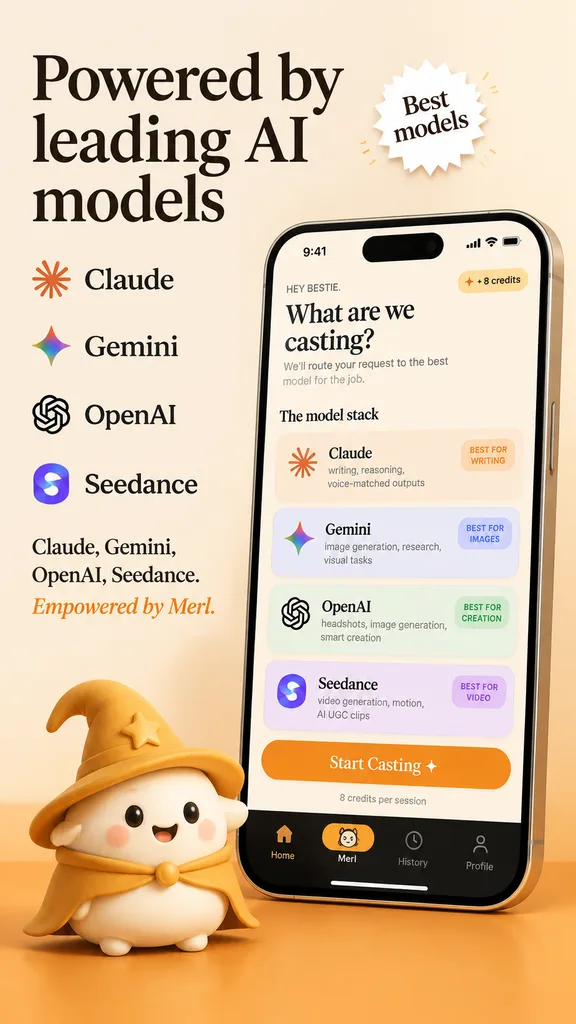
A polished App Store promotional marketing screenshot in a warm beige and golden-orange brand palette, portrait orientation, with a premium friendly tech startup aesthetic. The background is soft cream with a warm orange gradient floor at the bottom. On the upper left, an elegant large black serif headline across three lines reads "[Powered by leading AI models]". Next to it, a small white starburst badge with a subtle drop shadow contains the serif text "[Best models]". Beneath the headline on the left, an evenly spaced vertical list of four AI providers with icons: Claude with an orange sunburst icon, Gemini with a multicolor four-point sparkle icon, OpenAI with a black knot logo, and Seedance with a purple-blue gradient S icon. Below that, left-aligned serif copy lists "Claude, Gemini, OpenAI, Seedance." followed by an orange branded tagline "[Empowered by Merl.]". On the right half, a large realistic modern smartphone angled slightly left, featuring a reflective silver frame, dynamic island cutout, and soft drop shadow. The screen displays a cream-colored app UI with status bar showing 9:41, Wi-Fi, and battery. Inside the app, greeting text reads "HEY BESTIE.", followed by a bold serif title "[What are we casting?]", a brief model-routing subtitle, and a "+ 8 credits" pill badge in the upper right. Below, under section header "The model stack", are four pastel rounded cards: Card 1 (Claude, orange sunburst icon, "writing, reasoning, voice-matched outputs", pill "BEST FOR WRITING"); Card 2 (Gemini, multicolor sparkle icon, "image generation, research, visual tasks", pill "BEST FOR IMAGES"); Card 3 (OpenAI, black knot icon, "headshots, image generation, smart creation", pill "BEST FOR CREATION"); Card 4 (Seedance, purple-blue S icon, "video generation, motion, AI UGC clips", pill "BEST FOR VIDEO"). Below the cards, an orange CTA button reads "Start Casting ✦" above caption "8 credits per session". At the screen bottom, a black navigation bar features four icons: home, a highlighted pill with a mini mascot face and label "[Merl]", history clock, and profile. Resting on the orange floor in front of the lower-left edge of the phone, a cute 3D mascot character: a rounded cream-colored blob with tiny feet, rosy cheeks, black dot eyes, and a happy smile, wearing a golden wizard hat and matching cape.

app store mockupui designmarketing screenshot
Luxury Creator Profile Promotion Poster

Luxury Creator Profile Promotion Poster

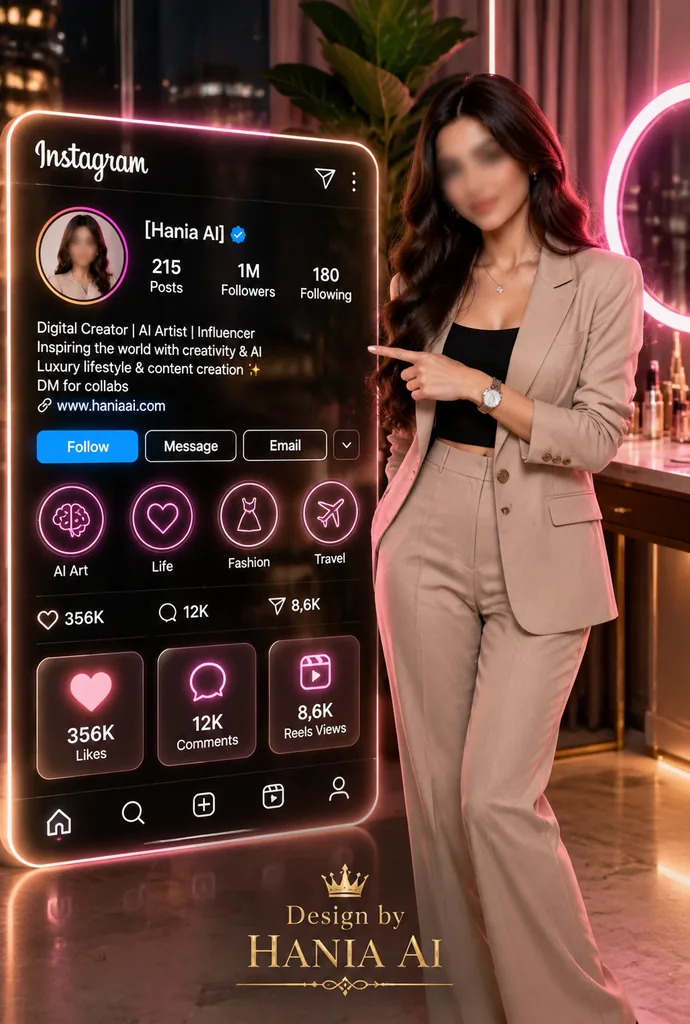
vertical photorealistic luxury social media growth poster with futuristic Instagram profile interface. clean professional viral AI aesthetic, cinematic studio lighting, premium influencer branding, glossy neon UI, realistic fashion photogr…

instagramsocial mediainfluencer
Anime Character Workflow Canvas Interface

Anime Character Workflow Canvas Interface

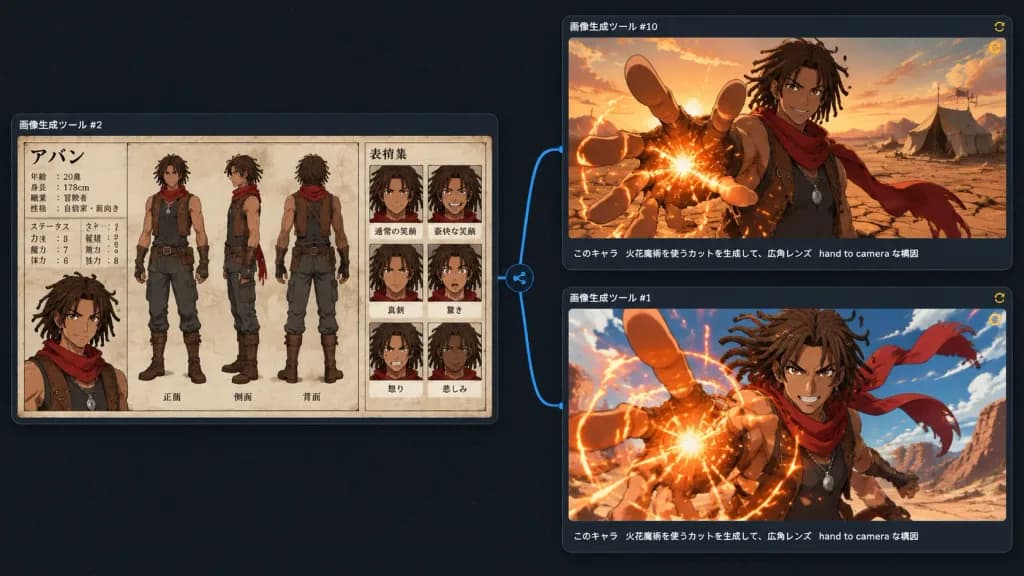
A dark UI-style comparison canvas showing three generated anime-image results connected in a workflow graph, as if viewed inside an image generation software interface. Wide 16:9 screenshot composition with a nearly black dotted-grid background, subtle blue connector lines, and small circular node icons between panels. The layout contains exactly 3 rounded rectangular panels with thin gray borders and faint drop shadows. Lower-left panel (source reference node): Labeled with small white Japanese text above: 「画像生成ツール #2」. Displays a detailed anime character design sheet for [Aban], a tan-skinned young male adventurer with medium-length [brown dreadlocks], athletic build, confident expression, sleeveless dark tunic, brown leather vest with straps, fingerless gloves, dark pants, boots, pendant necklace, and a flowing red scarf. The sheet shows beige parchment texture, clean black manga-style linework, muted watercolor coloring, containing: 3 full-body turnaround views in the center (front, side, back); 6 expression portrait boxes on the right in a 2x3 grid (normal smile, broad grin, serious, surprised, angry, sad); and a bust portrait on the left under a Japanese title 「アバン」 with small profile text and stat labels. A branching blue connector line extends from the right of this panel to two right-side panels, each having a tiny yellow circular refresh icon at the top right. Upper-right panel: Labeled 「画像生成ツール #10」. Shows the character waist-up in a [desert at sunset], framed with a wide-angle lens. He smiles confidently while reaching one hand toward the camera with foreshortened fingers, creating a glowing [orange fire] magic spark at his palm. Red scarf blowing behind him against cracked desert ground, distant tents, and warm golden clouds. Subtitle caption along bottom edge in white Japanese text: 「このキャラ 火花魔術を使うカットを生成して、広角レンズ hand to camera な構図」. Lower-right panel: Labeled 「画像生成ツール #1」. Shows a more dynamic action version of the same scene, closer to the camera. His foreshortened hand reaches forward with a bright circular burst of [orange fire] magic sparks, red scarf whipping dramatically, blue sky above, and desert cliffs in the background. Same white Japanese caption along the bottom: 「このキャラ 火花魔術を使うカットを生成して、広角レンズ hand to camera な構図」. Style: Modern dark-mode creative app UI, anime fantasy artwork, crisp digital presentation.

animecharacter designui design
LLM Security Architecture Infographic

LLM Security Architecture Infographic

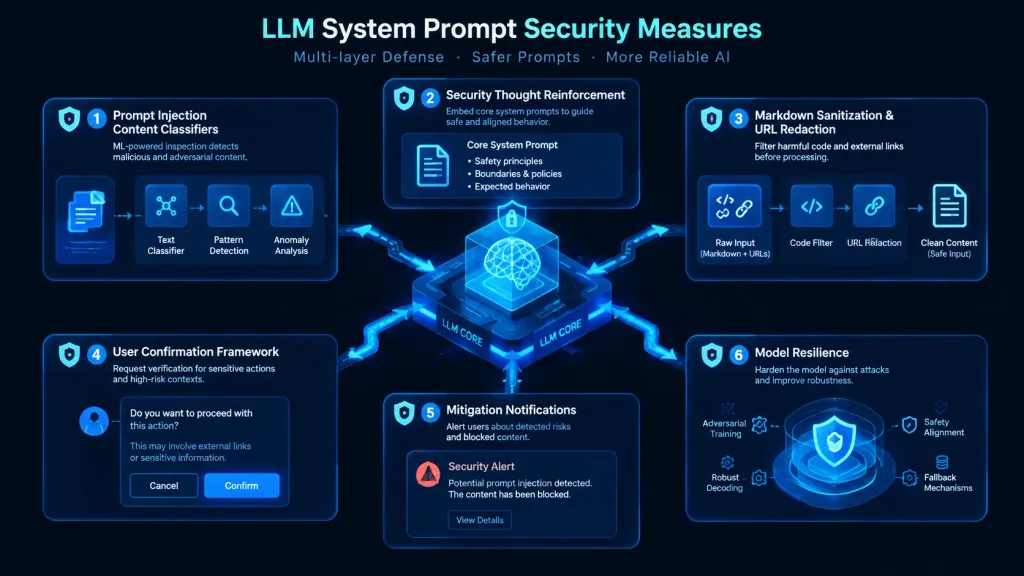
Modern cybersecurity architecture infographic visualizing [LLM System Prompt Security Measures], dark mode UI tech aesthetic. A clean technical flow diagram featuring six modular defense layers: 'Prompt Injection Content Classifiers' showing ML inspection nodes, 'Security Thought Reinforcement' framing core system prompts, 'Markdown Sanitization & URL Redaction' filtering code and external links, 'User Confirmation Framework' displaying contextual verification prompts, 'Mitigation Notifications' with alert modals, and 'Model Resilience' shielding the central neural network core. Isometric vector cards, glowing neon cyan and cobalt blue data pathways, clean corporate typography, high-tech dashboard interface design, balanced structured layout.

infographiccybersecurityllm
Anime Demon Kart Racing Poster

Anime Demon Kart Racing Poster

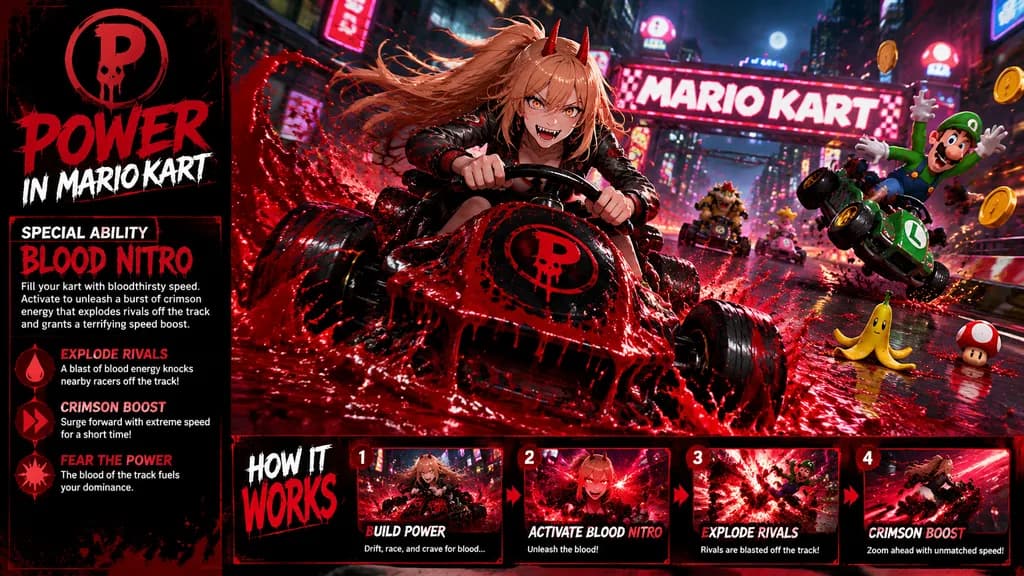
video game promotional poster. dark parody crossover of Mario Kart with anime demon-girl energy. high-detail cinematic game ad, glossy action-comic rendering, dramatic motion blur, intense red-and-black color grading, splashing liquid effe…

parodymario kartanime