
Model guides
Choose the right AI image model before you write the prompt
Compare GPT Image 2, Nano Banana, Seedream and Z-Image Turbo: what each model does best, supported settings, prices, examples and prompt tips.
 OpenAI
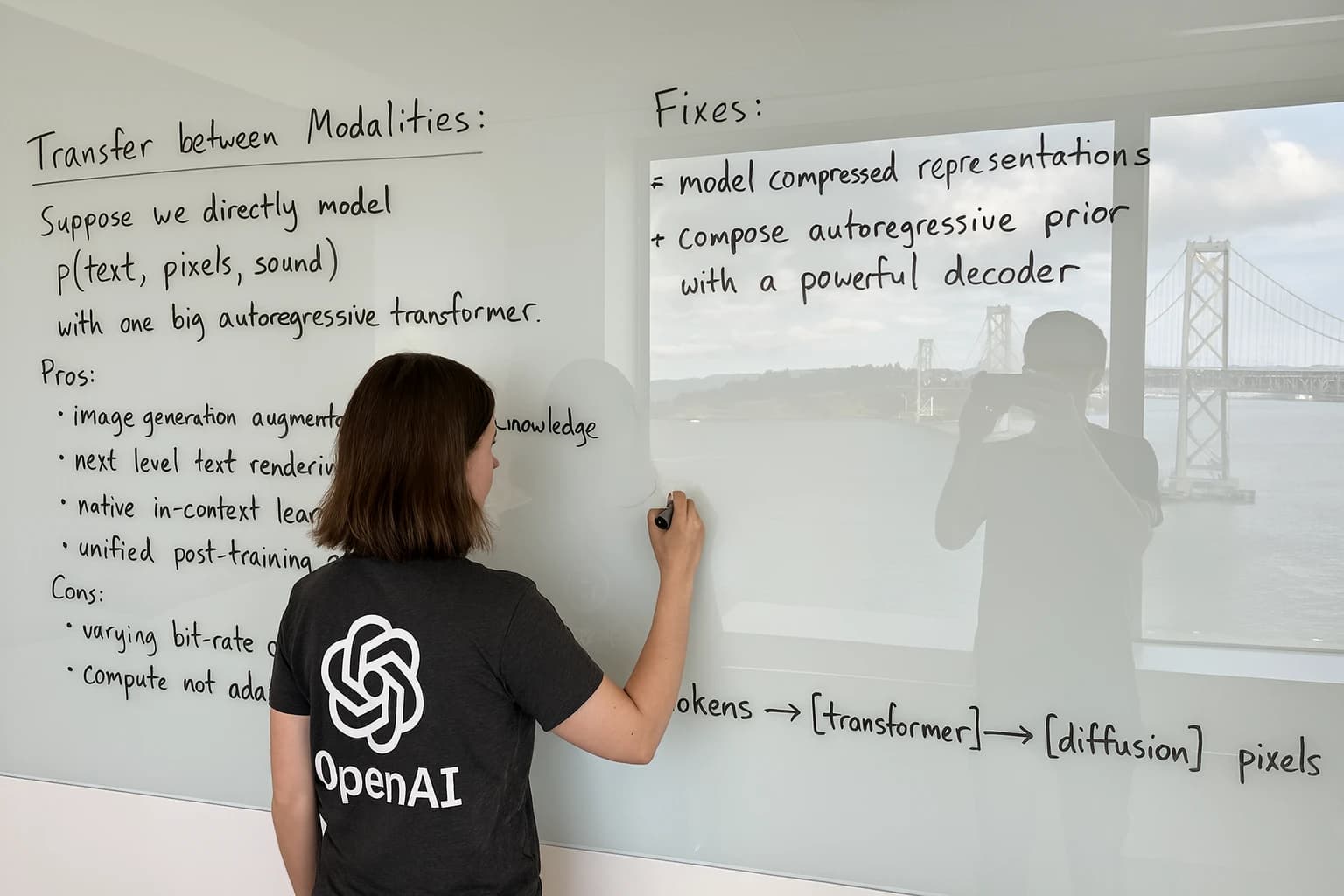
GPT Image 2
Choose GPT Image 2 when the output needs to be client-ready, when you want the broadest size controls, or when a prompt needs many reference images.
- Quality
- 1K, 2K, 4K
- References
- 16
 OpenAI
GPT Image 2 Saver
Choose GPT Image 2 Saver for the lowest price per image on GPT Image 2 at any quality and resolution; choose standard GPT Image 2 when you need up to 16 reference images.
- Quality
- 1K, 2K, 4K
- References
- 14
 OpenAI
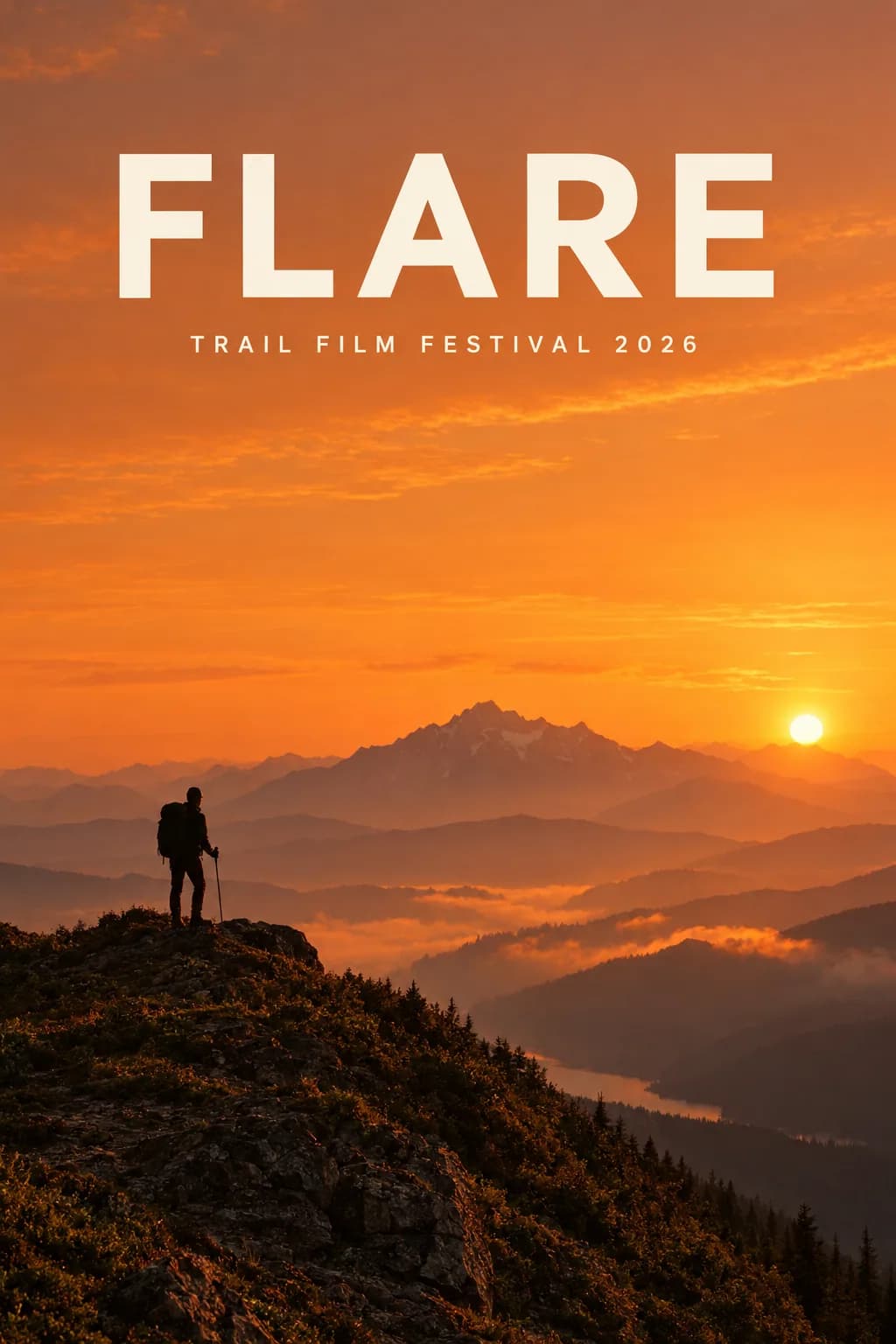
GPT Image 2.5 Flare
Choose GPT Image 2.5 Flare for fast, high-quality everyday generation and editing once it is enabled; choose Sunburst when editing precision matters most.
- Quality
- 1K, 2K, 4K
- References
- 16
 OpenAI
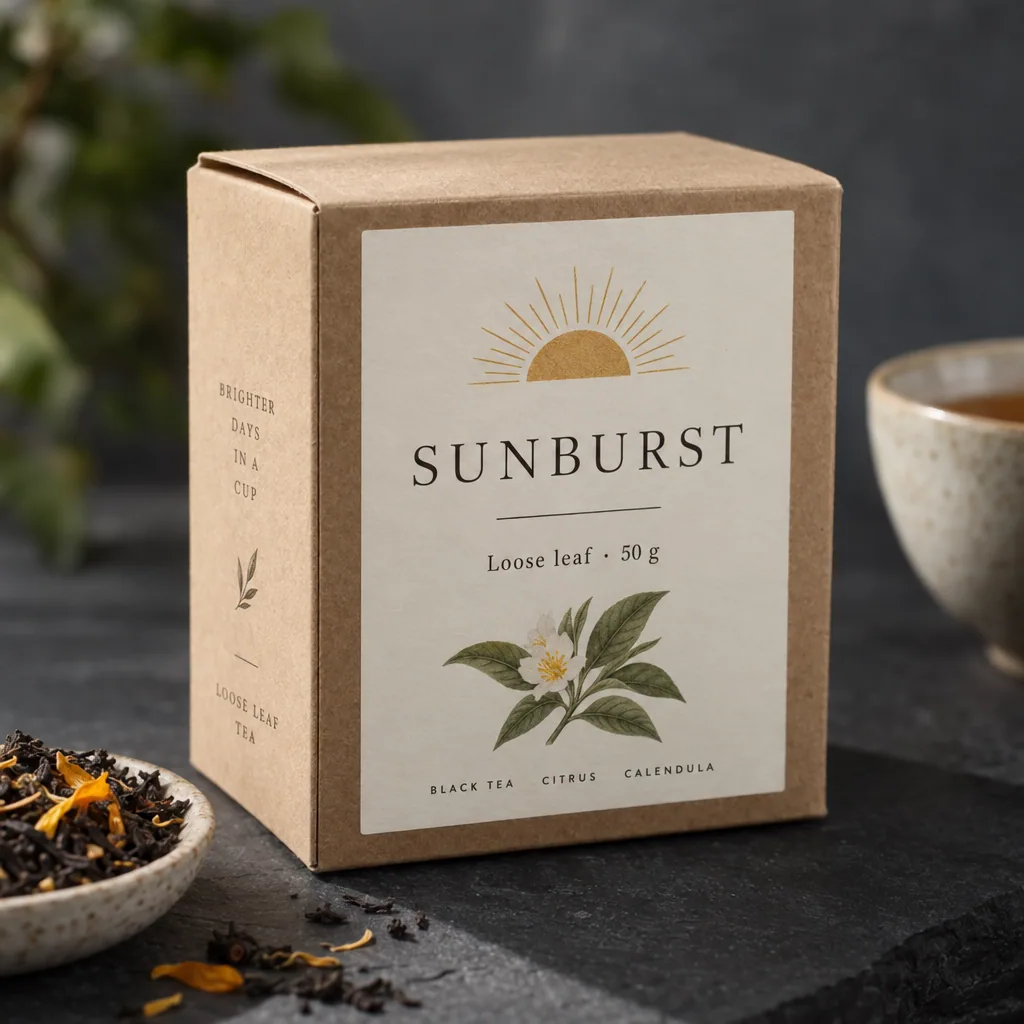
GPT Image 2.5 Sunburst
Choose GPT Image 2.5 Sunburst when editing precision matters more than speed; choose Flare for everyday generation.
- Quality
- 1K, 2K, 4K
- References
- 16
 Google Gemini
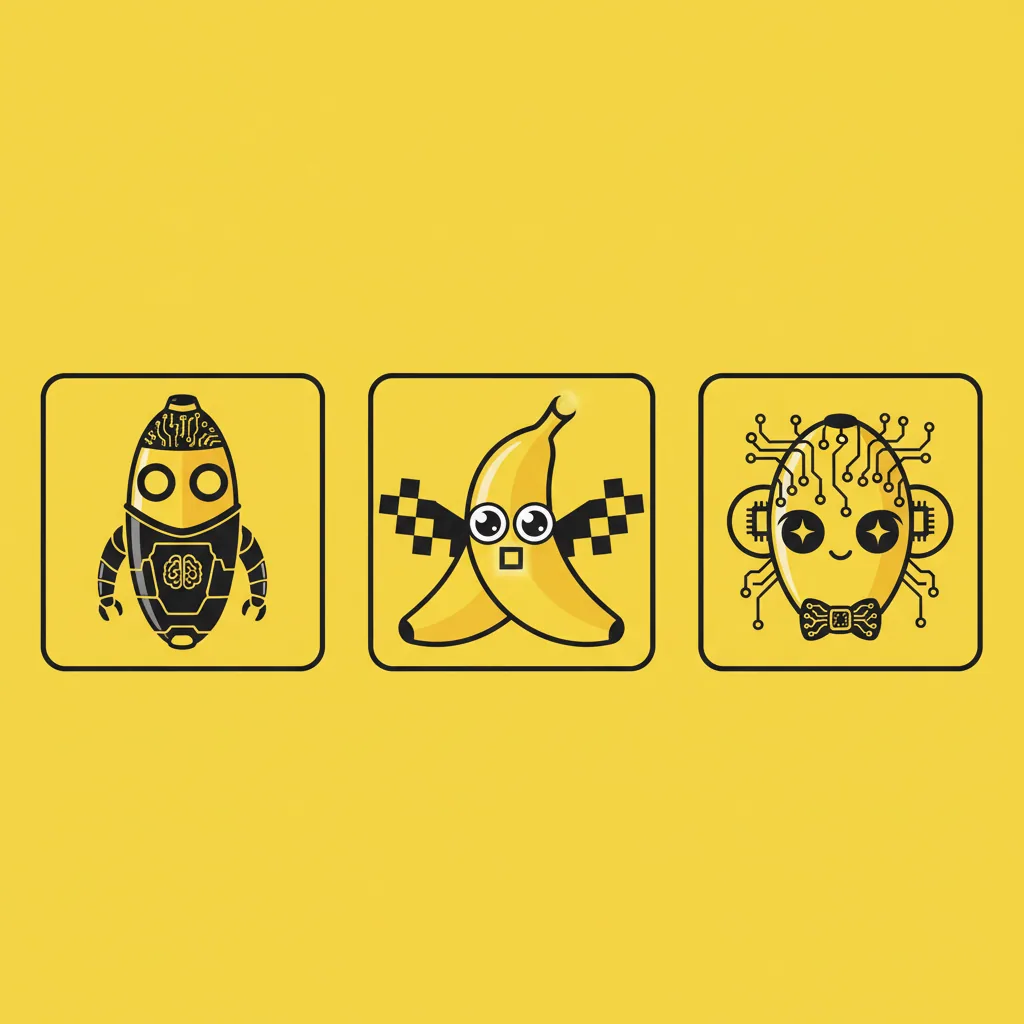
Nano Banana
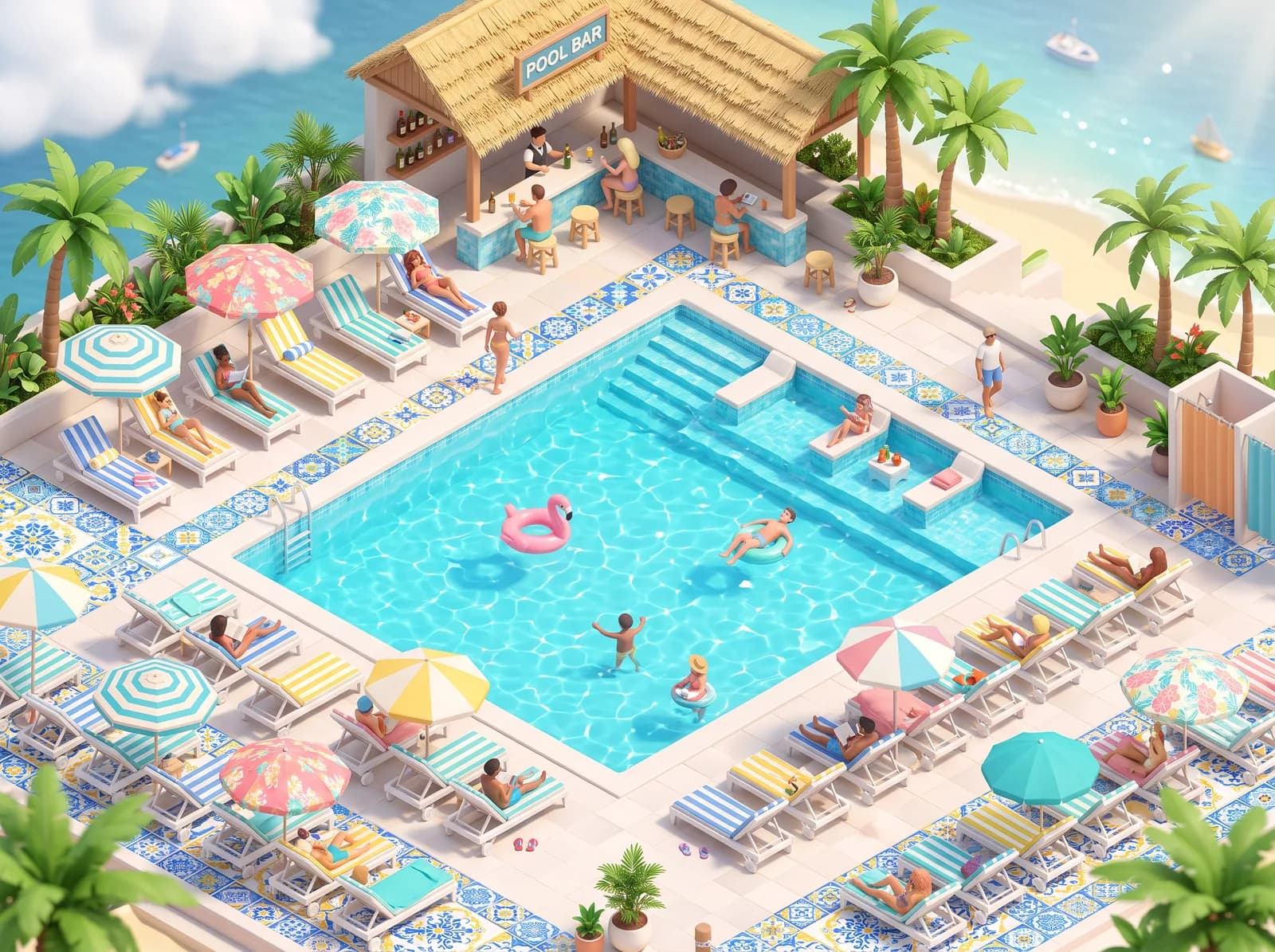
Choose Nano Banana when you need speed and a lightweight reference-image workflow more than high-resolution output.
- Quality
- 1K
- References
- 3
 Google Gemini
Nano Banana 2
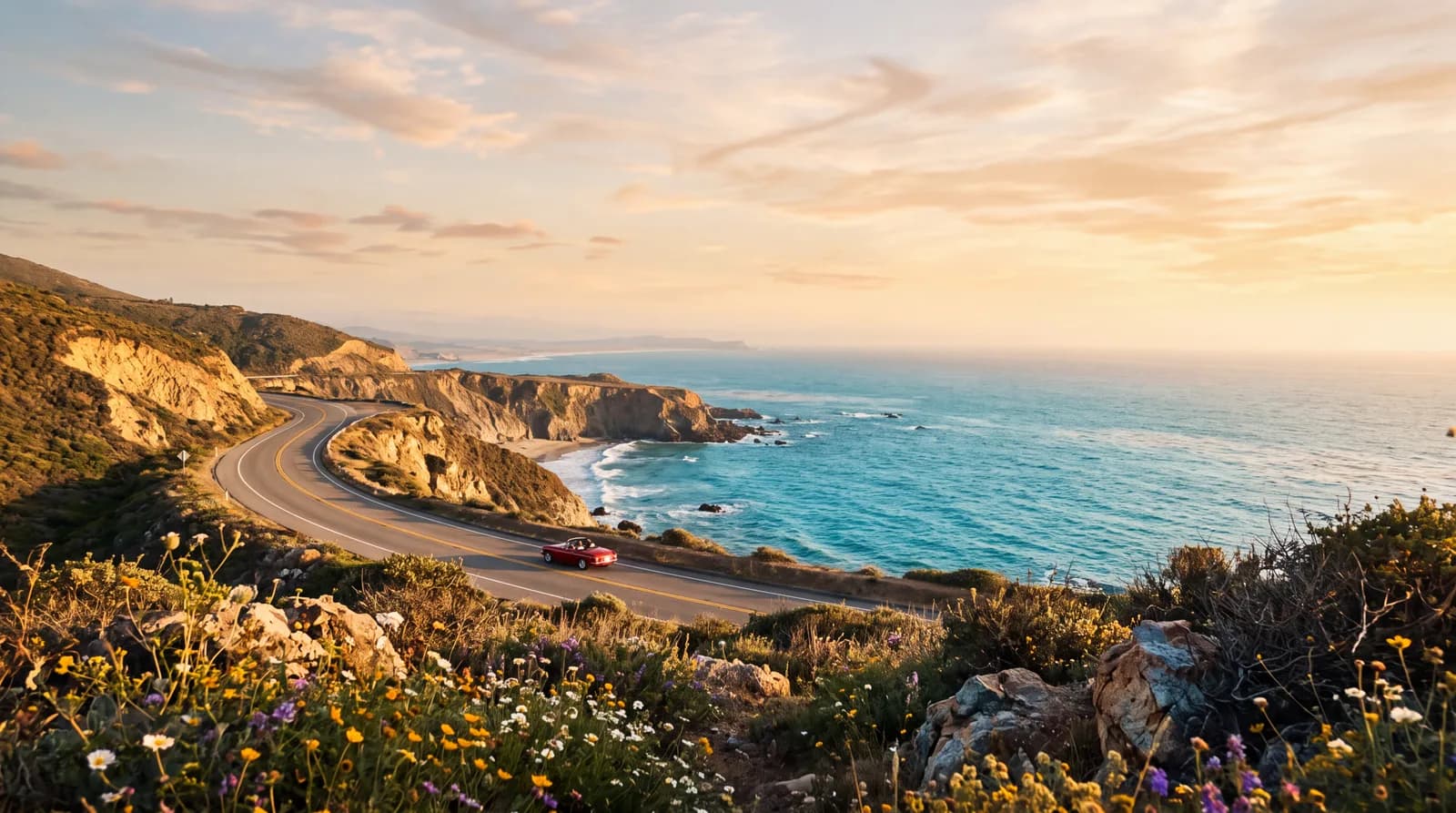
Choose Nano Banana 2 when you want Gemini speed, more references, and higher-resolution exports without the full Pro image model.
- Quality
- 1K, 2K, 4K
- References
- 14
 Google Gemini
Nano Banana 2.1
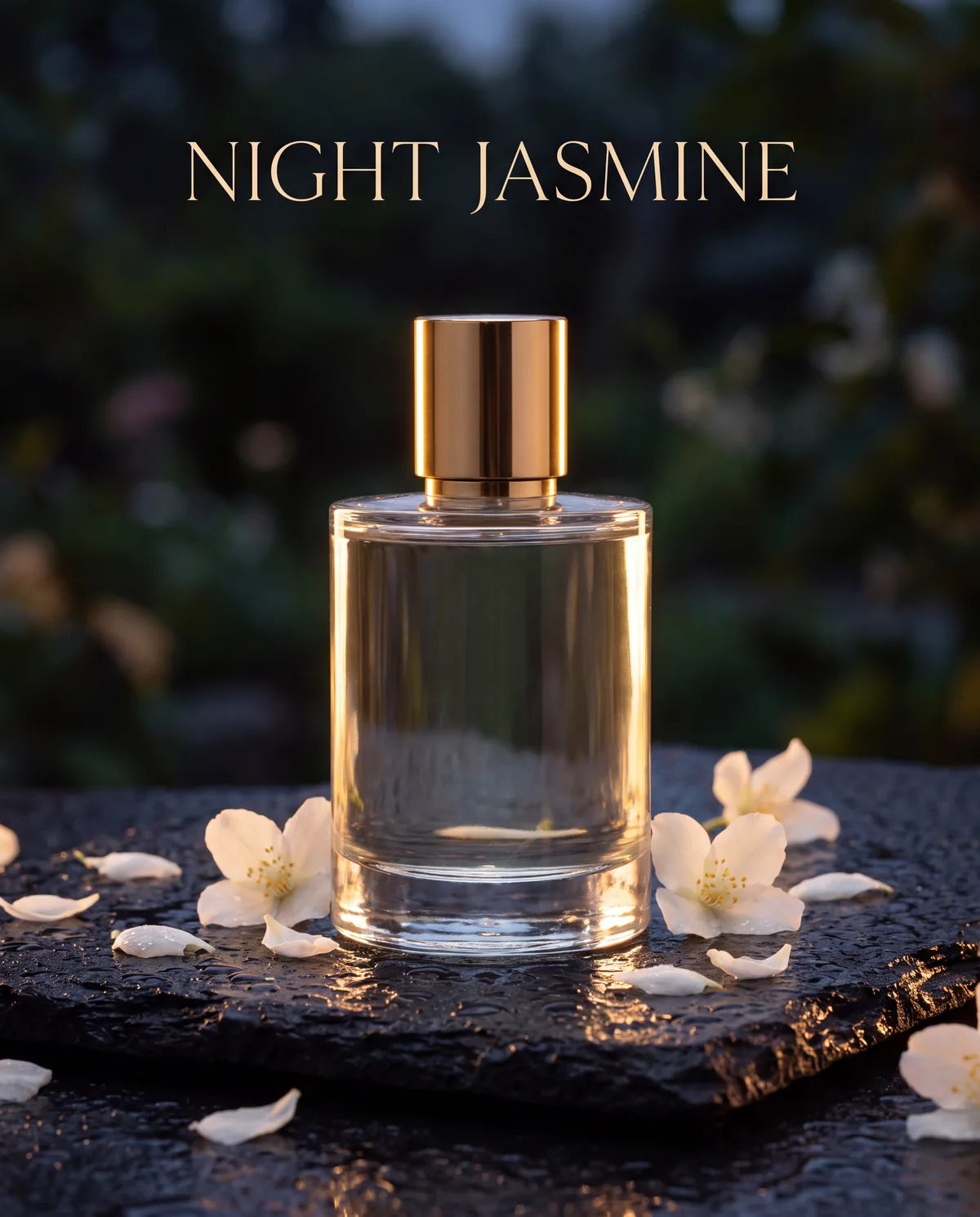
Choose Nano Banana 2.1 for Gemini image generation at half the price of Nano Banana 2, especially for text-heavy layouts; choose Nano Banana 2 or Pro when you need a faster turnaround.
- Quality
- 1K, 2K, 4K
- References
- 14
 Google Gemini
Nano Banana Pro
Choose Nano Banana Pro for the most demanding Gemini image prompts, especially high-resolution commercial scenes, stronger text handling, and multi-reference art direction.
- Quality
- 1K, 2K, 4K
- References
- 14
 Google Gemini
Nano Banana 2 Lite
Choose Nano Banana 2 Lite for the fastest 1K Gemini images, such as icons, stickers, and drafts; choose Nano Banana 2.1 for text-heavy layouts, larger sizes, or multi-image edits.
- Quality
- 1K
- References
- 3
 ByteDance Seedream
Seedream 4.0
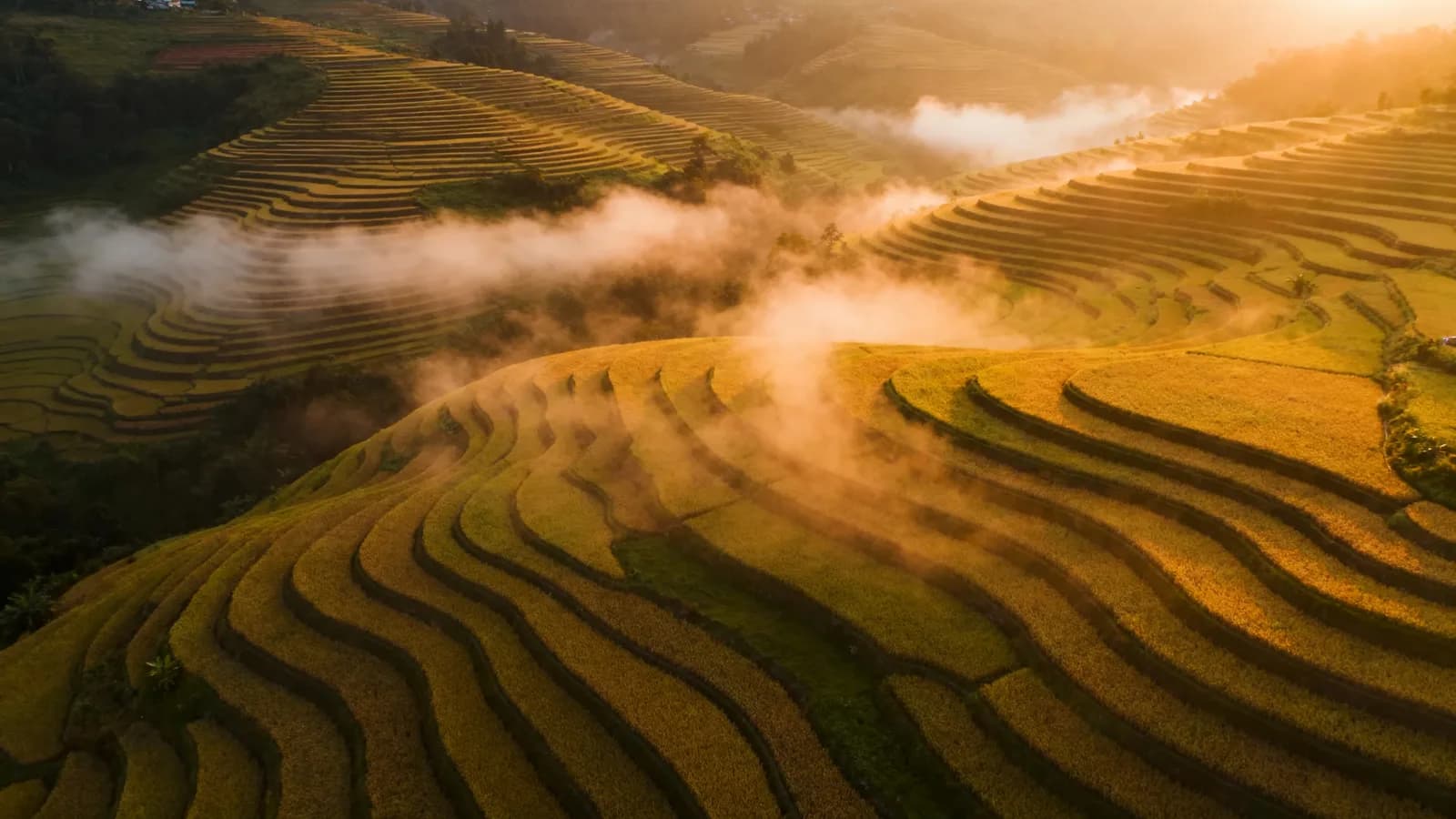
Choose Seedream 4.0 for photographic scenes and budget 4K output at one flat price; choose Seedream 4.5 or 5.0 Pro for posters and text-heavy designs.
- Quality
- 1K, 2K, 4K
- References
- 10
 ByteDance Seedream
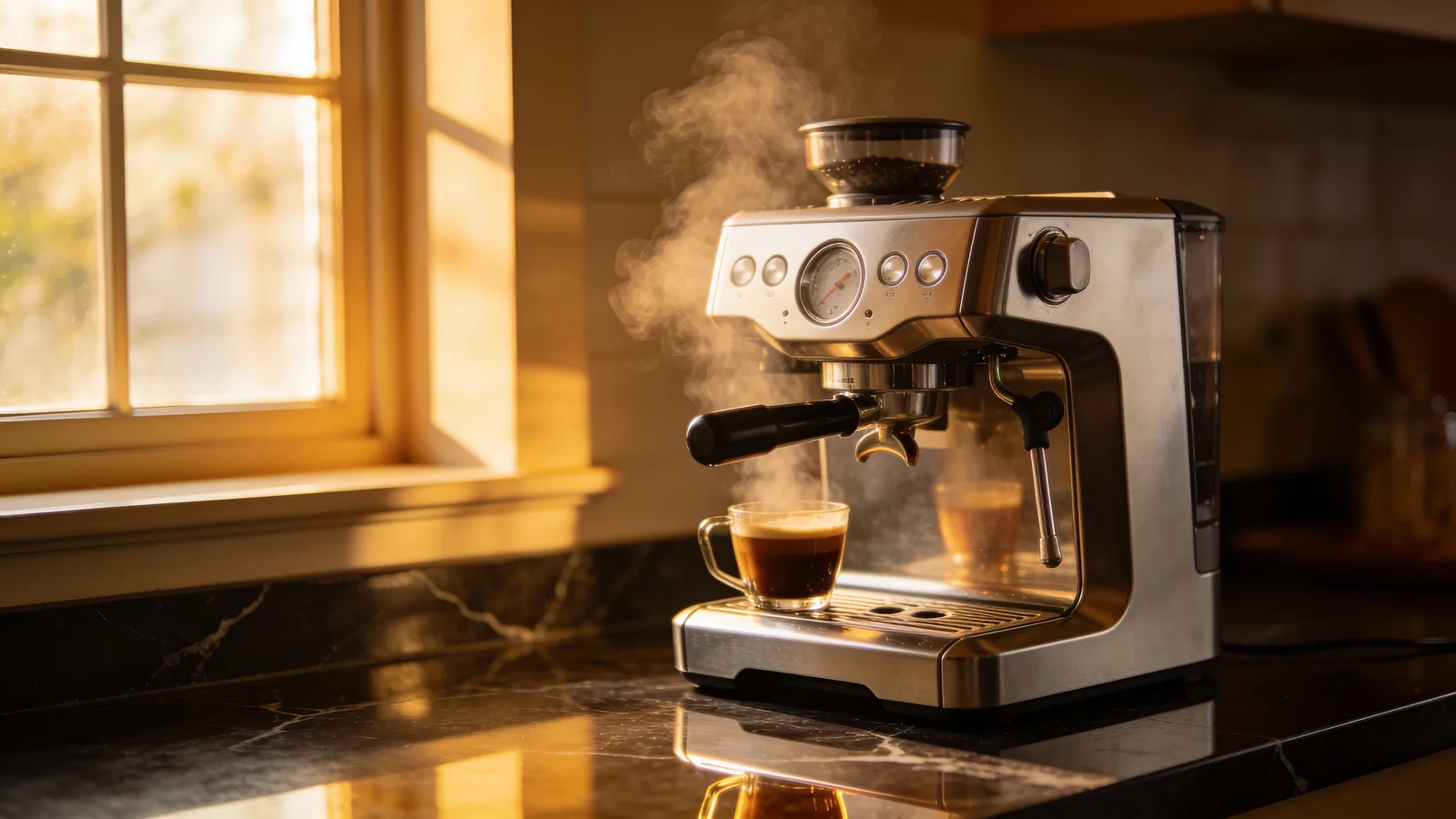
Seedream 4.5
Choose Seedream 4.5 for product posters, clean typography, and 4K product photos; choose Seedream 4.0 for budget photographic scenes or 1K drafts.
- Quality
- 2K, 4K
- References
- 10
 ByteDance Seedream
Seedream 5.0
Choose Seedream 5.0 for illustration, character sheets, and 4K artwork at the lowest Seedream price; choose Seedream 5.0 Pro for text-heavy posters.
- Quality
- 2K, 4K
- References
- 10
 ByteDance Seedream
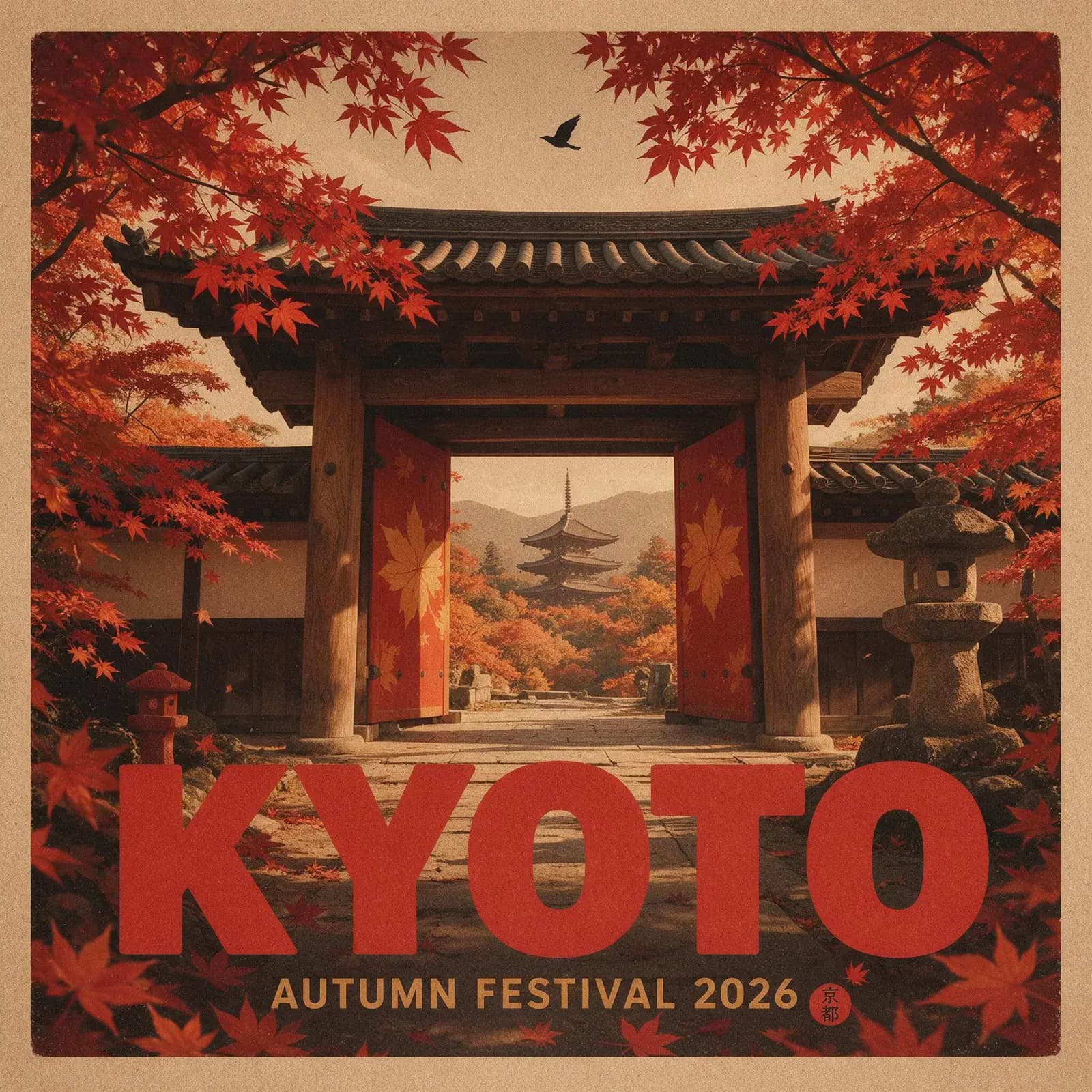
Seedream 5.0 Pro
Choose Seedream 5.0 Pro for posters and designs where the text must be exactly right; choose Seedream 4.5 or 5.0 when you need 4K or faster renders.
- Quality
- 1K, 2K
- References
- 10
 ByteDance Seedream
Seedream 5.0 Lite
Choose Seedream 5.0 Lite for natural portraits, interiors, and relighting edits at 2K; choose Seedream 5.0 or 4.5 for 4K, or Seedream 5.0 Pro for typography.
- Quality
- 2K
- References
- 10
 Alibaba Tongyi
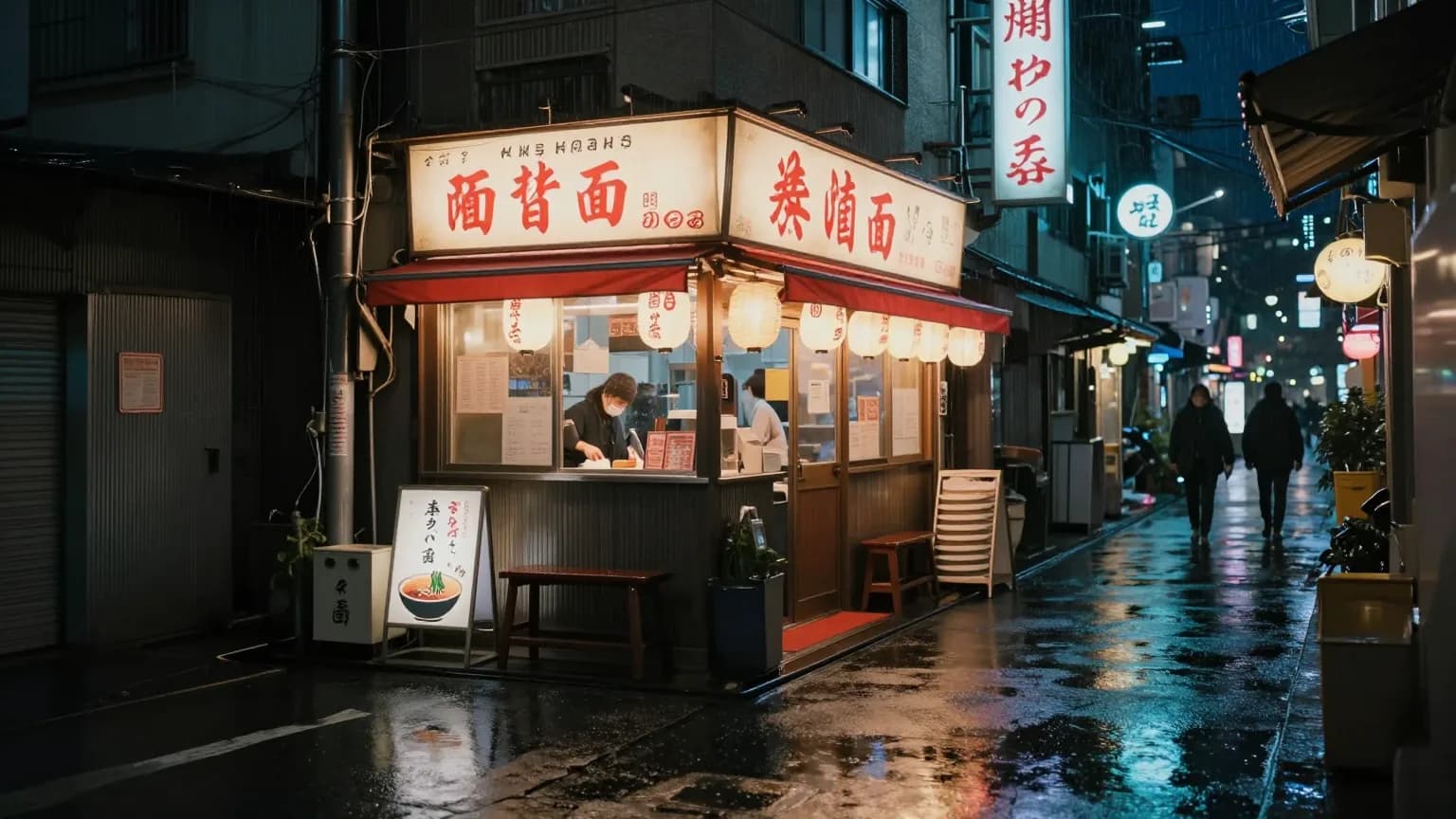
Z-Image Turbo
Choose Z-Image Turbo for low-cost photographic scenes and product shots at 1K or 2K; choose a Seedream or Nano Banana model when you need reference edits or 4K.
- Quality
- 1K, 2K
- References
- 0
Quick selection
Fast answer for model choice
- Choose GPT Image 2 when the output needs to be client-ready, when you want the broadest size controls, or when a prompt needs many reference images.
- Choose GPT Image 2 Saver for the lowest price per image on GPT Image 2 at any quality and resolution; choose standard GPT Image 2 when you need up to 16 reference images.
- Choose GPT Image 2.5 Flare for fast, high-quality everyday generation and editing once it is enabled; choose Sunburst when editing precision matters most.
- Choose GPT Image 2.5 Sunburst when editing precision matters more than speed; choose Flare for everyday generation.
- Choose Nano Banana when you need speed and a lightweight reference-image workflow more than high-resolution output.
- Choose Nano Banana 2 when you want Gemini speed, more references, and higher-resolution exports without the full Pro image model.
- Choose Nano Banana 2.1 for Gemini image generation at half the price of Nano Banana 2, especially for text-heavy layouts; choose Nano Banana 2 or Pro when you need a faster turnaround.
- Choose Nano Banana Pro for the most demanding Gemini image prompts, especially high-resolution commercial scenes, stronger text handling, and multi-reference art direction.
- Choose Nano Banana 2 Lite for the fastest 1K Gemini images, such as icons, stickers, and drafts; choose Nano Banana 2.1 for text-heavy layouts, larger sizes, or multi-image edits.
- Choose Seedream 4.0 for photographic scenes and budget 4K output at one flat price; choose Seedream 4.5 or 5.0 Pro for posters and text-heavy designs.
- Choose Seedream 4.5 for product posters, clean typography, and 4K product photos; choose Seedream 4.0 for budget photographic scenes or 1K drafts.
- Choose Seedream 5.0 for illustration, character sheets, and 4K artwork at the lowest Seedream price; choose Seedream 5.0 Pro for text-heavy posters.
- Choose Seedream 5.0 Pro for posters and designs where the text must be exactly right; choose Seedream 4.5 or 5.0 when you need 4K or faster renders.
- Choose Seedream 5.0 Lite for natural portraits, interiors, and relighting edits at 2K; choose Seedream 5.0 or 4.5 for 4K, or Seedream 5.0 Pro for typography.
- Choose Z-Image Turbo for low-cost photographic scenes and product shots at 1K or 2K; choose a Seedream or Nano Banana model when you need reference edits or 4K.