
Compare models
GPT Image 2 vs Nano Banana vs Seedream vs Z-Image
Choose by output quality, reference-image count, aspect-ratio needs, and how complex the visual reasoning is.




Direct answer
GPT Image 2
Choose GPT Image 2 when the output needs to be client-ready, when you want the broadest size controls, or when a prompt needs many reference images.
GPT Image 2 Saver
Choose GPT Image 2 Saver for the lowest price per image on GPT Image 2 at any quality and resolution; choose standard GPT Image 2 when you need up to 16 reference images.
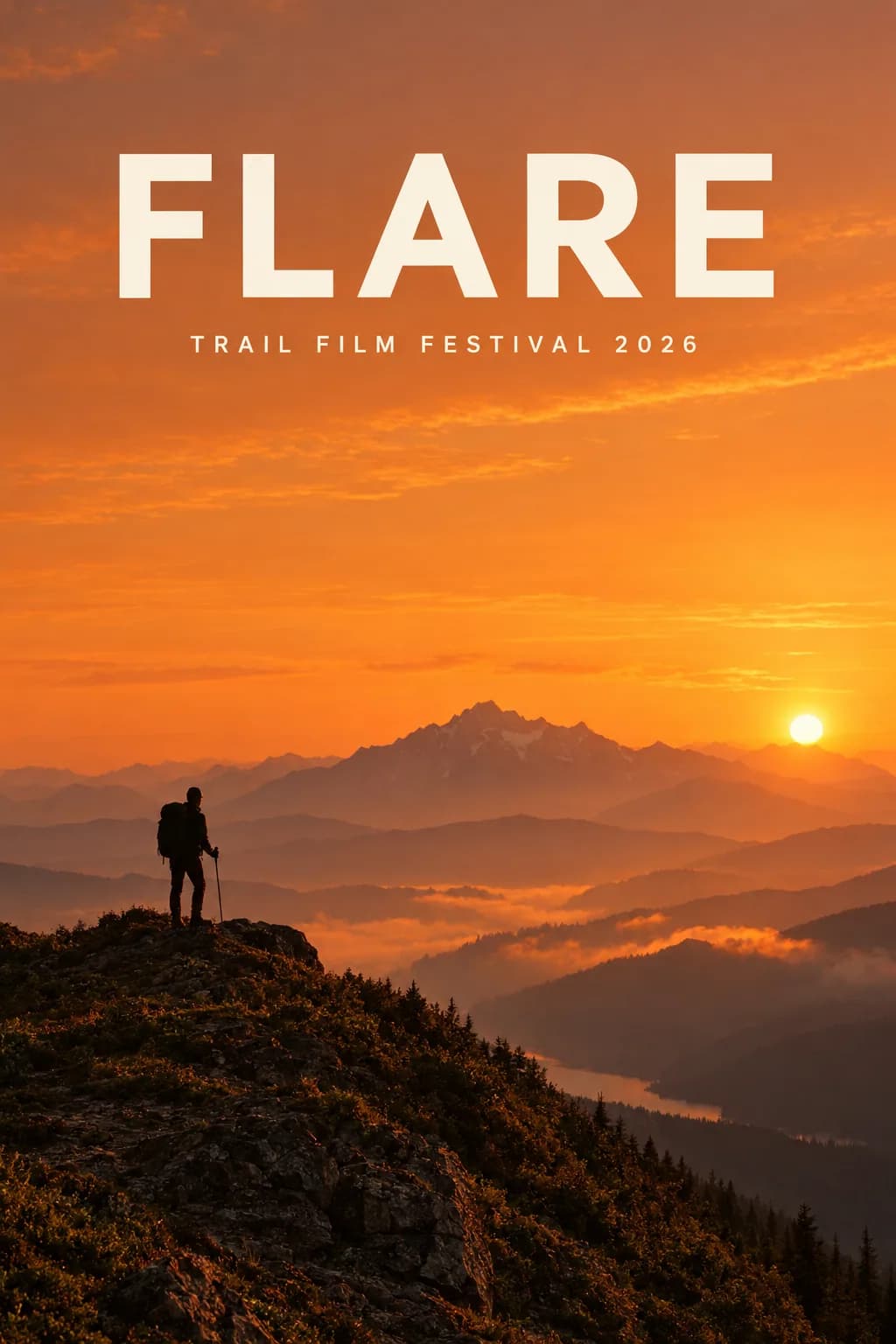
GPT Image 2.5 Flare
Choose GPT Image 2.5 Flare for fast, high-quality everyday generation and editing once it is enabled; choose Sunburst when editing precision matters most.
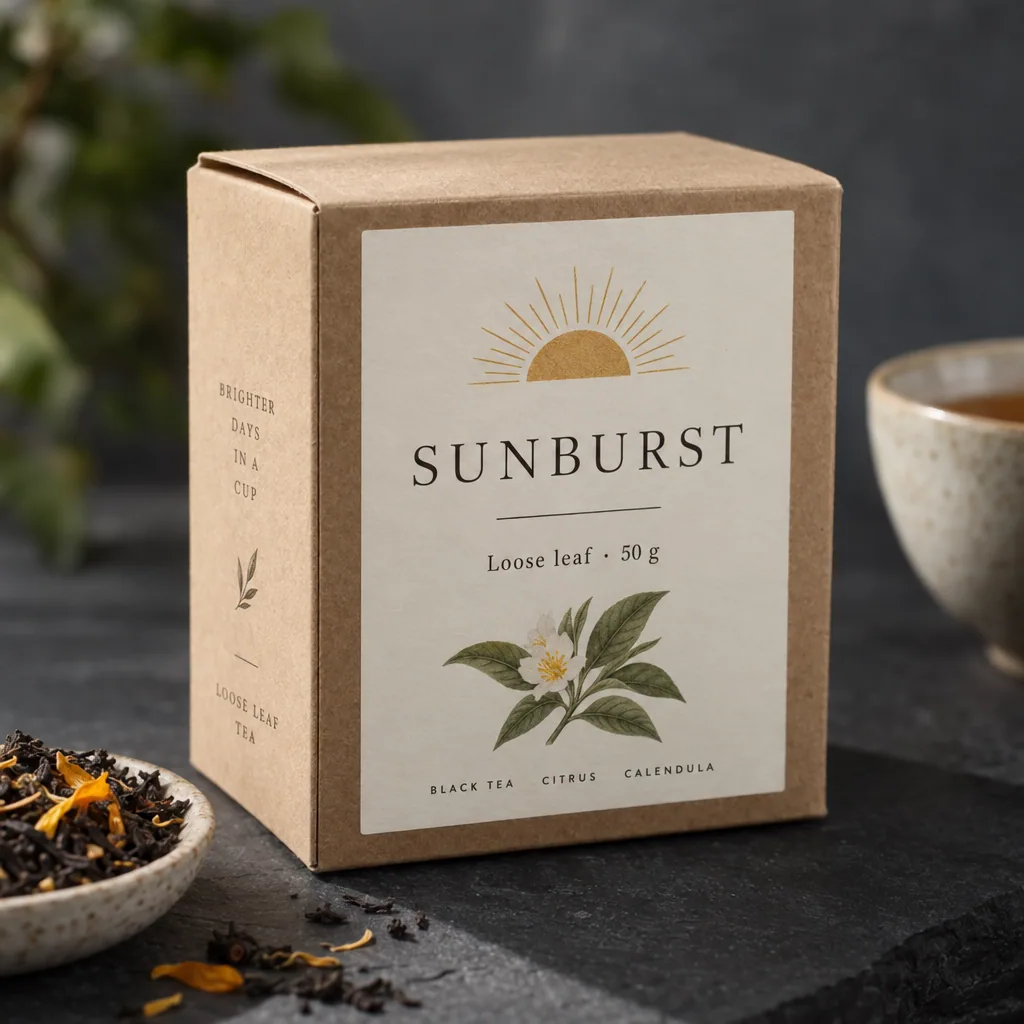
GPT Image 2.5 Sunburst
Choose GPT Image 2.5 Sunburst when editing precision matters more than speed; choose Flare for everyday generation.
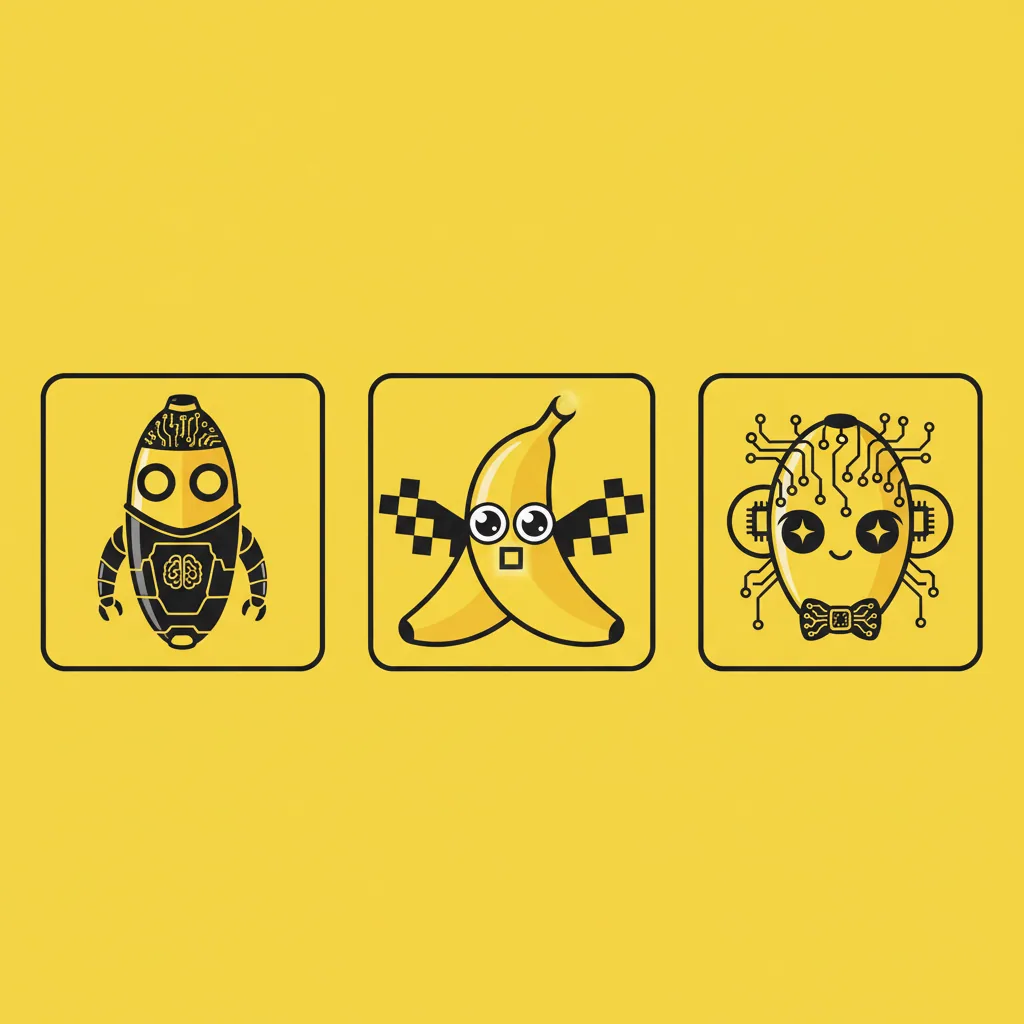
Nano Banana
Choose Nano Banana when you need speed and a lightweight reference-image workflow more than high-resolution output.
Nano Banana 2
Choose Nano Banana 2 when you want Gemini speed, more references, and higher-resolution exports without the full Pro image model.
Nano Banana 2.1
Choose Nano Banana 2.1 for Gemini image generation at half the price of Nano Banana 2, especially for text-heavy layouts; choose Nano Banana 2 or Pro when you need a faster turnaround.
Nano Banana Pro
Choose Nano Banana Pro for the most demanding Gemini image prompts, especially high-resolution commercial scenes, stronger text handling, and multi-reference art direction.
Nano Banana 2 Lite
Choose Nano Banana 2 Lite for the fastest 1K Gemini images, such as icons, stickers, and drafts; choose Nano Banana 2.1 for text-heavy layouts, larger sizes, or multi-image edits.
Seedream 4.0
Choose Seedream 4.0 for photographic scenes and budget 4K output at one flat price; choose Seedream 4.5 or 5.0 Pro for posters and text-heavy designs.
Seedream 4.5
Choose Seedream 4.5 for product posters, clean typography, and 4K product photos; choose Seedream 4.0 for budget photographic scenes or 1K drafts.
Seedream 5.0
Choose Seedream 5.0 for illustration, character sheets, and 4K artwork at the lowest Seedream price; choose Seedream 5.0 Pro for text-heavy posters.
Seedream 5.0 Pro
Choose Seedream 5.0 Pro for posters and designs where the text must be exactly right; choose Seedream 4.5 or 5.0 when you need 4K or faster renders.
Seedream 5.0 Lite
Choose Seedream 5.0 Lite for natural portraits, interiors, and relighting edits at 2K; choose Seedream 5.0 or 4.5 for 4K, or Seedream 5.0 Pro for typography.
Z-Image Turbo
Choose Z-Image Turbo for low-cost photographic scenes and product shots at 1K or 2K; choose a Seedream or Nano Banana model when you need reference edits or 4K.
Capability matrix
| Models | Provider | Quality | References | Best use |
|---|---|---|---|---|
| GPT Image 2 | gpt-image-2 | 1K, 2K, 4K | 16 | Product renders, ad concepts, campaign key visuals, thumbnails, and social creatives. |
| GPT Image 2 Saver | gpt-image-2 | 1K, 2K, 4K | 14 | High-volume drafts and prompt exploration where cost per image matters most. |
| GPT Image 2.5 Flare | gpt-image-2.5-flare | 1K, 2K, 4K | 16 | Everyday generation and editing where speed and consistent quality matter more than maximum precision. |
| GPT Image 2.5 Sunburst | gpt-image-2.5-sunburst | 1K, 2K, 4K | 16 | Masked or multi-reference edits where small details must land exactly where the prompt says. |
| Nano Banana | gemini-2.5-flash-image | 1K | 3 | Moodboard passes, visual ideation, small social concepts, and early product shot exploration. |
| Nano Banana 2 | gemini-3.1-flash-image-preview | 1K, 2K, 4K | 14 | Campaign concept sets, UI mockup imagery, creator thumbnails, and product lifestyle scenes. |
| Nano Banana 2.1 | gemini-nano-banana-2.1 | 1K, 2K, 4K | 14 | Menus, price lists, posters, and infographics where the text has to be right. |
| Nano Banana Pro | gemini-3-pro-image-preview | 1K, 2K, 4K | 14 | High-detail product scenes, editorial campaigns, ad concepts, cinematic images, and brand art direction. |
| Nano Banana 2 Lite | gemini-3.1-flash-lite-image | 1K | 3 | Icon, sticker, and emoji-style concepts. |
| Seedream 4.0 | seedream-4-0-250828 | 1K, 2K, 4K | 10 | 4K landscapes and backgrounds on a budget. |
| Seedream 4.5 | seedream-4-5-251128 | 2K, 4K | 10 | Product posters and ads with short headlines. |
| Seedream 5.0 | seedream-5.0 | 2K, 4K | 10 | Illustrations and concept art at 2K or 4K. |
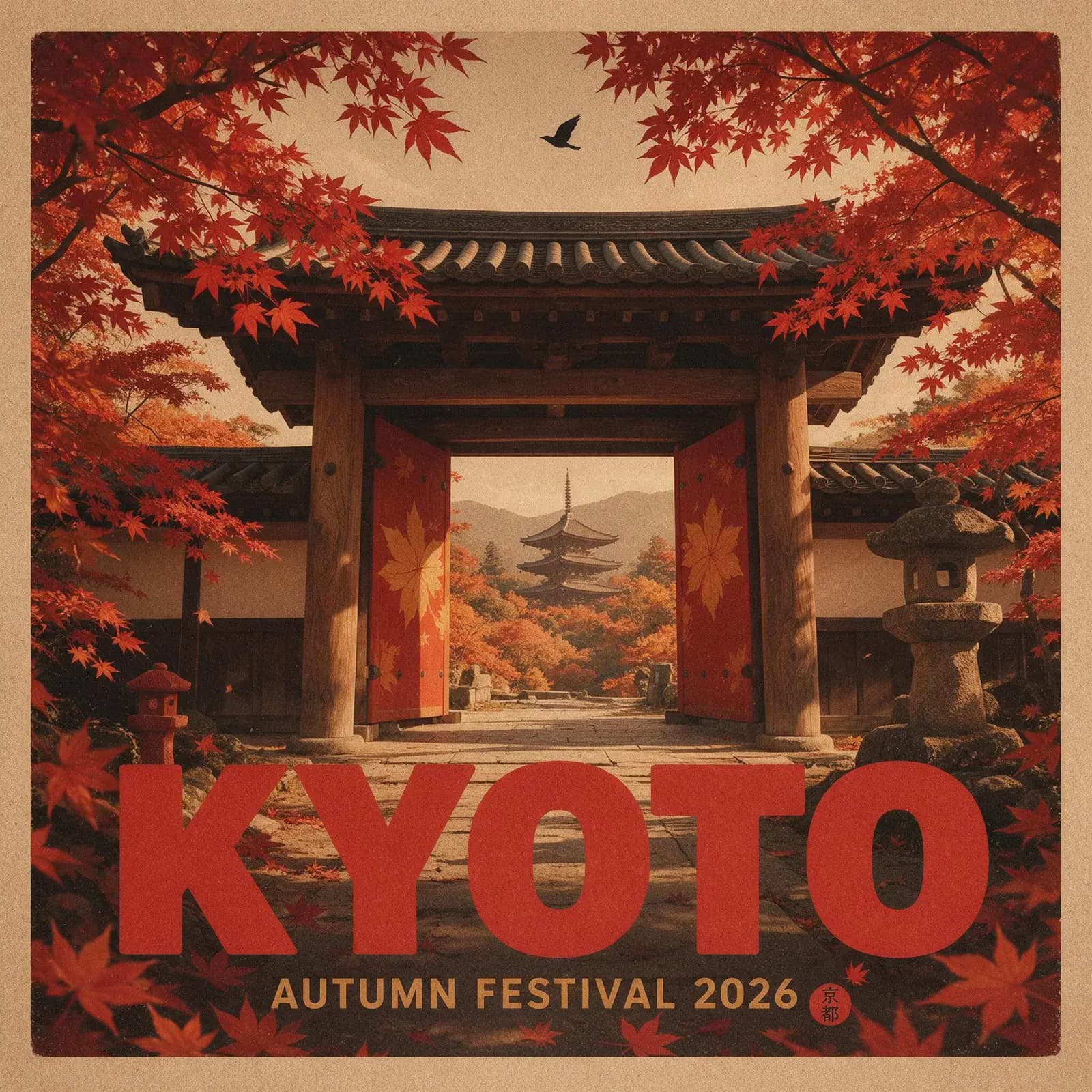
| Seedream 5.0 Pro | dola-seedream-5-0-pro-260628 | 1K, 2K | 10 | Event and travel posters with titles and dates. |
| Seedream 5.0 Lite | seedream-5-0-lite-260128 | 2K | 10 | Portraits and documentary-style photos. |
| Z-Image Turbo | z-image-turbo | 1K, 2K | 0 | Photographic scenes on a budget. |
Decision rules
- Choose GPT Image 2 when the output needs to be client-ready, when you want the broadest size controls, or when a prompt needs many reference images.
- Choose GPT Image 2 Saver for the lowest price per image on GPT Image 2 at any quality and resolution; choose standard GPT Image 2 when you need up to 16 reference images.
- Choose GPT Image 2.5 Flare for fast, high-quality everyday generation and editing once it is enabled; choose Sunburst when editing precision matters most.
- Choose GPT Image 2.5 Sunburst when editing precision matters more than speed; choose Flare for everyday generation.
- Choose Nano Banana when you need speed and a lightweight reference-image workflow more than high-resolution output.
- Choose Nano Banana 2 when you want Gemini speed, more references, and higher-resolution exports without the full Pro image model.
- Choose Nano Banana 2.1 for Gemini image generation at half the price of Nano Banana 2, especially for text-heavy layouts; choose Nano Banana 2 or Pro when you need a faster turnaround.
- Choose Nano Banana Pro for the most demanding Gemini image prompts, especially high-resolution commercial scenes, stronger text handling, and multi-reference art direction.
- Choose Nano Banana 2 Lite for the fastest 1K Gemini images, such as icons, stickers, and drafts; choose Nano Banana 2.1 for text-heavy layouts, larger sizes, or multi-image edits.
- Choose Seedream 4.0 for photographic scenes and budget 4K output at one flat price; choose Seedream 4.5 or 5.0 Pro for posters and text-heavy designs.
- Choose Seedream 4.5 for product posters, clean typography, and 4K product photos; choose Seedream 4.0 for budget photographic scenes or 1K drafts.
- Choose Seedream 5.0 for illustration, character sheets, and 4K artwork at the lowest Seedream price; choose Seedream 5.0 Pro for text-heavy posters.
- Choose Seedream 5.0 Pro for posters and designs where the text must be exactly right; choose Seedream 4.5 or 5.0 when you need 4K or faster renders.
- Choose Seedream 5.0 Lite for natural portraits, interiors, and relighting edits at 2K; choose Seedream 5.0 or 4.5 for 4K, or Seedream 5.0 Pro for typography.
- Choose Z-Image Turbo for low-cost photographic scenes and product shots at 1K or 2K; choose a Seedream or Nano Banana model when you need reference edits or 4K.
FAQ
Is GPT Image 2 the default model on GPT Image Hub?
Yes. GPT Image Hub uses GPT Image 2 as the default image model because it covers the broadest set of quality tiers, aspect ratios, and reference-image workflows in the current app configuration.
Is GPT Image 2 Saver the same model as GPT Image 2?
Yes. Both run OpenAI's gpt-image-2. Saver uses a lower-cost provider route that bills per image, which is why GPT Image Hub can charge a flat 5 credits for every quality level and resolution.
Is GPT Image 2.5 Flare available on GPT Image Hub?
Yes. GPT Image 2.5 Flare is selectable in the GPT Image Hub generator with 1K, 2K and 4K tiers and the full aspect-ratio set. Its credit cost per image is listed on the pricing page.