
Güzellik Ürünleri Ticari Pazarlama Fotoğrafı
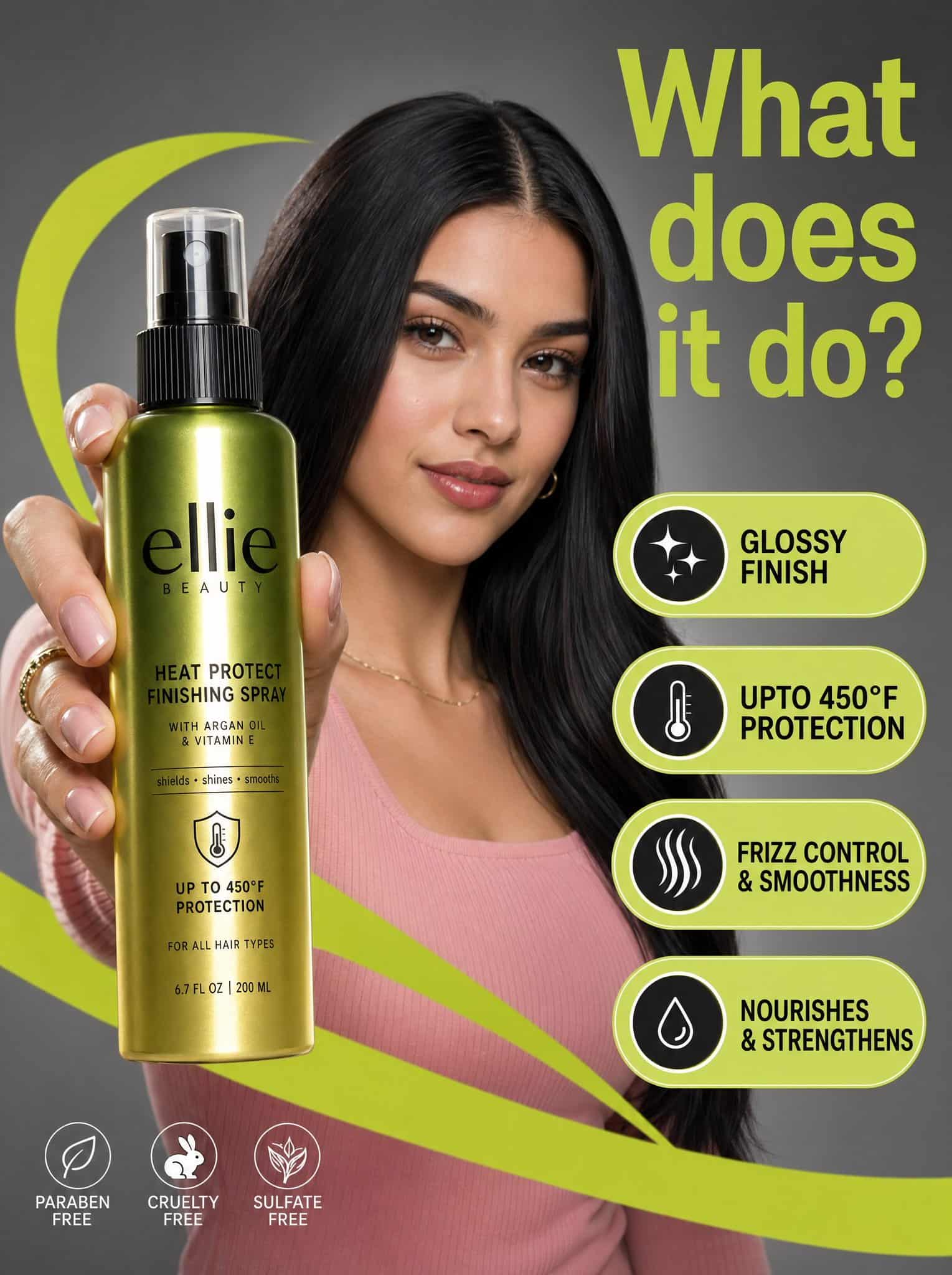
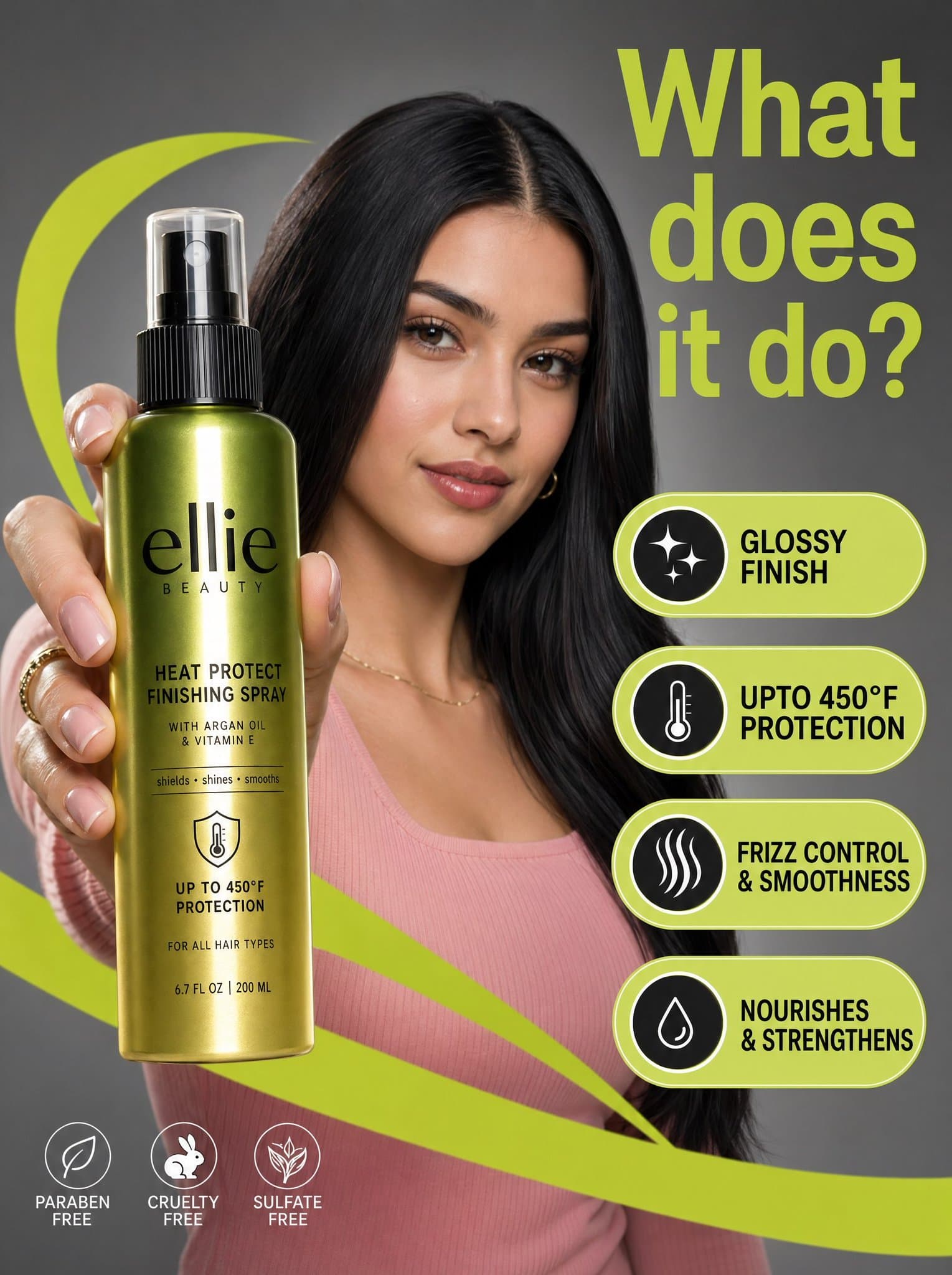
Yüksek çözünürlüklü bir ticari pazarlama fotoğrafında, nötr gri stüdyo ortamında, ön planda belirgin bir şekilde tutulan parlak Ellie Beauty sprey şişesinin arkasında ortalanmış, parlak siyah saçlı ve pembe fitilli üstl…
İstemi
Yüksek çözünürlüklü bir ticari pazarlama fotoğrafında, nötr gri stüdyo ortamında, ön planda belirgin bir şekilde tutulan parlak Ellie Beauty sprey şişesinin arkasında ortalanmış, parlak siyah saçlı ve pembe fitilli üstlü genç bir kadın yer alıyor. Kompozisyon, canlı, limon yeşili grafik "swoosh'lar" ve kalın siyah sans-serif metinle "parlak kaplama" ve "450°F'ye kadar koruma" gibi ürün özelliklerini vurgulayan yüzen hap şeklindeki belirtme çizgileriyle hareketleniyor. Aydınlatma profesyonelce dağıtılarak modelin yüzüne yumuşak vurgular yapılırken metalik yeşilden altın rengine geçişli şişe etiketi üzerinde keskin, dikey bir yansıma yaratılıyor. Sahnenin tepesinde, sağ üstte "Ne işe yarar?" diye soran büyük, limon yeşili bir başlık yer alıyor; bu başlık, ürünü ve modelin odaklanmış ifadesini keskin bir rahatlama içinde tutan sığ alan derinliğiyle birlikte temiz, modern ve yüksek kontrastlı bir estetik yaratıyor.
Bu istem nasıl kullanılır?
Oluşturmadan önce Güzellik Ürünleri Ticari Pazarlama Fotoğrafı isteminin tamamını okuyun ve konuyu, stili, kamerayı, ışıklandırmayı ve kompozisyon gereksinimlerini tanımlayın.
Parantezli veya bağımsız değişken tarzı yer tutucuları ürününüz, karakteriniz, markanız, sahneniz, renk paletiniz veya en boy oranı gereksinimlerinizle değiştirin.
https://www.gptimagehub.com/tr/generate?promptId=cmogwwell006xzpdywzi7jvuo dosyasını açın, görüntüyü oluşturun, ardından gerekirse daha spesifik konu, metin, düzen veya negatif kısıtlamalarla istemi hassaslaştırın.
Bilgi İstemi SSS
Güzellik Ürünleri Ticari Pazarlama Fotoğrafı istemi en iyi ne için kullanılır?
Bu istem, yeniden kullanılabilir bir yapı, ayrıntılı görsel yön ve tutarlı çıktı kalitesi istediğiniz uı / ux tasarımı görselleri için en iyi şekilde kullanılır.
İstemi oluşturmadan önce düzenleyebilir miyim?
Evet. Bilgi istemi metninin tamamı bu sayfada görünür; böylece oluşturmadan önce konuları, ürün adlarını, renkleri, kompozisyonu, kamera terimlerini, en boy oranını ve stil notlarını değiştirebilirsiniz.
Bu istemle hangi modeli kullanmalıyım?
Bilgi istemi meta verilerinde gösterilen modeli varsayılan başlangıç noktası olarak kullanın. Başka bir görüntü modeli aynı en boy oranını ve talimat stilini destekliyorsa istemi uyarlayabilir ve sonuçları karşılaştırabilirsiniz.