
İstemi
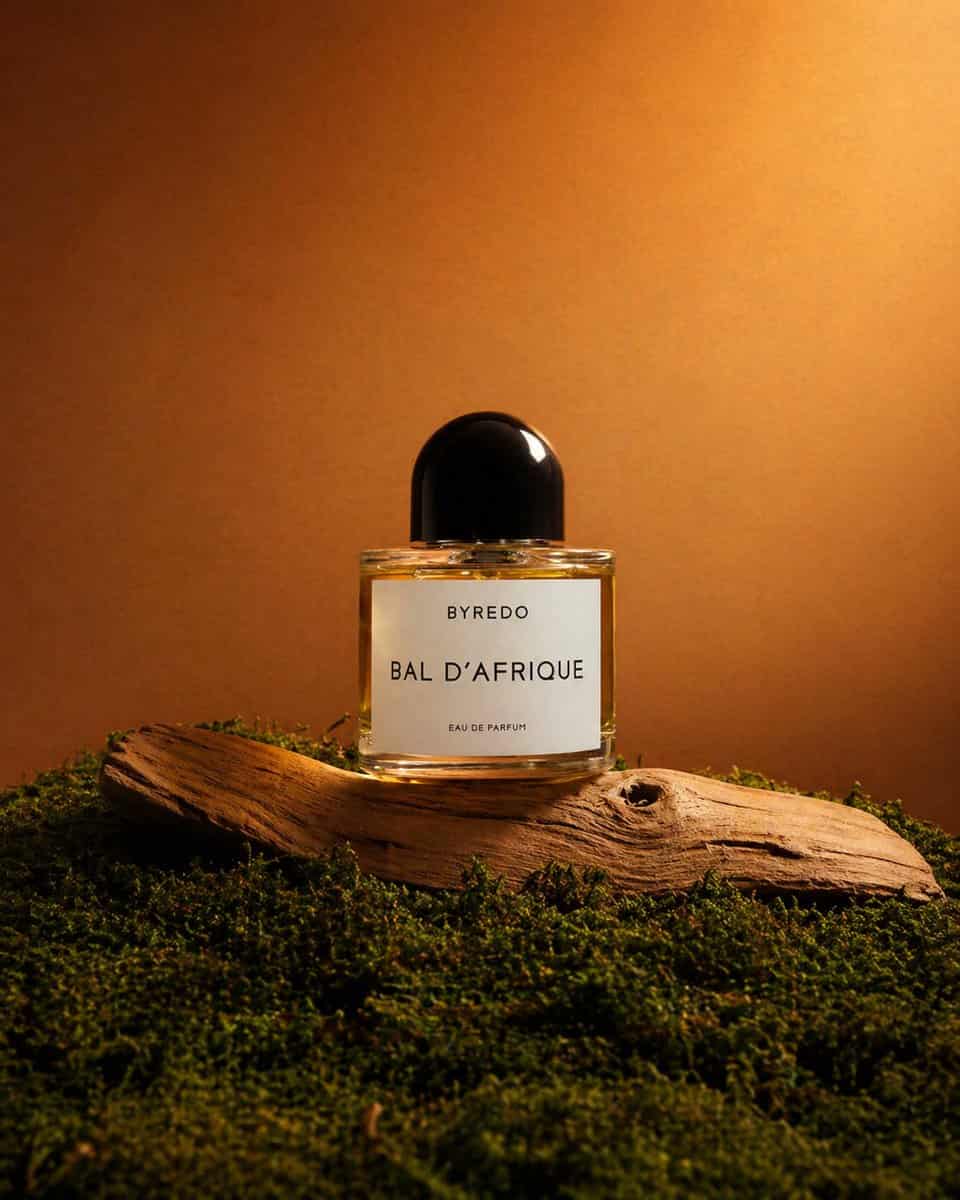
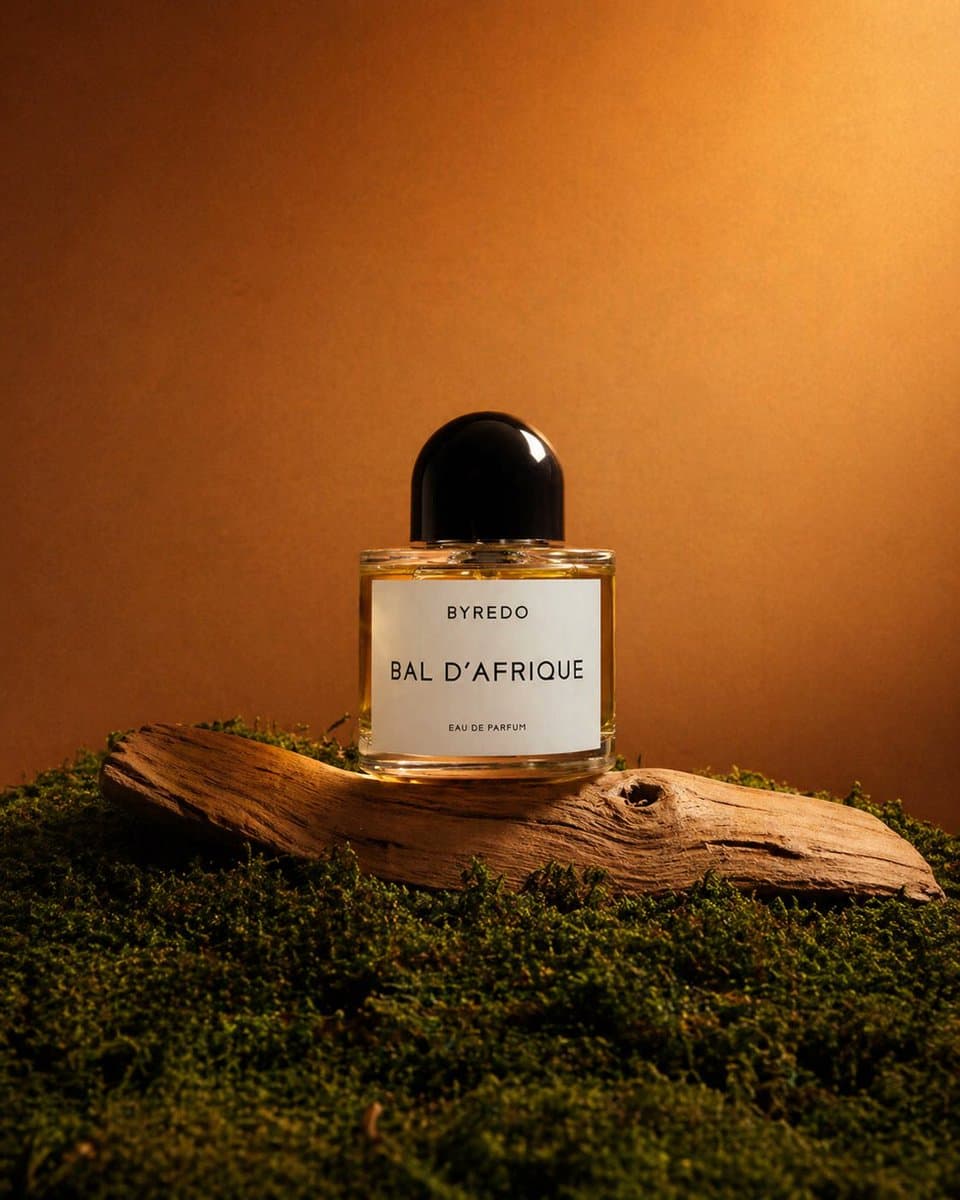
Sıcak, dünyevi bir natürmort sahnesinin ortasında yer alan, tek bir lüks parfüm şişesinin üst düzey bir editoryal ürün fotoğrafı. Ürün, altın sarısı sıvıyla doldurulmuş, parlak yuvarlak siyah kapaklı, temiz beyaz ön etikette "BYREDO", "BAL D'AFRIQUE" ve "EAU DE PARFUM" yazan şeffaf dikdörtgen bir cam şişedir. Şişeyi, ön planı ve alt çerçeveyi kaplayan 1 kat zengin yeşil yosundan oluşan yoğun bir halıyla çevrelenmiş, soluk renkli, yıpranmış dalgaların karaya attığı 1 kavisli parçanın üzerine dik olarak yerleştirin. Gün batımı ışığı gibi yumuşak bir şekilde aydınlatılan, pürüzsüz, sıcak kahverengiden kehribar rengine geçişli bir arka plana karşı izole edilen ürünle minimal bir stüdyo kompozisyonu kullanın. Sahneyi sağ üst taraftan dramatik yönlü sıcak ışıkla aydınlatın, arka planda parlak bir parıltı, kapakta canlı bir vurgu, camda yumuşak yansımalar ve ahşap ve yosun üzerinde yumuşak gölgeler yaratın. Çerçeveyi dikey tutun, şişeyi kompozisyonun biraz aşağısında ortalayın, üstte cömert bir negatif alan bırakın ve genel havayı doğal, lüks, dünyevi, sinematik ve birinci sınıf bir parfüm kampanyası çekimi gibi gösterişli tutun.
Bu istem nasıl kullanılır?
Oluşturmadan önce Editoryal Yosun Üzerine Parfüm Çekimi isteminin tamamını okuyun ve konuyu, stili, kamerayı, ışıklandırmayı ve kompozisyon gereksinimlerini tanımlayın.
Parantezli veya bağımsız değişken tarzı yer tutucuları ürününüz, karakteriniz, markanız, sahneniz, renk paletiniz veya en boy oranı gereksinimlerinizle değiştirin.
https://www.gptimagehub.com/tr/generate?promptId=cmogx55cs00f1zpdypx1vjrc7 dosyasını açın, görüntüyü oluşturun, ardından gerekirse daha spesifik konu, metin, düzen veya negatif kısıtlamalarla istemi hassaslaştırın.
Bilgi İstemi SSS
Editoryal Yosun Üzerine Parfüm Çekimi istemi en iyi ne için kullanılır?
Bu istem, yeniden kullanılabilir bir yapı, ayrıntılı görsel yön ve tutarlı çıktı kalitesi istediğiniz diğer görselleri için en iyi şekilde kullanılır.
İstemi oluşturmadan önce düzenleyebilir miyim?
Evet. Bilgi istemi metninin tamamı bu sayfada görünür; böylece oluşturmadan önce konuları, ürün adlarını, renkleri, kompozisyonu, kamera terimlerini, en boy oranını ve stil notlarını değiştirebilirsiniz.
Bu istemle hangi modeli kullanmalıyım?
Bilgi istemi meta verilerinde gösterilen modeli varsayılan başlangıç noktası olarak kullanın. Başka bir görüntü modeli aynı en boy oranını ve talimat stilini destekliyorsa istemi uyarlayabilir ve sonuçları karşılaştırabilirsiniz.