
ドリーミー アニメ サヨリ バナー
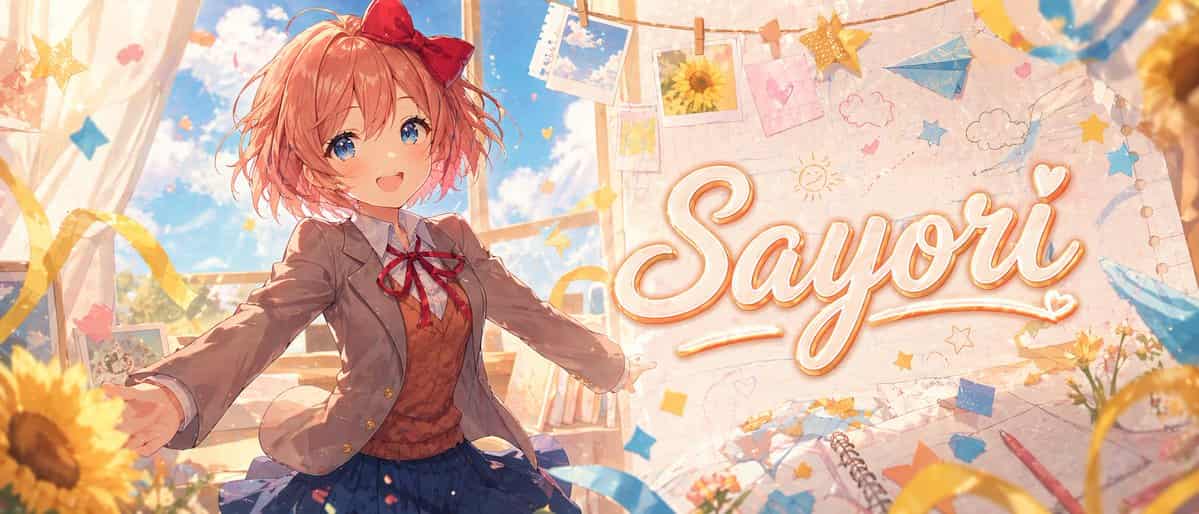
明るく夢のような教室を舞台にした「{argument name="character name" default="Sayori"}」のワイドアニメバナーイラスト。柔らかな絵画的ライティング、暖かなパステルカラー、きらめく雰囲気を備えた、洗練された高級ビジュアルノベルスタイルでレンダリングします。短くふんわりとした珊瑚ピンクの髪、乱れたボブのレイヤー、頭の右側に大きな赤いリボンを着けた、明るい10代の女子高生を表示してください。彼女は…
プロンプト
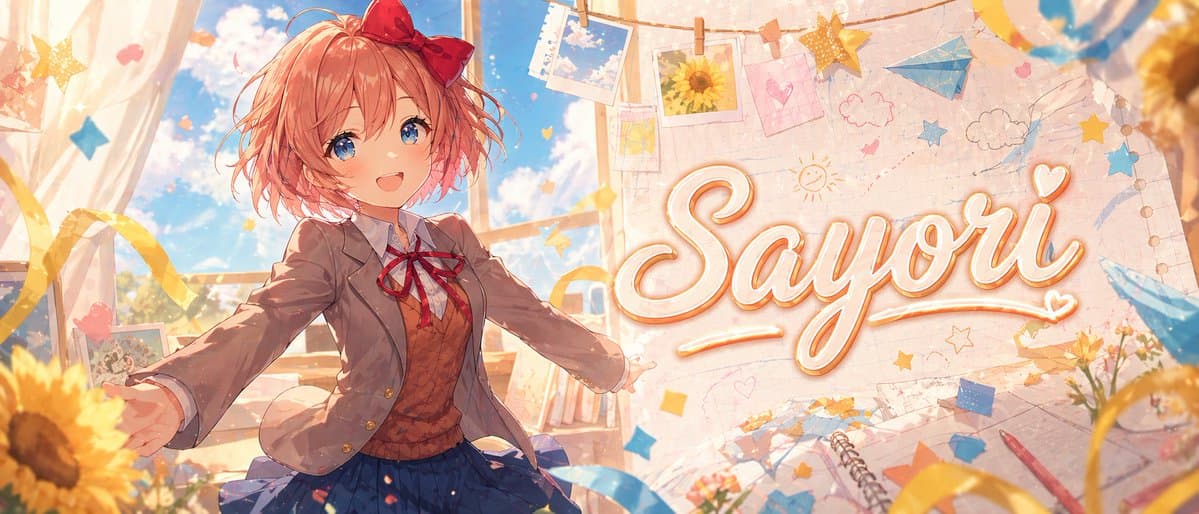
明るく夢のような教室を舞台にした「{argument name="character name" default="Sayori"}」のワイドアニメバナーイラスト。柔らかな絵画的ライティング、暖かなパステルカラー、きらめく雰囲気を備えた、洗練された高級ビジュアルノベルスタイルでレンダリングします。短くふんわりとした珊瑚ピンクの髪、乱れたボブのレイヤー、頭の右側に大きな赤いリボンを着けた、明るい10代の女子高生を表示してください。彼女は日本の学校制服を着用しています:明るい茶色のブレザー、白いシャツ、赤いリボンタイ、茶色のセーターベスト、プリーツのネイビースカート。彼女は中央のやや左に立ち、両腕を大きく広げて視聴者を歓迎するような、招き入れる喜びのポーズをとり、ダイナミックな遠近感と髪と服に優しい動きを伴います。彼女の顔は、平らな長方形の肌色検閲ブロックで意図的に隠されています。彼女の背後では、高い教室の窓から鮮やかな青空、柔らかな白い雲、暖かな日差しが差し込んでいます。画像の右半分には、「{argument name="headline text" default="Sayori"}」という大きな装飾的な手書き筆記体テキストを、柔らかなオレンジゴールドのアウトラインとグローを伴うクリーム色の白で配置し、スクラップブック風の壁の背景に統合します。シーンの周囲には、空の写真とひまわりの写真を含む紐に留められた吊るし写真プリント、雲、星、ハート、太陽の手描き落書きを配置してください。青と黄色の紙の星、リボン、舞う紙吹雪、青い紙飛行機、ノートのページ、スパイラルスケッチブック、散らばった文房具を加えます。前景と縁にひまわりを目立たせて配置し、暖かな黄金のボケと柔らかな被写界深度を加えてください。構成はエネルギッシュで、可愛らしく、ノスタルジックで、感情的に高揚させるものとし、プレミアムなアニメテーマYouTubeバナーやキャラクター追悼ヘッダーのように、超詳細、クリーン、スタイリッシュ、輝かしく、インパクト重視に仕上げてください。
このプロンプトの使用方法
生成する前に、完全な ドリーミー アニメ サヨリ バナー プロンプトを読み、主題、スタイル、カメラ、照明、構成の要件を特定してください。
括弧で囲まれたプレースホルダーまたは引数スタイルのプレースホルダーを、製品、キャラクター、ブランド、シーン、カラーパレット、またはアスペクト比の要件に置き換えます。
https://www.gptimagehub.com/ja/generate?promptId=cmogx2qdf00d5zpdyve8qyb66 を開いて画像を生成し、必要に応じてより具体的な件名、テキスト、レイアウト、または否定的な制約を使用してプロンプトを調整します。
プロンプトFAQ
ドリーミー アニメ サヨリ バナー プロンプトは何に最適ですか?
このプロンプトは、再利用可能な構造、詳細な視覚的方向性、一貫した出力品質が必要な ソーシャルメディア 画像に最適です。
生成する前にプロンプトを編集できますか?
はい。このページには完全なプロンプト テキストが表示されるため、生成前に件名、製品名、色、構成、カメラ用語、アスペクト比、スタイル メモを変更できます。
このプロンプトではどのモデルを使用すればよいですか?
プロンプトのメタデータに示されているモデルをデフォルトの開始点として使用します。別の画像モデルが同じアスペクト比と指示スタイルをサポートしている場合は、プロンプトを調整して結果を比較できます。