
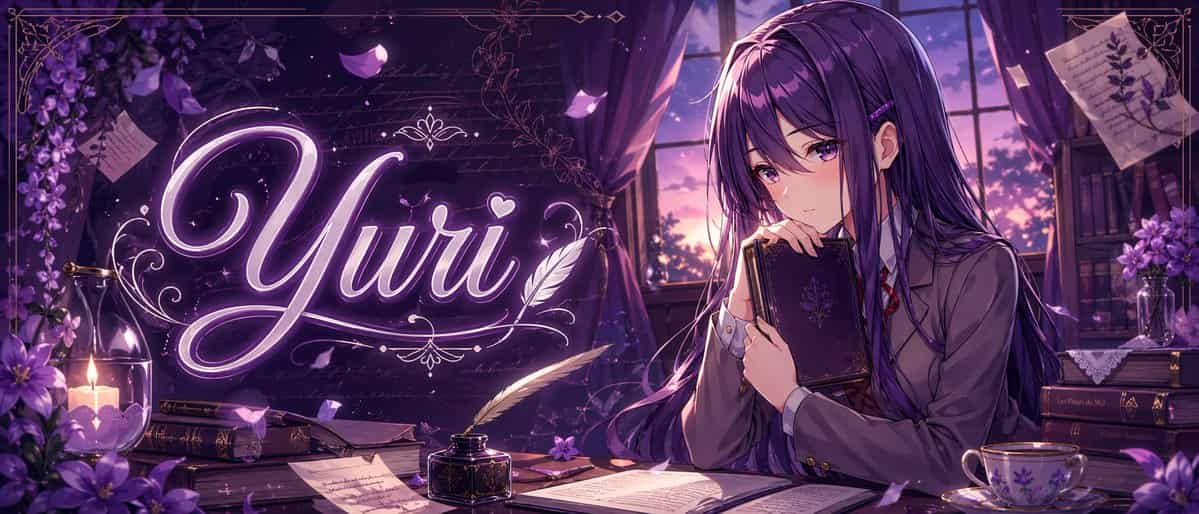
パープル系アニメ ユリ バナー
幻想的なバイオレットパレットの洗練されたアニメ風バナーイラスト。ワイドな映画的構成で、夕暮れの静かな文学的部屋を描きます。右側には、「{argument name="character name" default="Yuri"}」と名付けられた美しい10代のアニメ少女が、紫のカーテンが掛かった大きな窓の脇の木製机に座り、黒い装飾的なハードカバーの本を胸の近くに抱え、内省的で恥ずかしそうな表情で柔らかく下を見つめています。彼女は非常に長…
プロンプト
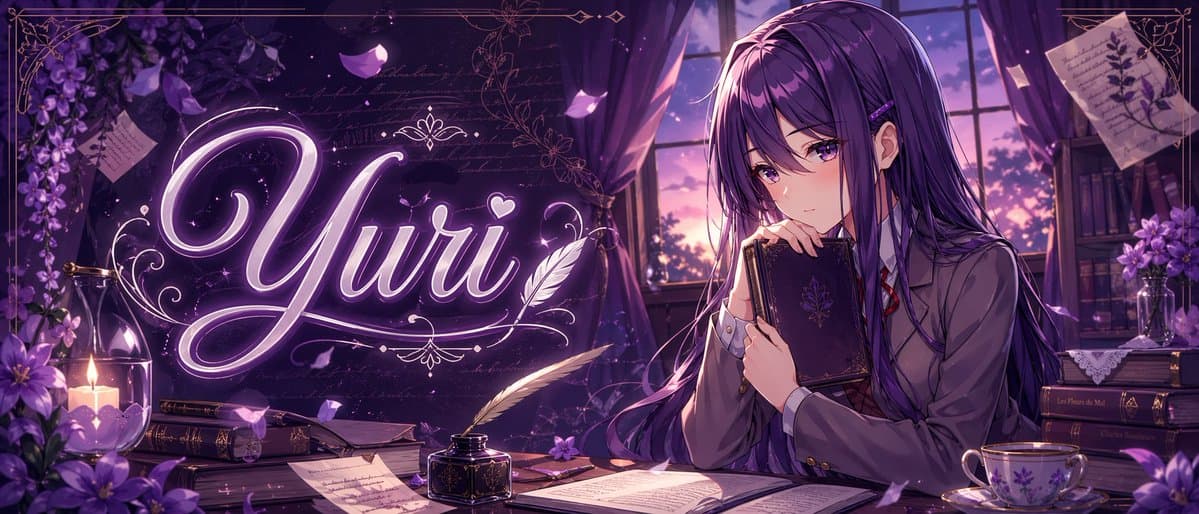
幻想的なバイオレットパレットの洗練されたアニメ風バナーイラスト。ワイドな映画的構成で、夕暮れの静かな文学的部屋を描きます。右側には、「{argument name="character name" default="Yuri"}」と名付けられた美しい10代のアニメ少女が、紫のカーテンが掛かった大きな窓の脇の木製机に座り、黒い装飾的なハードカバーの本を胸の近くに抱え、内省的で恥ずかしそうな表情で柔らかく下を見つめています。彼女は非常に長くまっすぐな「{argument name="hair color" default="deep violet"}」の髪を持ち、光沢のあるハイライト、サイドバング、小さなヘアクリップ、紫の目を備え、グレーのブレザー、白いシャツ、赤いリボンタイ、ダークなスカートの日本の学校制服を着用しています。画像の左中央全体には、輝くカリグラフィの文字「{argument name="title text" default="Yuri"}」が、優雅な飾り、小さなハート、装飾的なフィリグリーを伴う発光ネオンラベンダーのスクリプトで大きく表示され、魔法のタイポグラフィのように情景に統合されています。机には正確に8つの可視アイテムグループが置かれています:前景中央に開いた本1冊、白い羽根ペン付きの黒いインク壺1個、ろうそくの近くに閉じた本1冊、紙の下に本の山1つ、前面に手書きのページ1枚、机上に小さな紫の花1輪、右側に花柄の磁器のティーカップとソーサー1組、右端に暗い本の山1つ。背景の追加詳細として、正確に6つの装飾的な環境要素を含めます:左にガラスホルダーに灯されたろうそく1本、左前景に紫の花の房1つ、左上に紫の花の吊るされた一房、右上にピン留めされた植物学的メモ1枚、右背景に本と花のある本棚1つ、窓越しに見える夕焼け空1つ。漂う花びら、かすかな手書き文字のテクスチャ、フレーム周りの装飾的なゴールドの境界線、柔らかなボリューメトリックな窓の光、繊細なきらめき、豊かな影、ロマンチックで憂いのある雰囲気を加えてください。高度にディテールが施され、クリーンな線画、光沢のあるアニメレンダリング、プレミアムなビジュアルノベルキーアート、ニッチなアニメバナーやキャラクターテーマのサムネイルに最適です。
このプロンプトの使用方法
生成する前に、完全な パープル系アニメ ユリ バナー プロンプトを読み、主題、スタイル、カメラ、照明、構成の要件を特定してください。
括弧で囲まれたプレースホルダーまたは引数スタイルのプレースホルダーを、製品、キャラクター、ブランド、シーン、カラーパレット、またはアスペクト比の要件に置き換えます。
https://www.gptimagehub.com/ja/generate?promptId=cmogx2l4100d1zpdyh2ynzeq7 を開いて画像を生成し、必要に応じてより具体的な件名、テキスト、レイアウト、または否定的な制約を使用してプロンプトを調整します。
プロンプトFAQ
パープル系アニメ ユリ バナー プロンプトは何に最適ですか?
このプロンプトは、再利用可能な構造、詳細な視覚的方向性、一貫した出力品質が必要な ソーシャルメディア 画像に最適です。
生成する前にプロンプトを編集できますか?
はい。このページには完全なプロンプト テキストが表示されるため、生成前に件名、製品名、色、構成、カメラ用語、アスペクト比、スタイル メモを変更できます。
このプロンプトではどのモデルを使用すればよいですか?
プロンプトのメタデータに示されているモデルをデフォルトの開始点として使用します。別の画像モデルが同じアスペクト比と指示スタイルをサポートしている場合は、プロンプトを調整して結果を比較できます。