
プロンプト
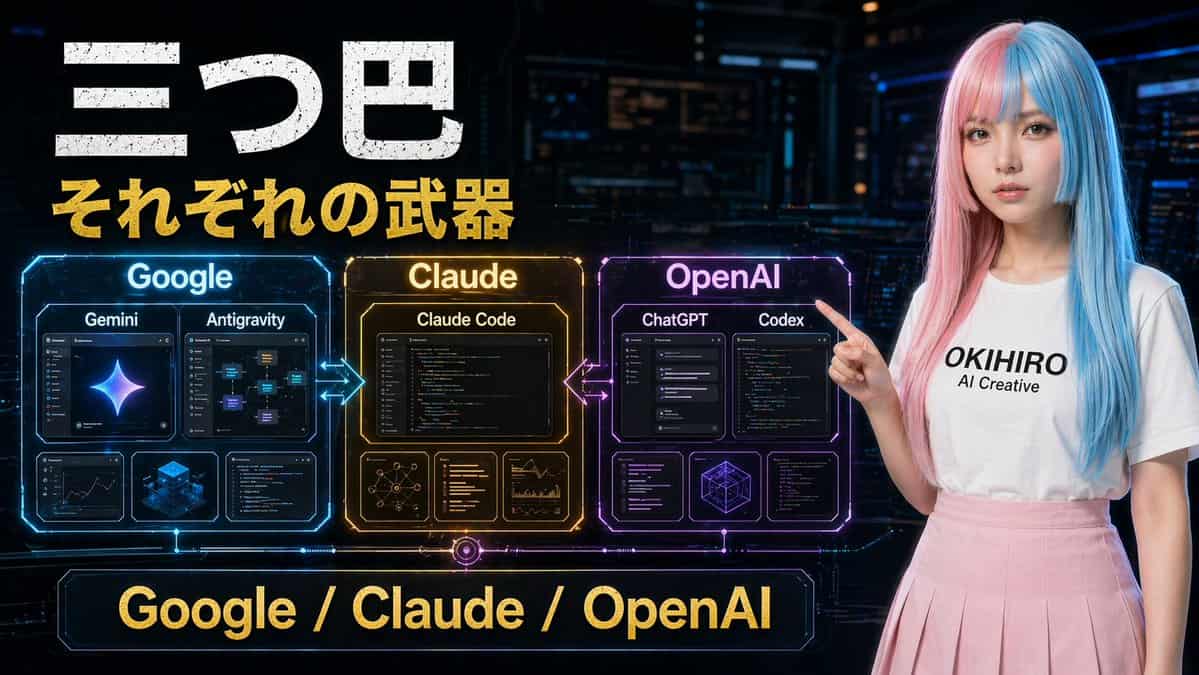
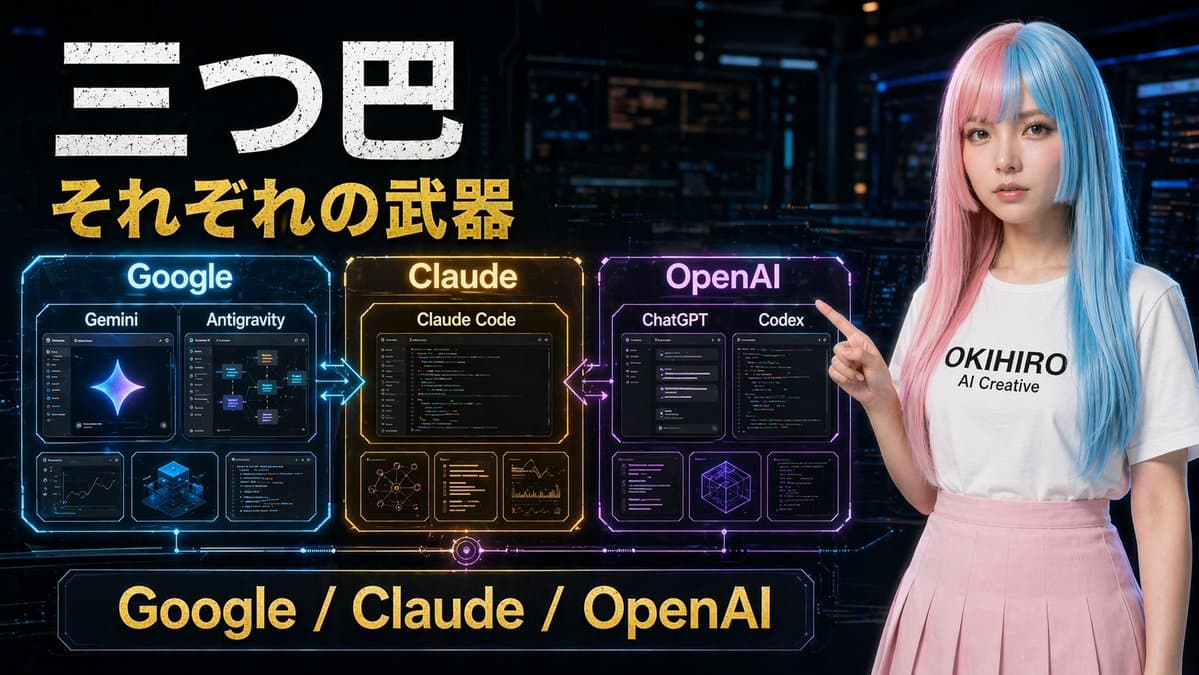
ダークなサイバーパンクのコントロールルームを舞台にした、未来的な日本のテック比較ポスター。ワイドな16:9構成。左上には、ざらついた白い大きな日本語見出しテキスト「三つ巴」、その直下に太字のゴールドサブタイトル「それぞれの武器」を配置します。中央左には、ネオンの矢印で水平に接続された3つの輝くホログラフィック比較パネルを配置します:青いパネル「Google」、琥珀ゴールドのパネル「Claude」、紫マゼンタのパネル「OpenAI」。Googleパネルには4つの内部カードが含まれます:「Gemini」「Antigravity」とラベル付けされた上部の大きめカード2枚、加えて分析/ダッシュボード風ビジュアルと青いアイソメトリック立方体グラフィックを示す下部の小さめカード2枚。Claudeパネルには4つの内部カードが含まれます:「Claude Code」とラベル付けされた上部の大きなカード1枚、加えてネットワーク図、テキスト/コードリスト、チャート分析を示す下部の小さめカード3枚。OpenAIパネルには5つの内部カードが含まれます:「ChatGPT」「Codex」とラベル付けされた上部の大きめカード2枚、加えてインターフェース/コードウィンドウと幾何学ワイヤーフレーム立方体を示す下部の小さめカード3枚。GoogleとClaudeの間、ClaudeとOpenAIの間に光る双方向矢印を加えます。下部中央には、ゴールドテキスト「Google / Claude / OpenAI」が入ったネオンフレームの大きなバナーを配置します。右側には、左のパネルを指差して立つ若い女性を含めます。淡いピンクとシアンブルーに左右で染め分けられたまっすぐなロングヘア、黒い文字で「{argument name="shirt text" default="OKIHIRO AI Creative"}」と書かれた無地の白いTシャツ、淡いピンクのプリーツスカートを着用しています。彼女の顔は滑らかな長方形のぼかしブロックで覆われています。映画的なSF照明、光沢のあるホログラムUIディテール、ハイコントラスト、鮮やかなブルー・ゴールド・パープルのアクセント、洗練されたYouTubeサムネイル風の美学を使用してください。
このプロンプトの使用方法
生成する前に、完全な サイバーパンク風AIツール比較ポスター プロンプトを読み、主題、スタイル、カメラ、照明、構成の要件を特定してください。
括弧で囲まれたプレースホルダーまたは引数スタイルのプレースホルダーを、製品、キャラクター、ブランド、シーン、カラーパレット、またはアスペクト比の要件に置き換えます。
https://www.gptimagehub.com/ja/generate?promptId=cmogx2e3q00cvzpdyefyuzj4l を開いて画像を生成し、必要に応じてより具体的な件名、テキスト、レイアウト、または否定的な制約を使用してプロンプトを調整します。
プロンプトFAQ
サイバーパンク風AIツール比較ポスター プロンプトは何に最適ですか?
このプロンプトは、再利用可能な構造、詳細な視覚的方向性、一貫した出力品質が必要な ソーシャルメディア 画像に最適です。
生成する前にプロンプトを編集できますか?
はい。このページには完全なプロンプト テキストが表示されるため、生成前に件名、製品名、色、構成、カメラ用語、アスペクト比、スタイル メモを変更できます。
このプロンプトではどのモデルを使用すればよいですか?
プロンプトのメタデータに示されているモデルをデフォルトの開始点として使用します。別の画像モデルが同じアスペクト比と指示スタイルをサポートしている場合は、プロンプトを調整して結果を比較できます。