
そばを食べるアニメの友人たち
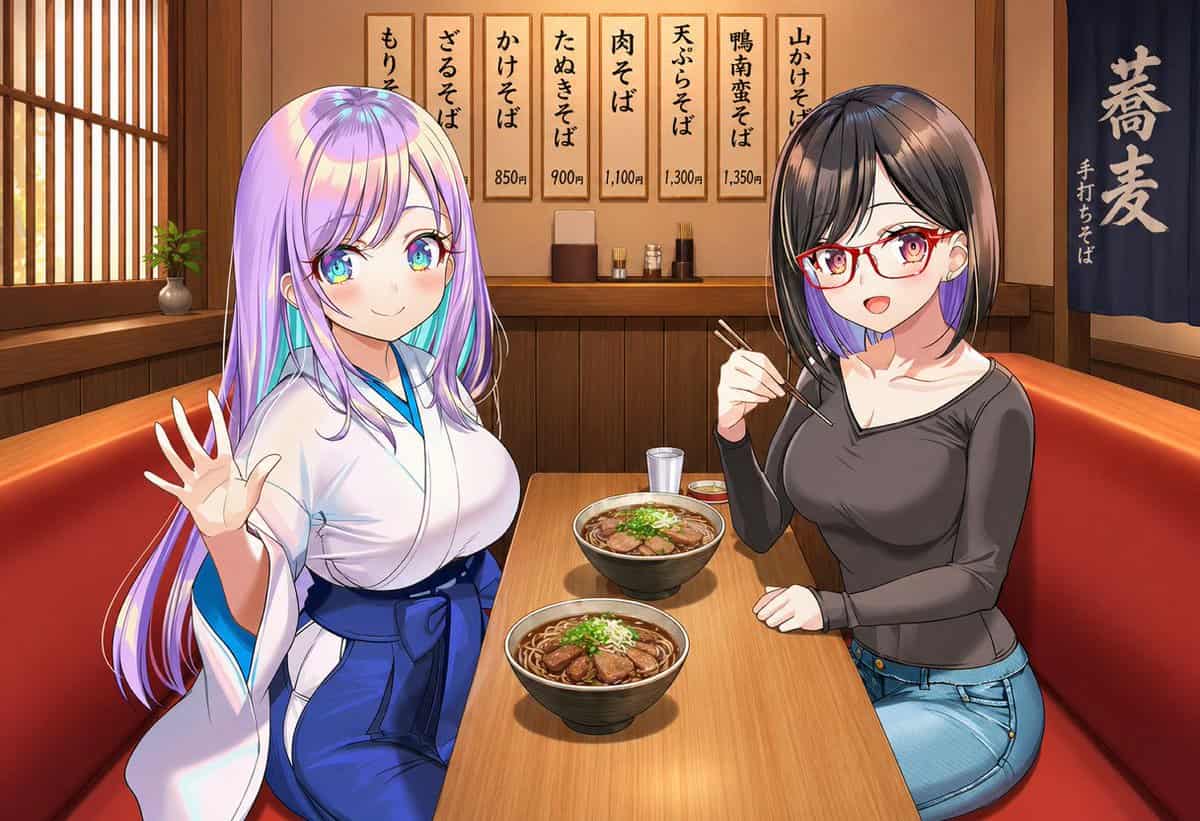
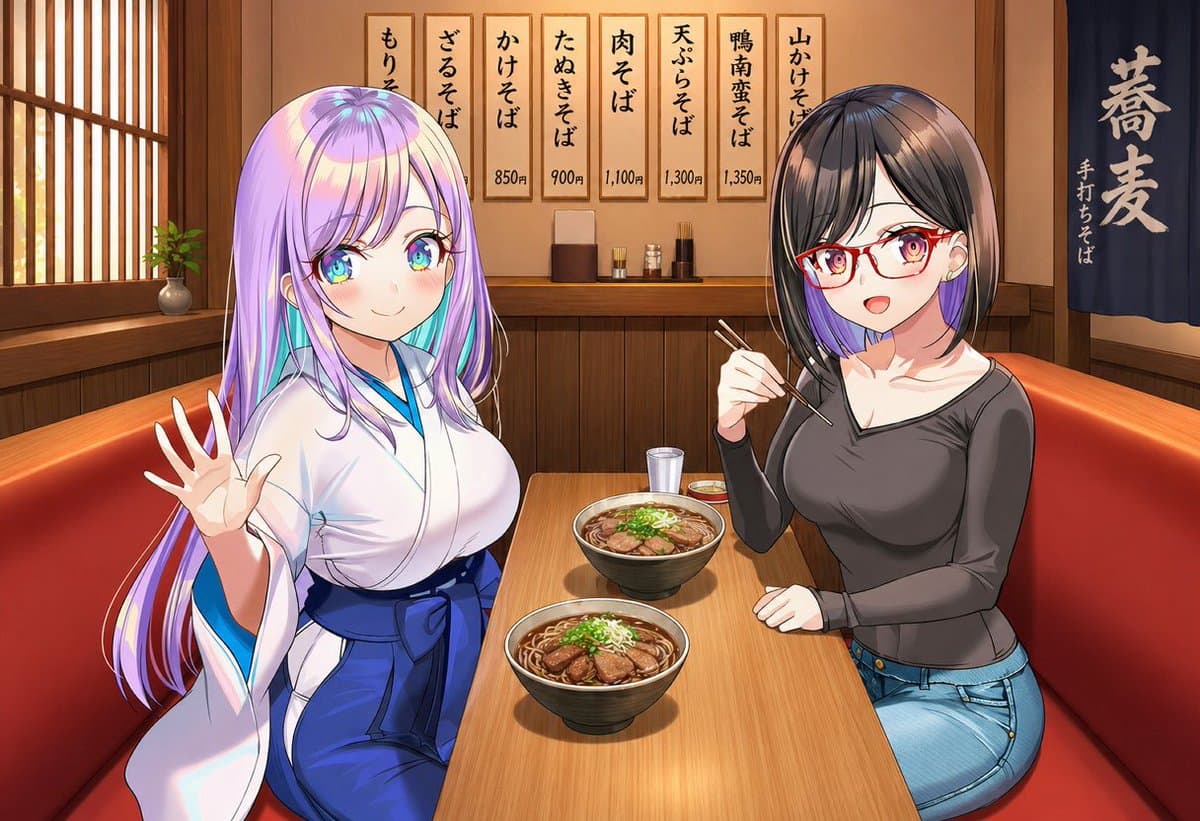
伝統的な日本のそば屋の居心地の良いアニメ調の店内を、ボックス席のテーブルの高さから眺めた構図で、長方形の木製テーブルの手前の角を挟んで2人の若い女性が座り、カジュアルな食事のスナップとして視聴者の方を向いている。左側の女性は、艶やかな髪と柔らかな前髪を持つ長くまっすぐなパステル{argument name="hair color" default="lavender with cyan highlights"}色の髪をしており、明るい…
プロンプト
伝統的な日本のそば屋の居心地の良いアニメ調の店内を、ボックス席のテーブルの高さから眺めた構図で、長方形の木製テーブルの手前の角を挟んで2人の若い女性が座り、カジュアルな食事のスナップとして視聴者の方を向いている。左側の女性は、艶やかな髪と柔らかな前髪を持つ長くまっすぐなパステル{argument name="hair color" default="lavender with cyan highlights"}色の髪をしており、明るい青の縁取りのある白い着物風のトップスと深い青の帯のような腰巻スカートを着ている。やや曲線美で、左側の赤いビニールのベンチに座り、カメラの方に少し体を向け、左手を開いて親しげに振っている。右側の女性は、毛先付近に紫のインナーカラーが見える濃いブラウンから黒のすっきりしたボブ、赤い長方形のメガネ、小さなイヤリング、フィットしたチャコールグレーの長袖スクープネックトップス、明るいブルーのジーンズを身につけている。右側の赤いビニールのベンチに座り、テーブルに少し身を乗り出し、右手で箸を持って今にも食べようとしている。テーブルには2つの大きな黒いそば鉢を、それぞれの女性の前に1つずつ置き、両方とも黒いつゆ、麺、スライスされた鴨肉、刻んだネギで満たされている。さらにテーブルの中央後方付近に透明な水のグラスを1つ、その横に小さな薬味皿を2つ追加する。レストランは、木のパネル、左側の障子風窓、窓辺の小さな鉢植え、薬味と道具がある奥のカウンター、そして右側の大きな白い日本語の文字「蕎麦」と小さな縦書きの「手打ちそば」が書かれた紺色の暖簾で、温かく懐かしい雰囲気にする。奥の壁には7枚の縦長の木製メニュー札を表示し、「もりそば」、「ざるそば」、「かけそば」、「たぬきそば」、「肉そば」、「天ぷらそば」、「鴨南蛮そば」などの日本料理名と価格を含める。クリーンで洗練されたアニメレンダリング、はっきりとした線画、柔らかな暖色照明、詳細な料理イラスト、豊かな木の質感、親しみやすい日常の外出ムードを使用する。
このプロンプトの使用方法
生成する前に、完全な そばを食べるアニメの友人たち プロンプトを読み、主題、スタイル、カメラ、照明、構成の要件を特定してください。
括弧で囲まれたプレースホルダーまたは引数スタイルのプレースホルダーを、製品、キャラクター、ブランド、シーン、カラーパレット、またはアスペクト比の要件に置き換えます。
https://www.gptimagehub.com/ja/generate?promptId=cmogx07za00b9zpdywzwmalx1 を開いて画像を生成し、必要に応じてより具体的な件名、テキスト、レイアウト、または否定的な制約を使用してプロンプトを調整します。
プロンプトFAQ
そばを食べるアニメの友人たち プロンプトは何に最適ですか?
このプロンプトは、再利用可能な構造、詳細な視覚的方向性、一貫した出力品質が必要な ソーシャルメディア 画像に最適です。
生成する前にプロンプトを編集できますか?
はい。このページには完全なプロンプト テキストが表示されるため、生成前に件名、製品名、色、構成、カメラ用語、アスペクト比、スタイル メモを変更できます。
このプロンプトではどのモデルを使用すればよいですか?
プロンプトのメタデータに示されているモデルをデフォルトの開始点として使用します。別の画像モデルが同じアスペクト比と指示スタイルをサポートしている場合は、プロンプトを調整して結果を比較できます。