
プロンプト
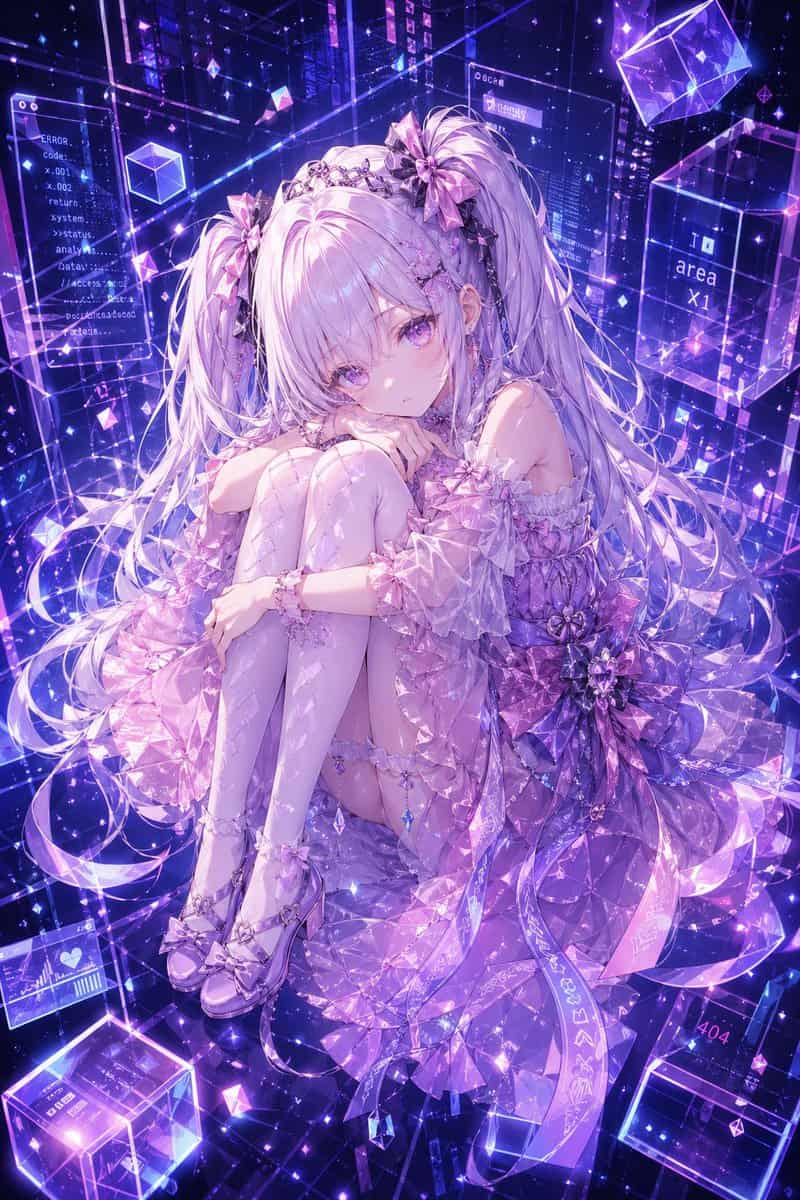
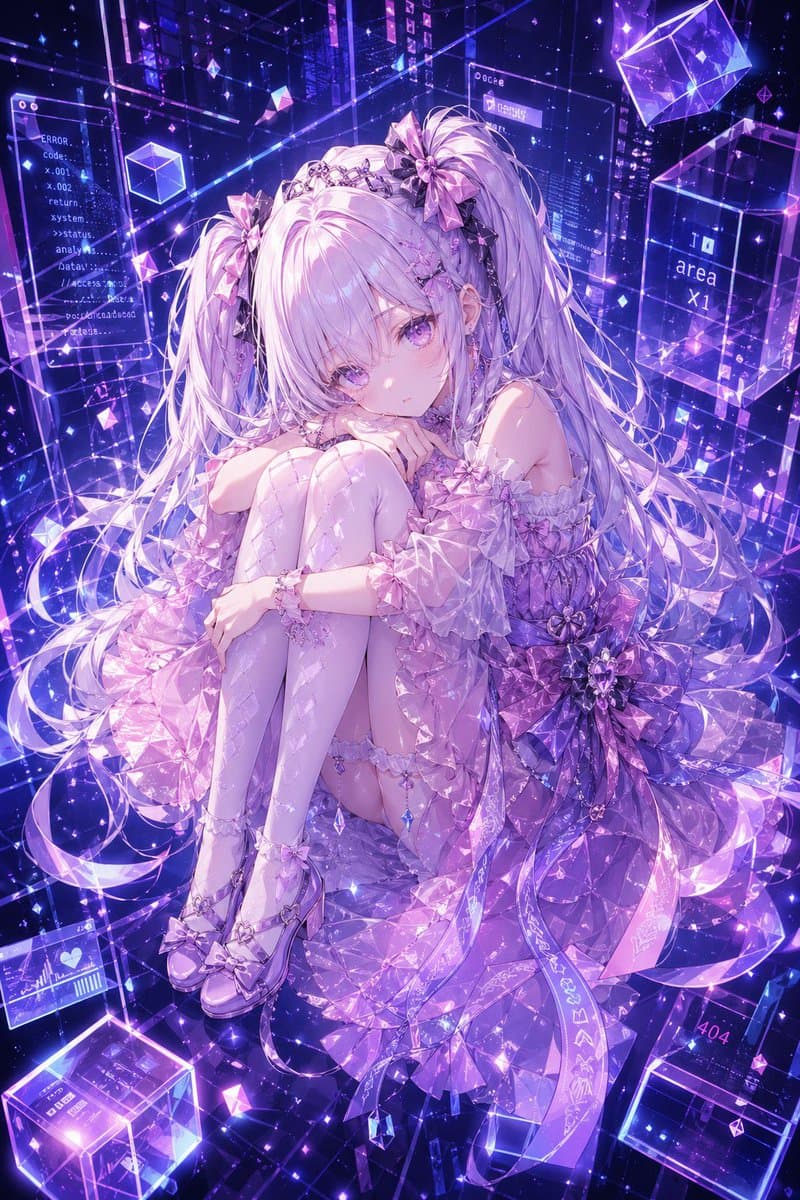
{argument name="character name" default="Hermes"}の高精細なアニメ風全身キャラクターポートレート。膝を胸に抱え込んで丸まって座り、穏やかでわずかに憂いを帯びた表情で柔らかく観る者を見つめる、繊細で未来的な少女。極めて長い{argument name="hair color" default="silver-lilac"}のツインテールに柔らかな前髪、艶やかなラベンダー色の瞳、磁器のような肌、そして3つの大きなリボンのちょうう結びと宝石をあしらったティアラのようなヘッドピースを含む豪華なクリスタルのヘアアクセサリーを身につけている。彼女の衣装は、{argument name="outfit color" default="pink, lavender, and violet"}の精巧な半透明アイドルテックドレスで、オフショルダーのパフスリーブ、重ねられたフリル、宝石カットのような生地、ウエストの巨大な花柄リボン、揺れるクリスタルチャーム、ガーターディテール、柄入りのサイハイストッキング、艶やかなリボンヒールを備えている。{argument name="background palette" default="neon violet and electric blue"}の輝くサイバードリームスケープで彼女を囲む:透明なホログラフィックパネル、浮遊するガラスキューブ、煌めく粒子、幾何学的なプリズム、輝くワイヤーフレームライン、空間に浮かぶデジタルUIウィンドウ。背景に散らばる5つの判読可能なインターフェーステキスト要素を配置:「ERROR.」「Code-」「return」「area x1」「404」。全体を、幻想的なファンタジーとサイバースペースの美学を融合させた豪華なAIアバター参考イラストのように仕上げ、結晶のような光の屈折、ドラマチックな輝き、高精細、緻密なレースと宝石の質感、洗練されたプレミアムなgpt-image-2アニメレンダリングを表現する。
このプロンプトの使用方法
生成する前に、完全な サイバークリスタル・アニメ少女のポートレート プロンプトを読み、主題、スタイル、カメラ、照明、構成の要件を特定してください。
括弧で囲まれたプレースホルダーまたは引数スタイルのプレースホルダーを、製品、キャラクター、ブランド、シーン、カラーパレット、またはアスペクト比の要件に置き換えます。
https://www.gptimagehub.com/ja/generate?promptId=cmogwyyb000a9zpdygs6eu4ef を開いて画像を生成し、必要に応じてより具体的な件名、テキスト、レイアウト、または否定的な制約を使用してプロンプトを調整します。
プロンプトFAQ
サイバークリスタル・アニメ少女のポートレート プロンプトは何に最適ですか?
このプロンプトは、再利用可能な構造、詳細な視覚的方向性、一貫した出力品質が必要な アニメ / マンガ 画像に最適です。
生成する前にプロンプトを編集できますか?
はい。このページには完全なプロンプト テキストが表示されるため、生成前に件名、製品名、色、構成、カメラ用語、アスペクト比、スタイル メモを変更できます。
このプロンプトではどのモデルを使用すればよいですか?
プロンプトのメタデータに示されているモデルをデフォルトの開始点として使用します。別の画像モデルが同じアスペクト比と指示スタイルをサポートしている場合は、プロンプトを調整して結果を比較できます。