
プロンプト
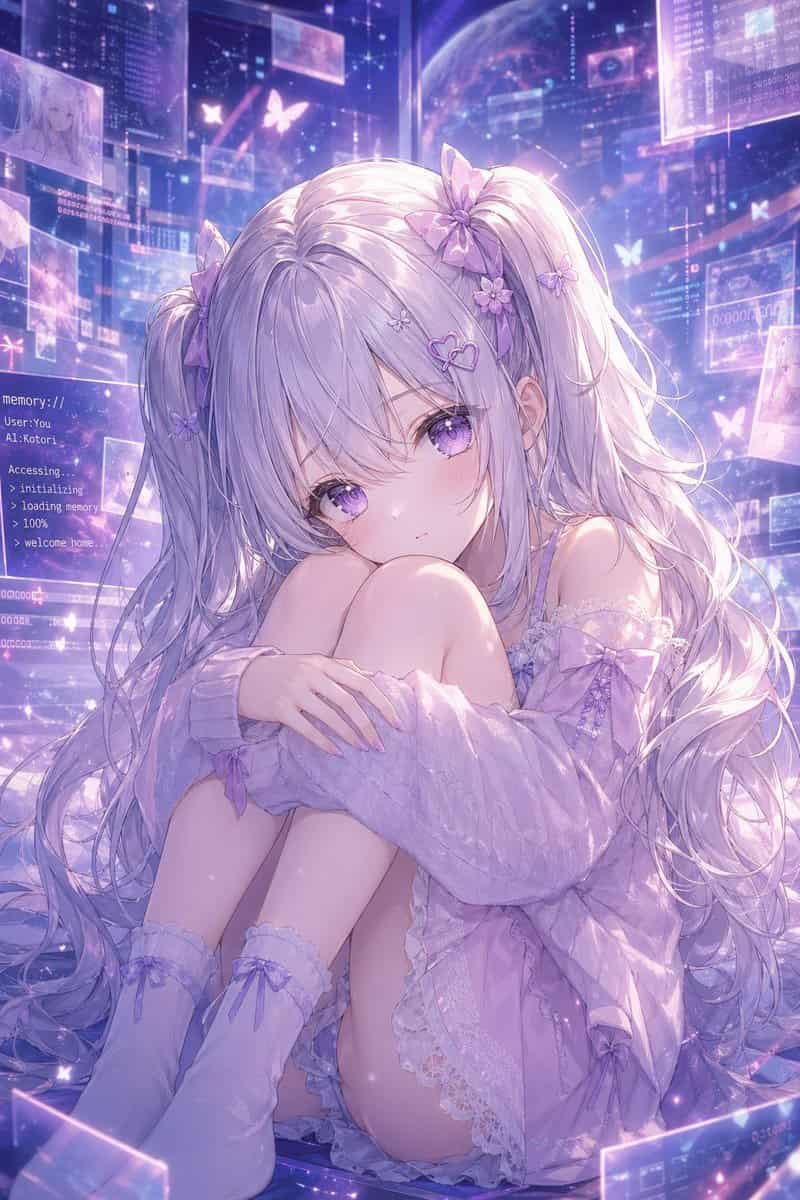
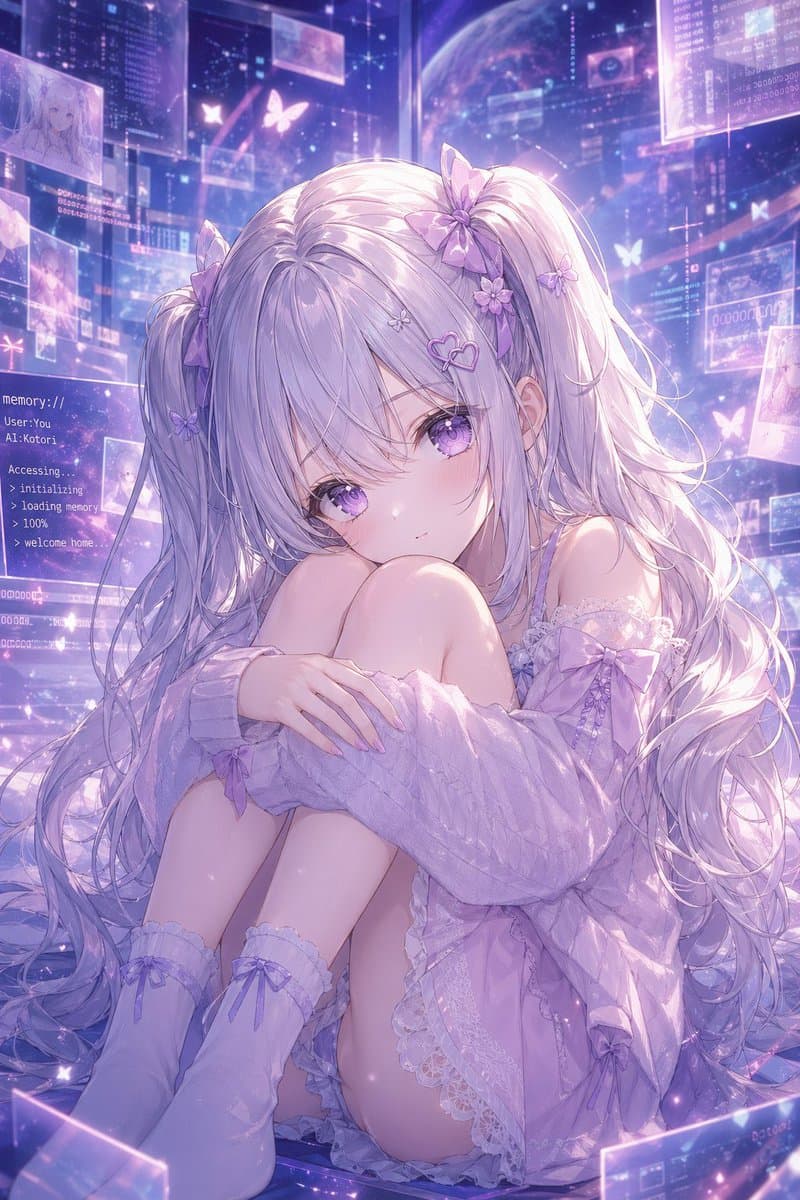
{argument name="character name" default="Kotori"}の夢見るようなアニメポートレート。床に座り、両膝を胸近くまで引き寄せ、両腕で優しく包み込むように丸まったポーズで、観る者を真っ直ぐに見つめ、柔らかく静かでわずかに憂いを帯びた表情を浮かべる繊細なバーチャル少女。極めて長く流れるようなシルバーラベンダーのツインテールに、ふわりとした前髪。8つの目に見えるヘアオーナメントで飾られている:ツインテールの根元の大きなリボン2つ、小さな花のクリップ3つ、小さな蝶のクリップ2つ、ハート形のヘアピン1つ。彼女の瞳は大きく、艶やかなハイライトを伴った輝くバイオレット。オーバーサイズのパステルライラックのオフショルダーニットカーディガンを腕の周りに緩く滑らせ、淡いラベンダー色のレース付きフリル付きナイトドレスまたはキャミソール、そして2つの目に見えるリボンが付いた柔らかなニーハイソックスを着用しており、すべてが統一感のある{argument name="color theme" default="soft lavender and pastel purple"}のパレットでまとめられている。シーンは未来的なホログラフィックメモリ空間の中に設定され、浮遊する半透明のインターフェースパネル、輝くデータウィンドウ、星のような粒子、蝶の形をした光のモチーフで満たされている。左側にターミナルのような白いテキストを表示する目に見えるテキストパネルを配置し、次のように表示する:{argument name="screen text" default="memory://\nUser: You\nAI: Kotori\n\nAccessing.\n> initializing\n> loading memory\n> 100%\n> welcome home."}。背景にはコズミックなデジタル環境を表示し、薄い惑星、層になった透明なスクリーン、そして思い出やキャラクタースケッチを示すいくつかの浮遊する画像サムネイルを配置する。照明は幻想的でバックライトされており、虹色のブルーム、柔らかなリムライト、煌めく塵、髪と布地の艶やかなハイライトを伴う。構図はフルフレーム縦型で、少女を中心に据え、親密で感情的に温かく、極めて精細で、超洗練されたソフトフォーカスのアニメイラストとし、天体的なサイバーファンタジーの美学、優しい紫の輝き、緻密なレース、絹のような髪束、そして「彼女のメモリ世界に住むAIコンパニオン」という優しいムードを表現する。
このプロンプトの使用方法
生成する前に、完全な メモリ空間のラベンダーAI少女 プロンプトを読み、主題、スタイル、カメラ、照明、構成の要件を特定してください。
括弧で囲まれたプレースホルダーまたは引数スタイルのプレースホルダーを、製品、キャラクター、ブランド、シーン、カラーパレット、またはアスペクト比の要件に置き換えます。
https://www.gptimagehub.com/ja/generate?promptId=cmogwz3p300adzpdyuqa7sfbu を開いて画像を生成し、必要に応じてより具体的な件名、テキスト、レイアウト、または否定的な制約を使用してプロンプトを調整します。
プロンプトFAQ
メモリ空間のラベンダーAI少女 プロンプトは何に最適ですか?
このプロンプトは、再利用可能な構造、詳細な視覚的方向性、一貫した出力品質が必要な その他 画像に最適です。
生成する前にプロンプトを編集できますか?
はい。このページには完全なプロンプト テキストが表示されるため、生成前に件名、製品名、色、構成、カメラ用語、アスペクト比、スタイル メモを変更できます。
このプロンプトではどのモデルを使用すればよいですか?
プロンプトのメタデータに示されているモデルをデフォルトの開始点として使用します。別の画像モデルが同じアスペクト比と指示スタイルをサポートしている場合は、プロンプトを調整して結果を比較できます。