ChatGPT sticker prompts: sticker sheets, chibi and die-cut
Stickers are one of the easiest things to make with an AI image model: one character or object, a thick white outline and a plain background. These sticker prompts come from GPT Image Hub's library, each with the image it made, from a doodle sticker sheet to chibi stickers of yourself and a sticker pack from a photo of your cat. They work in ChatGPT, in Gemini and in our generator.
The short answer
A good ChatGPT sticker prompt names the subject, the sticker type (one die-cut sticker, a sheet of several, or an emoji-style set with captions), a thick white die-cut border, the art style, a plain white or solid-color background, and any words in quotes. For a transparent sticker, generate it on plain white and remove the background afterwards; asking the model for a transparent background often gets you a drawn checkerboard instead.
The sticker prompt formula
| Part | What to write | Example |
|---|---|---|
| Subject | The character or object, with two or three details | A cheerful cactus in a terracotta pot with a red flower |
| Sticker type | One sticker, a sheet of N, or a set with captions | A sheet of 12 stickers in a clean grid, each with a short caption |
| Outline | The die-cut border | Thick white die-cut border with a soft drop shadow |
| Style | Medium and finish | Kawaii flat vector, 3D vinyl toy, hand-drawn doodle |
| Background | Plain and easy to remove | Plain white background, nothing else |
| Text | Every word in quotes, short | A speech bubble reading "On my way!" |
7 sticker prompts to copy
Text in [square brackets] is meant to be replaced. "Try this template" opens our generator with the template's own settings; "View template" shows the template page.
Doodle sticker sheet
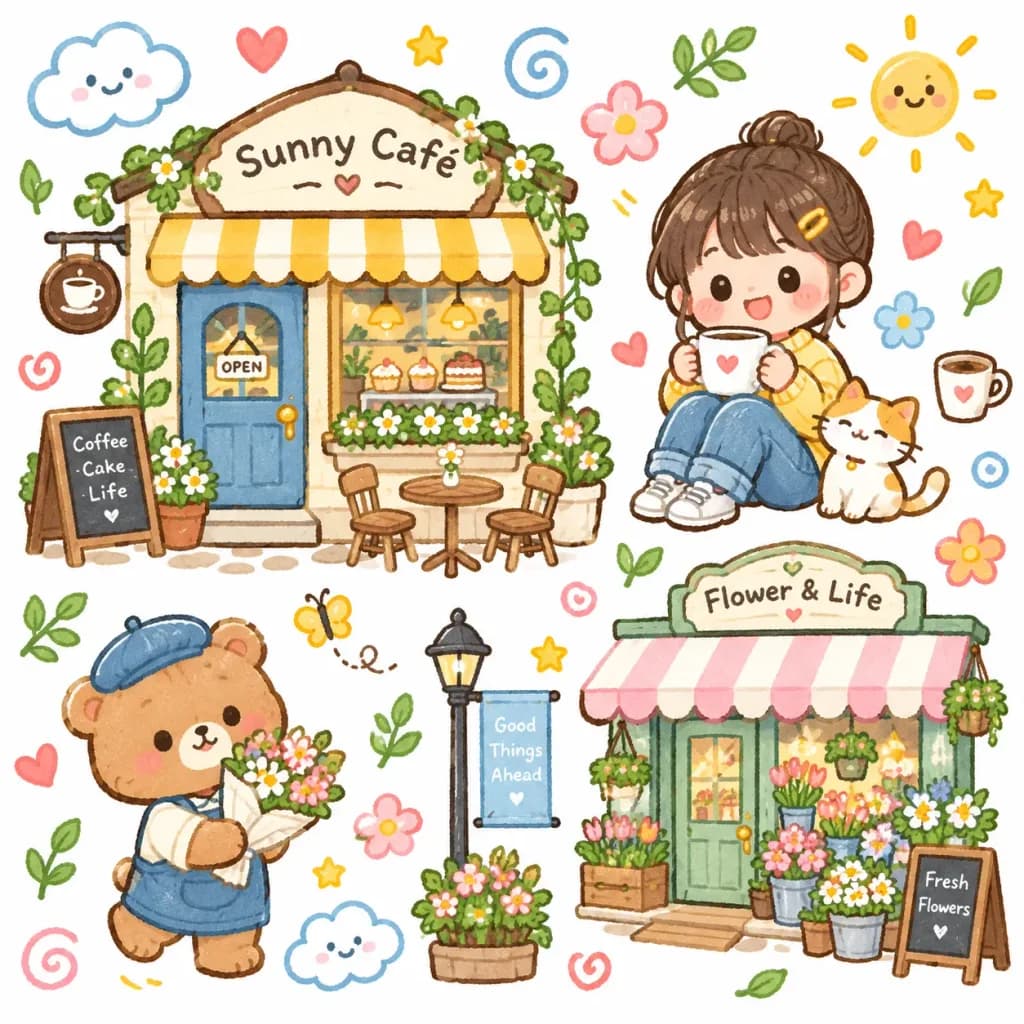
Cute whimsical hand-drawn illustration in a playful [kawaii storybook] style, featuring charming cartoon characters with round eyes, rosy cheeks, simplified features, and colorful storefronts with cozy café and lifestyle vibes. Doodle elements scattered around the scene including hearts, flowers, stars, clouds, swirls, leaves, and sparkles. Clean white background, thick soft outlines, flat colors with subtle digital gouache texture, bright [pastel] color palette, sticker-like composition, cozy and cheerful mood.Messaging sticker pack from your pet
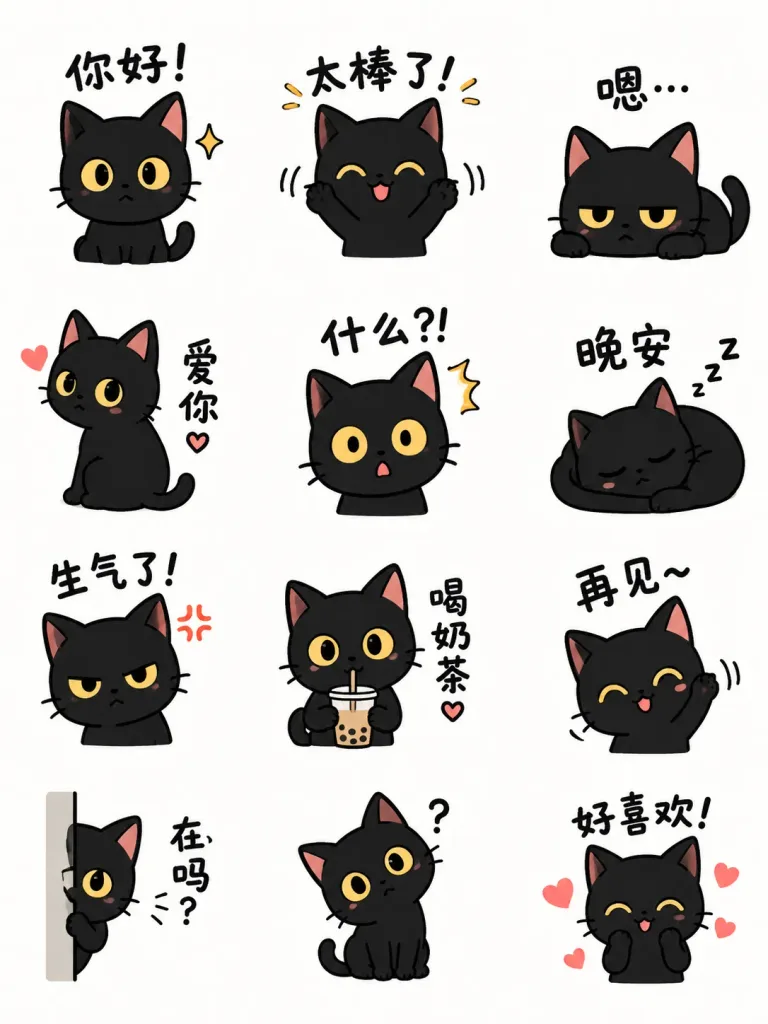
Using the cat character from the reference photo, create a sticker sheet displaying [12] different LINE stickers in a clean grid. Generate [12] unique sticker illustrations of the character with distinct poses and expressions, each paired with accompanying text.3D chibi stickers from a photo
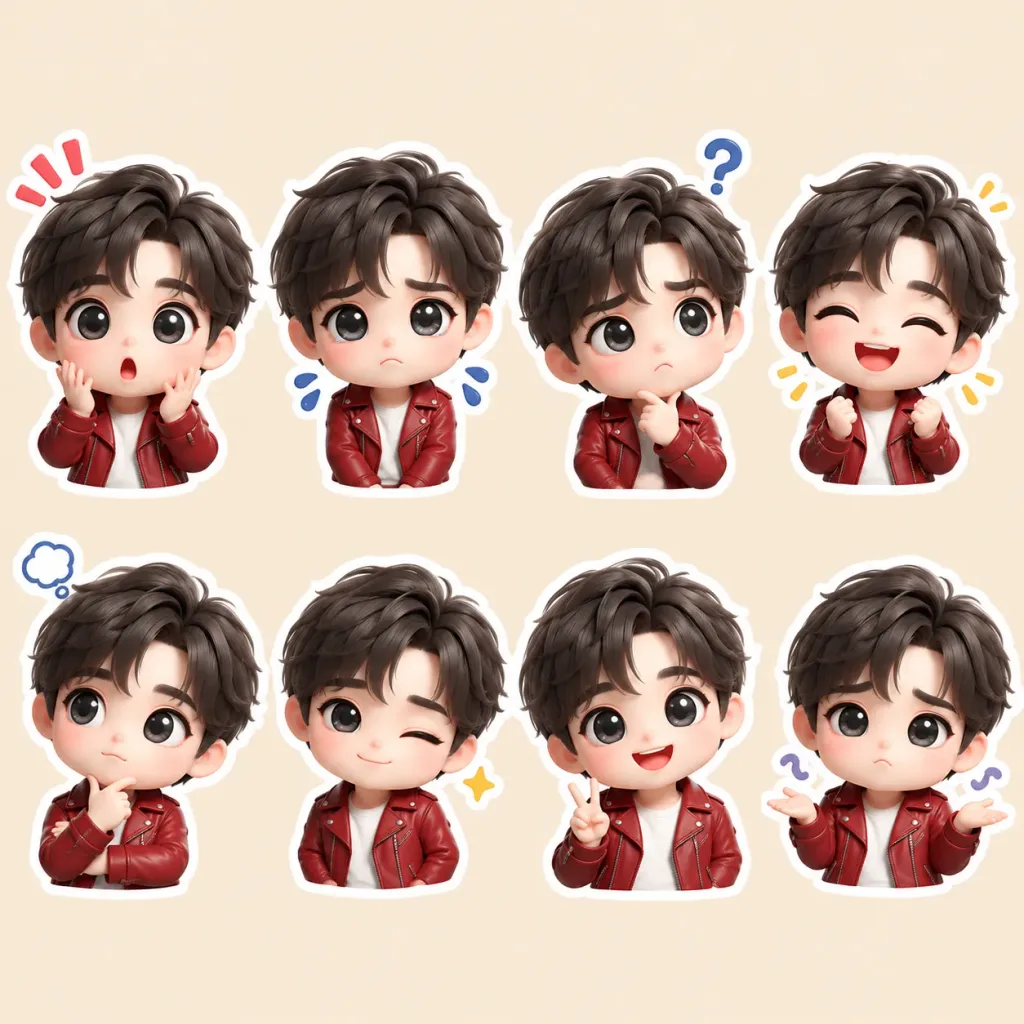
A cute 3D chibi cartoon sticker sheet featuring the same character based on the reference photo in multiple poses and emotions. The character has big expressive glossy eyes, a soft rounded face, a slightly oversized head, and small chibi proportions, wearing a [red] leather jacket over a white top. Grid of distinct poses and emoji-like expressions: surprised, sad, confused, happy, thinking, winking, making a peace sign, and shrugging. 3D animated style, smooth plastic vinyl texture, soft even lighting, sticker-style white outline around each character, clean solid pastel beige background.Chibi sticker diary around your photo
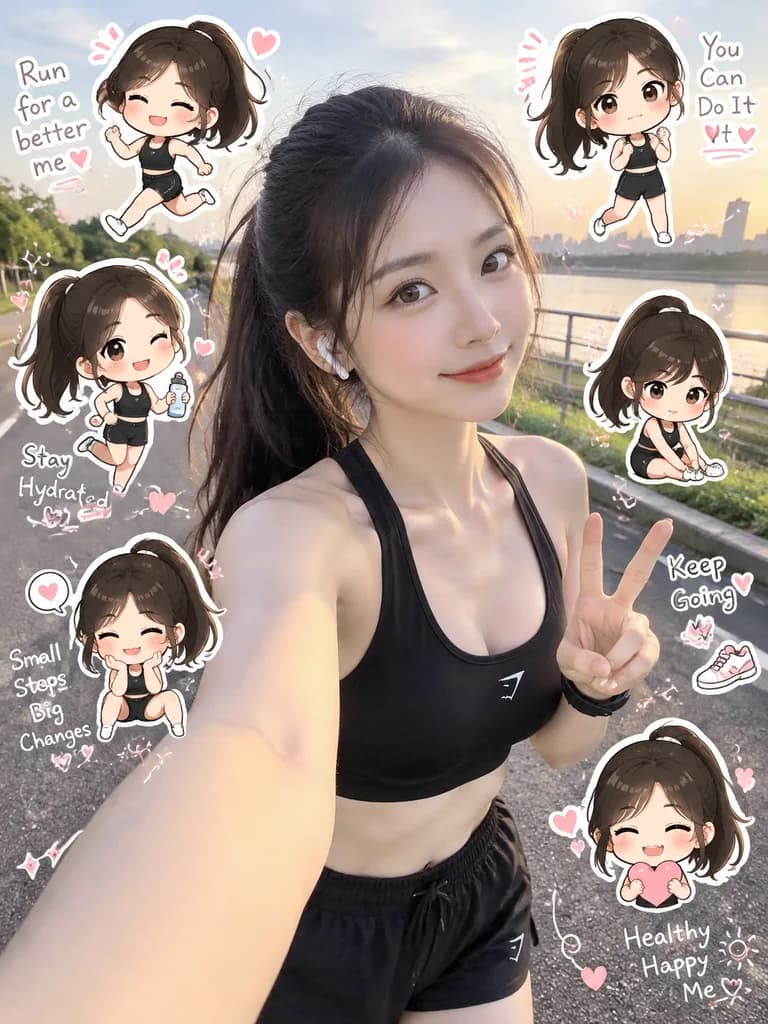
A [chibi clone sticker diary photo] based on the reference photo. Preserve the original person's exact identity, facial features, hairstyle, hair color, outfit, body proportions, pose, natural lighting, and realistic background without transforming the main subject into an illustration. Interpret the scene as a [fitness/running lifestyle moment].

Surrounding the central subject, add 5–8 mini chibi clones of the same person in a consistent kawaii sticker aesthetic (oversized head, small body, expressive eyes, clean digital finish), matching the person's exact hair and clothing. Each chibi clone performs varied theme-related actions and emotional expressions, rendered as die-cut stickers with bold white borders, soft drop shadows, and a floating sticker effect.

Fill the composition around the edges with light hand-drawn doodles in white with [subtle pink accents] and 5–8 short handwritten-style diary phrases matching the mood. Keep the real person unobstructed as the central focus to create a vibrant social media scrapbook layout.Funny single sticker
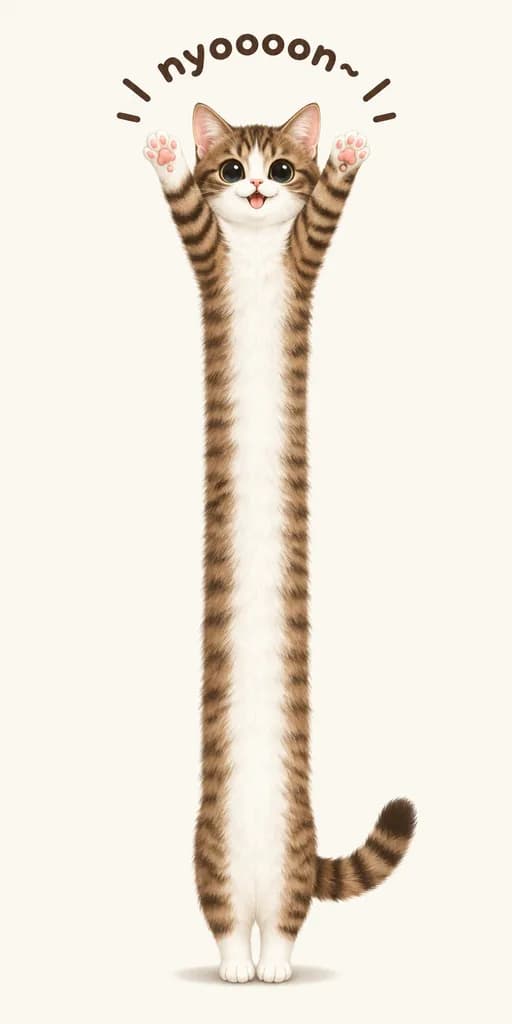
A whimsical minimalist digital illustration of a [brown tabby kitten] standing upright in the center of an extra-tall canvas, featuring an absurdly elongated, noodle-like body stretched vertically from top to bottom. The kitten has a small round face, large glossy black eyes, a tiny open smiling mouth, and upright ears. Both front paws are raised straight overhead in a cheering stretch, showing pink paw pads, while its tiny hind paws rest close together at the bottom. Soft detailed fur features a white muzzle, chest, belly, and inner legs, complemented by brown-and-black tabby stripes along its head, sides, raised arms, and a curved tail extending to the lower right. Above the head, playful hand-drawn text reads "[nyoooon~]" in a dark brown rounded font arched in a semicircle, accented by six short motion lines. Clean solid off-white background with a faint oval shadow under the paws, lots of negative space, humorous Japanese mascot and sticker aesthetic.Glossy 3D sticker seal
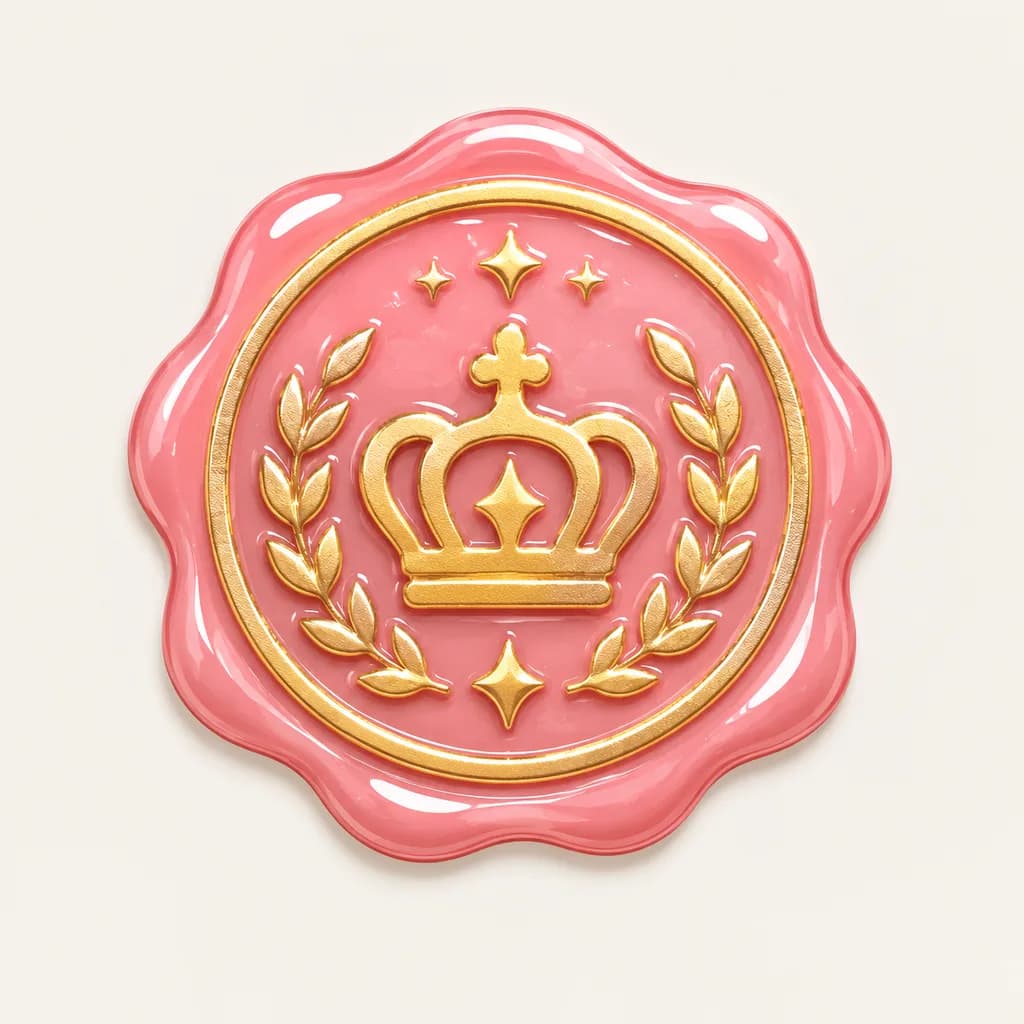
A luxury seal emblem designed in a cute [bonbon drop sticker style], featuring glossy candy-like highlights, fine gold accents, and a distinct [stamp-like] embossed texture, isolated on a clean neutral background.Title text sticker
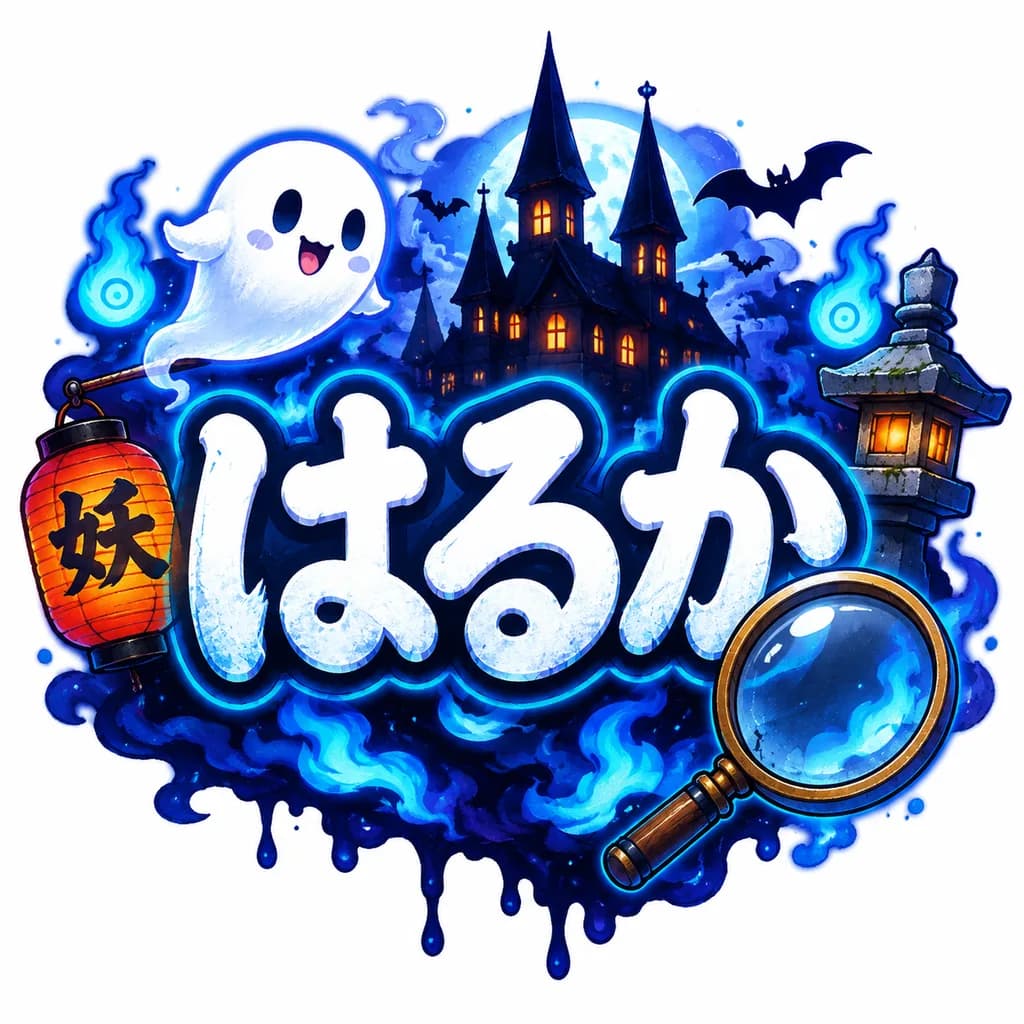
A playful, spooky Japanese title logo centered on a clean white background, featuring the large hiragana text "[はるか]" in bold rounded hand-drawn lettering. The letters are white with icy pale-blue shading, subtle grunge texture, and a thick dark navy outline with a luminous cyan glow. Surrounding the text in a whimsical yokai Halloween atmosphere: one cute white ghost floating at the upper left, one red-orange paper lantern with black kanji hanging on the left, one large magnifying glass overlapping the lower right, and a haunted silhouette castle with three tall spires and glowing windows in the backdrop. Includes a traditional Japanese stone lantern on the right, two blue will-o'-the-wisp ghost fires, flying bat silhouettes, deep indigo mist, electric blue flames, and an inky dripping shadow base beneath the logo. Polished sticker-like game logo illustration style, crisp outlines, airbrushed glow lighting, high contrast, vibrant neon palette of midnight blue, cyan, white, and orange accents.How to get a transparent sticker
Asking for a "transparent background" is the most common sticker mistake. Most image models cannot return a transparent file from a prompt alone, so they paint a white or gray checkerboard into the picture, which is exactly what happened here:
The transparent background trap
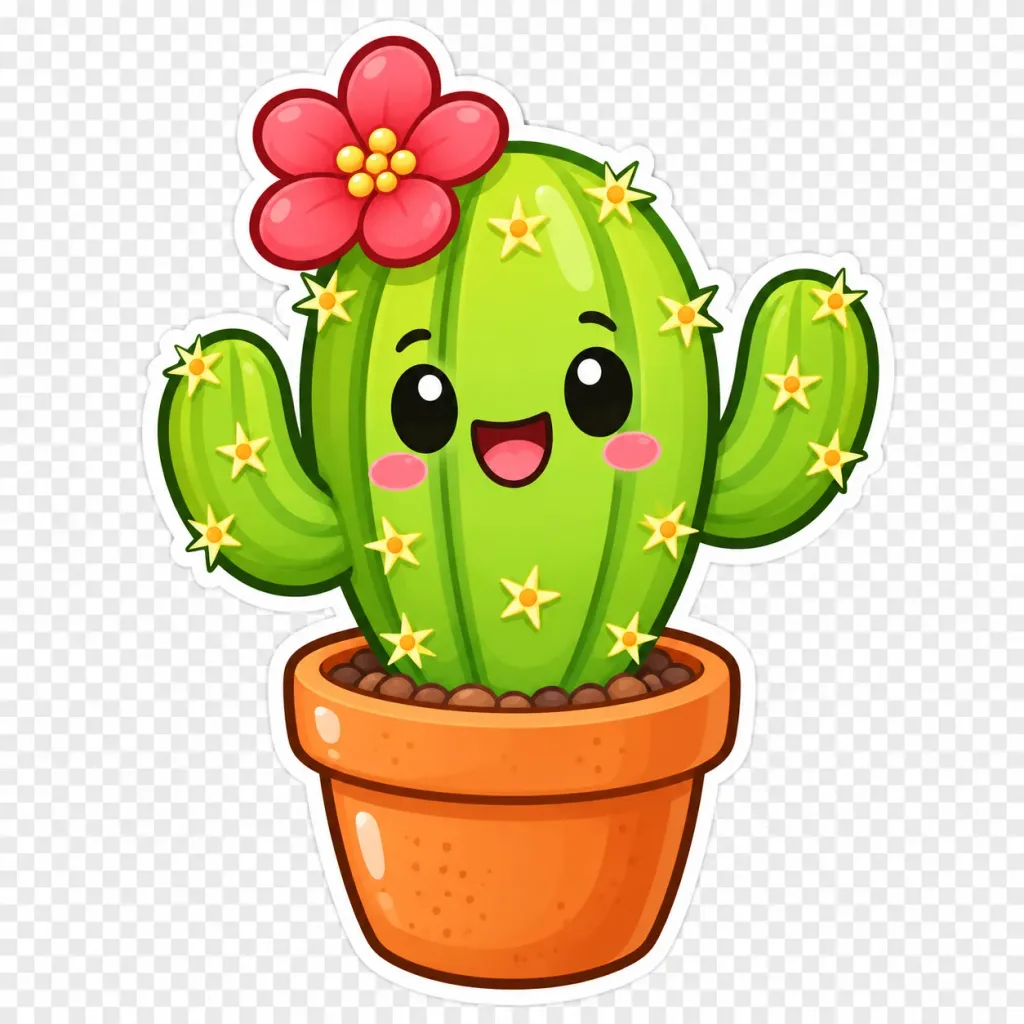
A cute kawaii sticker-style illustration of a cheerful potted [cactus] mascot against a clean [transparent background with a faint gray checkerboard preview]. The main subject is a [bright lime-green barrel cactus] featuring three vertical ribs, two upward-curving side arms, thick dark green outlines, and a clean white sticker die-cut border. It has an expressive smiling face with large glossy black oval eyes with white specular highlights, subtle curved eyebrows, rosy pink blush cheeks, and an open happy mouth with a pink tongue. A large [red-pink flower with 6 rounded petals and yellow bead-like stamens] blooms on the upper left side. Pale yellow star-shaped thorn clusters with tiny orange centers dot the arms and main stem. The cactus is planted in a [warm orange terracotta pot] with a rounded rim, glossy highlights, subtle speckles, and visible brown pebbles in the soil. Polished digital vector cartoon style, saturated colors, soft gradients, centered full-body composition, no text, no watermark.- Generate the sticker on a plain white or solid-color background instead, with the white die-cut border around it.
- Then remove the background with the background remover: 3 images a day are free with no sign-up, and the result is a transparent PNG.
- OpenAI's API can return a transparent PNG from GPT Image 2.5 and 2.6 when you ask for one; images from the GPT Image Hub generator come back with a solid background, so use the remover there.
Stickers from your own photo or your pet
- Attach a clear photo and say what to keep ("the same character based on the reference photo", "matching their exact hair and clothing"), as the chibi and cat prompts above do.
- Ask for a fixed number of stickers and list the expressions or poses you want; that keeps the sheet tidy.
- GPT Image models and Nano Banana both take reference photos. Our guide on how to use Nano Banana covers editing with references.
- Only use photos of yourself, your own pets, or people who agreed to it.
Printing and sharing your stickers
- For print, generate at 2K or 4K. At 300 dots per inch, a 2,048-pixel sticker prints about 6.8 inches (17 cm) wide.
- Need it bigger or sharper? Run it through the image upscaler.
- Messaging apps such as WhatsApp, Telegram and LINE each have their own sticker size rules; the free image resizer changes the size in your browser.
- Ask your print shop whether it wants a cut line or bleed around each sticker.
ChatGPT sticker prompts FAQ
Can ChatGPT make stickers?
Yes. ChatGPT makes images with OpenAI's GPT Image models: describe the subject, ask for a thick white die-cut border on a plain background, and attach a photo if the sticker should look like you or your pet.
What is the ChatGPT chibi sticker trend prompt?
It keeps you as a real photo in the middle and surrounds you with small chibi stickers of yourself doing different things, plus handwritten phrases. The "Chibi sticker diary around your photo" prompt above is a full version of it.
How do I make a sticker with a transparent background?
Generate it on a plain white background, then remove the background with a background remover; ours does 3 images a day for free. Asking the model for a transparent background usually gets you a painted checkerboard.
Can I turn my pet into stickers?
Yes. Attach a clear photo of your pet and ask for a sticker sheet of the same animal in a set number of poses, as in the cat sticker pack prompt above.
Which AI model is best for stickers?
Any current model makes good stickers. For stickers with words on them, GPT Image models and Nano Banana 2.1 render short quoted text well; check the spelling before you print.
Do these prompts work in Gemini?
Yes. They are written in plain English, so Gemini (Nano Banana) follows them too. On GPT Image Hub you can run them on GPT Image, Nano Banana and Seedream; new accounts get 25 free credits.
Sources
Prompts and images are from the GPT Image Hub library; each links to its template page.
Keep exploring