GPT Image 2.6 Sunburst Free
OpenAI's newest precision image model, released on 4 November 2026, for detailed work: packaging, labels, maps, infographics and edits where small details must not drift. Generate with it in your browser on GPT Image Hub: new accounts get 25 free credits, enough for 2 images, and after that each image is a flat 10 credits.
Yes, to try it. Every new GPT Image Hub account gets 25 free credits, which make 2 images on GPT Image 2.6 Sunburst Saver, with no card needed. After that an image costs 10 credits (about $0.010–$0.013, depending on the credit pack) at every resolution from 1K to 4K and every quality level from low to max. ChatGPT also includes Images 2.6 on its free tier within usage limits, but no site offers unlimited free GPT Image 2.6 Sunburst, because OpenAI bills every image it makes.
How to use GPT Image 2.6 Sunburst free
- Sign up with Google or email. Your account starts with 25 free credits.
- Open the image generator with GPT Image 2.6 Sunburst Saver selected, type a prompt or start from a template in the prompt library.
- Pick the size (1K, 2K or 4K) and quality (low to max). Every combination costs 10 credits. To edit, add up to 16 reference images and say what to change.
GPT Image 2.6 Sunburst examples
Made on GPT Image Hub with GPT Image 2.6 Sunburst Saver on 5 November 2026; each caption gives the settings and the time it took.
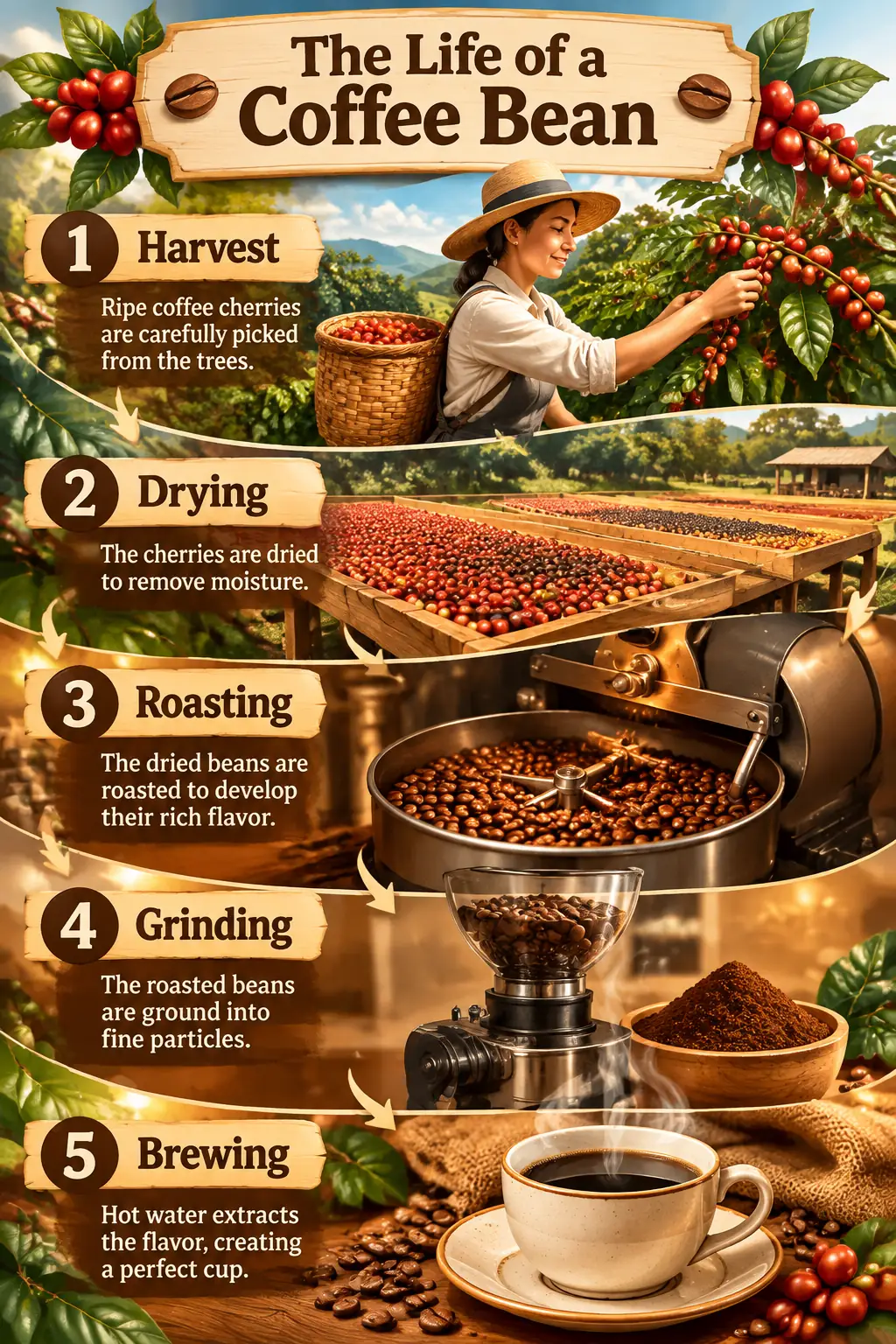
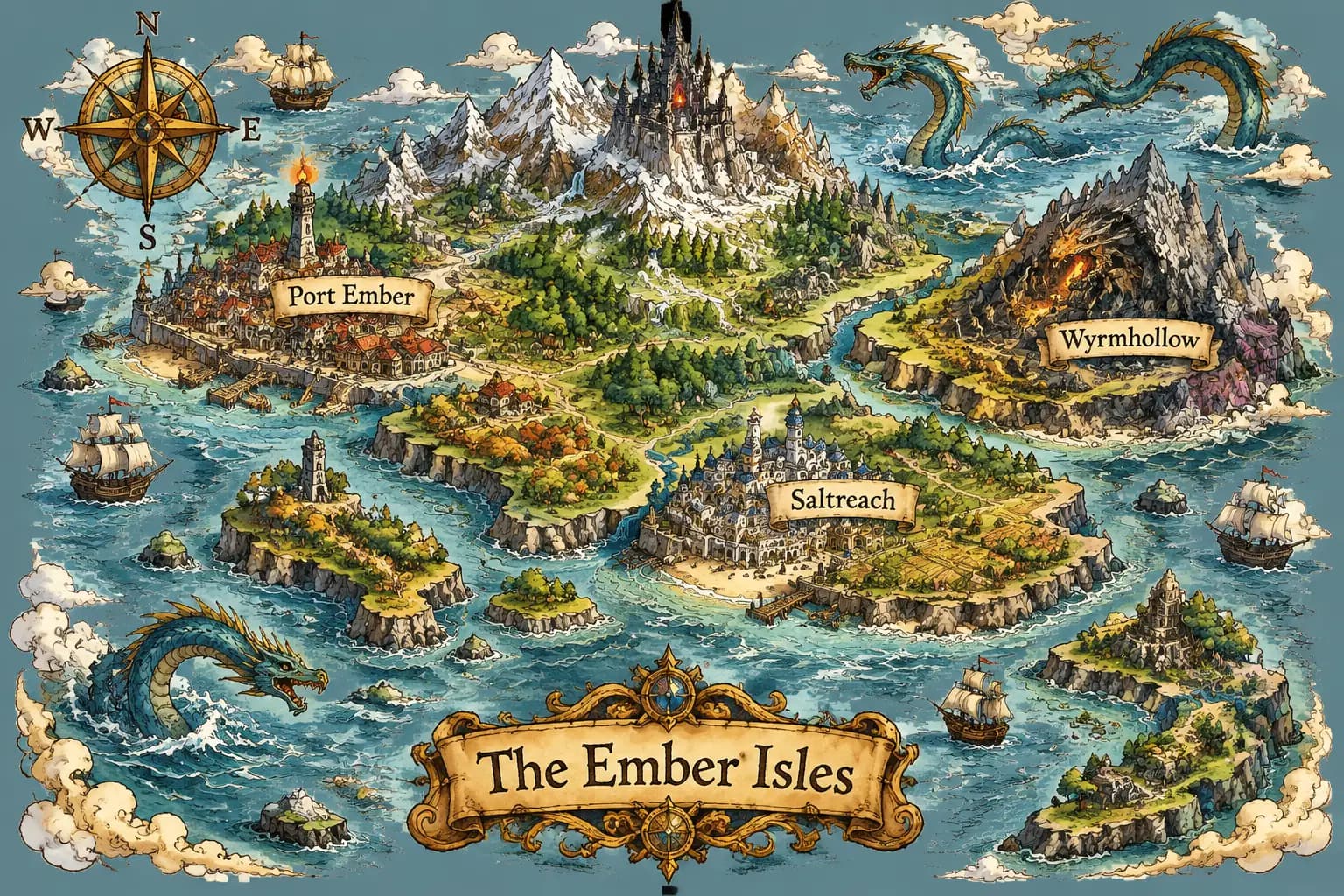
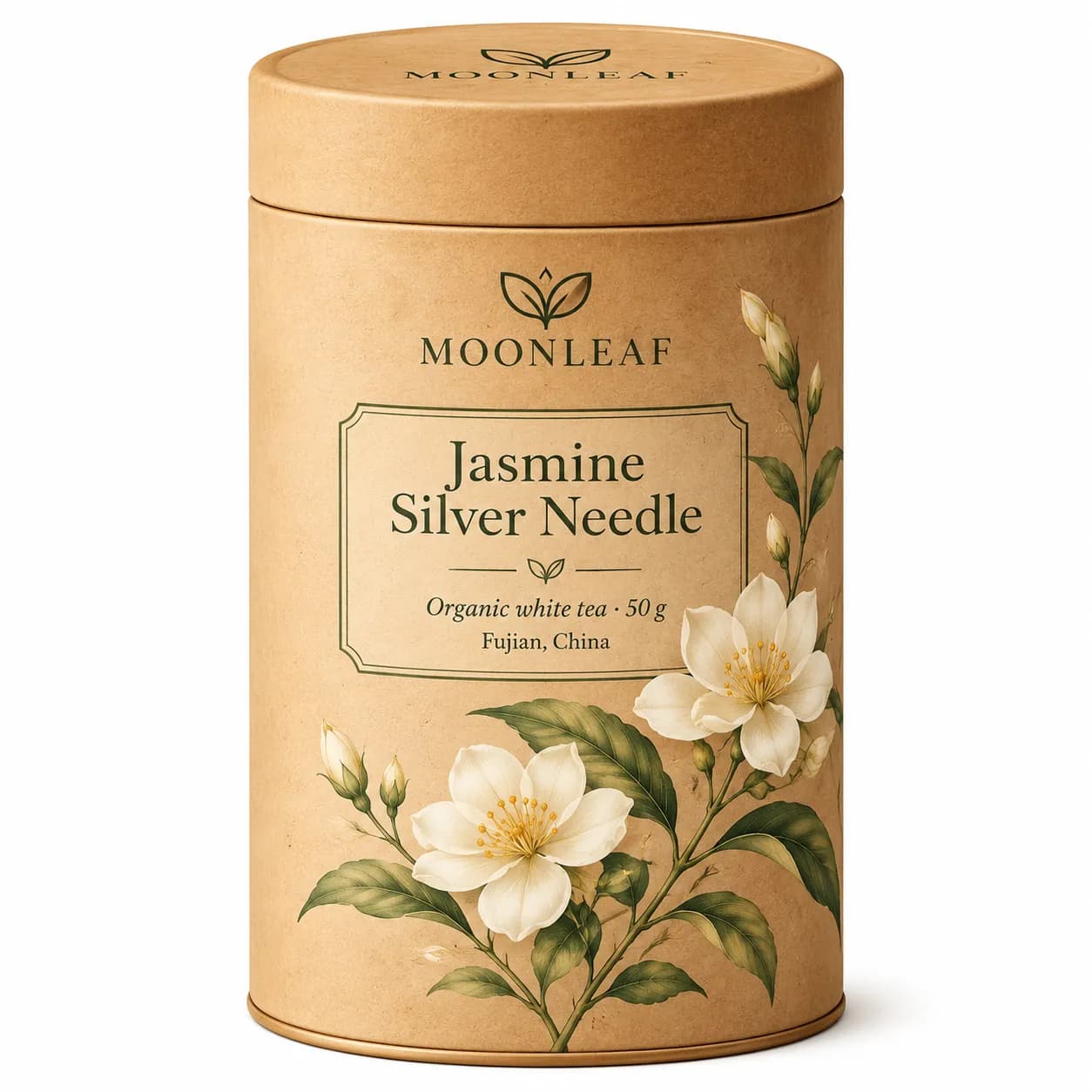
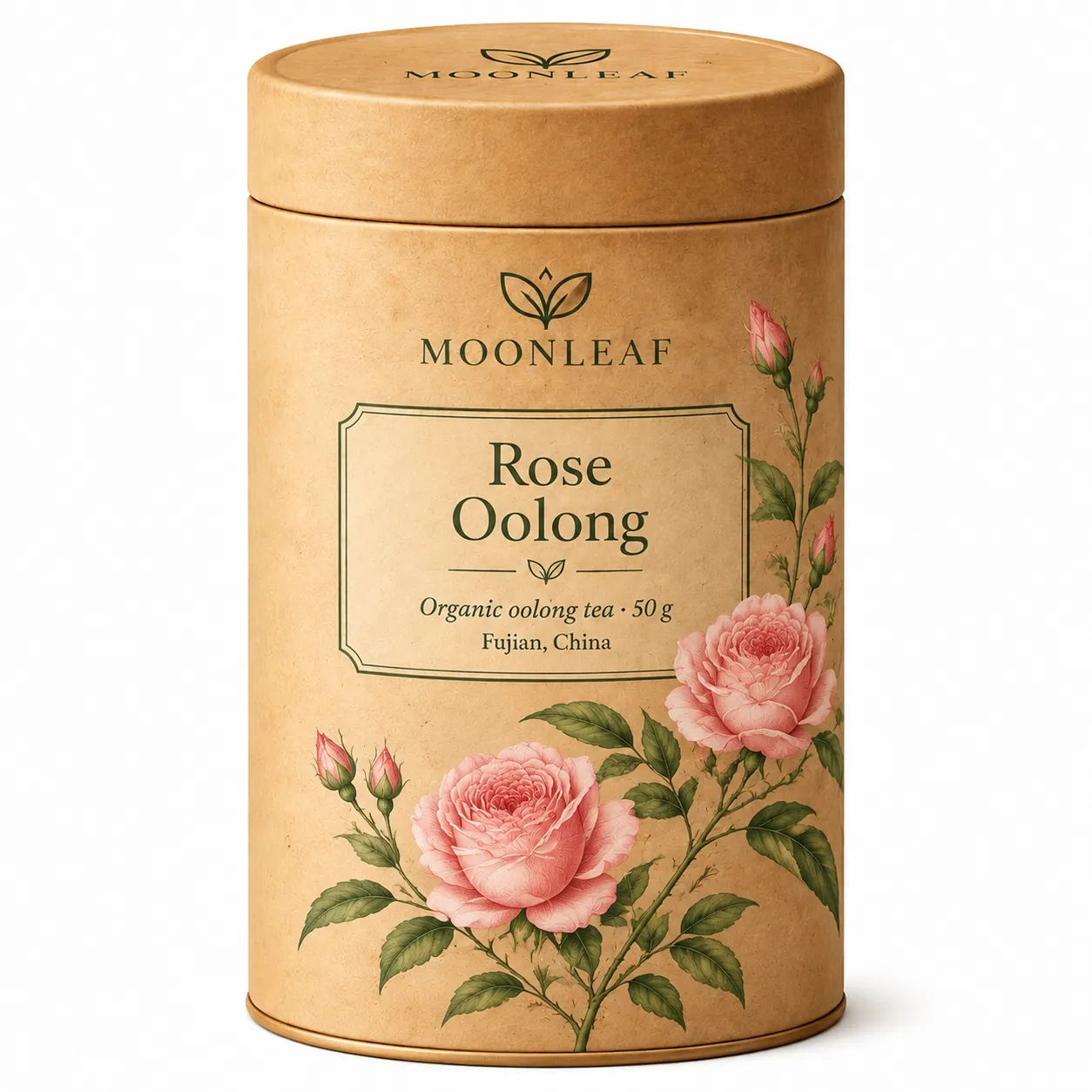
In our tests on GPT Image Hub, GPT Image 2.6 Sunburst Saver took 17 seconds for a 1024×1536 infographic at medium quality and 38 seconds for a 1536×1024 map at xhigh, and spelled every label and town name correctly. Sunburst trades speed for precision, so expect longer waits than Flare.
GPT Image 2.6 Sunburst vs GPT Image 2.5 Sunburst on GPT Image Hub
GPT Image Hub runs both versions on its Saver route, a lower-cost provider route billed per image. They use OpenAI's gpt-image-2.6-sunburst and gpt-image-2.5-sunburst models:
| GPT Image 2.6 Sunburst Saver | GPT Image 2.5 Sunburst Saver | |
|---|---|---|
| Released by OpenAI | 4 November 2026 | 8 September 2026 |
| Price per image | 10 credits at every size and quality | 8 credits at every size and quality |
| Free with the sign-up credits | 2 images | 3 images |
| Quality levels | low, medium, high, xhigh, max | low, medium, high, xhigh, max |
| Reference images for edits | Up to 16 | Up to 16 |
| Measured time on the Hub | 17–38 s (17 s for a 1024×1536 infographic at medium, 38 s for a 1536×1024 map at xhigh) | 84 s for one 2048×2048 image at medium quality |
| Animated GIF and SVG output | In OpenAI's API only; the Hub generator makes still images | Not available |
| Sizes | 1K, 2K, 4K; can come back slightly larger than requested (1024 → 1254 px) | 1K, 2K, 4K; can come back slightly larger than requested (1024 → 1254 px) |
The times are single runs with different settings, not a like-for-like benchmark. OpenAI says 2.6 generates 50% faster, but an independent launch-night test found 2.6 Sunburst no faster than 2.5 Sunburst; the gain was in Flare. GPT Image 2.5 Sunburst Saver costs 2 credits less per image, so it stays a good choice for bulk drafts.
GPT Image 2.6 Sunburst or GPT Image 2.6 Flare?
- GPT Image 2.6 Sunburst: Detail and precision: packaging, labels, infographics, maps, dense typography and careful edits.
- GPT Image 2.6 Flare: Fast everyday work: posters, product heroes, social graphics and quick edits.
- Both run on GPT Image Hub at 10 credits per image, so you can try the same prompt on each.
Common questions
Is GPT Image 2.6 Sunburst free?
You can try it free: the 25 credits on a new GPT Image Hub account make 2 images on GPT Image 2.6 Sunburst Saver, and ChatGPT includes Images 2.6 on its free tier within usage limits. There is no unlimited free version anywhere, because OpenAI charges for every image; on the Hub, each image after the free credits costs 10 credits.
How many free GPT Image 2.6 Sunburst images do I get?
2, from the 25 sign-up credits at 10 credits each. Credits you buy later cost about $0.010–$0.013 per image on GPT Image 2.6 Sunburst Saver.
What is the difference between GPT Image 2.6 Sunburst and GPT Image 2.5 Sunburst?
GPT Image 2.6 Sunburst is OpenAI's newer model (4 November 2026, against 8 September 2026). OpenAI says 2.6 generates 50% faster, but an independent launch-night test found 2.6 Sunburst no faster than 2.5 Sunburst; the gain was in Flare. In OpenAI's API, 2.6 also adds animated GIF and SVG output and markup-guided edits, which the Hub generator does not offer yet. On GPT Image Hub, GPT Image 2.6 Sunburst Saver costs 10 credits per image and GPT Image 2.5 Sunburst Saver 8.
Can I edit my own images with GPT Image 2.6 Sunburst?
Yes. Add up to 16 reference images in the generator and describe the change, for example "change the label to read ROSE OOLONG". In our test, an edit that changed a tea tin's label from jasmine to rose oolong kept the logo, layout and lighting; only the backdrop came back slightly lighter.
Can GPT Image 2.6 Sunburst make GIFs or SVG files on GPT Image Hub?
Not yet. Animated GIF and SVG output are OpenAI API features (output_format gif or svg), and the GPT Image Hub generator returns still images. Our GPT Image 2.6 guide covers the API parameters.
How long does GPT Image 2.6 Sunburst take?
In our tests on GPT Image Hub, GPT Image 2.6 Sunburst Saver took 17 seconds for a 1024×1536 infographic at medium quality and 38 seconds for a 1536×1024 map at xhigh, and spelled every label and town name correctly. Sunburst trades speed for precision, so expect longer waits than Flare.
Keep going