GPT Image 2.5 Sunburst Free
OpenAI's precision GPT Image 2.5 model for detailed work: packaging, labels, typography-heavy layouts and intricate illustration. Generate with it in your browser: new accounts get 25 free credits, enough for 3 images, and after that each image is a flat 8 credits.
Yes, to try it. Every new GPT Image Hub account gets 25 free credits, which make 3 images on GPT IMAGE 2.5 Sunburst Saver, with no card needed. After that an image costs 8 credits (about $0.008–$0.011, depending on the credit pack) at every resolution from 1K to 4K and every quality level from low to max. No site offers unlimited free GPT Image 2.5 Sunburst, because OpenAI bills every image it makes.
How to use GPT Image 2.5 Sunburst free
- Sign up with Google or email. Your account starts with 25 free credits.
- Open the image generator with GPT IMAGE 2.5 Sunburst Saver selected, type a prompt or start from a template in the prompt library.
- Pick the size (1K, 2K or 4K) and quality (low to max). Every combination costs 8 credits. To edit, add up to 16 reference images and say what to change.
GPT Image 2.5 Sunburst examples
The first images were made with GPT IMAGE 2.5 Sunburst Saver for this page; the rest come from our GPT Image 2.5 Sunburst model guide.

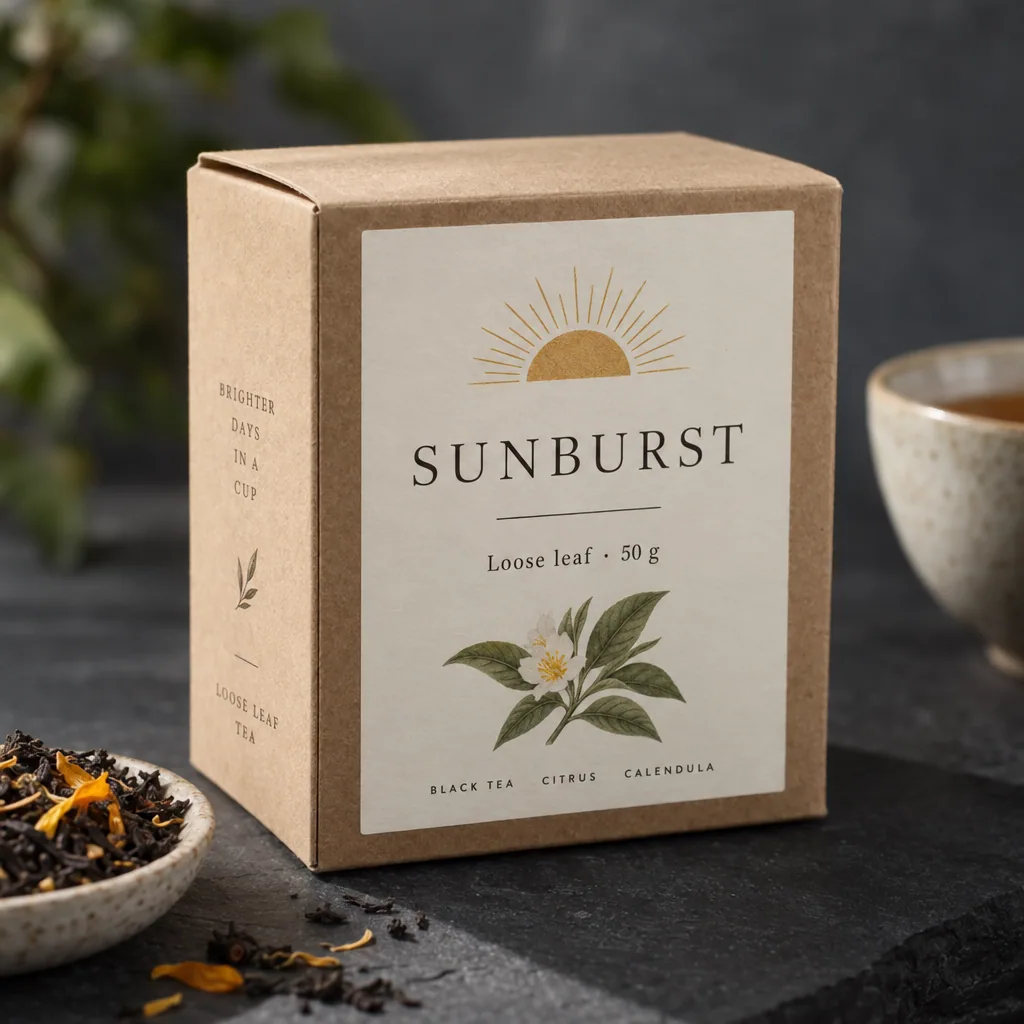
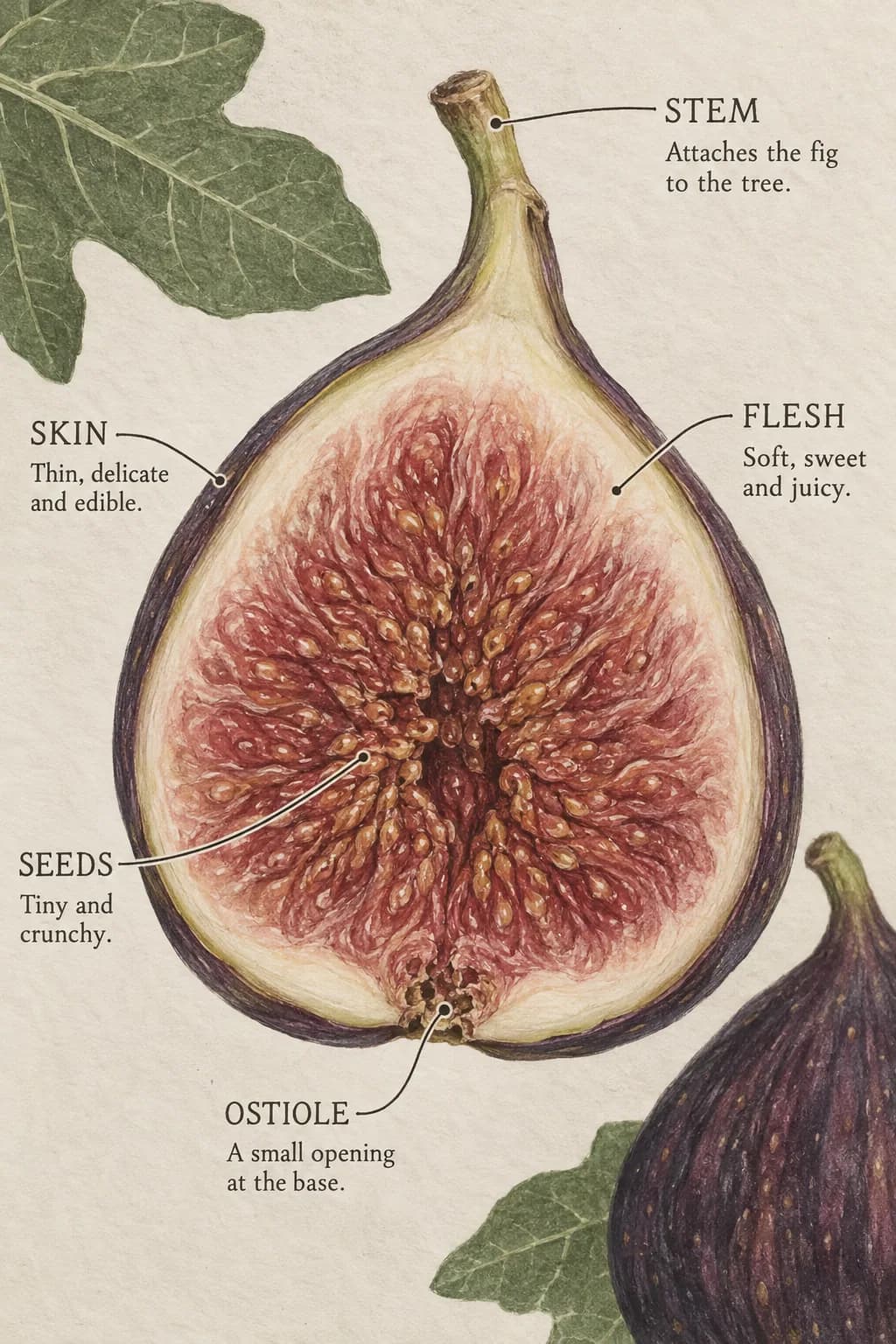
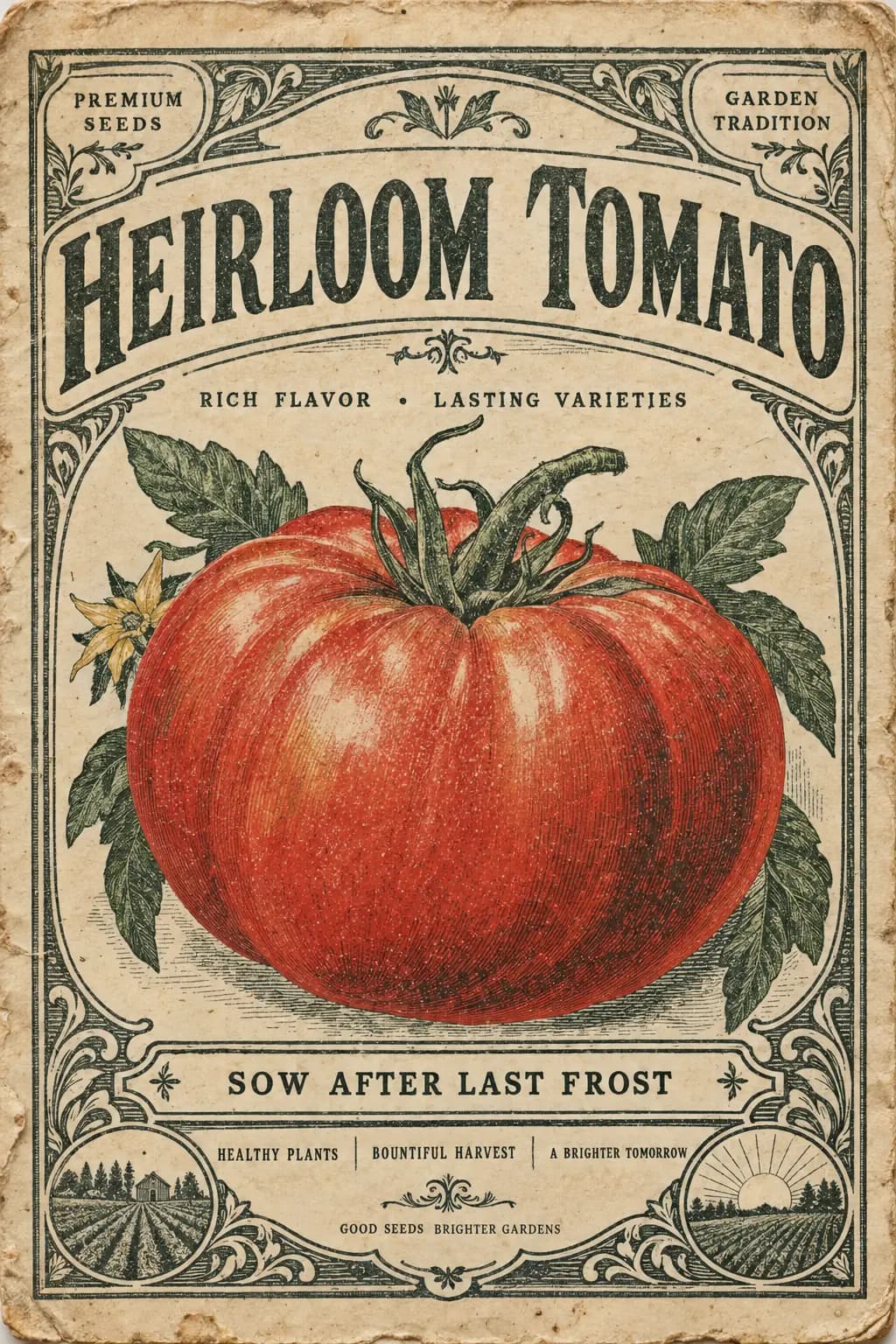
In our test on the Saver version, a 2048×2048 image at medium quality took 84 seconds and spelled the chalkboard text correctly. Sunburst trades speed for precision, so expect longer waits than Flare.
GPT IMAGE 2.5 Sunburst Saver vs GPT Image 2.5 Sunburst
GPT Image Hub runs GPT Image 2.5 Sunburst two ways. Both use OpenAI's gpt-image-2.5-sunburst model; they differ in price and in how the image is delivered.
| GPT IMAGE 2.5 Sunburst Saver | GPT Image 2.5 Sunburst | |
|---|---|---|
| Price per image | 8 credits at every size and quality | 11 credits at medium 1K, up to 570 at max 4K |
| Free with sign-up credits | 3 images | 2 images at medium 1K |
| Sizes | 1K, 2K, 4K; can come back slightly larger than requested (1024 → 1254 px) | 1K, 2K, 4K at the exact size |
| Quality levels | low, medium, high, xhigh, max | low, medium, high, xhigh, max |
| Reference images for edits | Up to 16 | Up to 16 |
Choose GPT IMAGE 2.5 Sunburst Saver to keep costs low or to try the model; choose GPT Image 2.5 Sunburst when you need the exact output size.
GPT Image 2.5 Sunburst or GPT Image 2.5 Flare?
- GPT Image 2.5 Sunburst: Detail and precision: packaging, labels, infographics, dense typography and careful edits.
- GPT Image 2.5 Flare: Fast everyday work: social posts, product heroes, posters, stickers and quick edits.
- Both have Saver versions at 8 credits per image, so you can try the same prompt on each.
Common questions
Is GPT Image 2.5 Sunburst free?
You can try it free: the 25 credits on a new GPT Image Hub account make 3 images on GPT IMAGE 2.5 Sunburst Saver. There is no unlimited free version anywhere, because OpenAI charges for every image; after the free credits, each image costs 8 credits.
How many free GPT Image 2.5 Sunburst images do I get?
3, from the 25 sign-up credits at 8 credits each. Credits you buy later cost about $0.008–$0.011 per image on GPT IMAGE 2.5 Sunburst Saver.
What is the difference between GPT IMAGE 2.5 Sunburst Saver and GPT Image 2.5 Sunburst?
Both run OpenAI's gpt-image-2.5-sunburst. GPT IMAGE 2.5 Sunburst Saver costs a flat 8 credits and its images can come back slightly larger than the size you pick; GPT Image 2.5 Sunburst is priced by size and quality (11 credits at medium 1K) and returns the exact size.
Can I edit my own images with GPT Image 2.5 Sunburst?
Yes. Add up to 16 reference images in the generator and describe the change, for example "change the sign to read OPEN". In our test the edit changed only the text and kept the rest of the photo.
How long does GPT Image 2.5 Sunburst take?
In our test on the Saver version, a 2048×2048 image at medium quality took 84 seconds and spelled the chalkboard text correctly. Sunburst trades speed for precision, so expect longer waits than Flare.
Keep going