
提示詞
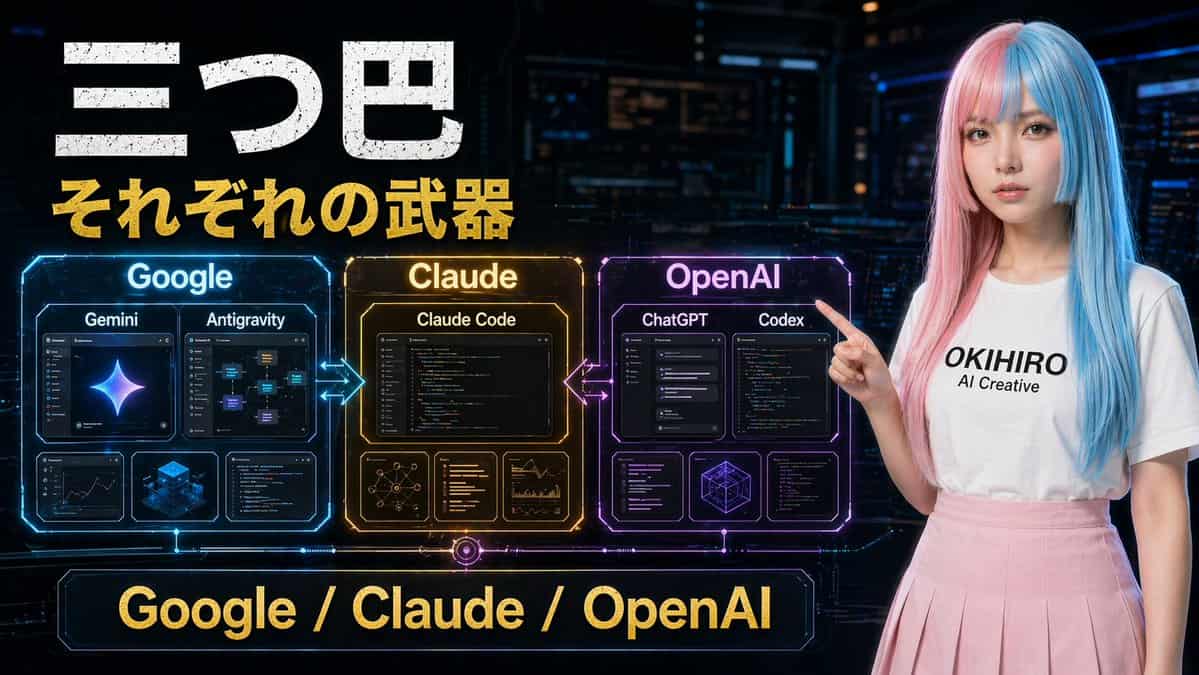
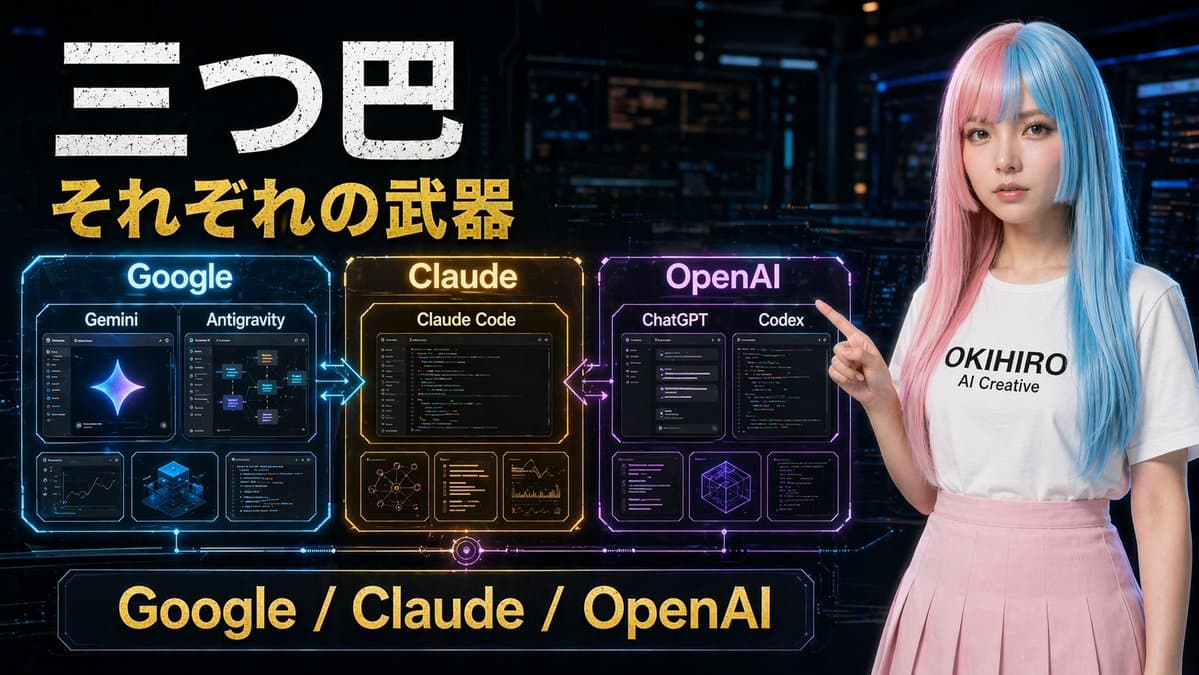
一張未來感日文科技對比海報,場景為深色賽博朋克控制室,寬幅 16:9 構圖。左上角大號做舊白色日文標題“三つ巴”,其正下方是粗體金色副標題“それぞれの武器”。中左橫向排列 3 個發光全息對比面板,並用霓虹箭頭連線:藍色面板標註“Google”,琥珀金面板標註“Claude”,紫洋紅面板標註“OpenAI”。Google 面板包含 4 張內層卡片:上方 2 張較大卡片標註“Gemini”和“Antigravity”,下方 2 張較小卡片展示分析/儀表盤式視覺和藍色等距立方體圖形。Claude 面板包含 4 張內層卡片:上方 1 張大卡片標註“Claude Code”,下方 3 張小卡片展示網路圖、文字/程式碼列表和圖表分析。OpenAI 面板包含 5 張內層卡片:上方 2 張較大卡片標註“ChatGPT”和“Codex”,下方 3 張小卡片展示介面/程式碼視窗和幾何線框立方體。在 Google 與 Claude 之間、Claude 與 OpenAI 之間加入發光雙向箭頭。底部中央放置一條大型霓虹框橫幅,金色文字寫“Google / Claude / OpenAI”。右側包含一位年輕女性,站立並指向左側面板,長直雙色染髮,粉彩粉色與青藍色分割槽,穿純白 T 恤,黑色文字為“{argument name="shirt text" default="OKIHIRO AI Creative"}”,搭配柔粉色百褶裙。她的臉由平滑矩形模糊塊遮擋。使用電影感科幻燈光、亮面全息 UI 細節、高對比、鮮明藍金紫點綴,以及精緻 YouTube 縮圖美學。
如何使用此提示
在生成之前閱讀完整的 賽博朋克 AI 工具對比海報 提示並確定主題、風格、相機、燈光和構圖要求。
將括號或參數式佔位符替換為您的產品、角色、品牌、場景、調色板或寬高比要求。
開啟 https://www.gptimagehub.com/zh-TW/generate?promptId=cmogx2e3q00cvzpdyefyuzj4l,產生圖像,然後根據需要使用更具體的主題、文字、佈局或負面約束來最佳化提示。
提示常見問題解答
賽博朋克 AI 工具對比海報 提示符號最適合用來做什麼?
此提示最適用於您需要可重複使用結構、詳細視覺方向和一致輸出品質的 社群媒體 影像。
我可以在生成之前編輯提示嗎?
是的。完整的提示文字在此頁面上可見,因此您可以在生成之前更改主題、產品名稱、顏色、構圖、相機術語、長寬比和樣式註釋。
出現此提示時我應該使用哪種型號?
使用提示元資料中顯示的模型作為預設起點。如果另一個影像模型支援相同的寬高比和指令風格,您可以調整提示並比較結果。