
Teknoloji infografik
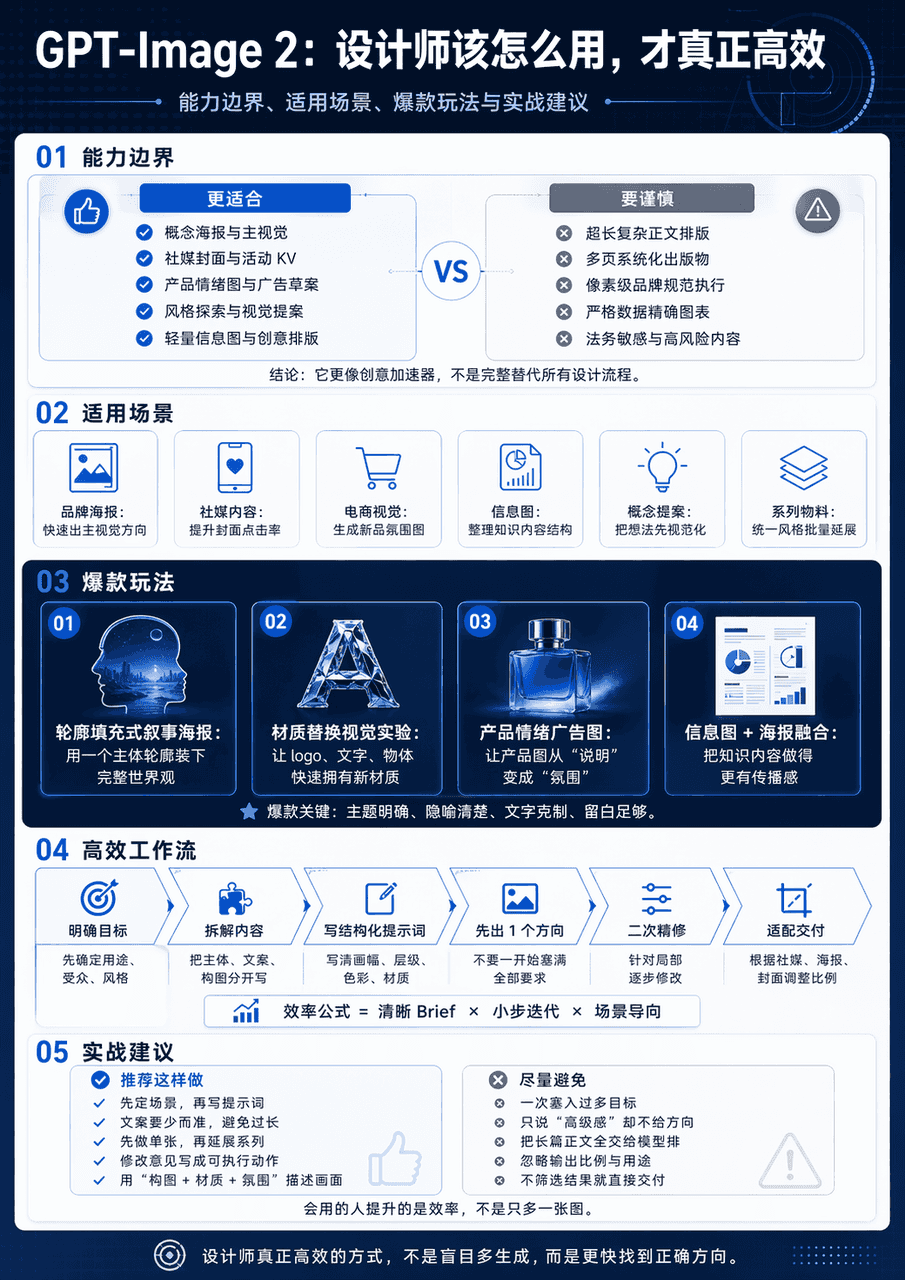
GPT-Image 2 Tasarım Uygulama Kılavuzu temasıyla dikey bir bilim ve teknoloji bilgi haritası oluşturun. Haritanın tamamı 5 modüle ayrılmıştır. En üstte "GPT-Image 2: Tasarımcılar bunu gerçekten verimli olmak için nasıl k…
İstemi
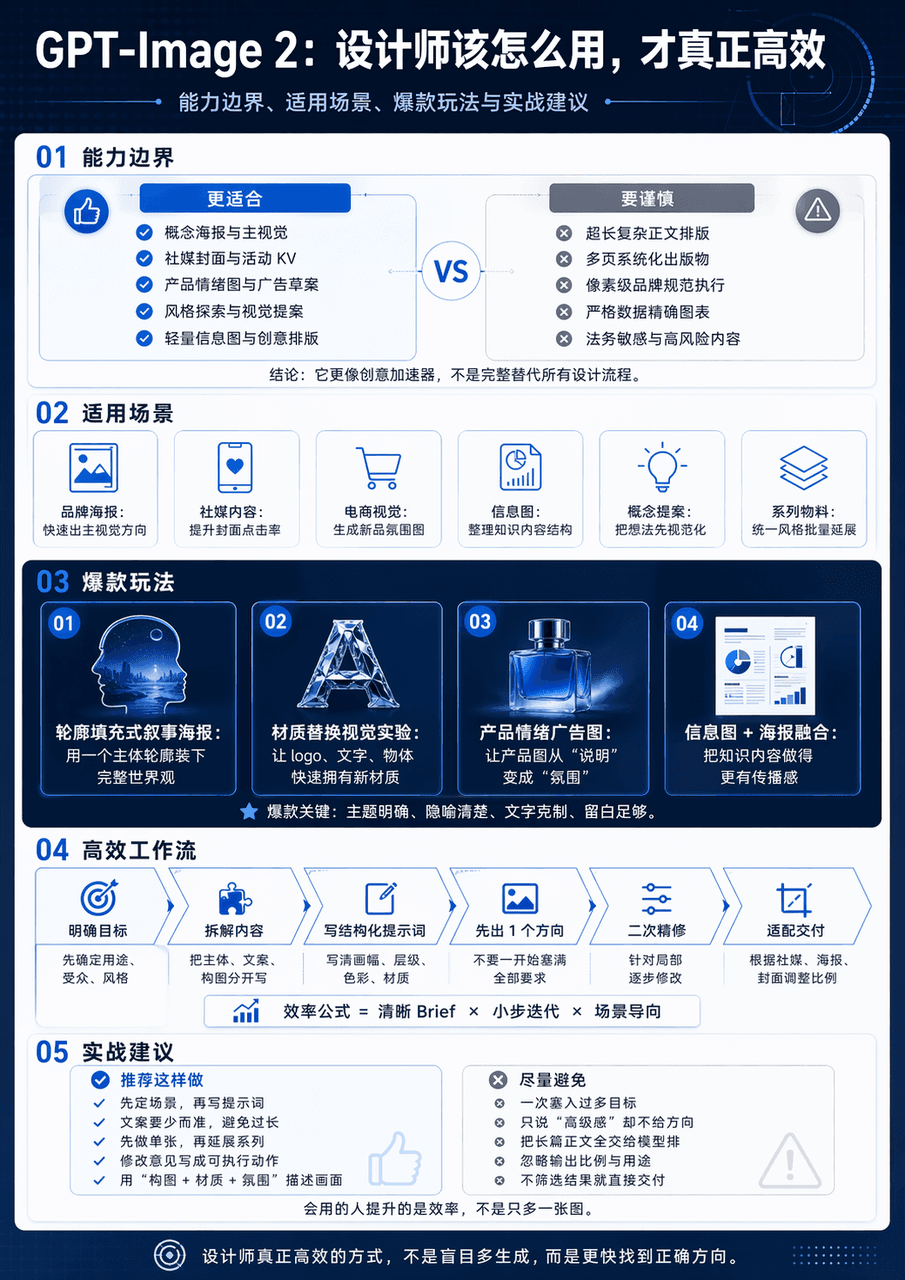
GPT-Image 2 Tasarım Uygulama Kılavuzu temasıyla dikey bir bilim ve teknoloji bilgi haritası oluşturun. Haritanın tamamı 5 modüle ayrılmıştır. En üstte "GPT-Image 2: Tasarımcılar bunu gerçekten verimli olmak için nasıl kullanmalı" büyük başlığı yer alıyor. Alt başlıklar; yetenek sınırları, uygulanabilir senaryolar, popüler oynanış ve pratik önerilerdir. Ortadaki diyagram, minimalist arayüz kartı + süreç oku + karşılaştırma yapısı şeması biçimini benimser. Bilgi düzeyi açıktır ve görme merkezi açıktır.
Bu istem nasıl kullanılır?
Oluşturmadan önce Teknoloji infografik isteminin tamamını okuyun ve konuyu, stili, kamerayı, ışıklandırmayı ve kompozisyon gereksinimlerini tanımlayın.
Parantezli veya bağımsız değişken tarzı yer tutucuları ürününüz, karakteriniz, markanız, sahneniz, renk paletiniz veya en boy oranı gereksinimlerinizle değiştirin.
https://www.gptimagehub.com/tr/generate?promptId=cmogxlnmp00mfxt5gs3o7ww0i dosyasını açın, görüntüyü oluşturun, ardından gerekirse daha spesifik konu, metin, düzen veya negatif kısıtlamalarla istemi hassaslaştırın.
Bilgi İstemi SSS
Teknoloji infografik istemi en iyi ne için kullanılır?
Bu istem, yeniden kullanılabilir bir yapı, ayrıntılı görsel yön ve tutarlı çıktı kalitesi istediğiniz infografik / eğitim görselleri için en iyi şekilde kullanılır.
İstemi oluşturmadan önce düzenleyebilir miyim?
Evet. Bilgi istemi metninin tamamı bu sayfada görünür; böylece oluşturmadan önce konuları, ürün adlarını, renkleri, kompozisyonu, kamera terimlerini, en boy oranını ve stil notlarını değiştirebilirsiniz.
Bu istemle hangi modeli kullanmalıyım?
Bilgi istemi meta verilerinde gösterilen modeli varsayılan başlangıç noktası olarak kullanın. Başka bir görüntü modeli aynı en boy oranını ve talimat stilini destekliyorsa istemi uyarlayabilir ve sonuçları karşılaştırabilirsiniz.