
Antik Mısır hisse senedi alım satım terminali
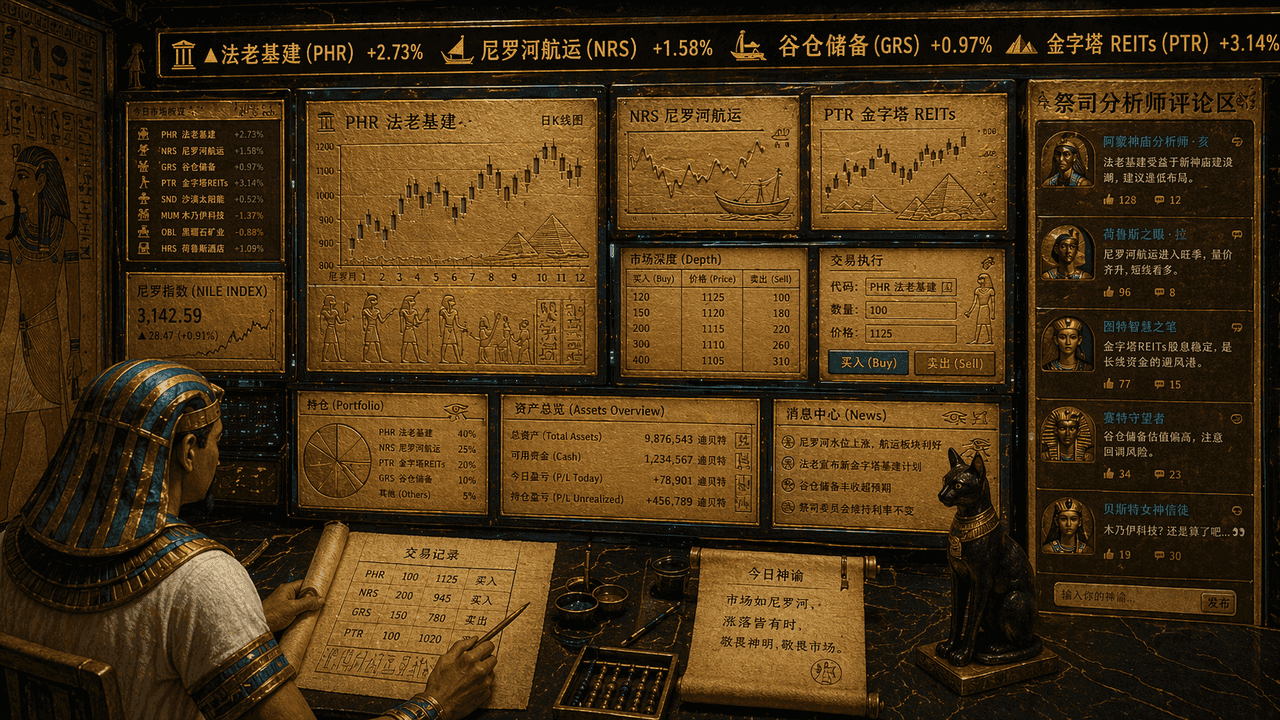
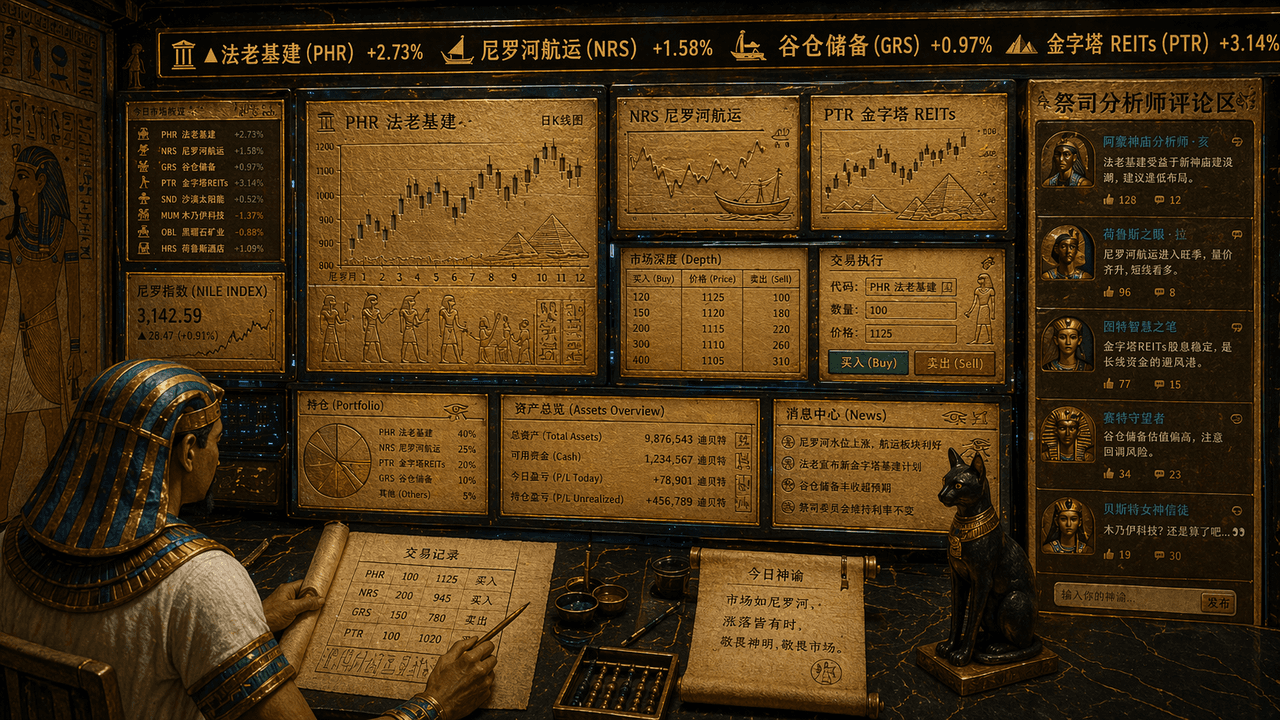
"Eski Mısırlıların hisse senedi alım satım terminali", tapınak duvar unsurları ile finansal ticaret arayüzünün absürt bir birleşimi. Ekran çok ekranlı bir ticaret iş istasyonuna benziyor ancak tüm grafikler, K-çizgileri…
İstemi
"Eski Mısırlıların hisse senedi alım satım terminali", tapınak duvar unsurları ile finansal ticaret arayüzünün absürt bir birleşimi. Ekran çok ekranlı bir ticaret iş istasyonuna benziyor ancak tüm grafikler, K-çizgileri ve hisse senedi sembolleri altın arduvaz ve papirüs arayüzüne kazınmış. En üstteki şeritte "Firavun altyapısı, Nil nakliyesi, tahıl ambarı rezervleri, piramitler GYO'ları" kaydırılır, tüccar, başlık takan bir memurun görüntüsüdür ve rahip analist yorum alanı sağ tarafta görüntülenir. Genel renk şeması altın rengi kum, tavus kuşu mavisi ve obsidiyendir. Tarz ciddi ama 16:9 oranıyla zıt bir neşe duygusu var.
Bu istem nasıl kullanılır?
Oluşturmadan önce Antik Mısır hisse senedi alım satım terminali isteminin tamamını okuyun ve konuyu, stili, kamerayı, ışıklandırmayı ve kompozisyon gereksinimlerini tanımlayın.
Parantezli veya bağımsız değişken tarzı yer tutucuları ürününüz, karakteriniz, markanız, sahneniz, renk paletiniz veya en boy oranı gereksinimlerinizle değiştirin.
https://www.gptimagehub.com/tr/generate?promptId=cmogxj3il00h5xt5g9yas5tr0 dosyasını açın, görüntüyü oluşturun, ardından gerekirse daha spesifik konu, metin, düzen veya negatif kısıtlamalarla istemi hassaslaştırın.
Bilgi İstemi SSS
Antik Mısır hisse senedi alım satım terminali istemi en iyi ne için kullanılır?
Bu istem, yeniden kullanılabilir bir yapı, ayrıntılı görsel yön ve tutarlı çıktı kalitesi istediğiniz diğer görselleri için en iyi şekilde kullanılır.
İstemi oluşturmadan önce düzenleyebilir miyim?
Evet. Bilgi istemi metninin tamamı bu sayfada görünür; böylece oluşturmadan önce konuları, ürün adlarını, renkleri, kompozisyonu, kamera terimlerini, en boy oranını ve stil notlarını değiştirebilirsiniz.
Bu istemle hangi modeli kullanmalıyım?
Bilgi istemi meta verilerinde gösterilen modeli varsayılan başlangıç noktası olarak kullanın. Başka bir görüntü modeli aynı en boy oranını ve talimat stilini destekliyorsa istemi uyarlayabilir ve sonuçları karşılaştırabilirsiniz.