
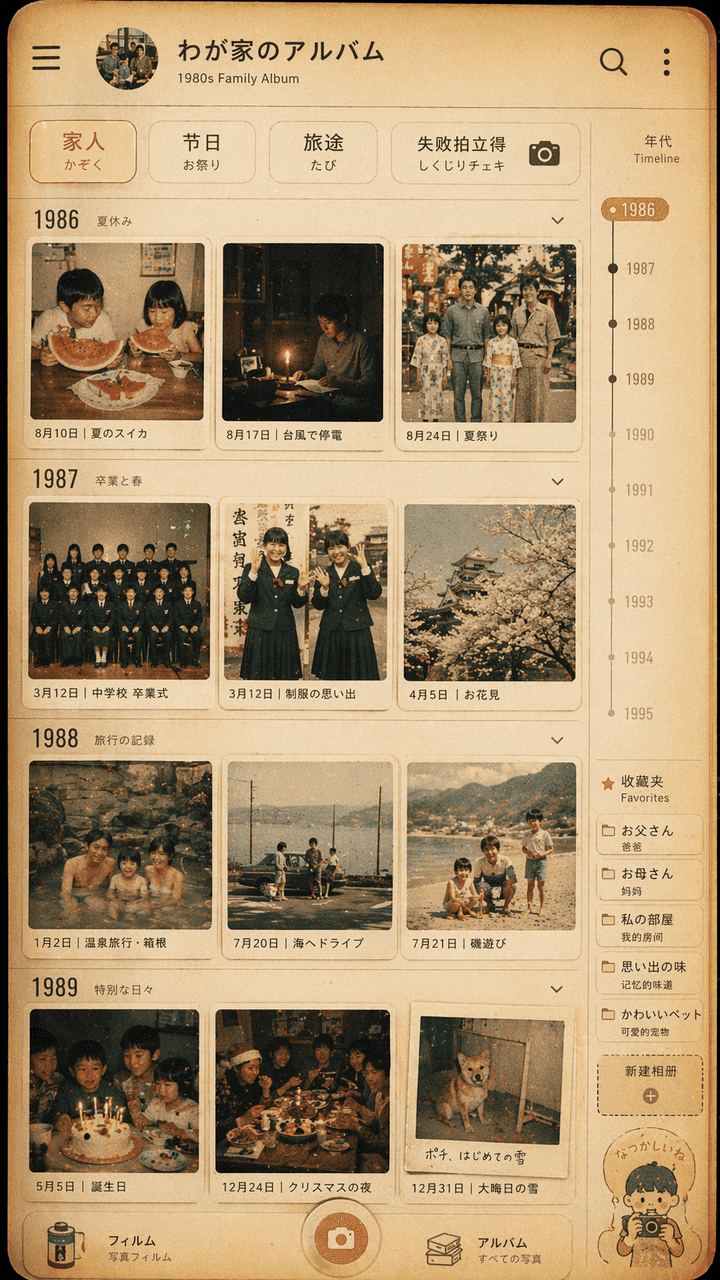
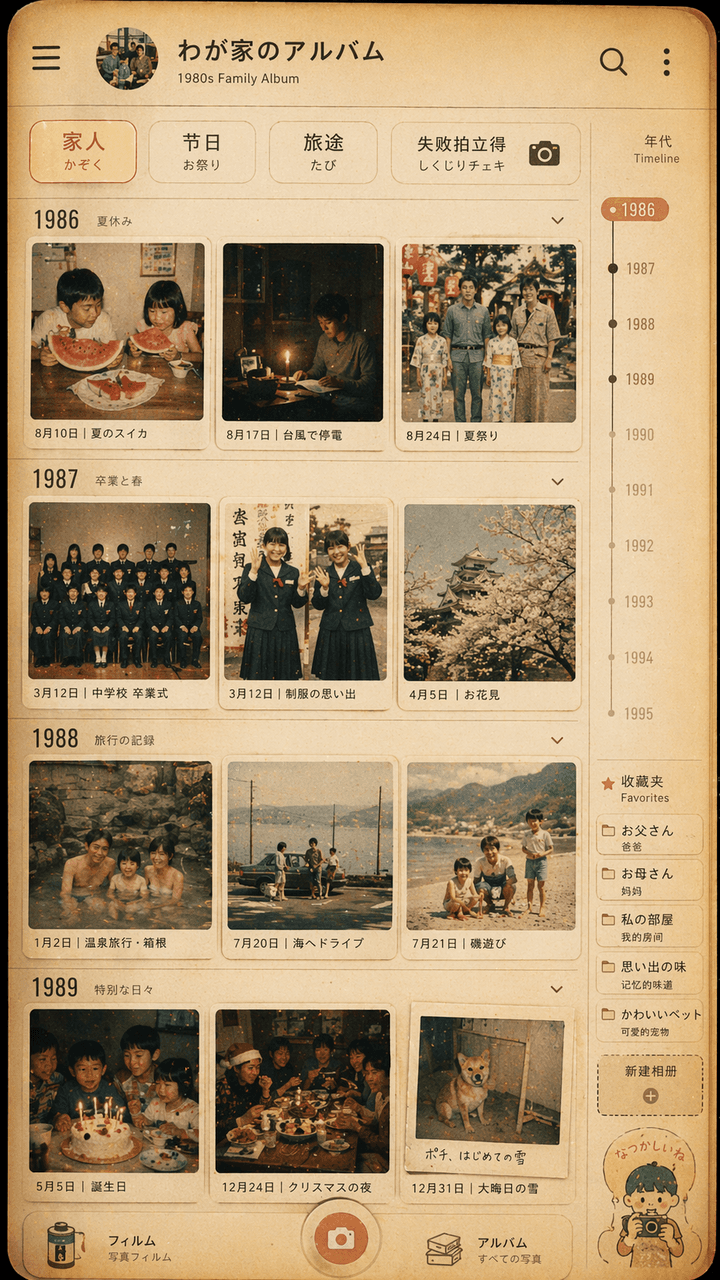
Showa tarzı aile fotoğraf albümü arayüz tasarımı
"Showa tarzı aile fotoğraf albümü arayüz tasarımı", retro fotoğraf duvarı, modern fotoğraf albümü Uygulama kullanıcı arayüzü ile entegre edilmiştir. Ekran, bir fotoğraf yönetimi uygulamasının zaman çizelgesi sayfasını s…
İstemi
"Showa tarzı aile fotoğraf albümü arayüz tasarımı", retro fotoğraf duvarı, modern fotoğraf albümü Uygulama kullanıcı arayüzü ile entegre edilmiştir. Ekran, bir fotoğraf yönetimi uygulamasının zaman çizelgesi sayfasını simüle eder, ancak her küçük resim 1980'lerden kalmadır. 1970'lerde Japon bir ailenin günlük hayatı: yaz karpuzu, tayfun elektrik kesintisi, okul üniforması mezuniyet fotoğrafı, kaplıca gezisi, Noel yemeği masası. Üst filtrede "Aile/Festival/Seyahat/Başarısızlık Polaroid" yazıyor. Sağ tarafta yıl ölçeği ve favoriler etiketi bulunmaktadır. Genel renk film benzeri, sıcak sarı ve hafif soluktur. Resim hem gerçek bir cep telefonu arayüzüne benziyor hem de aile anılarının yumuşak bir görüntüsü. Oran 9:16'dır.
Bu istem nasıl kullanılır?
Oluşturmadan önce Showa tarzı aile fotoğraf albümü arayüz tasarımı isteminin tamamını okuyun ve konuyu, stili, kamerayı, ışıklandırmayı ve kompozisyon gereksinimlerini tanımlayın.
Parantezli veya bağımsız değişken tarzı yer tutucuları ürününüz, karakteriniz, markanız, sahneniz, renk paletiniz veya en boy oranı gereksinimlerinizle değiştirin.
https://www.gptimagehub.com/tr/generate?promptId=cmogxipx300gzxt5gbicukrta dosyasını açın, görüntüyü oluşturun, ardından gerekirse daha spesifik konu, metin, düzen veya negatif kısıtlamalarla istemi hassaslaştırın.
Bilgi İstemi SSS
Showa tarzı aile fotoğraf albümü arayüz tasarımı istemi en iyi ne için kullanılır?
Bu istem, yeniden kullanılabilir bir yapı, ayrıntılı görsel yön ve tutarlı çıktı kalitesi istediğiniz uı / ux tasarımı görselleri için en iyi şekilde kullanılır.
İstemi oluşturmadan önce düzenleyebilir miyim?
Evet. Bilgi istemi metninin tamamı bu sayfada görünür; böylece oluşturmadan önce konuları, ürün adlarını, renkleri, kompozisyonu, kamera terimlerini, en boy oranını ve stil notlarını değiştirebilirsiniz.
Bu istemle hangi modeli kullanmalıyım?
Bilgi istemi meta verilerinde gösterilen modeli varsayılan başlangıç noktası olarak kullanın. Başka bir görüntü modeli aynı en boy oranını ve talimat stilini destekliyorsa istemi uyarlayabilir ve sonuçları karşılaştırabilirsiniz.