
Kitap #22
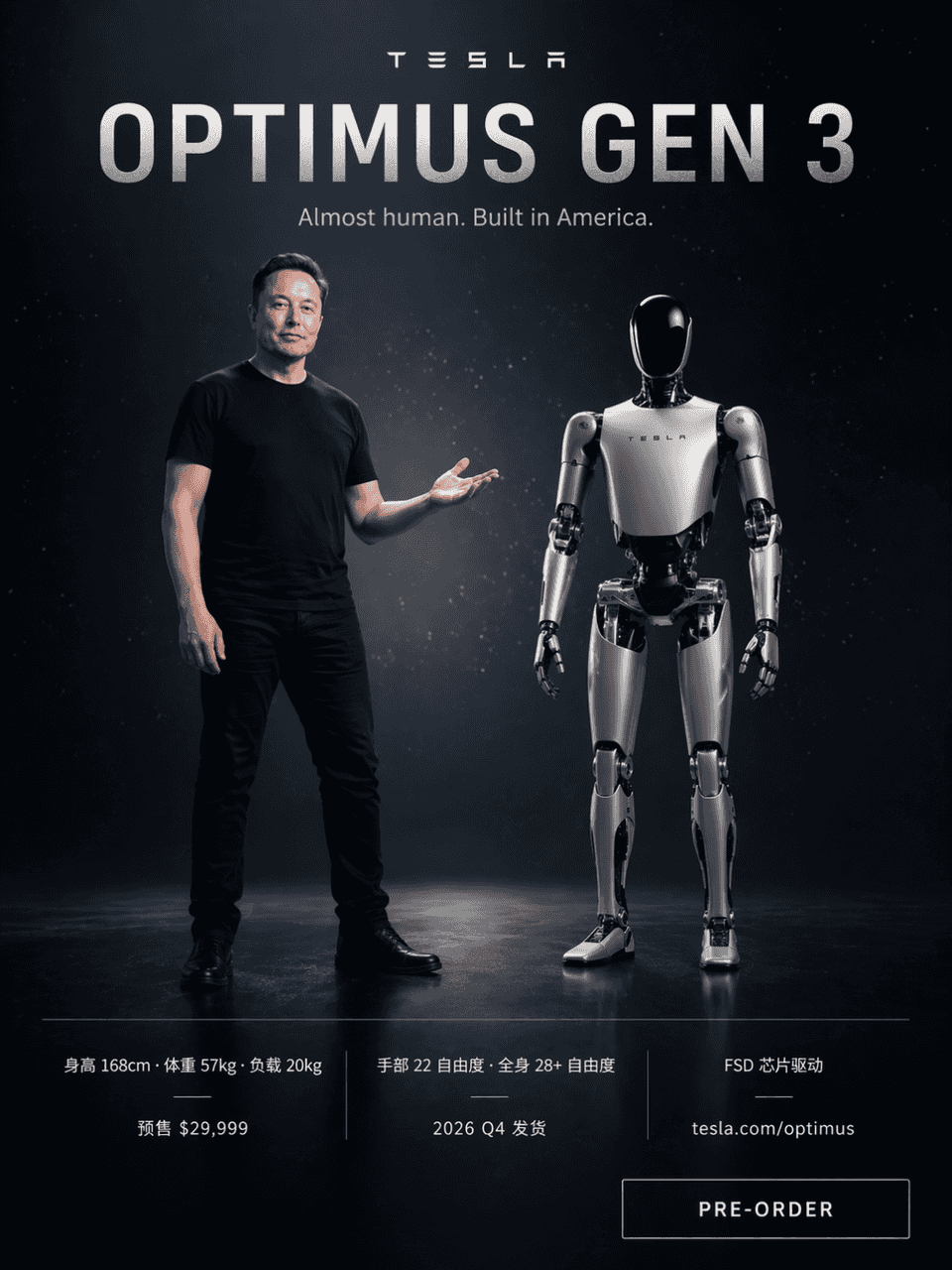
Buradaki istem, yıldız ışığı parçacıklarıyla karanlık bir teknolojik arka plana sahip, Tesla tarzı bir ürün lansman posteri çizmek. Elon Musk siyah bir tişört giyiyor ve sağ elini işaret edecek şekilde açarak ekranın so…
İstemi
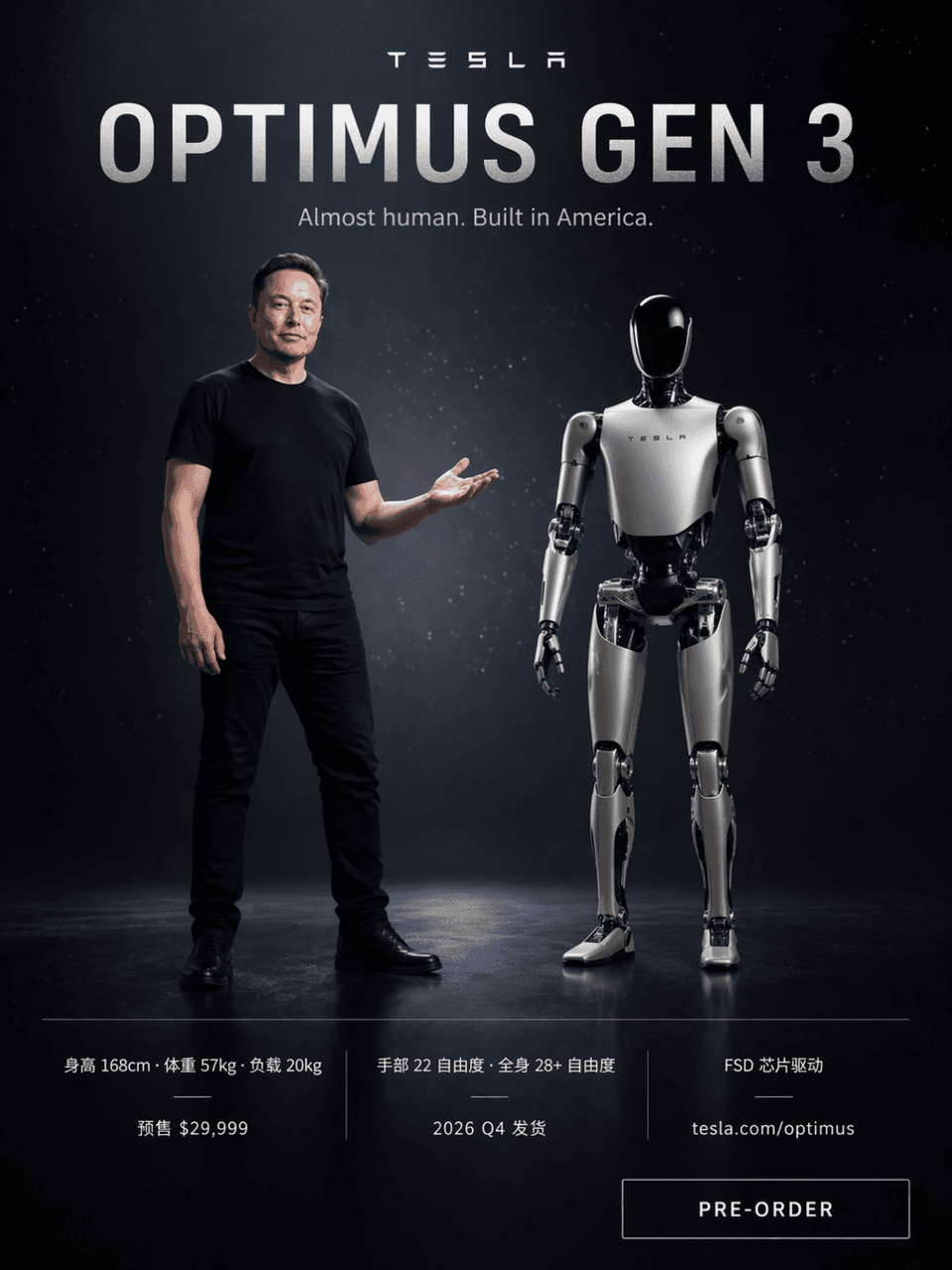
Buradaki istem, yıldız ışığı parçacıklarıyla karanlık bir teknolojik arka plana sahip, Tesla tarzı bir ürün lansman posteri çizmek. Elon Musk siyah bir tişört giyiyor ve sağ elini işaret edecek şekilde açarak ekranın sol tarafında duruyor. Sağ tarafta ise yaklaşık 168 cm yükseklik oranına sahip gümüş-beyaz Optimus Gen 3 insansı robot yan yana duruyor. En üstteki büyük kelimeler "OPTIMUS GEN 3" ve alt başlık "Neredeyse insan. Amerika'da üretildi." Aşağıdaki üç parametre sütunu, "Yükseklik 168 cm · Ağırlık 57 kg · Yük 20 kg" "El 22 serbestlik derecesi · Tüm vücut 28+ serbestlik derecesi · FSD çip sürücüsü" "Satış öncesi 29.999 $ · 2026 4. Çeyrek sevkiyatı · tesla.com/optimus" karşılaştırmasını yapar. Sağ alt köşede "ÖN SİPARİŞ" butonu bulunmaktadır.
Bu istem nasıl kullanılır?
Oluşturmadan önce Kitap #22 isteminin tamamını okuyun ve konuyu, stili, kamerayı, ışıklandırmayı ve kompozisyon gereksinimlerini tanımlayın.
Parantezli veya bağımsız değişken tarzı yer tutucuları ürününüz, karakteriniz, markanız, sahneniz, renk paletiniz veya en boy oranı gereksinimlerinizle değiştirin.
https://www.gptimagehub.com/tr/generate?promptId=cmogxow2g00ozxt5gruedqbvs dosyasını açın, görüntüyü oluşturun, ardından gerekirse daha spesifik konu, metin, düzen veya negatif kısıtlamalarla istemi hassaslaştırın.
Bilgi İstemi SSS
Kitap #22 istemi en iyi ne için kullanılır?
Bu istem, yeniden kullanılabilir bir yapı, ayrıntılı görsel yön ve tutarlı çıktı kalitesi istediğiniz poster ve illüstrasyon görselleri için en iyi şekilde kullanılır.
İstemi oluşturmadan önce düzenleyebilir miyim?
Evet. Bilgi istemi metninin tamamı bu sayfada görünür; böylece oluşturmadan önce konuları, ürün adlarını, renkleri, kompozisyonu, kamera terimlerini, en boy oranını ve stil notlarını değiştirebilirsiniz.
Bu istemle hangi modeli kullanmalıyım?
Bilgi istemi meta verilerinde gösterilen modeli varsayılan başlangıç noktası olarak kullanın. Başka bir görüntü modeli aynı en boy oranını ve talimat stilini destekliyorsa istemi uyarlayabilir ve sonuçları karşılaştırabilirsiniz.