
Kitap #19
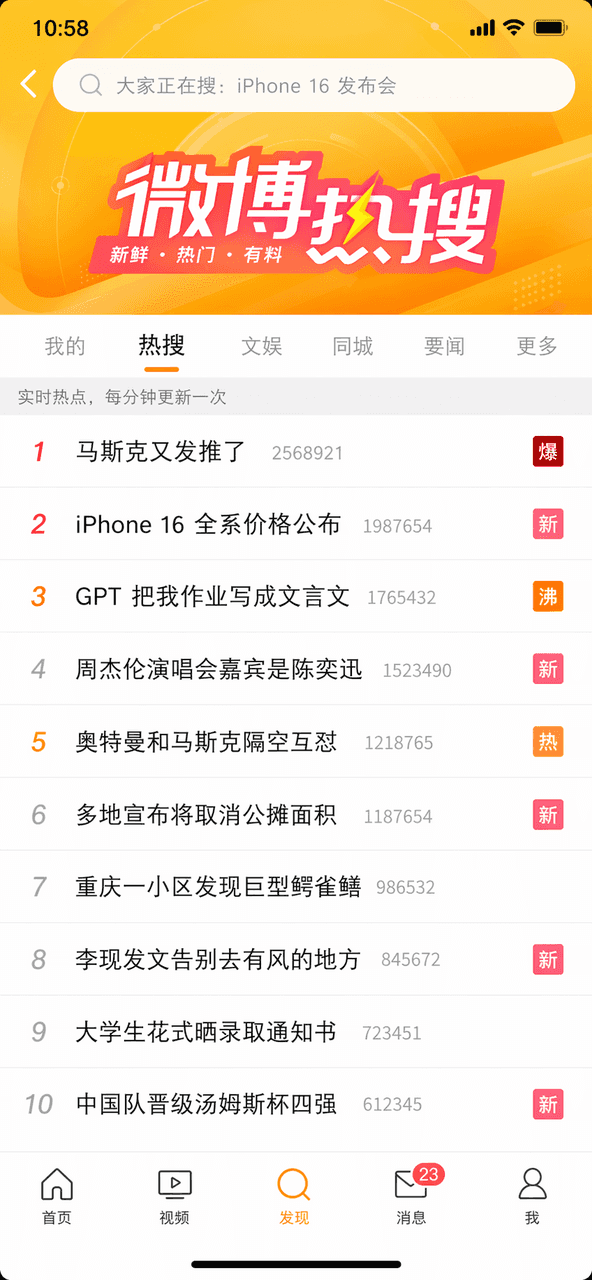
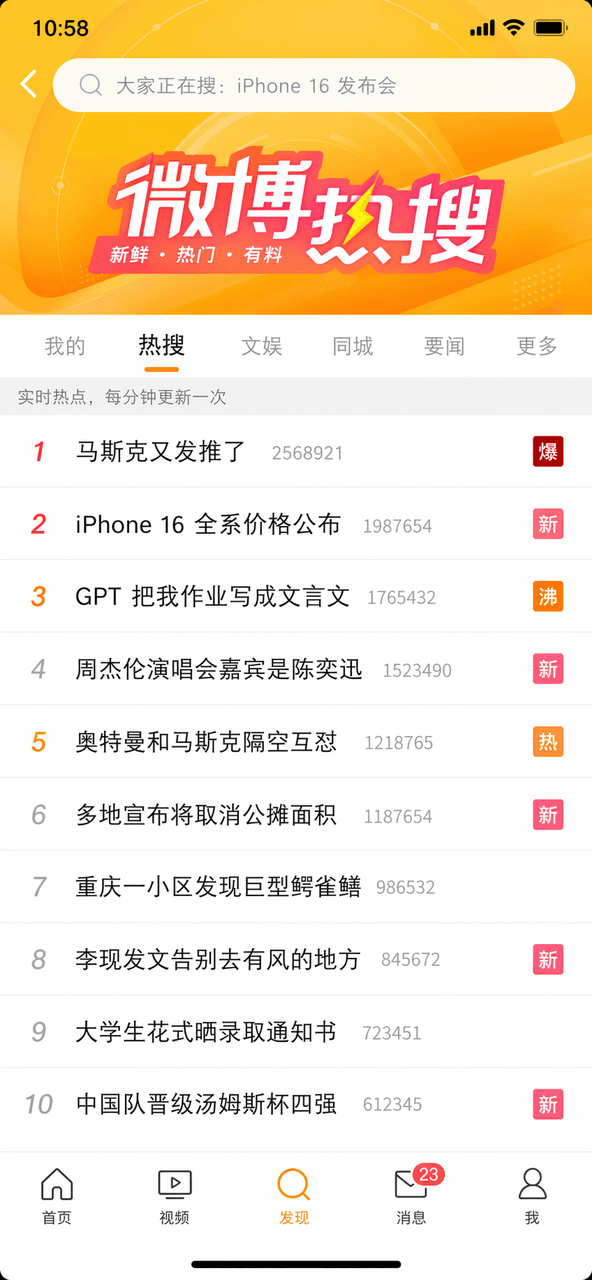
Bir hatırlatma olarak, Weibo'nun en çok aranan on arama listesinin ekran görüntüsünü çizin. İlk makale "Musk tekrar tweet attı" "patlama" kelimesiyle işaretlendi, üçüncü makale "GPT ödevimi klasik Çince yazdı" kelimesi…
İstemi
Bir hatırlatma olarak, Weibo'nun en çok aranan on arama listesinin ekran görüntüsünü çizin. İlk makale "Musk tekrar tweet attı" "patlama" kelimesiyle işaretlendi, üçüncü makale "GPT ödevimi klasik Çince yazdı" kelimesi "kaynama" kelimesiyle işaretlendi ve beşinci makale "Ultraman ve Musk havada birbirleriyle kavga ediyor" "sıcak" kelimesiyle işaretlendi. Üstteki arama kutusu ve alttaki gezinme çubuğu tamamlandı.
Bu istem nasıl kullanılır?
Oluşturmadan önce Kitap #19 isteminin tamamını okuyun ve konuyu, stili, kamerayı, ışıklandırmayı ve kompozisyon gereksinimlerini tanımlayın.
Parantezli veya bağımsız değişken tarzı yer tutucuları ürününüz, karakteriniz, markanız, sahneniz, renk paletiniz veya en boy oranı gereksinimlerinizle değiştirin.
https://www.gptimagehub.com/tr/generate?promptId=cmogxopbm00otxt5gpn0talrm dosyasını açın, görüntüyü oluşturun, ardından gerekirse daha spesifik konu, metin, düzen veya negatif kısıtlamalarla istemi hassaslaştırın.
Bilgi İstemi SSS
Kitap #19 istemi en iyi ne için kullanılır?
Bu istem, yeniden kullanılabilir bir yapı, ayrıntılı görsel yön ve tutarlı çıktı kalitesi istediğiniz sosyal medya görselleri için en iyi şekilde kullanılır.
İstemi oluşturmadan önce düzenleyebilir miyim?
Evet. Bilgi istemi metninin tamamı bu sayfada görünür; böylece oluşturmadan önce konuları, ürün adlarını, renkleri, kompozisyonu, kamera terimlerini, en boy oranını ve stil notlarını değiştirebilirsiniz.
Bu istemle hangi modeli kullanmalıyım?
Bilgi istemi meta verilerinde gösterilen modeli varsayılan başlangıç noktası olarak kullanın. Başka bir görüntü modeli aynı en boy oranını ve talimat stilini destekliyorsa istemi uyarlayabilir ve sonuçları karşılaştırabilirsiniz.