
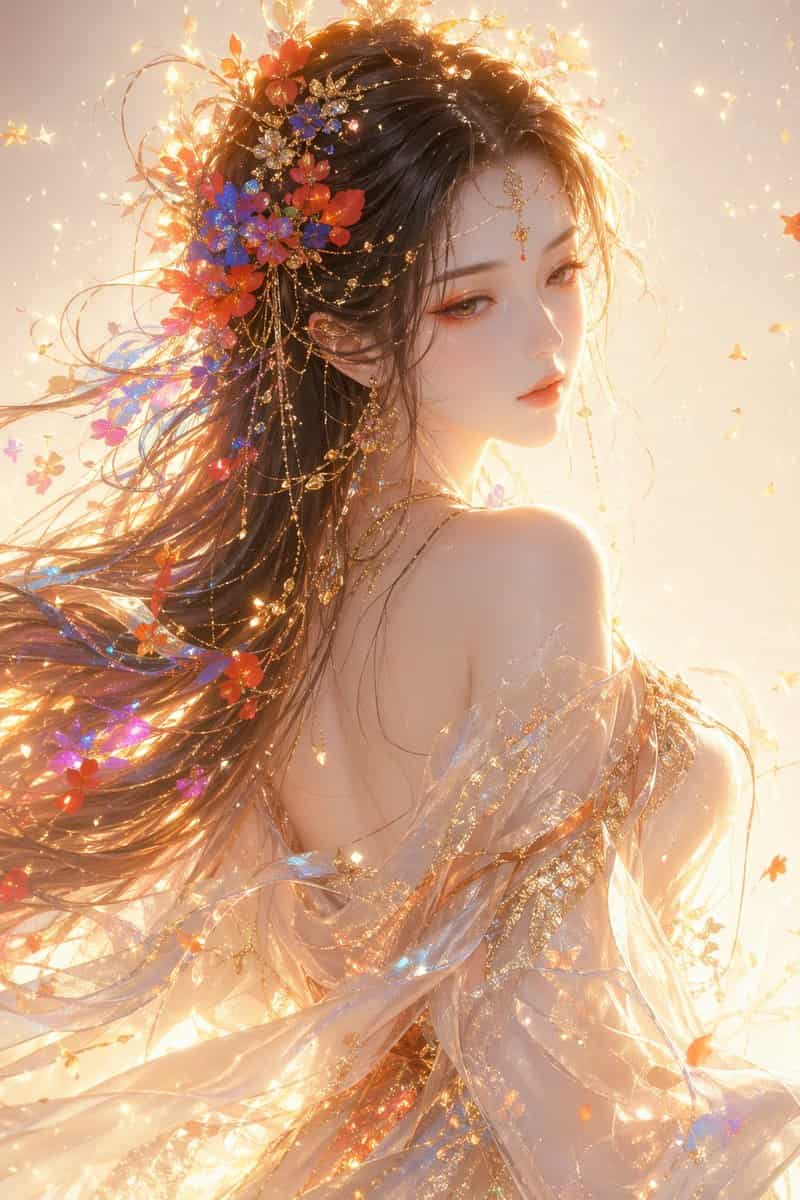
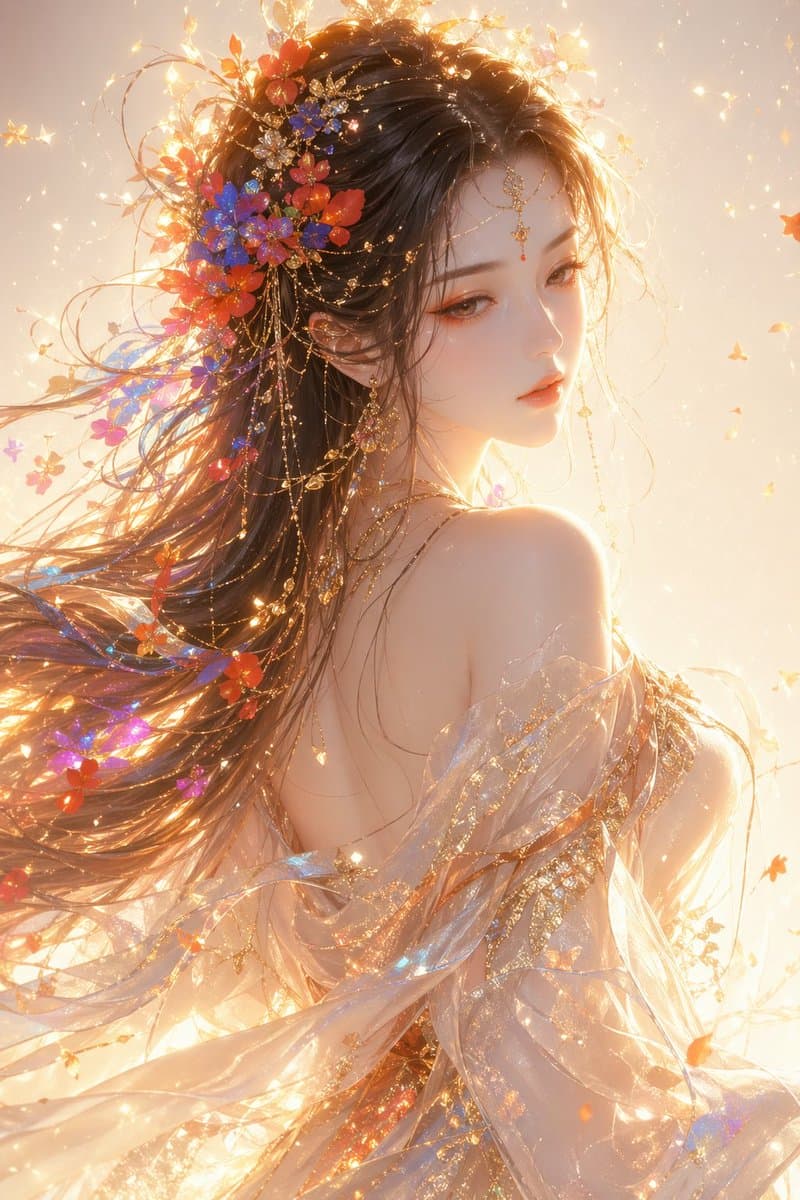
Doğu Fantazi Kadın Yarı Portresi
Oryantal fantazi tarzı kadın, yarım boy portre, profile bakan, ruhani ve zarif mizaçlı, yumuşak ve ilahi güzelliğe sahip, narin yüz hatları, hafifçe alçak gözleri, soğuk beyaz ve narin cildi, zarif turuncu-pembe makyajı…
İstemi
Oryantal fantazi tarzı kadın, yarım boy portre, profile bakan, ruhani ve zarif mizaçlı, yumuşak ve ilahi güzelliğe sahip, narin yüz hatları, hafifçe alçak gözleri, soğuk beyaz ve narin cildi, zarif turuncu-pembe makyajı ve altın rengi vurguları olan. Uzun saçlar akıyor, rengarenk çiçekler ve hafif parçacıklar (kırmızı, mavi, turuncu, mor) saça dahil ediliyor. Saçın akış ve hava hissi vardır. Yarı saydam ipek bir elbise ve şal giyilen malzeme hafif ve şeffaftır, kumaş rüzgarda dalgalanır ve yüzeyi yaldızlı dokuya ve parlak parçacıklara sahiptir. Genel ışık ve gölge, sıcak altın renkli arka ışık, güçlü kenar ışığı, belirgin hacimli ışık, yüzen ışık parçacıkları, yumuşak ışık ve projektörden oluşur ve rüya gibi bir atmosfer yaratır. Arka plan, ışıltı ve parçacık efektlerine sahip temiz bir ışık gradyanından oluşuyor ve genel atmosfer ruhani, rüya gibi ve kutsal. Stil: Üst düzey CG illüstrasyonu, ultra ince, film düzeyinde ışık ve gölge, yumuşak ışık oluşturma, 8K ayrıntılar, artstation popüler çalışma tarzı
Bu istem nasıl kullanılır?
Oluşturmadan önce Doğu Fantazi Kadın Yarı Portresi isteminin tamamını okuyun ve konuyu, stili, kamerayı, ışıklandırmayı ve kompozisyon gereksinimlerini tanımlayın.
Parantezli veya bağımsız değişken tarzı yer tutucuları ürününüz, karakteriniz, markanız, sahneniz, renk paletiniz veya en boy oranı gereksinimlerinizle değiştirin.
https://www.gptimagehub.com/tr/generate?promptId=cmogwxket0091zpdyfidqzxgh dosyasını açın, görüntüyü oluşturun, ardından gerekirse daha spesifik konu, metin, düzen veya negatif kısıtlamalarla istemi hassaslaştırın.
Bilgi İstemi SSS
Doğu Fantazi Kadın Yarı Portresi istemi en iyi ne için kullanılır?
Bu istem, yeniden kullanılabilir bir yapı, ayrıntılı görsel yön ve tutarlı çıktı kalitesi istediğiniz uı / ux tasarımı görselleri için en iyi şekilde kullanılır.
İstemi oluşturmadan önce düzenleyebilir miyim?
Evet. Bilgi istemi metninin tamamı bu sayfada görünür; böylece oluşturmadan önce konuları, ürün adlarını, renkleri, kompozisyonu, kamera terimlerini, en boy oranını ve stil notlarını değiştirebilirsiniz.
Bu istemle hangi modeli kullanmalıyım?
Bilgi istemi meta verilerinde gösterilen modeli varsayılan başlangıç noktası olarak kullanın. Başka bir görüntü modeli aynı en boy oranını ve talimat stilini destekliyorsa istemi uyarlayabilir ve sonuçları karşılaştırabilirsiniz.