
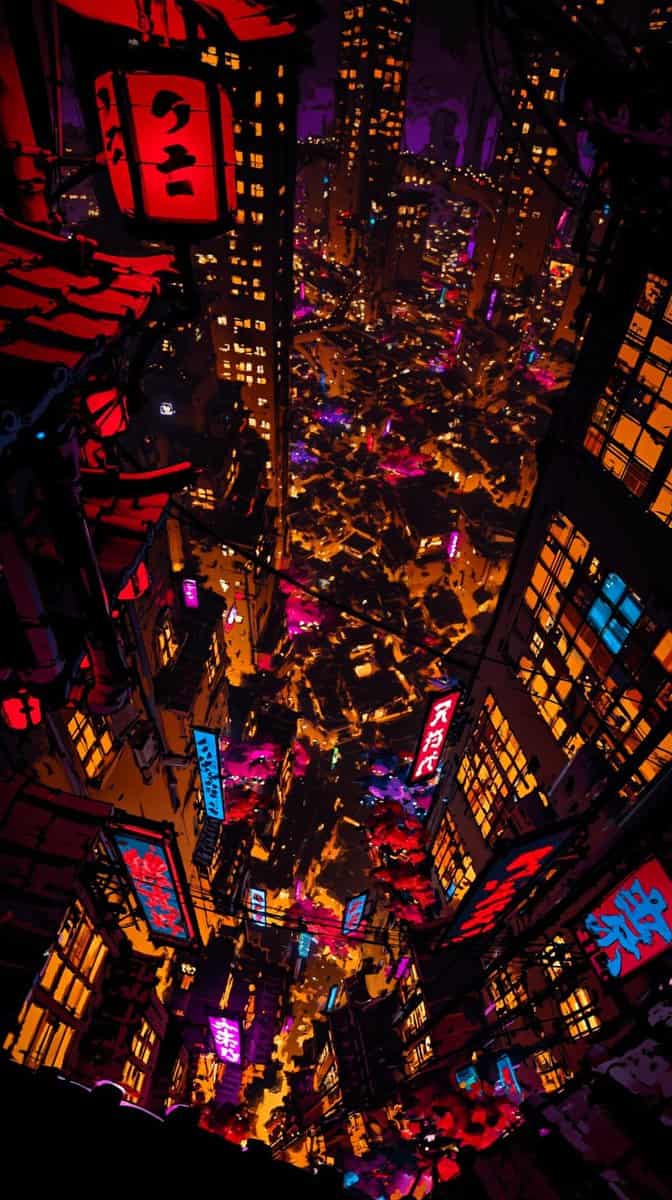
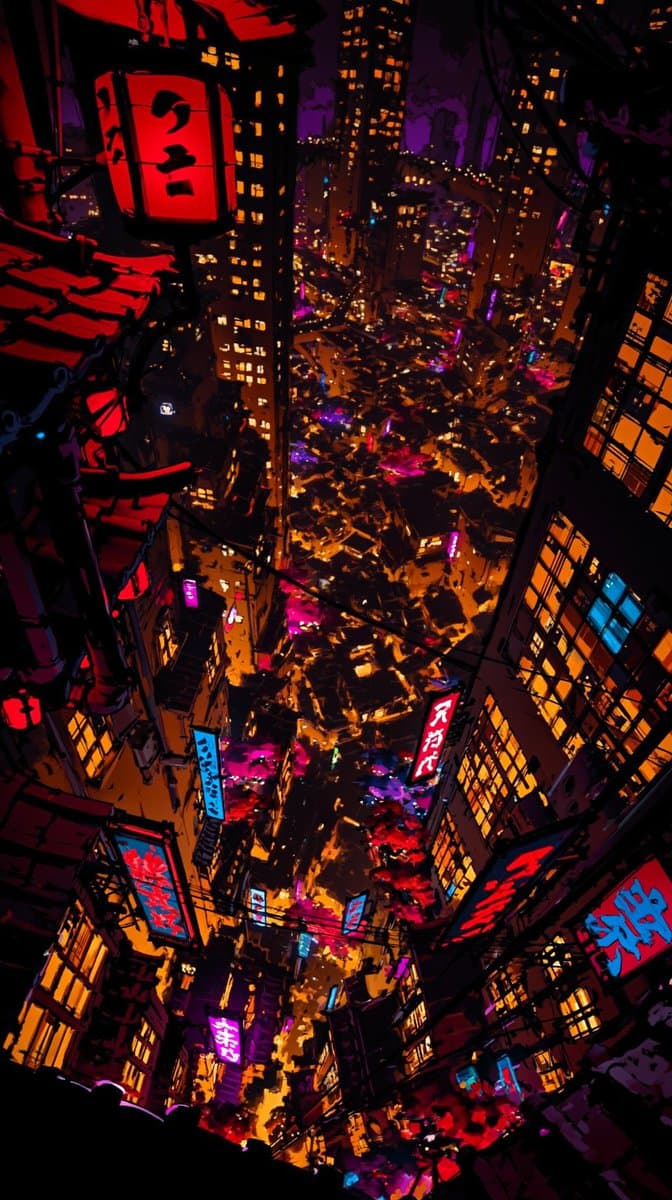
Gerçeküstü Japon Fütüristik Şehir İllüstrasyonu
Bu resmin perspektifine ve stiline atıfta bulunarak, gerçeküstü bir Japon tarzı geleceğin şehrini ifade etmek için daha ayrıntılı, ultra yüksek çözünürlüklü bir illüstrasyon çizin. Sokaktaki geleneksel kültürel geçit tö…
İstemi
Bu resmin perspektifine ve stiline atıfta bulunarak, gerçeküstü bir Japon tarzı geleceğin şehrini ifade etmek için daha ayrıntılı, ultra yüksek çözünürlüklü bir illüstrasyon çizin. Sokaktaki geleneksel kültürel geçit töreni yapan insanları, sokaklardaki gangsterleri, havai fişek alanındaki dansçıları, yorgun sosyal hayvanları, ayrıca binanın pencerelerinde çeşitli karakterleri, ders çalışan öğrencileri, kavga eden çiftleri, oyun oynayan otakuları ve daha birçok detayı görebilmek için çok küçük detayları görebilmek gerekiyor. Kalabalık gerçeklikteki can sıkıntısını, hareketli şehirdeki yalnızlığı, anlamsız hayatın hastalıklı güzelliğini hicvediyor. Resim son derece yüksek estetik değere sahip olmalı ve içerik nedeniyle güzellik ve koordinasyon kaybolmamalıdır. Oran 9:16
Bu istem nasıl kullanılır?
Oluşturmadan önce Gerçeküstü Japon Fütüristik Şehir İllüstrasyonu isteminin tamamını okuyun ve konuyu, stili, kamerayı, ışıklandırmayı ve kompozisyon gereksinimlerini tanımlayın.
Parantezli veya bağımsız değişken tarzı yer tutucuları ürününüz, karakteriniz, markanız, sahneniz, renk paletiniz veya en boy oranı gereksinimlerinizle değiştirin.
https://www.gptimagehub.com/tr/generate?promptId=cmogwxjux008vzpdyuxmm451z dosyasını açın, görüntüyü oluşturun, ardından gerekirse daha spesifik konu, metin, düzen veya negatif kısıtlamalarla istemi hassaslaştırın.
Bilgi İstemi SSS
Gerçeküstü Japon Fütüristik Şehir İllüstrasyonu istemi en iyi ne için kullanılır?
Bu istem, yeniden kullanılabilir bir yapı, ayrıntılı görsel yön ve tutarlı çıktı kalitesi istediğiniz uı / ux tasarımı görselleri için en iyi şekilde kullanılır.
İstemi oluşturmadan önce düzenleyebilir miyim?
Evet. Bilgi istemi metninin tamamı bu sayfada görünür; böylece oluşturmadan önce konuları, ürün adlarını, renkleri, kompozisyonu, kamera terimlerini, en boy oranını ve stil notlarını değiştirebilirsiniz.
Bu istemle hangi modeli kullanmalıyım?
Bilgi istemi meta verilerinde gösterilen modeli varsayılan başlangıç noktası olarak kullanın. Başka bir görüntü modeli aynı en boy oranını ve talimat stilini destekliyorsa istemi uyarlayabilir ve sonuçları karşılaştırabilirsiniz.