
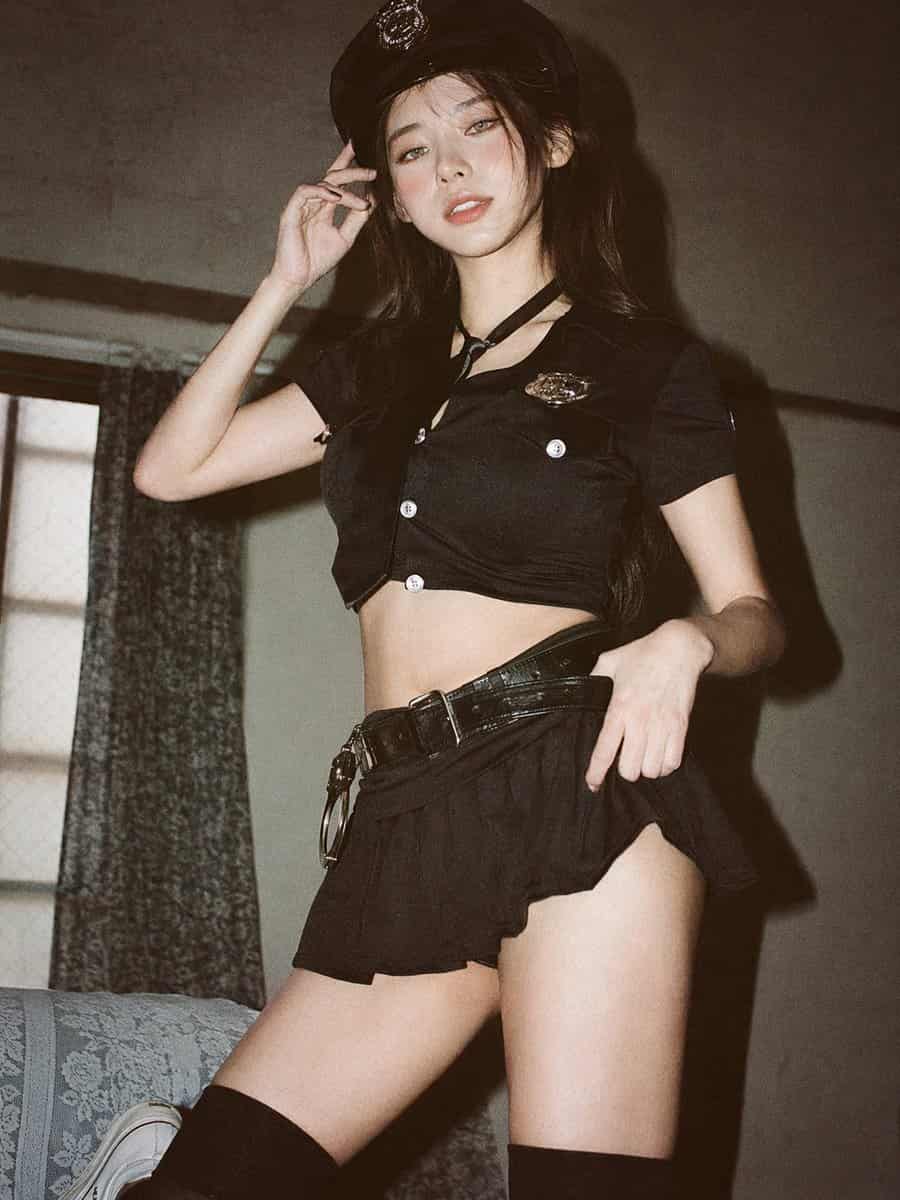
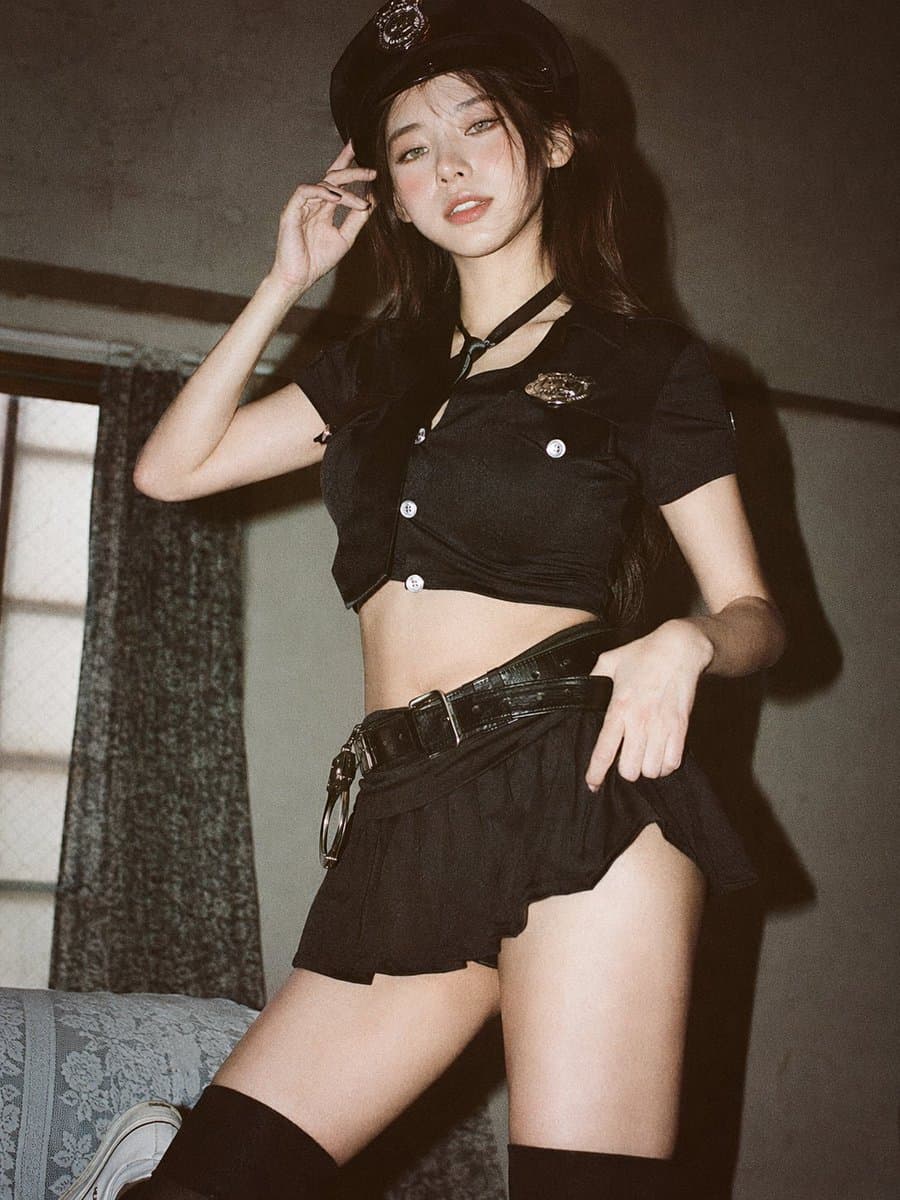
Yumuşak Havadar 35mm Portre
Analog 35 mm film fotoğrafçılığı, yumuşak, havadar Japon tarzı estetik, hafif dağınık doğal pencere ışığı, hafif aşırı pozlama, pastel tonlar, düşük kontrast, yumuşak vurgular, beyaz perdeli bir pencerenin yanında minim…
İstemi
Analog 35 mm film fotoğrafçılığı, yumuşak, havadar Japon tarzı estetik, hafif dağınık doğal pencere ışığı, hafif aşırı pozlama, pastel tonlar, düşük kontrast, yumuşak vurgular, beyaz perdeli bir pencerenin yanında minimal iç mekan ayarı, temiz açık renkli duvar, doğal kompozisyon, göz hizası, biraz daha yakın tam vücut çerçeveleme (uyluk ortasından kafaya), genç Doğu Asyalı kadın, doğal minimal makyaj, yumuşak gerçekçi cilt dokusu, uzun hafif dağınık siyah saç, büyük boy beyaz düğmeli gömlek, hafif gündelik şort, yalınayak, basit ve rahat stil, rahat bir duruşla doğal bir duruş, kollar yanlarda gevşek veya biraz geride, kameraya dönük, nazik, yumuşak bir gülümseme, hafif bir sessizlik, ışığa, havaya odaklanma ve sessiz günlük ruh hali, yumuşak film greni, rüya gibi ve sade bir atmosfer --ar 9:16
Bu istem nasıl kullanılır?
Oluşturmadan önce Yumuşak Havadar 35mm Portre isteminin tamamını okuyun ve konuyu, stili, kamerayı, ışıklandırmayı ve kompozisyon gereksinimlerini tanımlayın.
Parantezli veya bağımsız değişken tarzı yer tutucuları ürününüz, karakteriniz, markanız, sahneniz, renk paletiniz veya en boy oranı gereksinimlerinizle değiştirin.
https://www.gptimagehub.com/tr/generate?promptId=cmogwrehv000pzpdyhdrs7isz dosyasını açın, görüntüyü oluşturun, ardından gerekirse daha spesifik konu, metin, düzen veya negatif kısıtlamalarla istemi hassaslaştırın.
Bilgi İstemi SSS
Yumuşak Havadar 35mm Portre istemi en iyi ne için kullanılır?
Bu istem, yeniden kullanılabilir bir yapı, ayrıntılı görsel yön ve tutarlı çıktı kalitesi istediğiniz sinematik / film karesi görselleri için en iyi şekilde kullanılır.
İstemi oluşturmadan önce düzenleyebilir miyim?
Evet. Bilgi istemi metninin tamamı bu sayfada görünür; böylece oluşturmadan önce konuları, ürün adlarını, renkleri, kompozisyonu, kamera terimlerini, en boy oranını ve stil notlarını değiştirebilirsiniz.
Bu istemle hangi modeli kullanmalıyım?
Bilgi istemi meta verilerinde gösterilen modeli varsayılan başlangıç noktası olarak kullanın. Başka bir görüntü modeli aynı en boy oranını ve talimat stilini destekliyorsa istemi uyarlayabilir ve sonuçları karşılaştırabilirsiniz.