
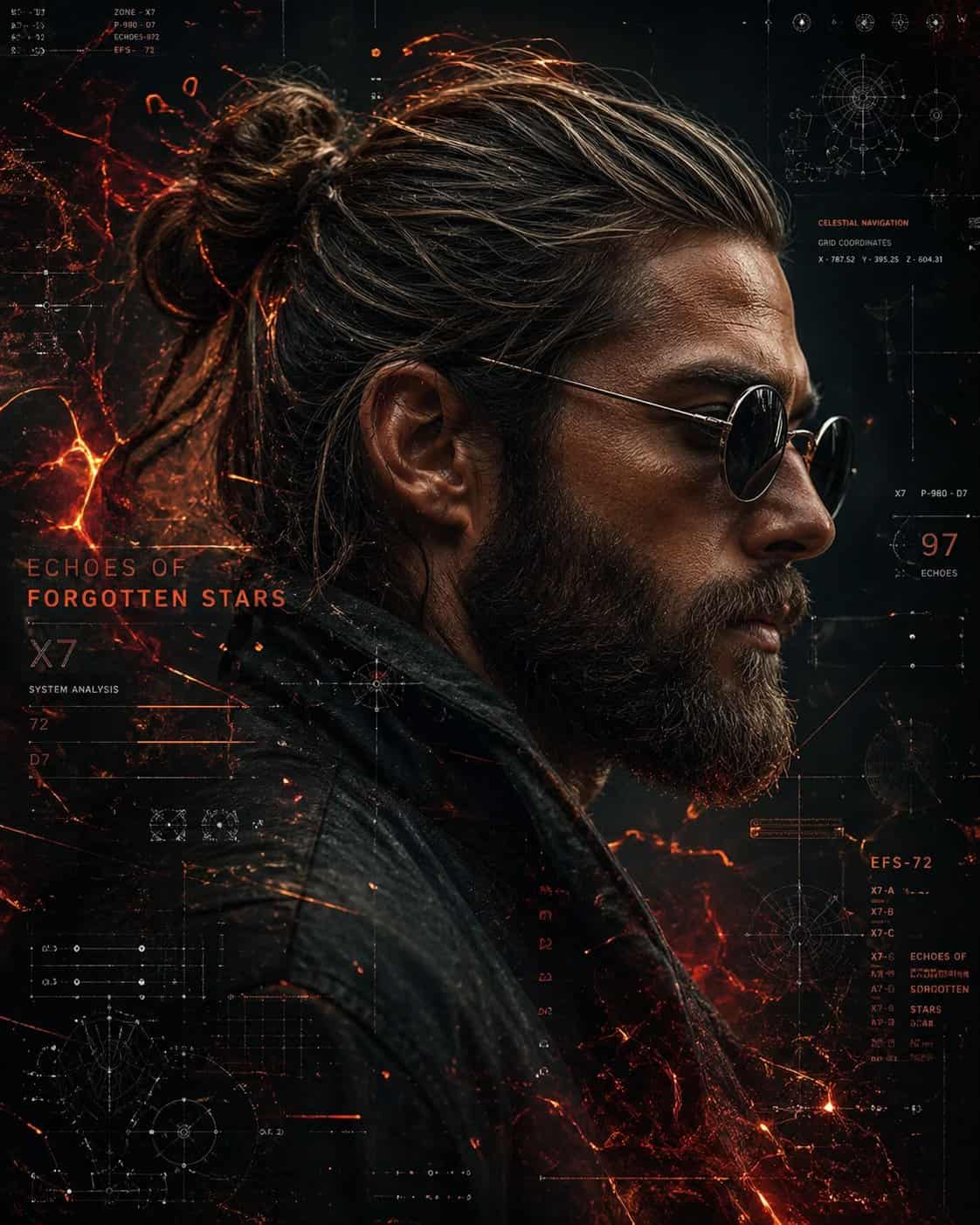
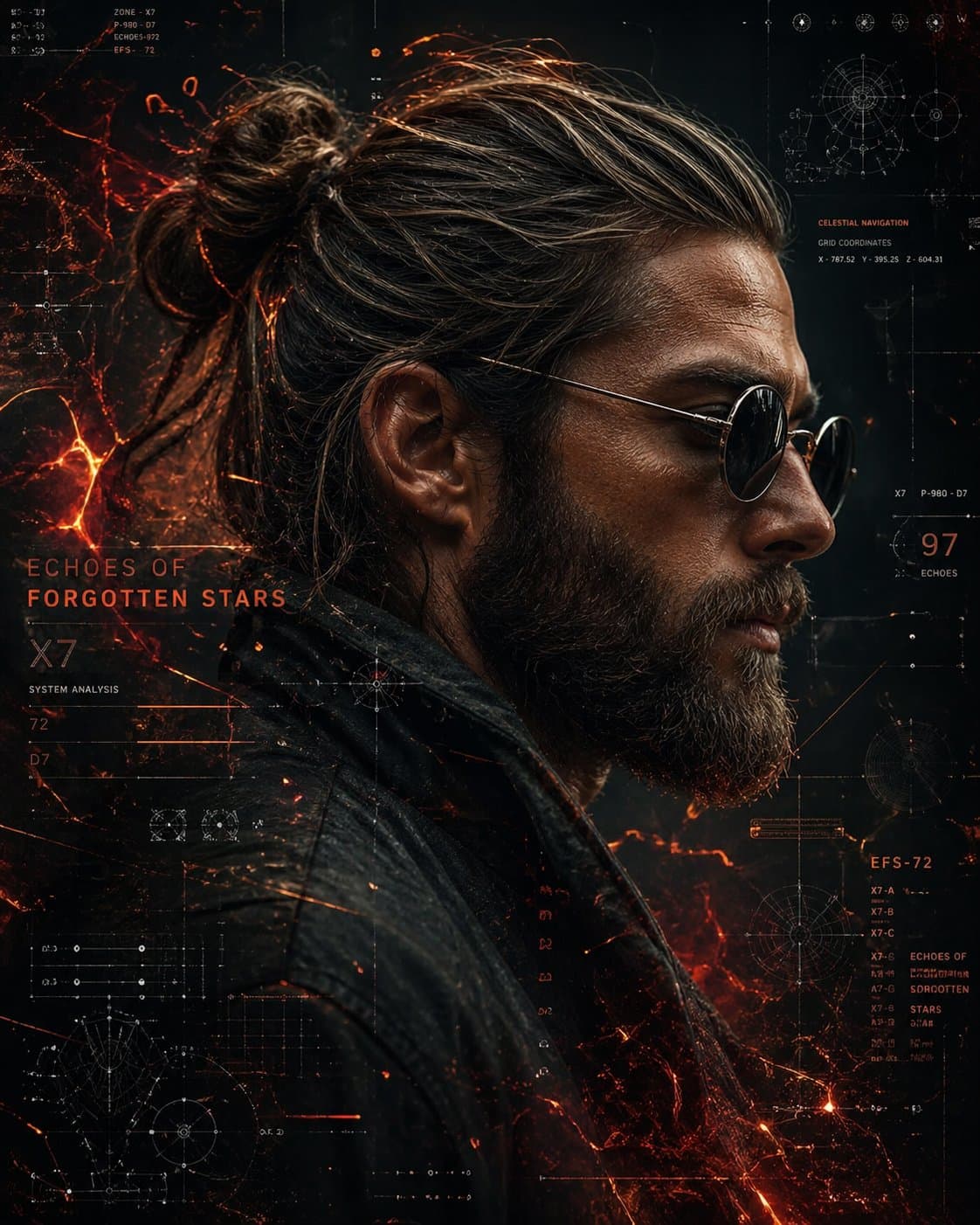
Cyberpunk Bilim Kurgu Yan Profil Portresi
Arkadan bağlı topuzlu, gür sakallı, yuvarlak koyu güneş gözlüğü ve dokulu deri ceket giyen sağlam yapılı bir adamın sinematik yan profil portresi. Cildi detaylı ve biraz yıpranmış. Arka plan, parlak turuncu ve kırmızı v…
İstemi
Arkadan bağlı topuzlu, gür sakallı, yuvarlak koyu güneş gözlüğü ve dokulu deri ceket giyen sağlam yapılı bir adamın sinematik yan profil portresi. Cildi detaylı ve biraz yıpranmış. Arka plan, parlak turuncu ve kırmızı veri akışları, yıldız haritaları, göksel navigasyon diyagramları, ızgaralar ve holografik UI öğeleriyle dolu fütüristik bir bilim kurgu arayüzüdür. Ateşli parçacık efektleri ve köz benzeri enerji onun etrafında dönerek kozmik, yüksek teknolojili bir atmosfer yaratıyor. Güçlü kontrast, dramatik aydınlatma, ultra ayrıntılı, keskin odaklama, 8K, siberpunk estetiği, sinematik kompozisyon, alan derinliği içeren koyu renk paleti.
Bu istem nasıl kullanılır?
Oluşturmadan önce Cyberpunk Bilim Kurgu Yan Profil Portresi isteminin tamamını okuyun ve konuyu, stili, kamerayı, ışıklandırmayı ve kompozisyon gereksinimlerini tanımlayın.
Parantezli veya bağımsız değişken tarzı yer tutucuları ürününüz, karakteriniz, markanız, sahneniz, renk paletiniz veya en boy oranı gereksinimlerinizle değiştirin.
https://www.gptimagehub.com/tr/generate?promptId=cmogws8ns001zzpdykugm1sb6 dosyasını açın, görüntüyü oluşturun, ardından gerekirse daha spesifik konu, metin, düzen veya negatif kısıtlamalarla istemi hassaslaştırın.
Bilgi İstemi SSS
Cyberpunk Bilim Kurgu Yan Profil Portresi istemi en iyi ne için kullanılır?
Bu istem, yeniden kullanılabilir bir yapı, ayrıntılı görsel yön ve tutarlı çıktı kalitesi istediğiniz portre ve fotoğrafçılık görselleri için en iyi şekilde kullanılır.
İstemi oluşturmadan önce düzenleyebilir miyim?
Evet. Bilgi istemi metninin tamamı bu sayfada görünür; böylece oluşturmadan önce konuları, ürün adlarını, renkleri, kompozisyonu, kamera terimlerini, en boy oranını ve stil notlarını değiştirebilirsiniz.
Bu istemle hangi modeli kullanmalıyım?
Bilgi istemi meta verilerinde gösterilen modeli varsayılan başlangıç noktası olarak kullanın. Başka bir görüntü modeli aynı en boy oranını ve talimat stilini destekliyorsa istemi uyarlayabilir ve sonuçları karşılaştırabilirsiniz.