
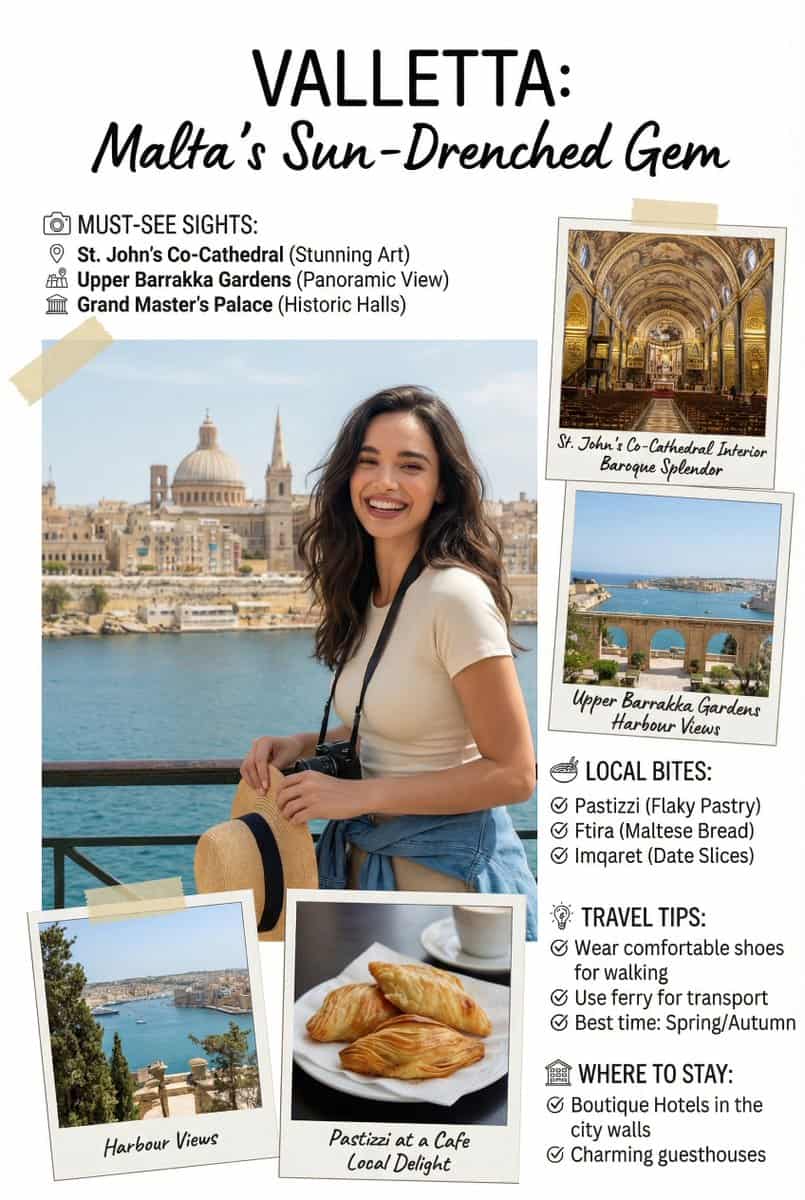
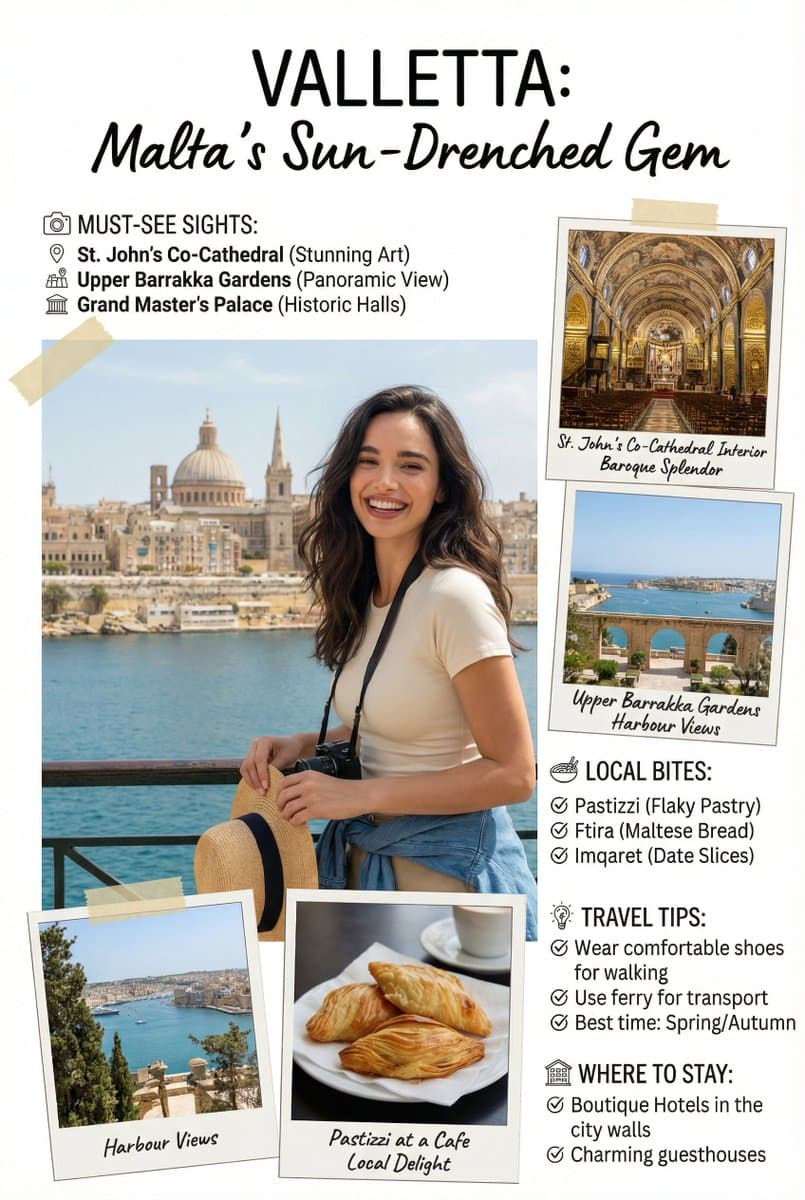
Dergi Gezi Rehberi Özellik Makalesi
Dergi özellikli makale [seyahat] rehber sayfası, sevimli, bilgi yoğun fotoğraf kitabı tarzı dergi özellikli makale sayfasının görüntüsünü oluşturun. Gerekli tüm bölümleri, ipuçlarını, önerileri, bilgileri ekleyin. İster…
İstemi
Dergi özellikli makale [seyahat] rehber sayfası, sevimli, bilgi yoğun fotoğraf kitabı tarzı dergi özellikli makale sayfasının görüntüsünü oluşturun. Gerekli tüm bölümleri, ipuçlarını, önerileri, bilgileri ekleyin. İsterseniz bölümler ve öneriler için fotoğraf ekleyin. Eklenen kişiyi tam olarak [şehir, ülke] konumuna yerleştirin. Eklenen kişiyi sanki geziyormuş gibi kusursuz bir şekilde karıştırın. Bu göreve, bunun ziyaretçi sayısını önemli ölçüde etkileyecek kritik, bilgi açısından zengin bir sayfa olduğunu ve metin doğruluğunun önemli olduğunu bilerek yaklaşın. [9:16] sayfasının tamamını tam olarak kullanın. OLUMSUZ İSTE: koordinat metinleri @swiat_ai @ProfitAII
Bu istem nasıl kullanılır?
Oluşturmadan önce Dergi Gezi Rehberi Özellik Makalesi isteminin tamamını okuyun ve konuyu, stili, kamerayı, ışıklandırmayı ve kompozisyon gereksinimlerini tanımlayın.
Parantezli veya bağımsız değişken tarzı yer tutucuları ürününüz, karakteriniz, markanız, sahneniz, renk paletiniz veya en boy oranı gereksinimlerinizle değiştirin.
https://www.gptimagehub.com/tr/generate?promptId=cmogws0f6001hzpdyu51qlbbd dosyasını açın, görüntüyü oluşturun, ardından gerekirse daha spesifik konu, metin, düzen veya negatif kısıtlamalarla istemi hassaslaştırın.
Bilgi İstemi SSS
Dergi Gezi Rehberi Özellik Makalesi istemi en iyi ne için kullanılır?
Bu istem, yeniden kullanılabilir bir yapı, ayrıntılı görsel yön ve tutarlı çıktı kalitesi istediğiniz uı / ux tasarımı görselleri için en iyi şekilde kullanılır.
İstemi oluşturmadan önce düzenleyebilir miyim?
Evet. Bilgi istemi metninin tamamı bu sayfada görünür; böylece oluşturmadan önce konuları, ürün adlarını, renkleri, kompozisyonu, kamera terimlerini, en boy oranını ve stil notlarını değiştirebilirsiniz.
Bu istemle hangi modeli kullanmalıyım?
Bilgi istemi meta verilerinde gösterilen modeli varsayılan başlangıç noktası olarak kullanın. Başka bir görüntü modeli aynı en boy oranını ve talimat stilini destekliyorsa istemi uyarlayabilir ve sonuçları karşılaştırabilirsiniz.