
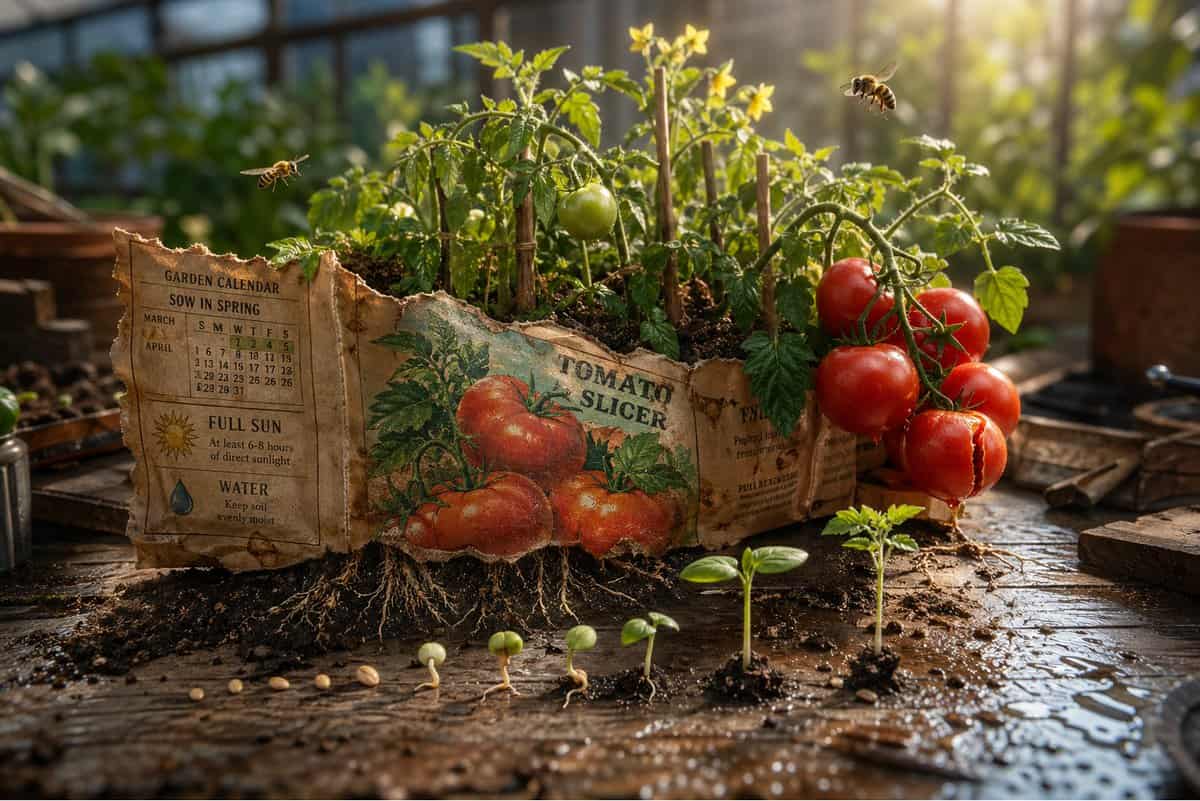
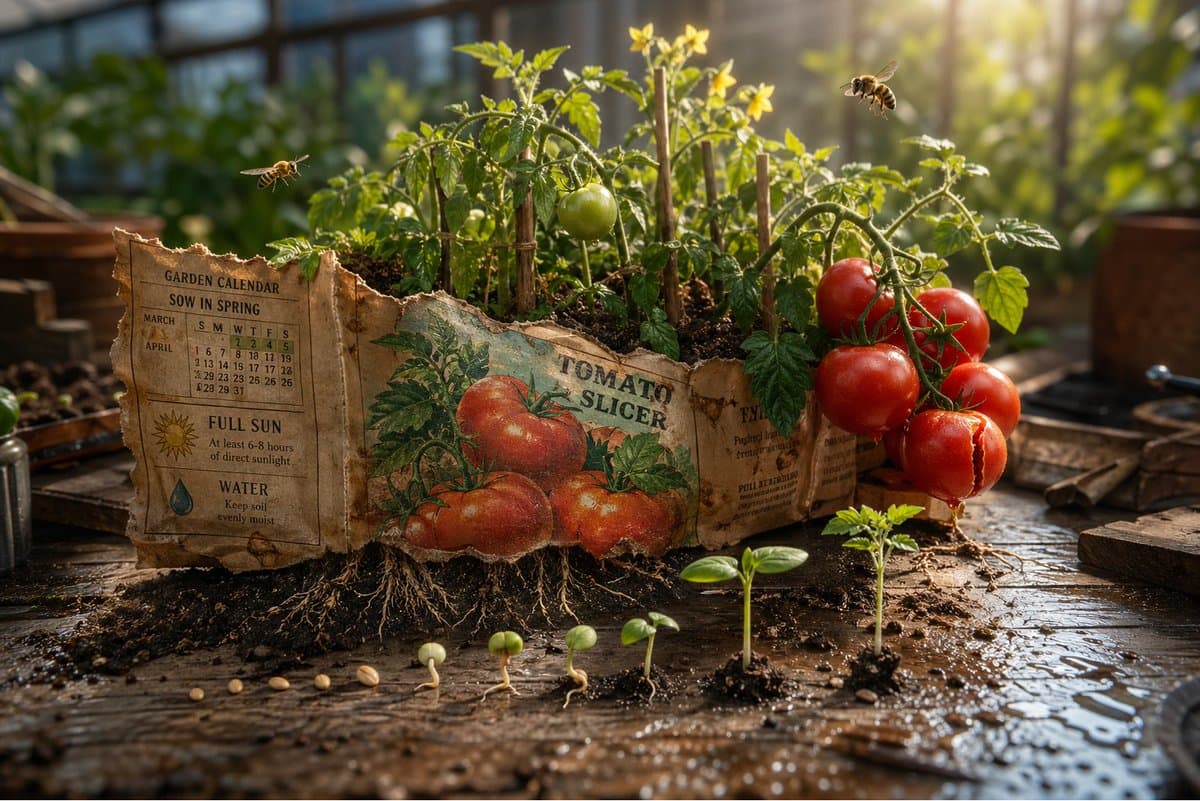
Sihirli Tohum Paketi Diorama
Epik 3D sahnesi: Bir saksı bankının üzerinde açık duran, yıpranmış bir tohum paketi, vaadi, tanımladığı bahçeye doğru fışkırıyor. Ön taraftaki illüstrasyon gerçek oluyor. {argument name="plant type" default="[PLANT / FL…
İstemi
Epik 3D sahnesi: Bir saksı bankının üzerinde açık duran, yıpranmış bir tohum paketi, vaadi, tanımladığı bahçeye doğru fışkırıyor. Ön taraftaki illüstrasyon gerçek oluyor. {argument name="plant type" default="[PLANT / FLOWER]"} kağıttan tam ölçekte büyüyor, paketin tabanından görülebilen kökleri aşağıdaki toprağa doğru ilerliyor. {argument name="detail left" default="[DETAIL 1]"} bir köşede tamamen çiçek açıyor. Diğeri ise {argument name="detail right" default="[DETAIL 2]"}'in ortasında büyüme, henüz ne olacağı değil. {argument name="insect type" default="[BEE / BUTTERFLY / BEETLE]"} adlı bu bitkiye ait minik böcekler doğru ölçekte geziniyor. Arkasındaki yazılı talimatlar bahçe takvimine dönüşür, "ilkbaharda ekin" gerçek bahar ışığı olarak tezahür eder. "Dolu güneş", en uzun çiçeğe mükemmel bir şekilde vuran tek bir şaft olarak tezahür eder. Her biri çimlenme aşamasını, yarık kabuğunu, ilk kökünü, ilk sürgününü, ilk yaprağını gösteren paket ve toprak arasına dağılmış tohumlar. Paketin yırtık üst kenarı bir ağaç çizgisine dönüşür. Toprak saçılımı ve su damlacıkları ile tezgah yüzeyi çömlekçilik. Tarlanın eğim-kaydırma derinliği, sera sabah ışığı, her zaman amaçladığı bahçe paketi.
Bu istem nasıl kullanılır?
Oluşturmadan önce Sihirli Tohum Paketi Diorama isteminin tamamını okuyun ve konuyu, stili, kamerayı, ışıklandırmayı ve kompozisyon gereksinimlerini tanımlayın.
Parantezli veya bağımsız değişken tarzı yer tutucuları ürününüz, karakteriniz, markanız, sahneniz, renk paletiniz veya en boy oranı gereksinimlerinizle değiştirin.
https://www.gptimagehub.com/tr/generate?promptId=cmogx4syc00erzpdyzup0chpl dosyasını açın, görüntüyü oluşturun, ardından gerekirse daha spesifik konu, metin, düzen veya negatif kısıtlamalarla istemi hassaslaştırın.
Bilgi İstemi SSS
Sihirli Tohum Paketi Diorama istemi en iyi ne için kullanılır?
Bu istem, yeniden kullanılabilir bir yapı, ayrıntılı görsel yön ve tutarlı çıktı kalitesi istediğiniz diğer görselleri için en iyi şekilde kullanılır.
İstemi oluşturmadan önce düzenleyebilir miyim?
Evet. Bilgi istemi metninin tamamı bu sayfada görünür; böylece oluşturmadan önce konuları, ürün adlarını, renkleri, kompozisyonu, kamera terimlerini, en boy oranını ve stil notlarını değiştirebilirsiniz.
Bu istemle hangi modeli kullanmalıyım?
Bilgi istemi meta verilerinde gösterilen modeli varsayılan başlangıç noktası olarak kullanın. Başka bir görüntü modeli aynı en boy oranını ve talimat stilini destekliyorsa istemi uyarlayabilir ve sonuçları karşılaştırabilirsiniz.