
Lüks Stüdyo Kıyafeti Dönüşümü
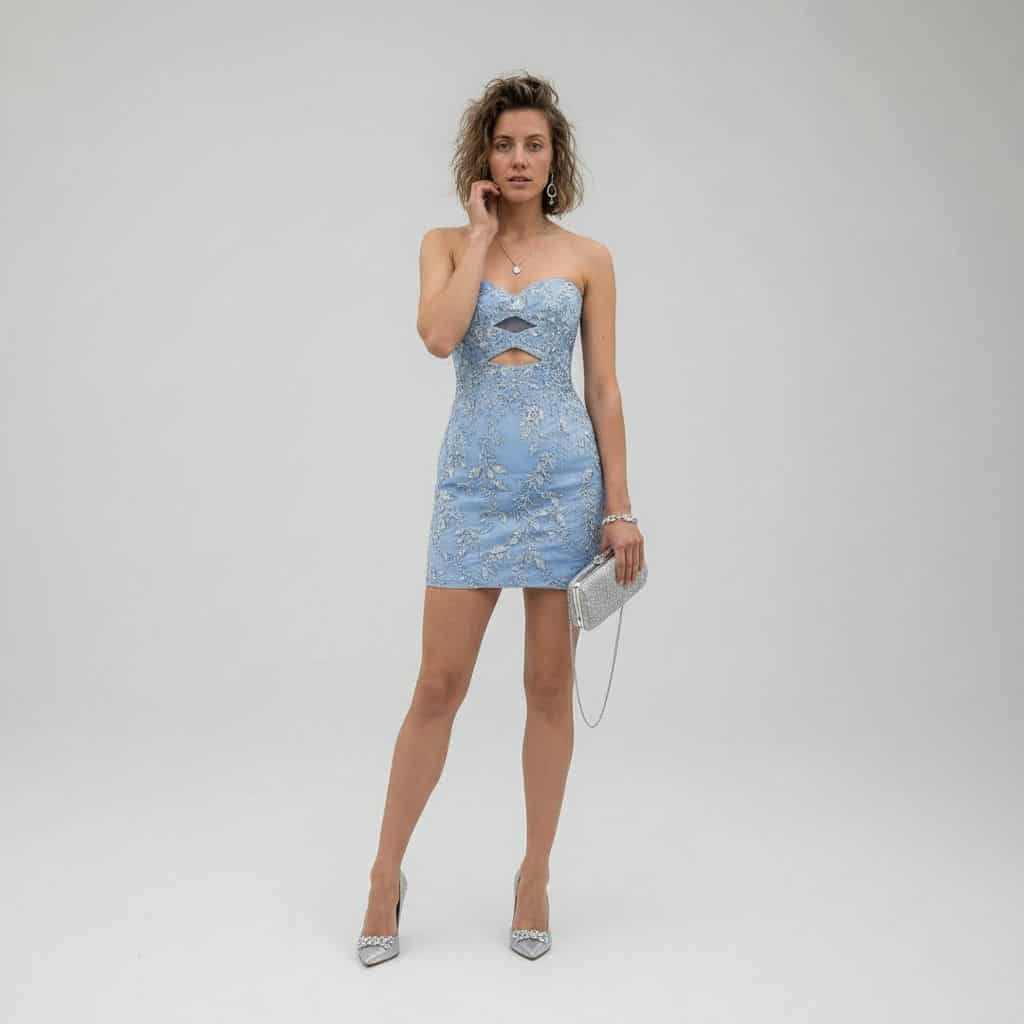
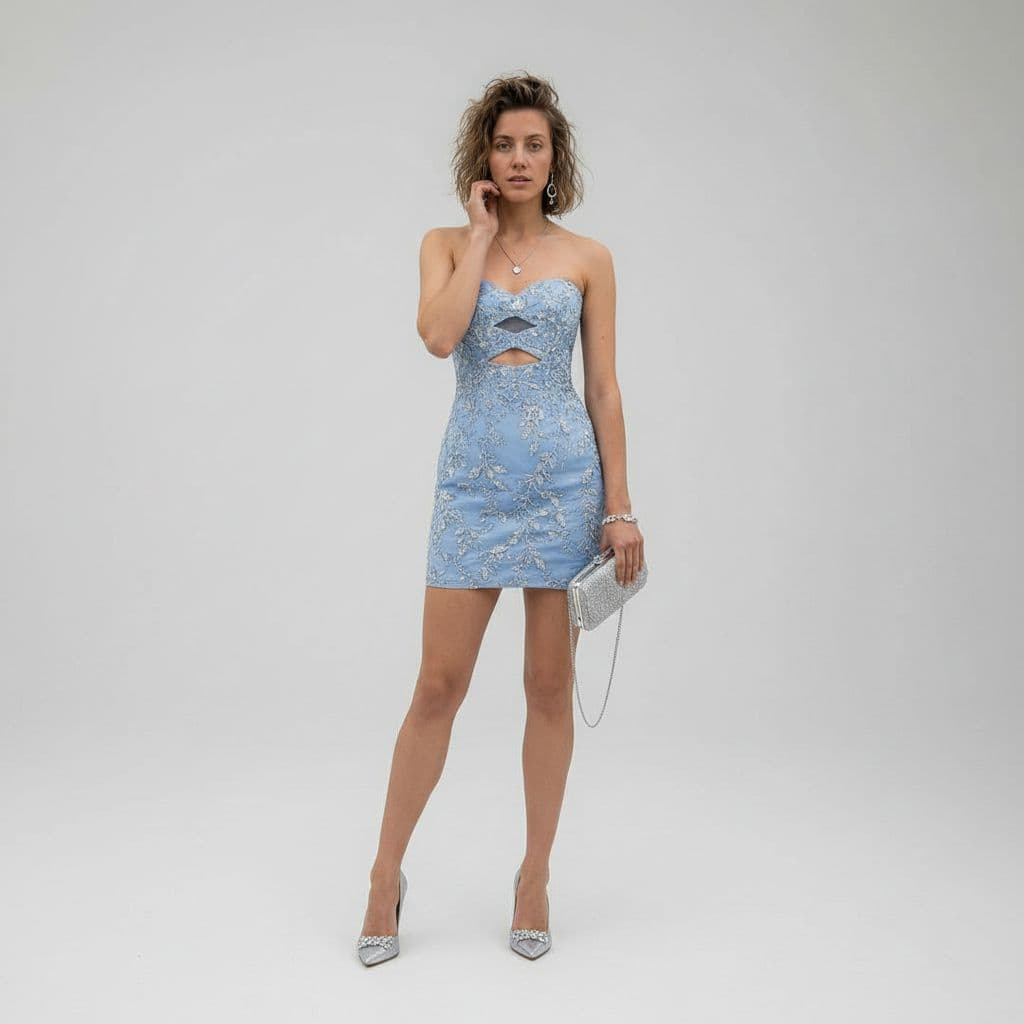
REFERENCE_0'ı konu tabanı olarak kullanarak gündelik çöl fotoğrafını tam vücut lüks moda stüdyosu portresine dönüştürün. Kot ceketi, kolsuz bluzu ve şortu, süslü gümüş çiçek işlemeli ve göğüste ve belin üst kısmında tam…
İstemi
REFERENCE_0'ı konu tabanı olarak kullanarak gündelik çöl fotoğrafını tam vücut lüks moda stüdyosu portresine dönüştürün. Kot ceketi, kolsuz bluzu ve şortu, süslü gümüş çiçek işlemeli ve göğüste ve belin üst kısmında tam olarak 2 geometrik kesik bulunan, bedene oturan askısız {argument name="dress color" default="powder blue"} mini kokteyl elbisesiyle değiştirin. Ayarı, parlak, üst düzey editoryal stile sahip, temiz, kusursuz, açık gri bir stüdyo arka planına değiştirin. Deneğin sağ eline ince zincir askılı 1 gümüş el çantası ve 1 çift sivri uçlu gümüş topuklu ayakkabı ekleyin. Bir elinizi yüze yakın tutarak pozu zarif bir ayakta moda pozuna dönüştürün, aynı kişiyi ve saç kimliğini koruyun ve canlı 8K moda fotoğrafçılığı ayrıntılarıyla yumuşak sinematik lüks aydınlatma uygulayın.
Bu istem nasıl kullanılır?
Oluşturmadan önce Lüks Stüdyo Kıyafeti Dönüşümü isteminin tamamını okuyun ve konuyu, stili, kamerayı, ışıklandırmayı ve kompozisyon gereksinimlerini tanımlayın.
Parantezli veya bağımsız değişken tarzı yer tutucuları ürününüz, karakteriniz, markanız, sahneniz, renk paletiniz veya en boy oranı gereksinimlerinizle değiştirin.
https://www.gptimagehub.com/tr/generate?promptId=cmogwymuj00a1zpdyp8242o9t dosyasını açın, görüntüyü oluşturun, ardından gerekirse daha spesifik konu, metin, düzen veya negatif kısıtlamalarla istemi hassaslaştırın.
Bilgi İstemi SSS
Lüks Stüdyo Kıyafeti Dönüşümü istemi en iyi ne için kullanılır?
Bu istem, yeniden kullanılabilir bir yapı, ayrıntılı görsel yön ve tutarlı çıktı kalitesi istediğiniz uı / ux tasarımı görselleri için en iyi şekilde kullanılır.
İstemi oluşturmadan önce düzenleyebilir miyim?
Evet. Bilgi istemi metninin tamamı bu sayfada görünür; böylece oluşturmadan önce konuları, ürün adlarını, renkleri, kompozisyonu, kamera terimlerini, en boy oranını ve stil notlarını değiştirebilirsiniz.
Bu istemle hangi modeli kullanmalıyım?
Bilgi istemi meta verilerinde gösterilen modeli varsayılan başlangıç noktası olarak kullanın. Başka bir görüntü modeli aynı en boy oranını ve talimat stilini destekliyorsa istemi uyarlayabilir ve sonuçları karşılaştırabilirsiniz.