
Vintage Oymalı Kapüşonlu Portre
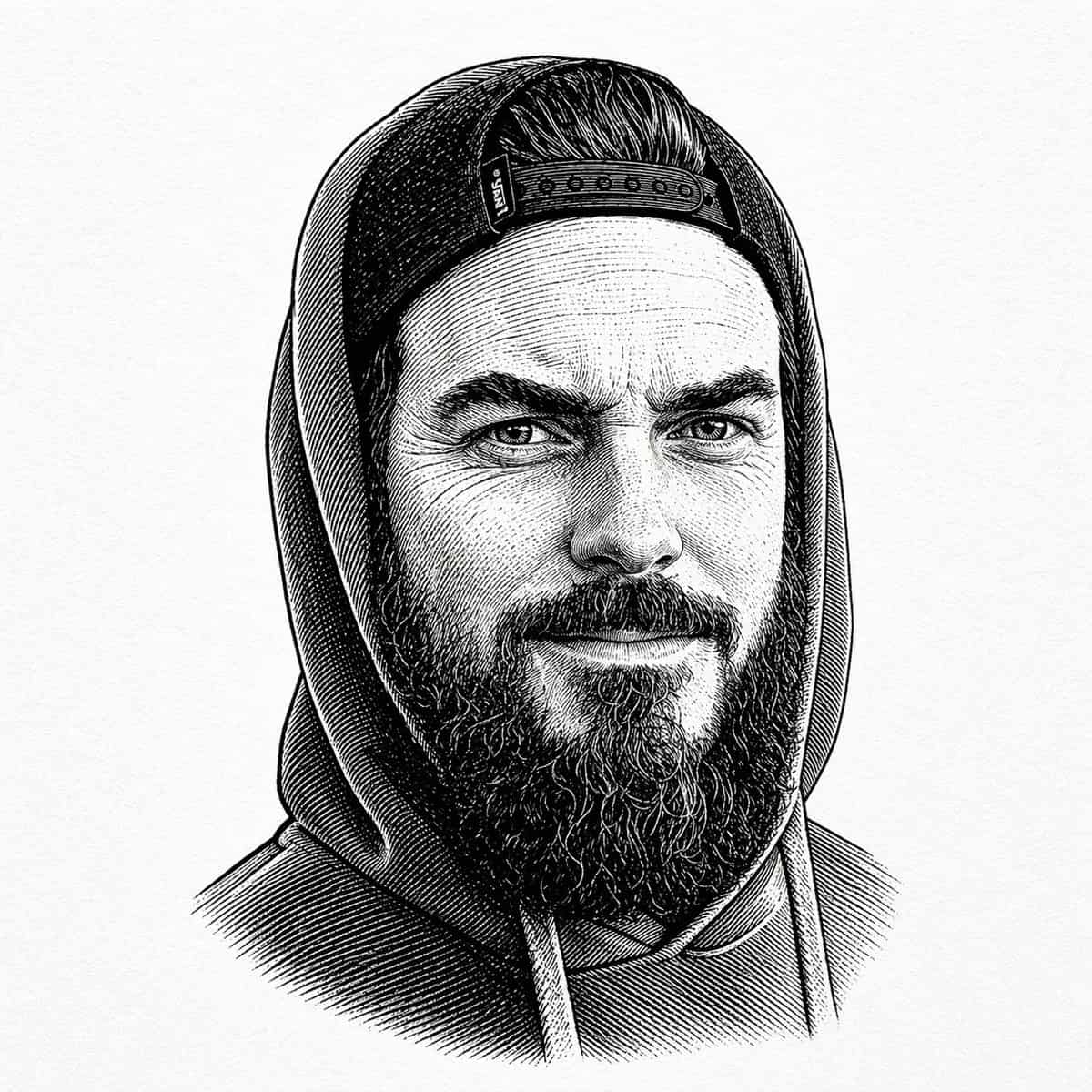
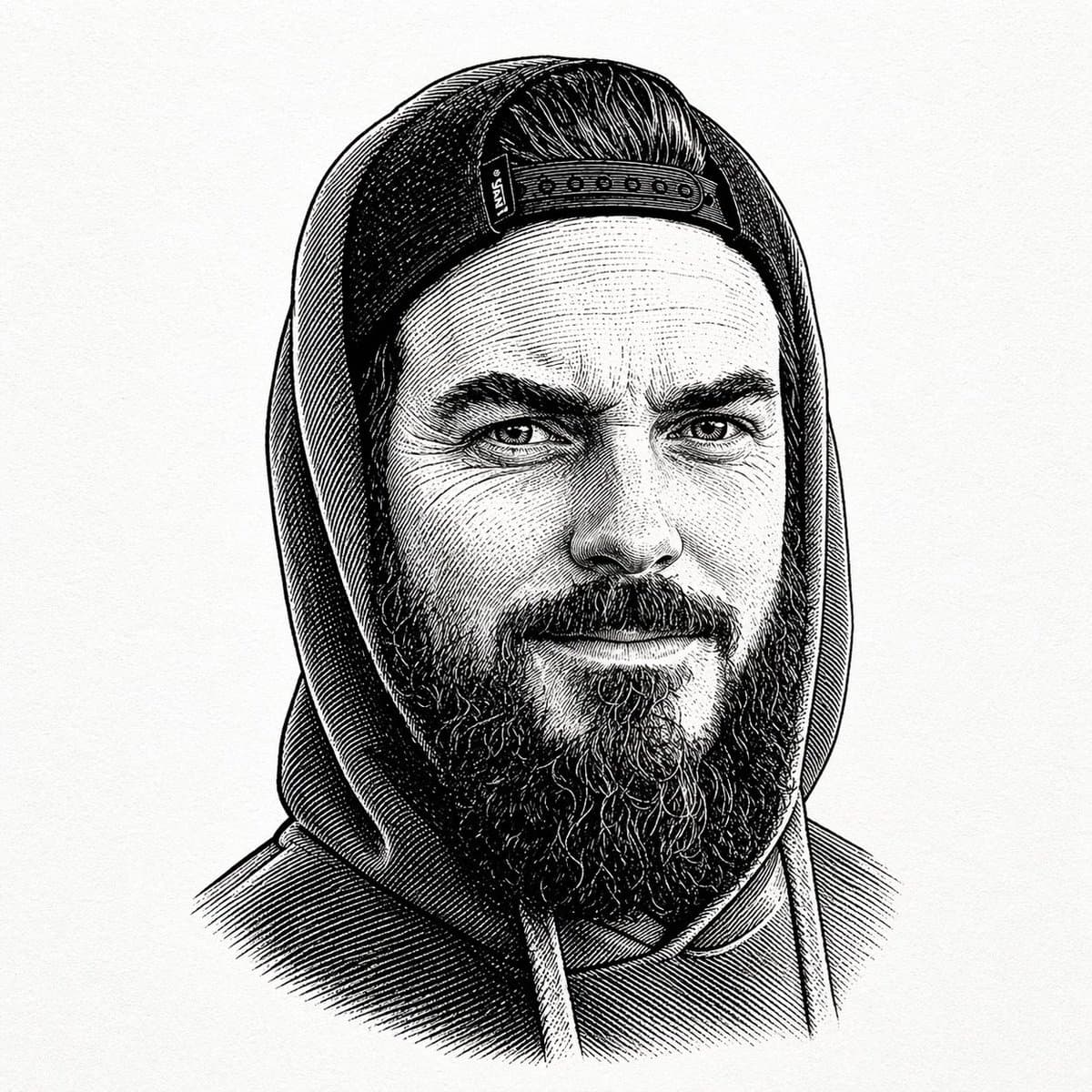
Kapüşonlu bir sweatshirt giyen, kapüşonlu bir adamın ortalanmış, siyah-beyaz, vintage oymalı portresi ve kapüşonunun altından görünen geriye doğru çıtçıtlı şapka. İnce dokulu, düz kirli beyaz bir kağıt arka planın önünd…
İstemi
Kapüşonlu bir sweatshirt giyen, kapüşonlu bir adamın ortalanmış, siyah-beyaz, vintage oymalı portresi ve kapüşonunun altından görünen geriye doğru çıtçıtlı şapka. İnce dokulu, düz kirli beyaz bir kağıt arka planın önünde yalnızca üst gövdeyi ve başınızı gösterin. Görüntüyü yoğun çapraz tarama, ince paralel çizgiler ve eski kitap illüstrasyon gölgelendirmesiyle ayrıntılı kalem ve mürekkeple gravür tarzında işleyin. Figür sakin ve nötr bir pozla öne doğru bakmaktadır. Şapkanın alın bölgesi boyunca görünür bir çıtçıt kapatma bandı vardır, üzerinde kayganlaştırılmış saçlar görünür ve kalın, tam bir sakal yüzün altına uzanır. Kapşonlunun göğüs kısmından sarkan iki büzme ipi vardır. Kompozisyonu simetrik tutun ve renksiz, modern grafik öğelersiz ve arka plan nesneleri içermeyen, klasik gravürlü bir büst portresi gibi sıkı çerçeveli tutun.
Bu istem nasıl kullanılır?
Oluşturmadan önce Vintage Oymalı Kapüşonlu Portre isteminin tamamını okuyun ve konuyu, stili, kamerayı, ışıklandırmayı ve kompozisyon gereksinimlerini tanımlayın.
Parantezli veya bağımsız değişken tarzı yer tutucuları ürününüz, karakteriniz, markanız, sahneniz, renk paletiniz veya en boy oranı gereksinimlerinizle değiştirin.
https://www.gptimagehub.com/tr/generate?promptId=cmogwyeet009tzpdynwyzvq0n dosyasını açın, görüntüyü oluşturun, ardından gerekirse daha spesifik konu, metin, düzen veya negatif kısıtlamalarla istemi hassaslaştırın.
Bilgi İstemi SSS
Vintage Oymalı Kapüşonlu Portre istemi en iyi ne için kullanılır?
Bu istem, yeniden kullanılabilir bir yapı, ayrıntılı görsel yön ve tutarlı çıktı kalitesi istediğiniz logo ve marka kimliği görselleri için en iyi şekilde kullanılır.
İstemi oluşturmadan önce düzenleyebilir miyim?
Evet. Bilgi istemi metninin tamamı bu sayfada görünür; böylece oluşturmadan önce konuları, ürün adlarını, renkleri, kompozisyonu, kamera terimlerini, en boy oranını ve stil notlarını değiştirebilirsiniz.
Bu istemle hangi modeli kullanmalıyım?
Bilgi istemi meta verilerinde gösterilen modeli varsayılan başlangıç noktası olarak kullanın. Başka bir görüntü modeli aynı en boy oranını ve talimat stilini destekliyorsa istemi uyarlayabilir ve sonuçları karşılaştırabilirsiniz.