
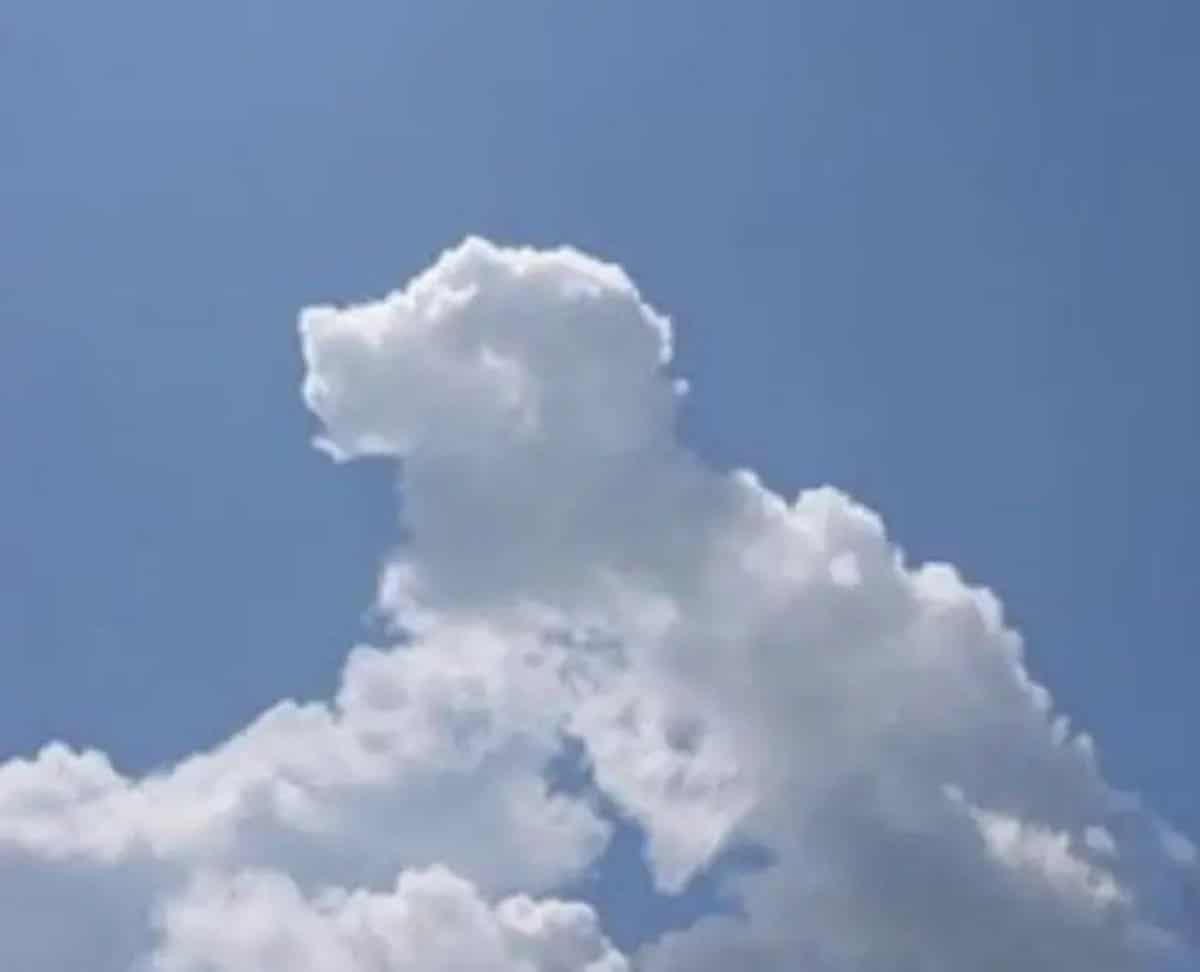
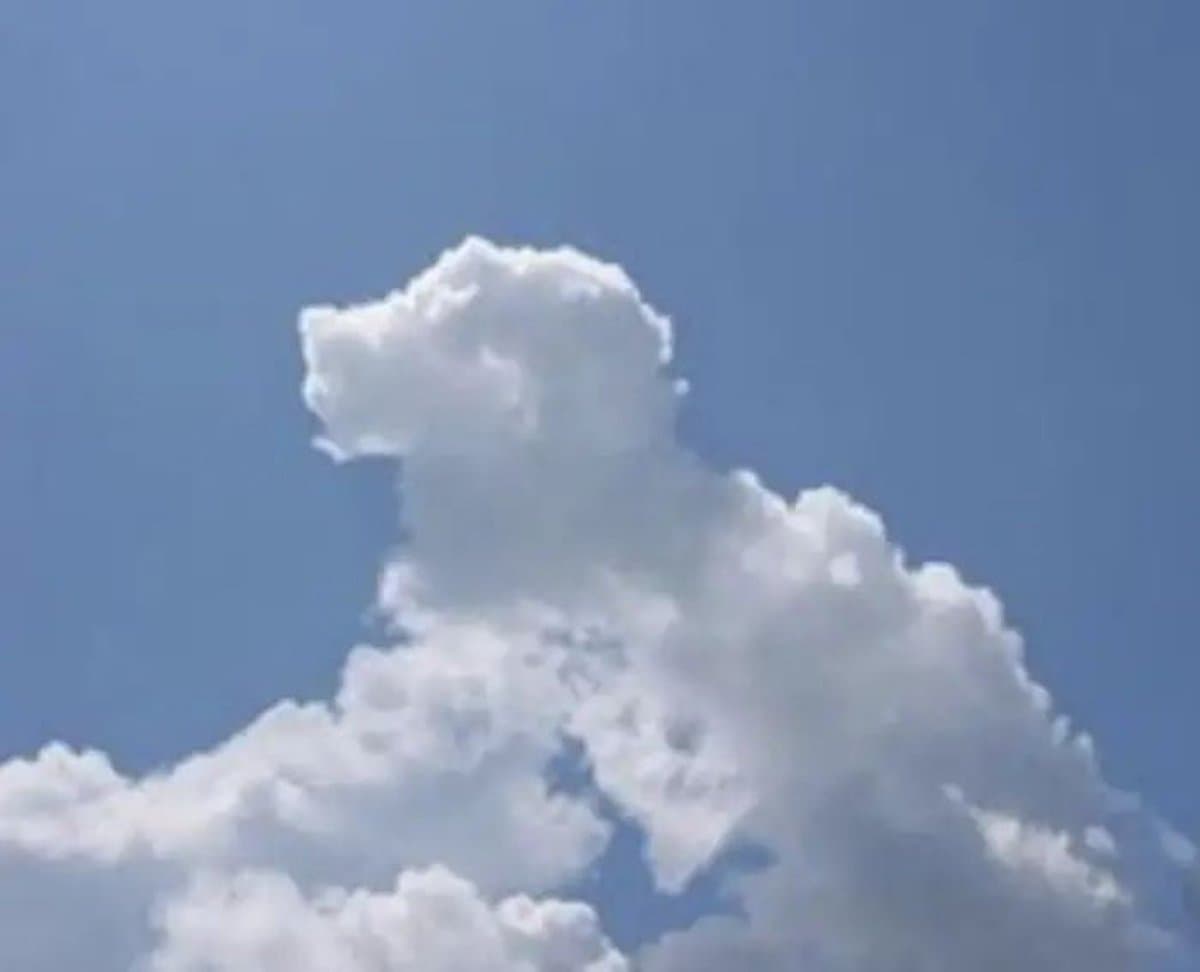
Bulut şekli doodle üretimi
Görüntüdeki {argument name="subject" default="clouds"}'in şekline göre en çok hangi nesneye, hayvana veya kişiye benzediğini belirleyin. Orijinal görüntüyü değiştirmeyin; bunun yerine o nesneyi, hayvanı veya kişiyi orij…
İstemi
Görüntüdeki {argument name="subject" default="clouds"}'in şekline göre en çok hangi nesneye, hayvana veya kişiye benzediğini belirleyin. Orijinal görüntüyü değiştirmeyin; bunun yerine o nesneyi, hayvanı veya kişiyi orijinal görüntünün üzerine {argument name="art style" default="doodle"} stilinde çizin.
Bu istem nasıl kullanılır?
Oluşturmadan önce Bulut şekli doodle üretimi isteminin tamamını okuyun ve konuyu, stili, kamerayı, ışıklandırmayı ve kompozisyon gereksinimlerini tanımlayın.
Parantezli veya bağımsız değişken tarzı yer tutucuları ürününüz, karakteriniz, markanız, sahneniz, renk paletiniz veya en boy oranı gereksinimlerinizle değiştirin.
https://www.gptimagehub.com/tr/generate?promptId=cmogx0cna00bdzpdy2c54u2mh dosyasını açın, görüntüyü oluşturun, ardından gerekirse daha spesifik konu, metin, düzen veya negatif kısıtlamalarla istemi hassaslaştırın.
Bilgi İstemi SSS
Bulut şekli doodle üretimi istemi en iyi ne için kullanılır?
Bu istem, yeniden kullanılabilir bir yapı, ayrıntılı görsel yön ve tutarlı çıktı kalitesi istediğiniz sosyal medya görselleri için en iyi şekilde kullanılır.
İstemi oluşturmadan önce düzenleyebilir miyim?
Evet. Bilgi istemi metninin tamamı bu sayfada görünür; böylece oluşturmadan önce konuları, ürün adlarını, renkleri, kompozisyonu, kamera terimlerini, en boy oranını ve stil notlarını değiştirebilirsiniz.
Bu istemle hangi modeli kullanmalıyım?
Bilgi istemi meta verilerinde gösterilen modeli varsayılan başlangıç noktası olarak kullanın. Başka bir görüntü modeli aynı en boy oranını ve talimat stilini destekliyorsa istemi uyarlayabilir ve sonuçları karşılaştırabilirsiniz.