
プロンプト
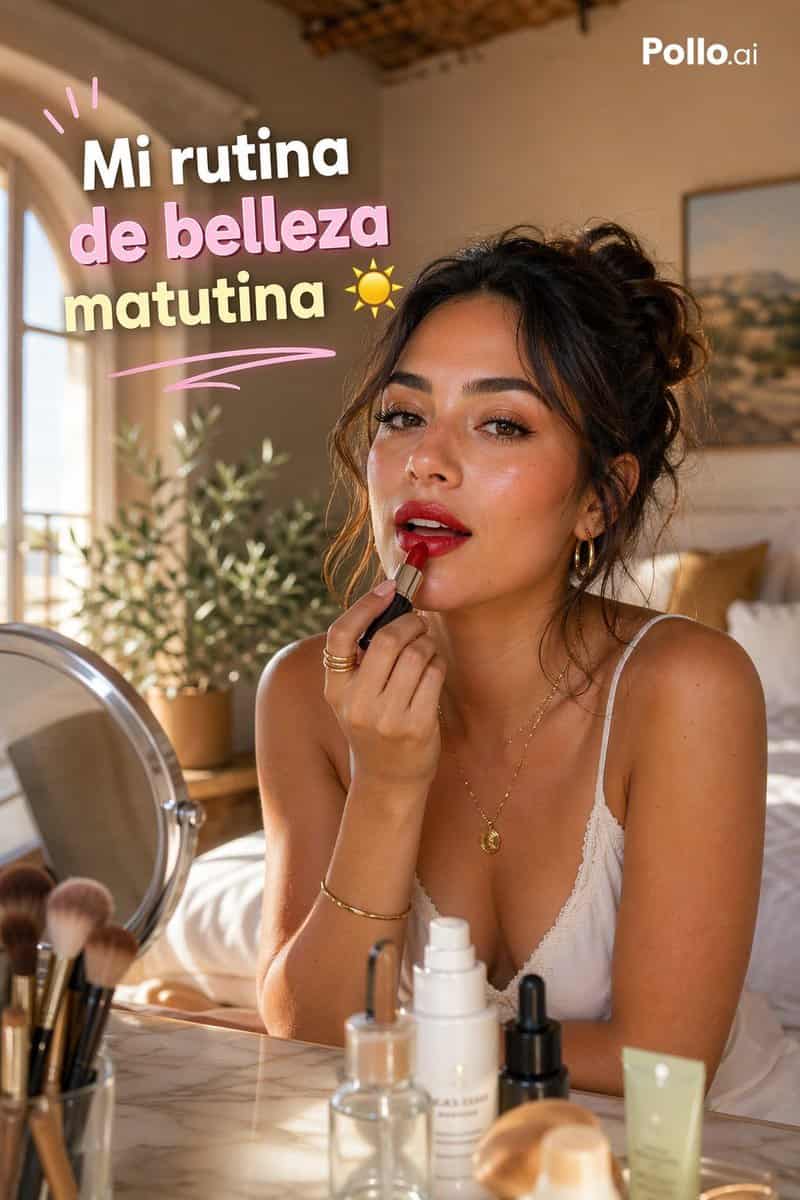
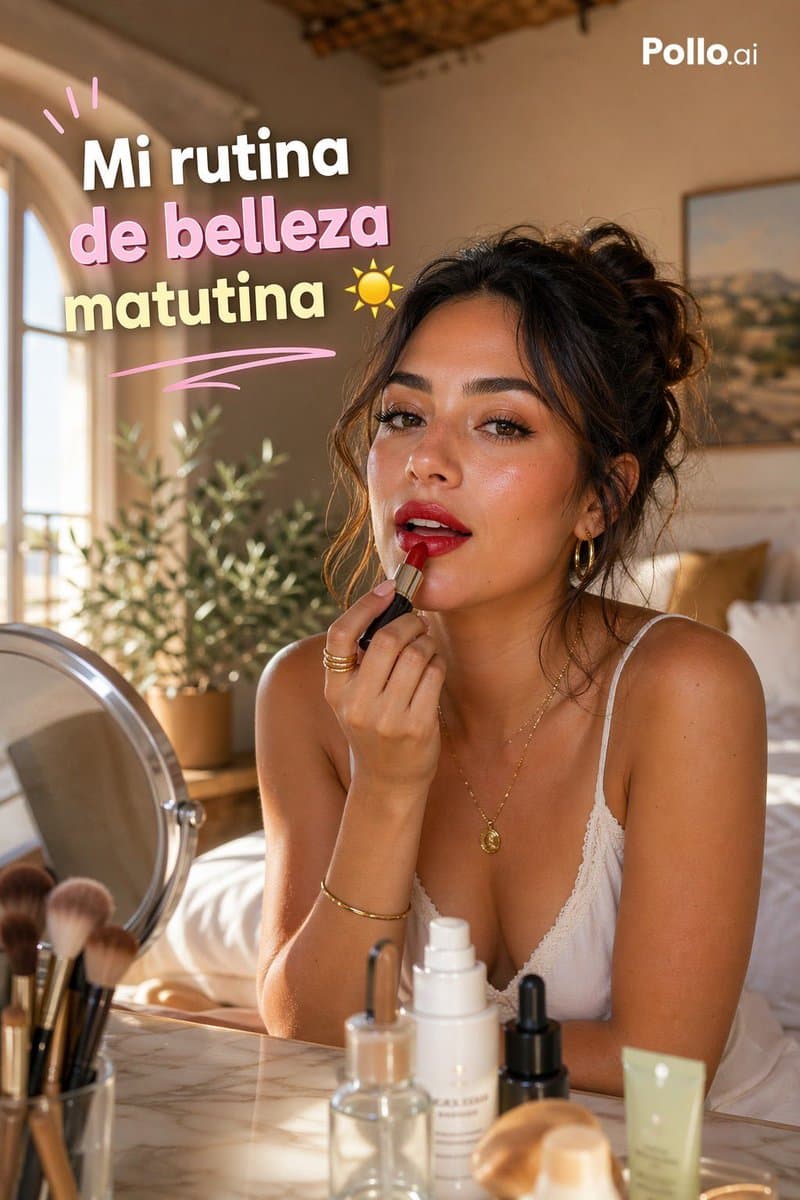
暖かく日差しの差し込む地中海風の寝室を舞台にした、縦9:16のTikTokスタイルGRWMビューティーサムネイル。「{argument name="hair color" default="dark brown"}」の髪を乱れたカールアップで結んだスタイリッシュな若い女性が大理石のドレッサーに座り、片腕を組んで前かがみになり、もう片手でリップバームまたは口紅を唇に塗っています。プライバシーのため顔は中央に配置された長方形のぼかしブロックで覆われていますが、それ以外のスタイリングはエレガントで自然です:日焼けした輝く肌、小さな丸いペンダント付きの繊細なゴールドネックレス、細いゴールドブレスレット、重ねたゴールドリング、細いストラップの白いレースキャミソール。前景のドレッサーには、可視のビューティーオブジェクトが正確に7点あります:左に丸い卓上ドレッサーミラー1個、5本のメイクブラシを入れたカップ1個、透明ガラスのスポイトボトル1個、背の高い白いポンプ式スキンケアボトル1個、小さな黒いスポイトボトル1個、ベージュの丸みを帯びたコスメスポンジまたはパフ1個、右に淡い緑のスクイーズチューブ1個。背景には、左に丸窓1つ、葉の生い茂った鉢植え1つ、白い寝具とマスタード色のアクセントピロー付きベッド1台、剥き出しの木製天井ディテール、壁に風景画の額1つを備えた、柔らかくぼかされた居心地の良い寝室を示しています。左から差し込むゴールデンアワーの日光、柔らかな影、クリーミーな肌色、浅い被写界深度、ラグジュアリーライフスタイルの編集写真、親密なセルフケアムード、洗練されつつも自然な構成を使用してください。左上に、3行に積み重ねられた大胆で遊び心のあるスペイン語の見出しテキスト「{argument name="headline text" default="Mi rutina de belleza matutina"}」を加え、各行を大きく丸みを帯びさせ、白いアウトラインと柔らかなドロップシャドウを付け、パステルカラーを使用してください:1行目は白、2行目はピンク、3行目は淡い黄色。見出しの上にピンクの落書きアクセントストローク3本、その下にカーブしたピンクのアンダーラインスウッシュ1本、最後の行の右に小さな黄色の太陽アイコン1つを加えます。右上にクリーンな白い「{argument name="brand text" default="Pollo.ai"}」のロゴを配置してください。高級インフルエンサーサムネイルの美学、前景にシャープな製品フォーカス、暖かく招き入れるライフスタイルシーン。
このプロンプトの使用方法
生成する前に、完全な スペイン語GRWM モーニングビューティーサムネイル プロンプトを読み、主題、スタイル、カメラ、照明、構成の要件を特定してください。
括弧で囲まれたプレースホルダーまたは引数スタイルのプレースホルダーを、製品、キャラクター、ブランド、シーン、カラーパレット、またはアスペクト比の要件に置き換えます。
https://www.gptimagehub.com/ja/generate?promptId=cmogx33fn00dfzpdye3kn5qdk を開いて画像を生成し、必要に応じてより具体的な件名、テキスト、レイアウト、または否定的な制約を使用してプロンプトを調整します。
プロンプトFAQ
スペイン語GRWM モーニングビューティーサムネイル プロンプトは何に最適ですか?
このプロンプトは、再利用可能な構造、詳細な視覚的方向性、一貫した出力品質が必要な ソーシャルメディア 画像に最適です。
生成する前にプロンプトを編集できますか?
はい。このページには完全なプロンプト テキストが表示されるため、生成前に件名、製品名、色、構成、カメラ用語、アスペクト比、スタイル メモを変更できます。
このプロンプトではどのモデルを使用すればよいですか?
プロンプトのメタデータに示されているモデルをデフォルトの開始点として使用します。別の画像モデルが同じアスペクト比と指示スタイルをサポートしている場合は、プロンプトを調整して結果を比較できます。