博物館背景動漫化轉換
動漫 / 漫畫

博物館背景動漫化轉換

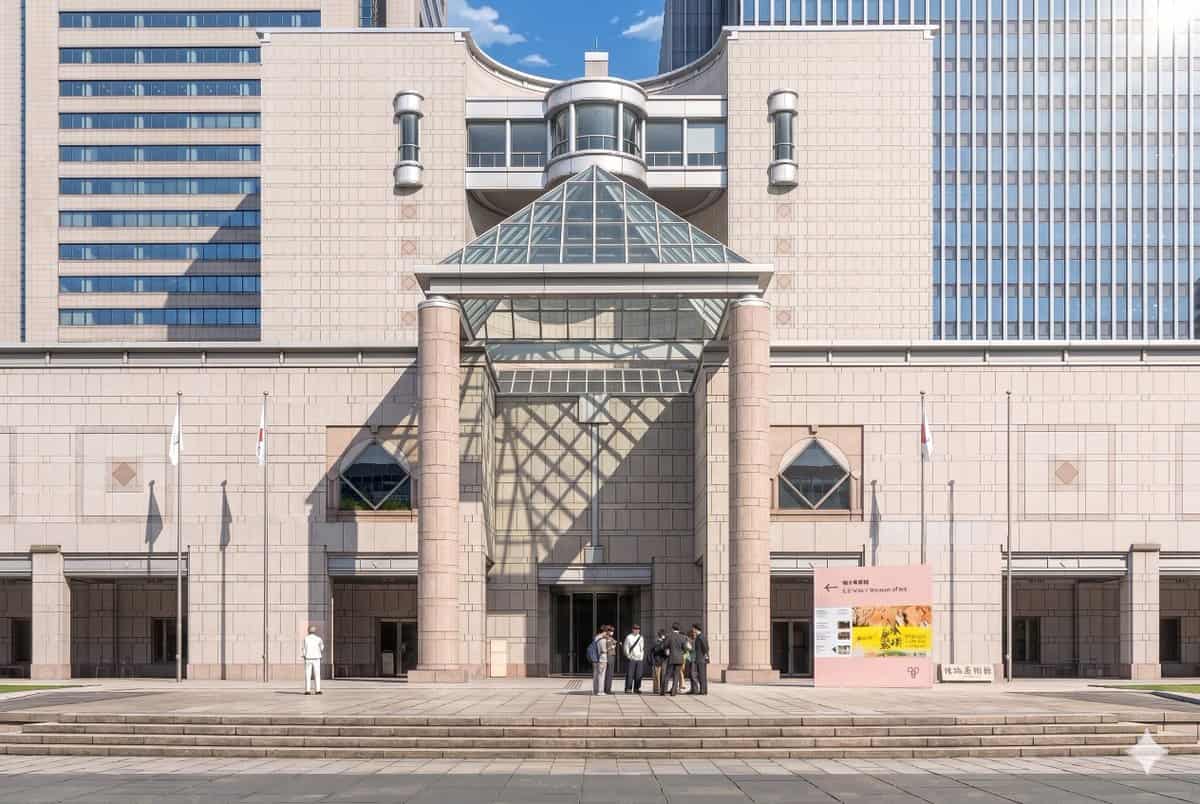
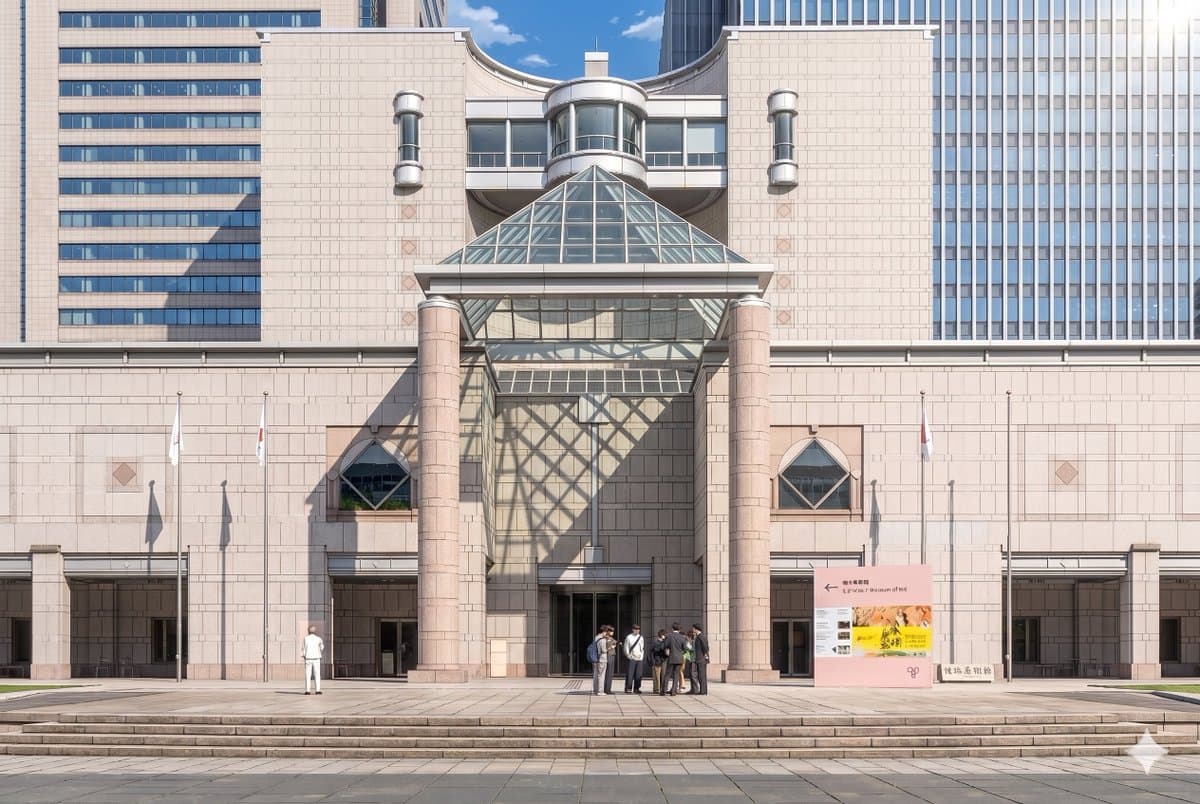
使用提供的參考照片,重現相同的博物館立面和正面構圖,並將其轉化為精緻的劇場感動漫背景插畫。保持建築、標識、3 根旗杆、寬闊臺階和整體佈局一致,但把影象從寫實攝影轉換為高細節手繪動畫電影風格,使用乾淨線稿、柔和賽璐璐陰影、溫柔粉彩石材色和清晰氛圍光。加入來自右上方的戲劇化陽光,使玻璃金字塔在中央牆面和入口左側投下大面積幾何格狀陰影。將人物簡化並風格化為動漫背景角色,保留 2 個可見人群:左側 1 個單獨人物,中心偏右入口附近 1 個 7…

提示詞

使用提供的參考照片,重現相同的博物館立面和正面構圖,並將其轉化為精緻的劇場感動漫背景插畫。保持建築、標識、3 根旗杆、寬闊臺階和整體佈局一致,但把影象從寫實攝影轉換為高細節手繪動畫電影風格,使用乾淨線稿、柔和賽璐璐陰影、溫柔粉彩石材色和清晰氛圍光。加入來自右上方的戲劇化陽光,使玻璃金字塔在中央牆面和入口左側投下大面積幾何格狀陰影。將人物簡化並風格化為動漫背景角色,保留 2 個可見人群:左側 1 個單獨人物,中心偏右入口附近 1 個 7 人小群體。保留晴朗藍天白晝氛圍,同時讓場景顯得優雅、精緻、電影感。

How to use this prompt

1
Review the full prompt

Read the complete 博物館背景動漫化轉換 prompt and identify the subject, style, camera, lighting, and composition requirements before generating.

2
Customize variables

Replace bracketed or argument-style placeholders with your product, character, brand, scene, color palette, or aspect ratio requirements.

3
Generate and iterate

Open https://www.gptimagehub.com/zh-TW/generate?promptId=cmogx3mgt00dvzpdy0t3buci9, generate the image, then refine the prompt with more specific subject, text, layout, or negative constraints if needed.

Prompt FAQ

What is the 博物館背景動漫化轉換 prompt best used for?

This prompt is best used for 動漫 / 漫畫 images where you want a reusable structure, detailed visual direction, and consistent output quality.

Can I edit the prompt before generating?

Yes. The full prompt text is visible on this page so you can change subjects, product names, colors, composition, camera terms, aspect ratio, and style notes before generation.

Which model should I use with this prompt?

Use the model shown in the prompt metadata as the default starting point. If another image model supports the same aspect ratio and instruction style, you can adapt the prompt and compare results.

其他模板