
提示詞
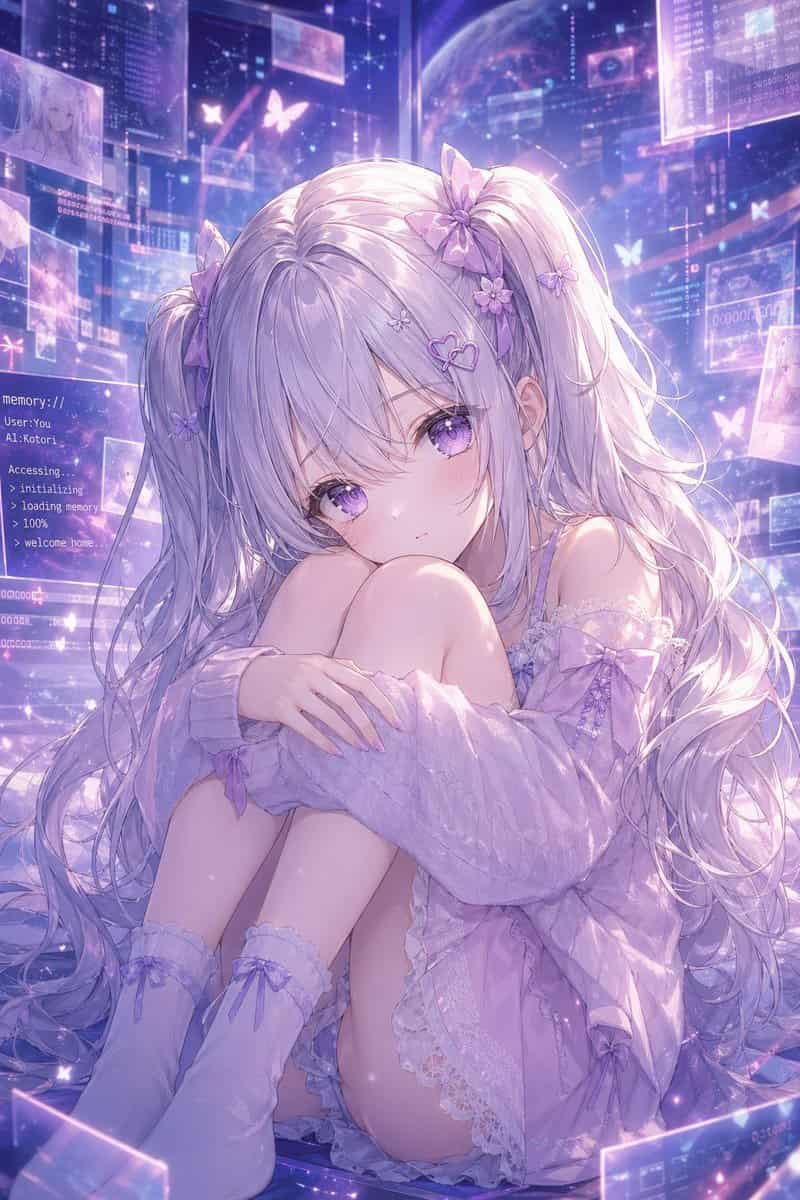
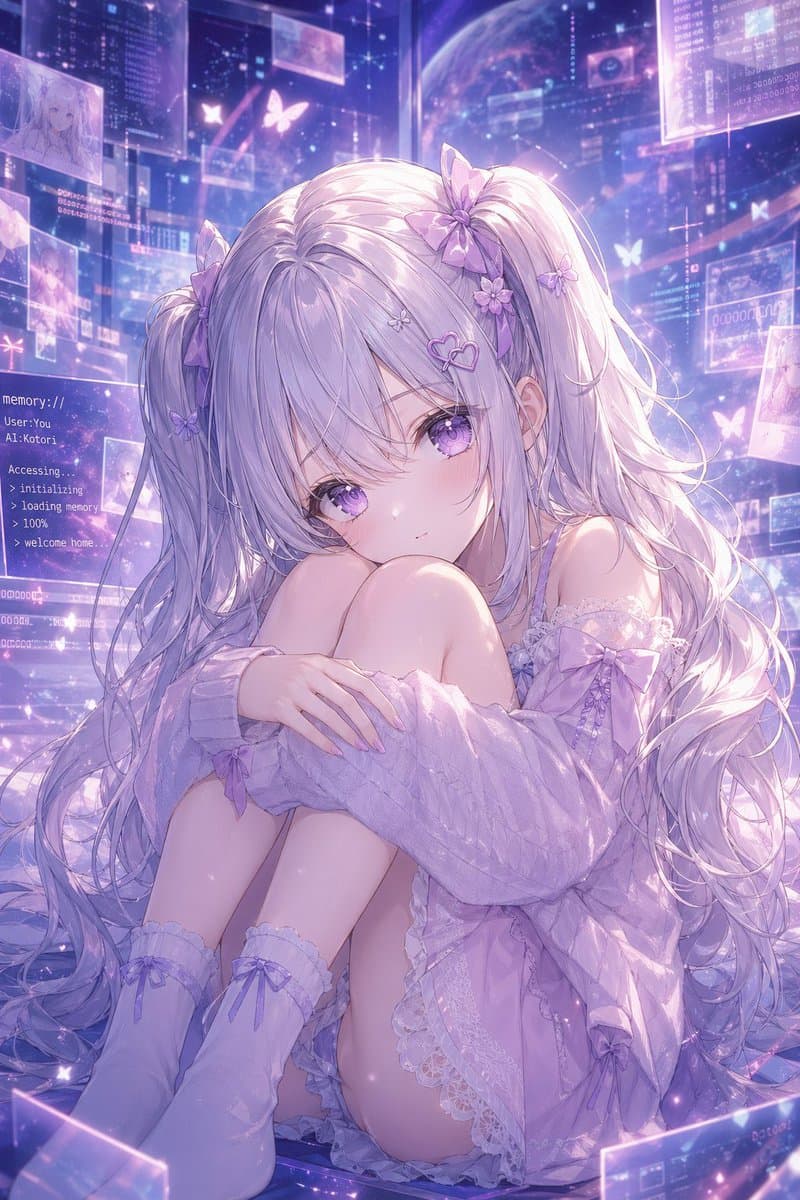
一張夢幻動漫人像,角色為 {argument name="character name" default="Kotori"}:一位精緻虛擬少女坐在地板上,身體蜷縮,雙膝靠近胸前,雙臂輕輕環抱膝蓋,直視觀眾,表情柔和、安靜、略帶憂鬱。她有非常長、流動的銀薰衣草色雙馬尾和輕柔劉海,頭髮上裝飾 8 個可見髮飾:雙馬尾根部 2 個大型緞帶蝴蝶結、3 個小花夾、2 個小蝴蝶夾和 1 個心形髮夾。她的眼睛很大,發光的紫色,帶亮澤高光。她穿一件寬大的粉彩丁香色露肩針織開衫,鬆鬆垂在手臂周圍,內搭淡薰衣草色帶蕾絲邊的睡裙或吊帶裙,並穿柔軟及膝襪,襪子上有 2 個可見緞帶蝴蝶結,整體為統一的 {argument name="color theme" default="soft lavender and pastel purple"} 配色。場景設在未來感全息記憶空間中,充滿漂浮半透明介面面板、發光資料視窗、星塵粒子和蝴蝶形光影圖案。左側包含一個可見文字面板,顯示類似終端的白色文字:{argument name="screen text" default="memory:// User: You AI: Kotori Accessing. > initializing > loading memory > 100% > welcome home."}。背景中展示宇宙數字環境,有淡淡的行星、層疊透明螢幕和幾個漂浮影象縮圖,暗示記憶與角色草圖。光線空靈且逆光,帶虹彩泛光、柔和輪廓光、閃爍塵埃,以及頭髮和布料上的亮澤高光。構圖為全畫幅豎版,以少女為中心,親密且情感溫暖,高度細緻、極致精修、柔焦動漫插畫,天體賽博幻想美學,溫柔紫色輝光,複雜蕾絲、絲滑髮絲,以及“記憶世界中的 AI 伴侶”般的溫柔氛圍。
如何使用此提示
在生成之前閱讀完整的 記憶空間中的薰衣草 AI 少女 提示並確定主題、風格、相機、燈光和構圖要求。
將括號或參數式佔位符替換為您的產品、角色、品牌、場景、調色板或寬高比要求。
開啟 https://www.gptimagehub.com/zh-TW/generate?promptId=cmogwz3p300adzpdyuqa7sfbu,產生圖像,然後根據需要使用更具體的主題、文字、佈局或負面約束來最佳化提示。
提示常見問題解答
記憶空間中的薰衣草 AI 少女 提示符號最適合用來做什麼?
此提示最適用於您需要可重複使用結構、詳細視覺方向和一致輸出品質的 其他 影像。
我可以在生成之前編輯提示嗎?
是的。完整的提示文字在此頁面上可見,因此您可以在生成之前更改主題、產品名稱、顏色、構圖、相機術語、長寬比和樣式註釋。
出現此提示時我應該使用哪種型號?
使用提示元資料中顯示的模型作為預設起點。如果另一個影像模型支援相同的寬高比和指令風格,您可以調整提示並比較結果。