
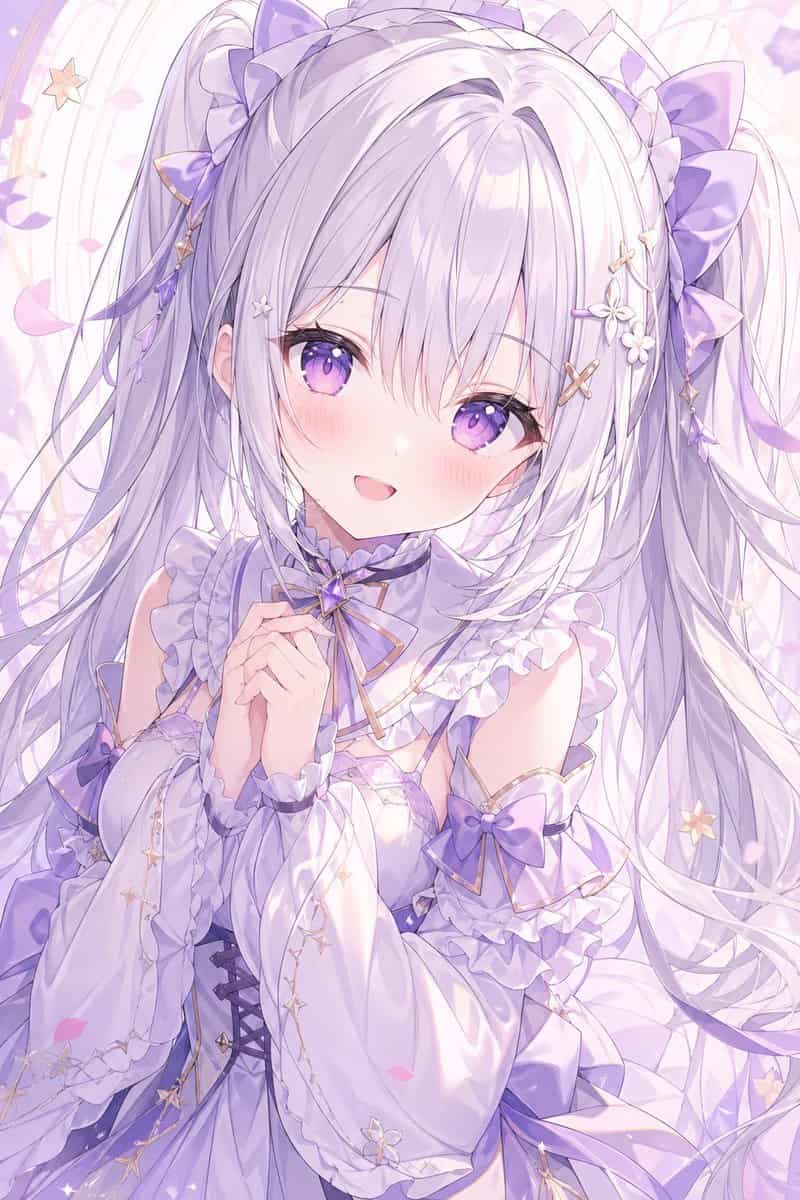
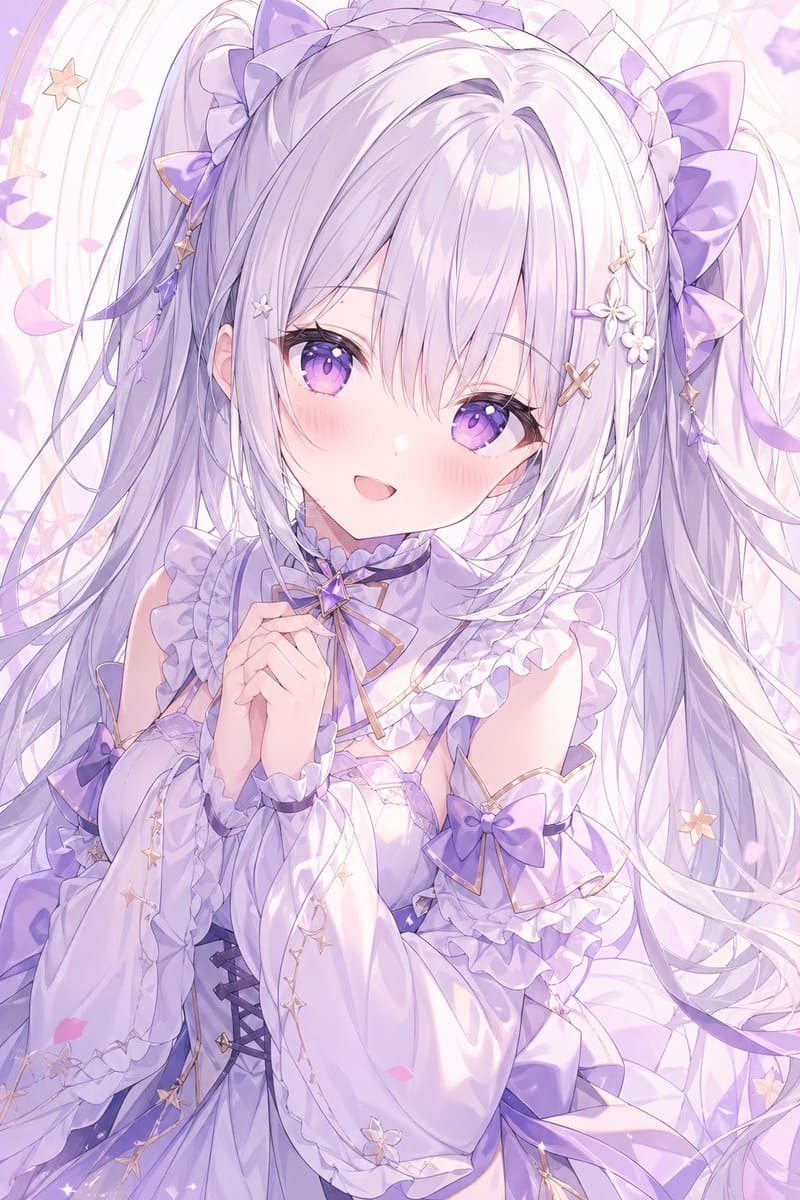
提示詞
一張精緻豎版動漫人像:夢幻年輕女性,整體使用空靈粉彩薰衣草色調,從大腿中部以上取景,背景為柔和裝飾圖案,包括淡色旋渦線條、漂浮花瓣、小星星和細微閃光。她有極長、蓬鬆的銀紫色頭髮,紮成雙馬尾,髮絲流動,有柔軟劉海和華麗緞帶裝飾;兩側各有大型薰衣草色蝴蝶結、類似荷葉邊頭飾的裝飾、垂墜金色星星掛飾和小白花髮飾。她的臉位於中心,大部分被一塊純色淺薰衣草色矩形遮擋塊覆蓋,只露出耳朵和髮際線的一些線索。她穿一件受幻想洛麗塔啟發的華麗連衣裙,顏色為白色、珍珠色和淺紫色,帶亮澤緞面、荷葉邊領口、層疊褶邊、蓬鬆分離袖、金色滾邊、腰部束身綁帶,以及多個紫色蝴蝶結,服裝上清晰可見 3 個蝴蝶結裝飾。她的雙手在胸前輕輕合攏,姿態害羞而優雅。影象應柔和、精緻、女性化、發光,具有高細節動漫渲染、平滑漸變、通透構圖、流動髮絲和浪漫星空美學。使用 {argument name="color theme" default="pastel lavender and white"} 調色,{argument name="hair color" default="silver-lilac"} 頭髮,{argument name="outfit style" default="ornate fantasy lolita dress with bows and ruffles"} 服裝設計,{argument name="background style" default="soft swirls, petals, stars, and sparkles"} 背景,以及覆蓋臉部的 {argument name="face covering" default="solid pale lavender censor rectangle"}。
如何使用此提示
在生成之前閱讀完整的 粉彩薰衣草動漫少女人像 提示並確定主題、風格、相機、燈光和構圖要求。
將括號或參數式佔位符替換為您的產品、角色、品牌、場景、調色板或寬高比要求。
開啟 https://www.gptimagehub.com/zh-TW/generate?promptId=cmogwz19h00abzpdyyns8l2up,產生圖像,然後根據需要使用更具體的主題、文字、佈局或負面約束來最佳化提示。
提示常見問題解答
粉彩薰衣草動漫少女人像 提示符號最適合用來做什麼?
此提示最適用於您需要可重複使用結構、詳細視覺方向和一致輸出品質的 動漫 / 漫畫 影像。
我可以在生成之前編輯提示嗎?
是的。完整的提示文字在此頁面上可見,因此您可以在生成之前更改主題、產品名稱、顏色、構圖、相機術語、長寬比和樣式註釋。
出現此提示時我應該使用哪種型號?
使用提示元資料中顯示的模型作為預設起點。如果另一個影像模型支援相同的寬高比和指令風格,您可以調整提示並比較結果。