
提示詞
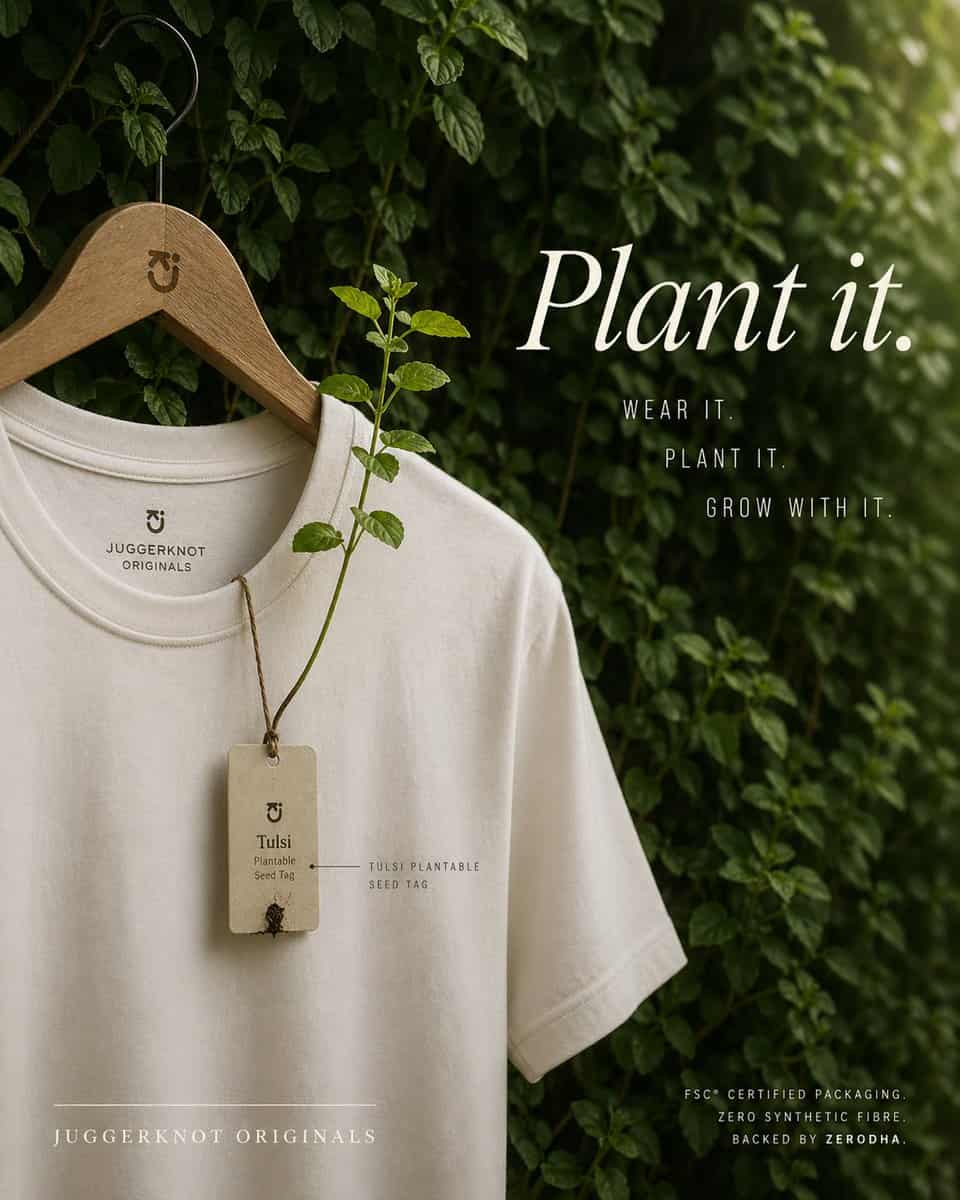
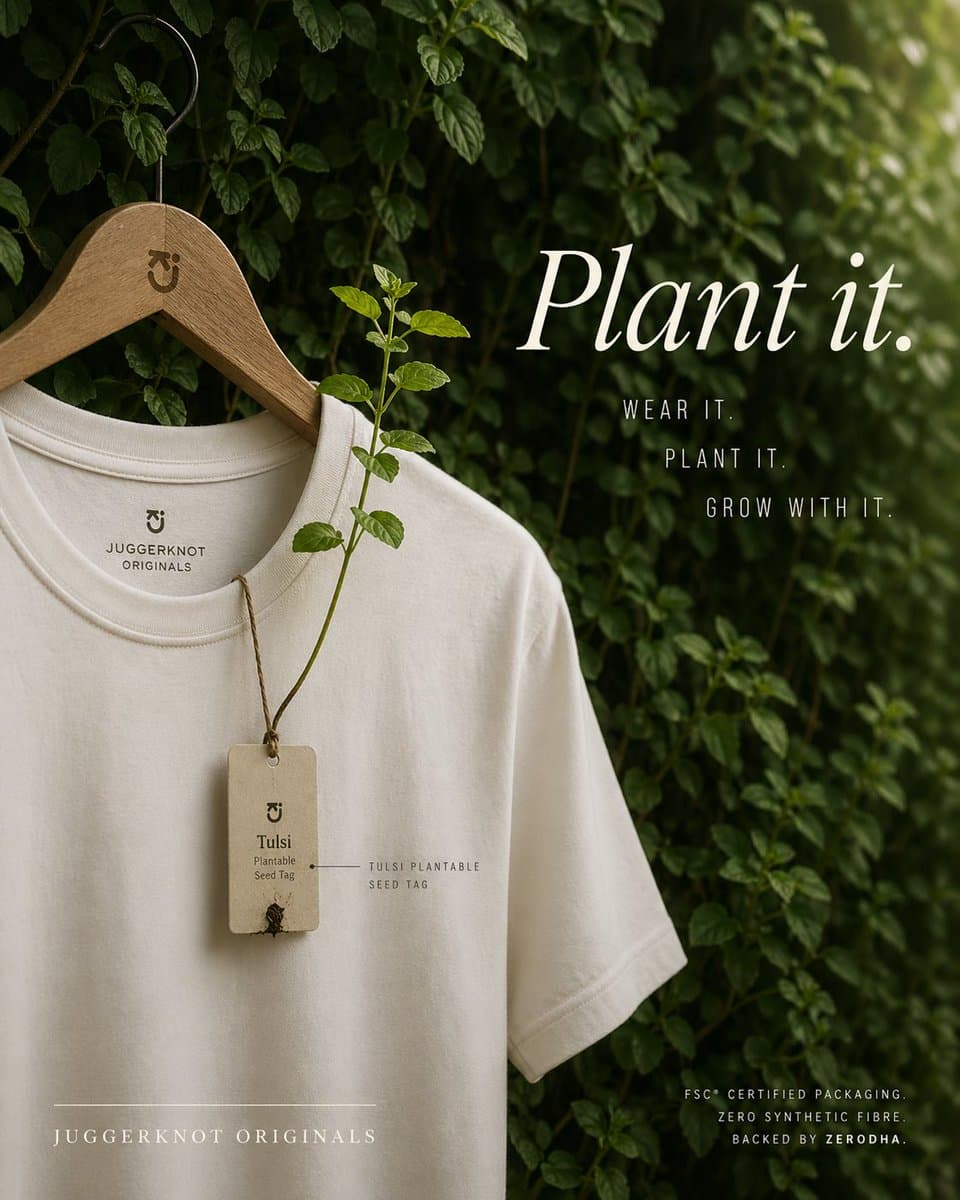
一張高階環保意識時尚廣告,拍成精緻編輯風產品照片。單件米白色或天然奶油色圓領 T 恤掛在光滑木衣架上,衣架有黑色金屬鉤,背景是一面茂密綠葉和攀援藤蔓牆。衣架頸部附近刻有小型極簡品牌字母標。T 恤從上半身展示到部分下襬,略微傾斜,有柔軟自然褶皺和高品質棉質紋理。領內印有極簡品牌標記和文字“JUGGERKNOT ORIGINALS”。領口掛著 1 張矩形再生紙種子吊牌,用質樸棕色麻繩繫住;吊牌寫著“Tulsi”和“Plantable Seed Tag”,底部附近有微小發芽種子細節。從吊牌上,1 根真實 tulsi 植物莖向上生長並穿過 T 恤正面,帶幾片新鮮綠葉,直觀展示吊牌可種植。吊牌附近加入小型精細標籤註釋“TULSI PLANTABLE SEED TAG”。右側用大號優雅白色襯線字型寫 {argument name="headline text" default="Plant it."}。其下放置 3 行堆疊的窄體大寫無襯線文案:“WEAR IT.”、“PLANT IT.” 和 “GROW WITH IT.”。左下加入字距拉開的全大寫襯線品牌名:{argument name="brand name" default="JUGGERKNOT ORIGINALS"},其上方有一條細水平線。右下加入 3 行小號大寫無襯線文字:“FSC® CERTIFIED PACKAGING.”、“ZERO SYNTHETIC FIBRE” 和 “BACKED BY ZERODHA.”。使用柔和漫射日光、淺景深、低調綠與奶油色調色、奢華可持續品牌美學、乾淨構圖、豎版海報佈局、細微陰影和安靜有機氛圍。保持設計極簡、高階、寫實,T 恤佔據左半邊,右側排版保持平衡。
如何使用此提示
在生成之前閱讀完整的 可種植吊牌環保 T 恤廣告 提示並確定主題、風格、相機、燈光和構圖要求。
將括號或參數式佔位符替換為您的產品、角色、品牌、場景、調色板或寬高比要求。
開啟 https://www.gptimagehub.com/zh-TW/generate?promptId=cmogx5s2u00fhzpdya52bz88n,產生圖像,然後根據需要使用更具體的主題、文字、佈局或負面約束來最佳化提示。
提示常見問題解答
可種植吊牌環保 T 恤廣告 提示符號最適合用來做什麼?
此提示最適用於您需要可重複使用結構、詳細視覺方向和一致輸出品質的 產品與電商 影像。
我可以在生成之前編輯提示嗎?
是的。完整的提示文字在此頁面上可見,因此您可以在生成之前更改主題、產品名稱、顏色、構圖、相機術語、長寬比和樣式註釋。
出現此提示時我應該使用哪種型號?
使用提示元資料中顯示的模型作為預設起點。如果另一個影像模型支援相同的寬高比和指令風格,您可以調整提示並比較結果。