
动漫 VTuber Minecraft 直播缩略图
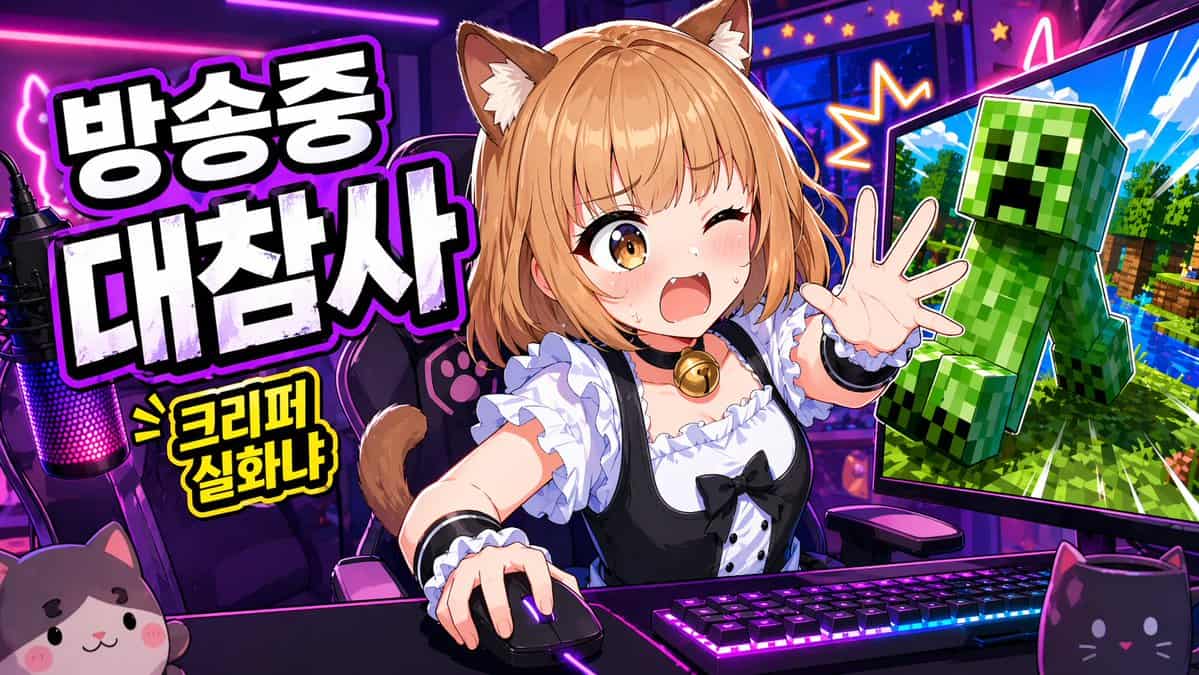
一张鲜艳动漫风 YouTube 缩略图,用于直播游戏节目,宽幅 16:9 构图,背景是霓虹紫粉色主播房间。画面中央是一位可爱的猫娘 VTuber 坐在桌前,腰部以上,充满活力地前倾,一只手放在电脑鼠标上,另一只手伸向观众。她有 {argument name="hair color" default="light orange-blonde"} 波波头,柔软刘海,蓬松棕奶油色猫耳,以及可见猫尾。她的脸由中央实心矩形遮挡块有意遮住。她穿黑…
提示词
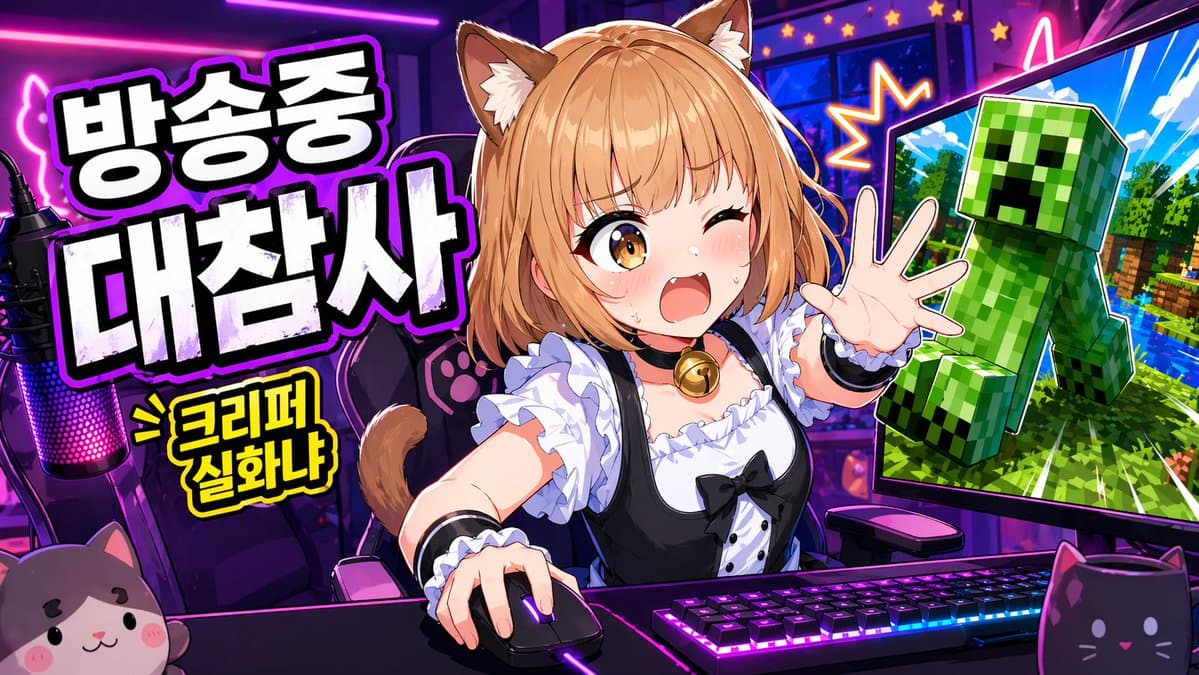
一张鲜艳动漫风 YouTube 缩略图,用于直播游戏节目,宽幅 16:9 构图,背景是霓虹紫粉色主播房间。画面中央是一位可爱的猫娘 VTuber 坐在桌前,腰部以上,充满活力地前倾,一只手放在电脑鼠标上,另一只手伸向观众。她有 {argument name="hair color" default="light orange-blonde"} 波波头,柔软刘海,蓬松棕奶油色猫耳,以及可见猫尾。她的脸由中央实心矩形遮挡块有意遮住。她穿黑白女仆灵感服装,有褶边白衬衫、黑色连衣裙胸衣、泡泡袖、白色荷叶边、黑色丝带蝴蝶结和金色铃铛颈圈。桌上放置带明亮 RGB 灯光的机械键盘、发光游戏鼠标,以及远左侧一个带粉紫 LED 灯的主播麦克风。前景放 2 个猫主题桌面物品:左下角一个猫脸毛绒物,右下角一个黑猫造型马克杯。她身后是一把带爪印细节的游戏椅。左侧加入大号粗体韩文标题,厚重白色块状字,带黑色填充阴影和发光紫色描边,堆叠成 2 行:{argument name="headline text" default="방송중 대참사"}。其下加入较小黄色漫画爆炸标注,黑色描边,文字为 {argument name="sub text" default="> 크리퍼 실화냐"}。右侧展示 1 个大型电脑显示器,向内倾斜,屏幕里是类似 Minecraft 的场景,有亮蓝天空、绿色树木、水面,以及一个大型绿色 Creeper 朝观众弹出,像贴纸剪影一样带戏剧化描边。显示器周围加入星爆效果和霓虹点缀,强化混乱感。使用夸张缩略图美学:超饱和色彩、锐利赛璐璐明暗、粗描边、亮面高光、高对比、动态透视,以及值得点击的主播灾难氛围。
如何使用此提示
在生成之前阅读完整的 动漫 VTuber Minecraft 直播缩略图 提示并确定主题、风格、相机、灯光和构图要求。
将括号或参数式占位符替换为您的产品、角色、品牌、场景、调色板或宽高比要求。
打开 https://www.gptimagehub.com/zh-CN/generate?promptId=cmogx383p00djzpdyvf0shnxe,生成图像,然后根据需要使用更具体的主题、文本、布局或负面约束来优化提示。
提示常见问题解答
动漫 VTuber Minecraft 直播缩略图 提示符最适合用来做什么?
此提示最适用于您需要可重用结构、详细视觉方向和一致输出质量的 社交媒体 图像。
我可以在生成之前编辑提示吗?
是的。完整的提示文本在此页面上可见,因此您可以在生成之前更改主题、产品名称、颜色、构图、相机术语、长宽比和样式注释。
出现此提示时我应该使用哪种型号?
使用提示元数据中显示的模型作为默认起点。如果另一个图像模型支持相同的宽高比和指令风格,您可以调整提示并比较结果。