
提示词
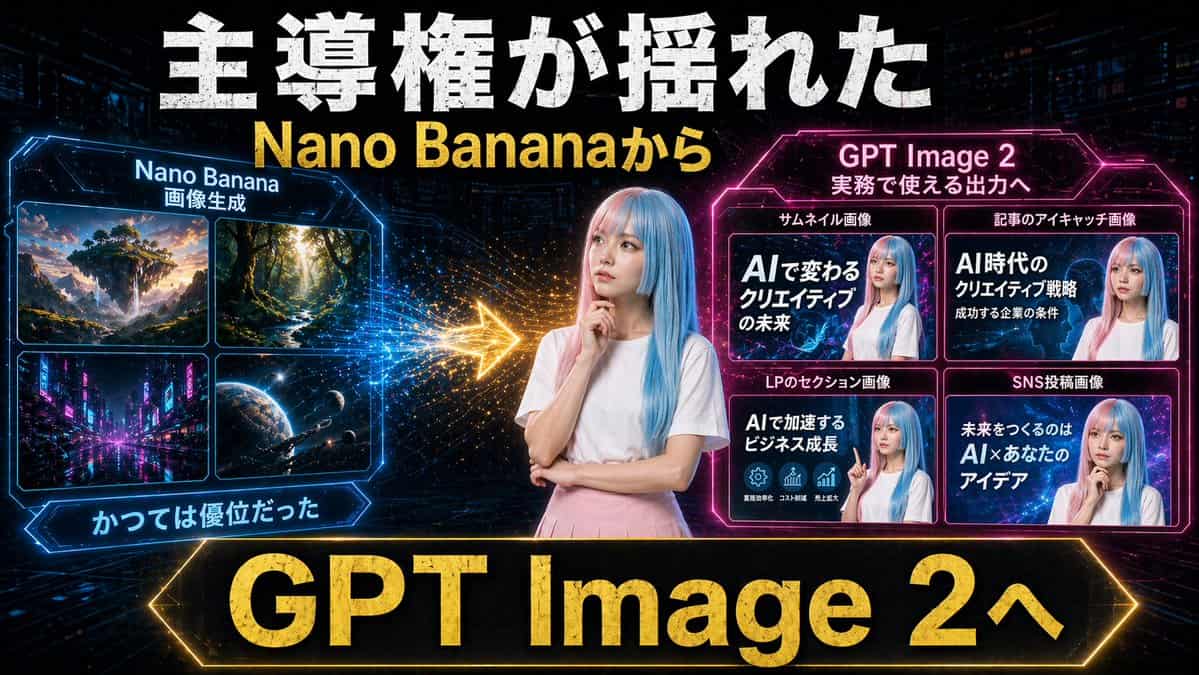
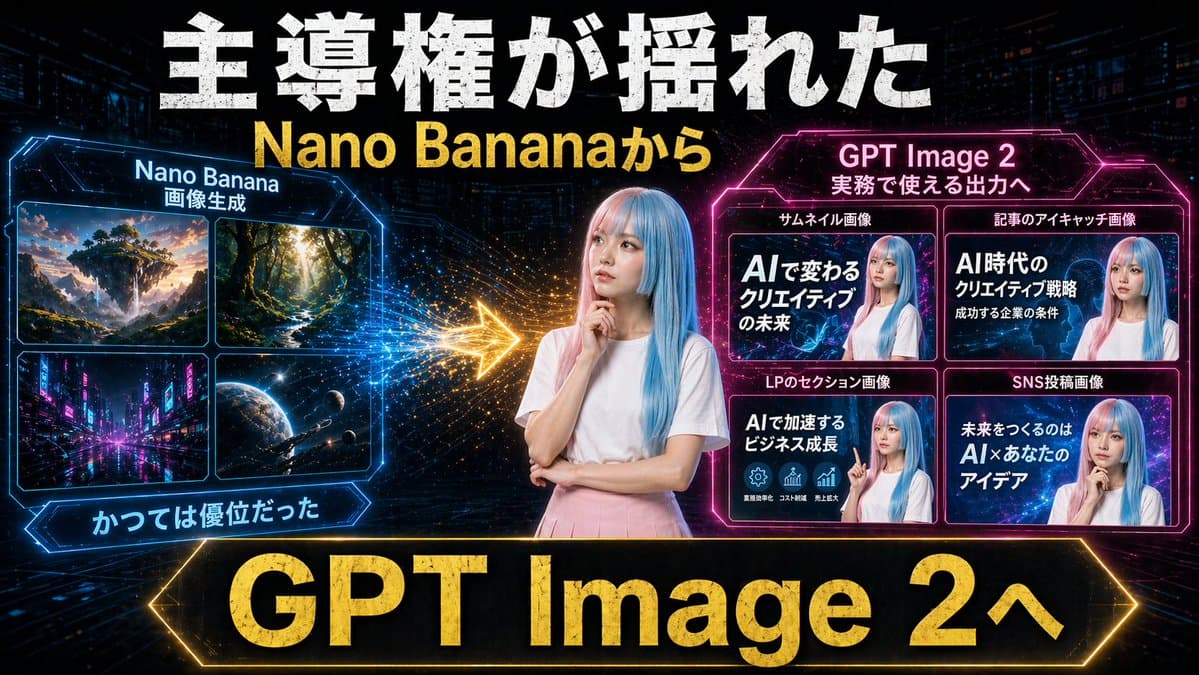
创建一张戏剧化的日文 YouTube 缩略图,未来霓虹赛博朋克风,16:9 横版。使用深色科技城市背景,带隐约摩天楼、数字网格线、发光粒子,以及高对比蓝色、粉色和金色灯光。画面正中央放置一位年轻女性,腰部以上,长直粉彩蓝发,穿纯白短袖 T 恤和浅粉色半裙,姿势沉思,一只手靠近下巴,另一只手抱臂;用柔和矩形模糊块匿名处理她的脸。最顶部加入巨大的做旧粗体白色日文标题文字“主導権が揺れた”,正下方加入大号粗体黄色文字“{argument name="subheadline text" default="Nano Bananaから"}”。左侧创建一个发光蓝色六边形框面板,标题为“Nano Banana”,较小副标题为“画像生成”。该面板内包含正好 4 个图像小块,2x2 网格:1) 日落时的幻想漂浮岛景观,2) 阳光照亮的高树森林小路,3) 夜晚的霓虹未来城市街道,4) 有星星和宇宙飞船的外太空行星场景。左侧面板下方加入蓝色发光缎带标签“かつては優位だった”。右侧创建一个发光洋红色六边形框面板,标题为“{argument name="right panel title" default="GPT Image 2"}”,较小副标题为“実務で使える出力へ”。其中包含正好 4 张示例缩略图卡片,2x2 网格,每张都呈现同一位蓝发女性,脸部模糊,并配有粗体日文文字。4 张卡片上方标签分别为:サムネイル画像、記事のアイキャッチ画像、LPのセクション画像、SNS投稿画像。4 张卡片内的大字分别读取:1) AIで変わるクリエイティブの未来,2) AI時代のクリエイティブ戦略 成功する企業の条件,3) AIで加速するビジネス成長,4) 未来をつくるのは AI×あなたのアイデア。左右面板之间放置一支明亮发光的金色箭头,从左指向右,并带有火花粒子拖尾,表示转变或优势转移。底部加入一条很大的黑色横幅,带发光金色边框和超大粗体金字“{argument name="bottom banner text" default="GPT Image 2へ"}”。整体构图要像一张对比图,展示从旧式图像生成转向更实用商业输出的变化,带强烈缩略图字体、强辉光效果、主要文字的金属质感,以及精致的社交媒体营销视觉。
如何使用此提示
在生成之前阅读完整的 霓虹 AI 缩略图对比 提示并确定主题、风格、相机、灯光和构图要求。
将括号或参数式占位符替换为您的产品、角色、品牌、场景、调色板或宽高比要求。
打开 https://www.gptimagehub.com/zh-CN/generate?promptId=cmogx2av400ctzpdy1crzqmnp,生成图像,然后根据需要使用更具体的主题、文本、布局或负面约束来优化提示。
提示常见问题解答
霓虹 AI 缩略图对比 提示符最适合用来做什么?
此提示最适用于您需要可重用结构、详细视觉方向和一致输出质量的 社交媒体 图像。
我可以在生成之前编辑提示吗?
是的。完整的提示文本在此页面上可见,因此您可以在生成之前更改主题、产品名称、颜色、构图、相机术语、长宽比和样式注释。
出现此提示时我应该使用哪种型号?
使用提示元数据中显示的模型作为默认起点。如果另一个图像模型支持相同的宽高比和指令风格,您可以调整提示并比较结果。