Nano Banana 2 Free
Nano Banana 2 is Google's Gemini image model for text-heavy layouts, mascots and photo edits, and Nano Banana 2.1 is the update Google now recommends, at half the image price. Use both in your browser on GPT Image Hub: new accounts get 25 free credits, enough for 1 image on Nano Banana 2.1 or Nano Banana 2 Lite at 1K.
Is Nano Banana 2 free?
You can try it free. Every new GPT Image Hub account gets 25 free credits, enough for 1 image on Nano Banana 2.1 at 1K (25 credits), with no card needed. After that, Nano Banana 2.1 costs 25 at 1K, 41 at 2K, 91 at 4K credits, about $0.025–$0.033 at 1K depending on the credit pack, half of Nano Banana 2's 54 at 1K, 81 at 2K, 122 at 4K. Google bills every image these models make, so no site offers unlimited free Nano Banana 2.
How to use Nano Banana 2 free
- Sign up with Google or email. Your account starts with 25 free credits.
- Open the image generator with Nano Banana 2.1 selected, then type a prompt or start from a template in the prompt library.
- Keep the size at 1K for the free image (25 credits). To edit a photo, add up to 14 reference images and say what to change.
Nano Banana 2.1 examples
Made on GPT Image Hub with Nano Banana 2.1 on 22 and 23 October 2026; each caption gives the size, the time it took and the price.
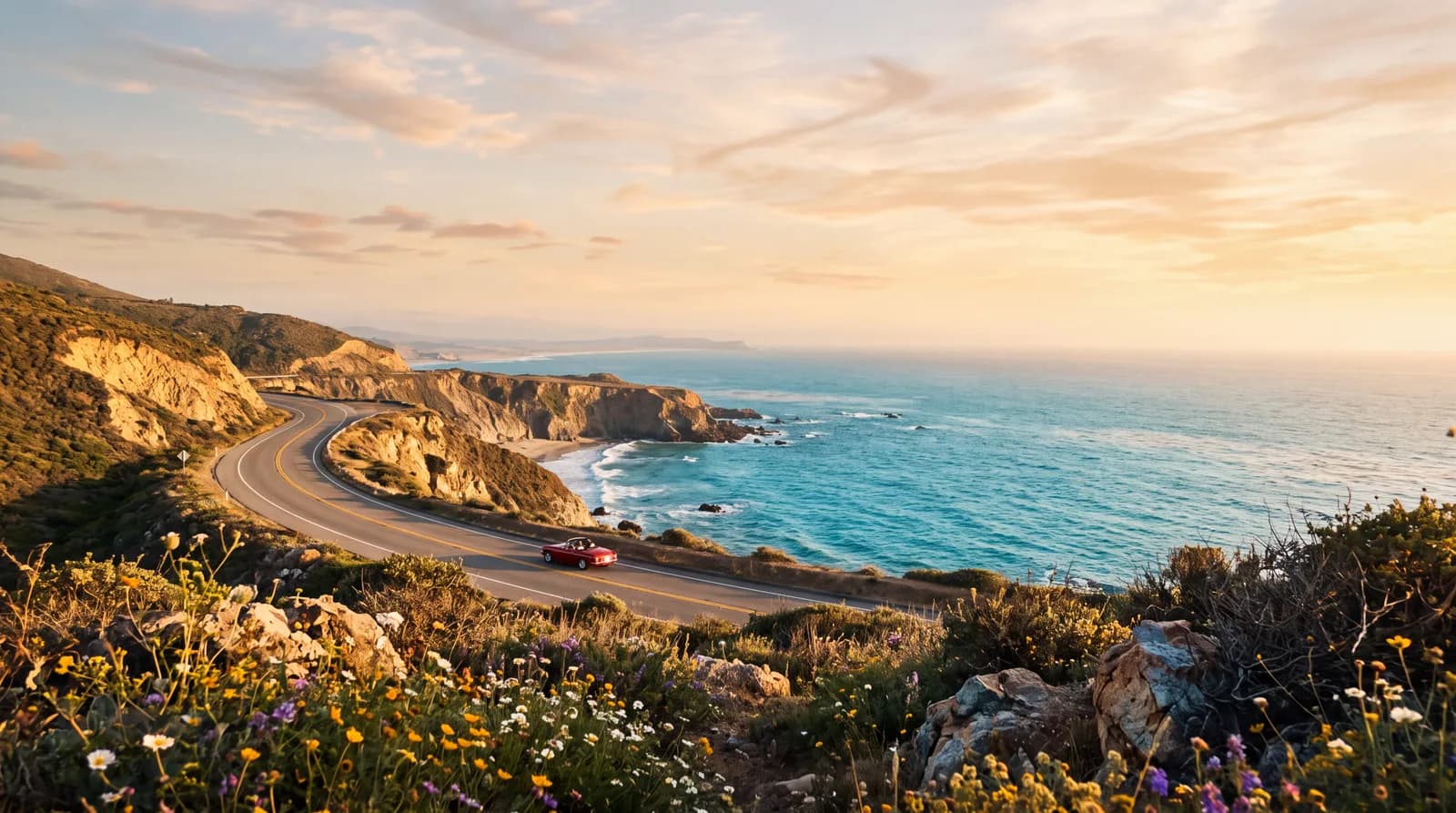
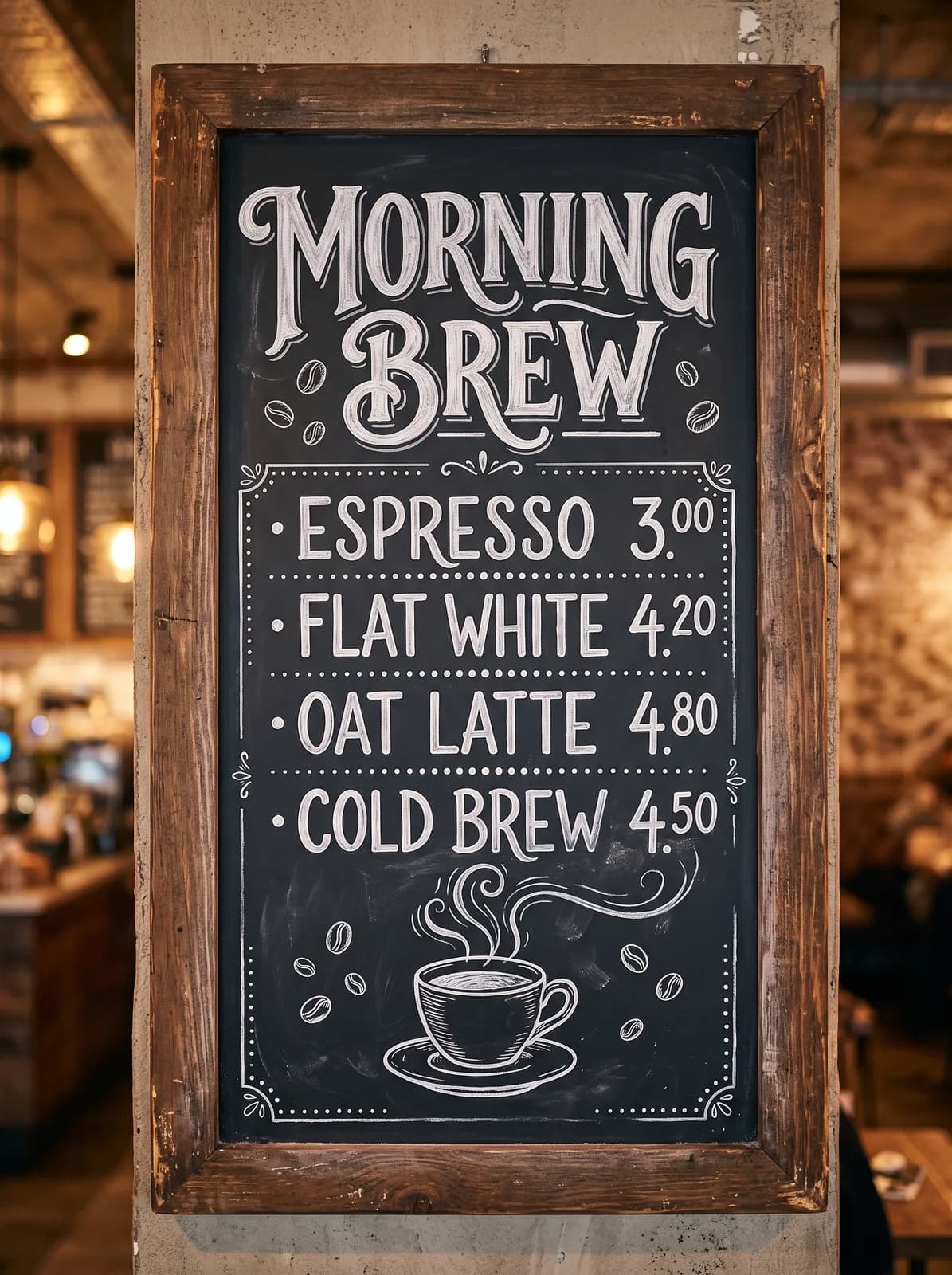

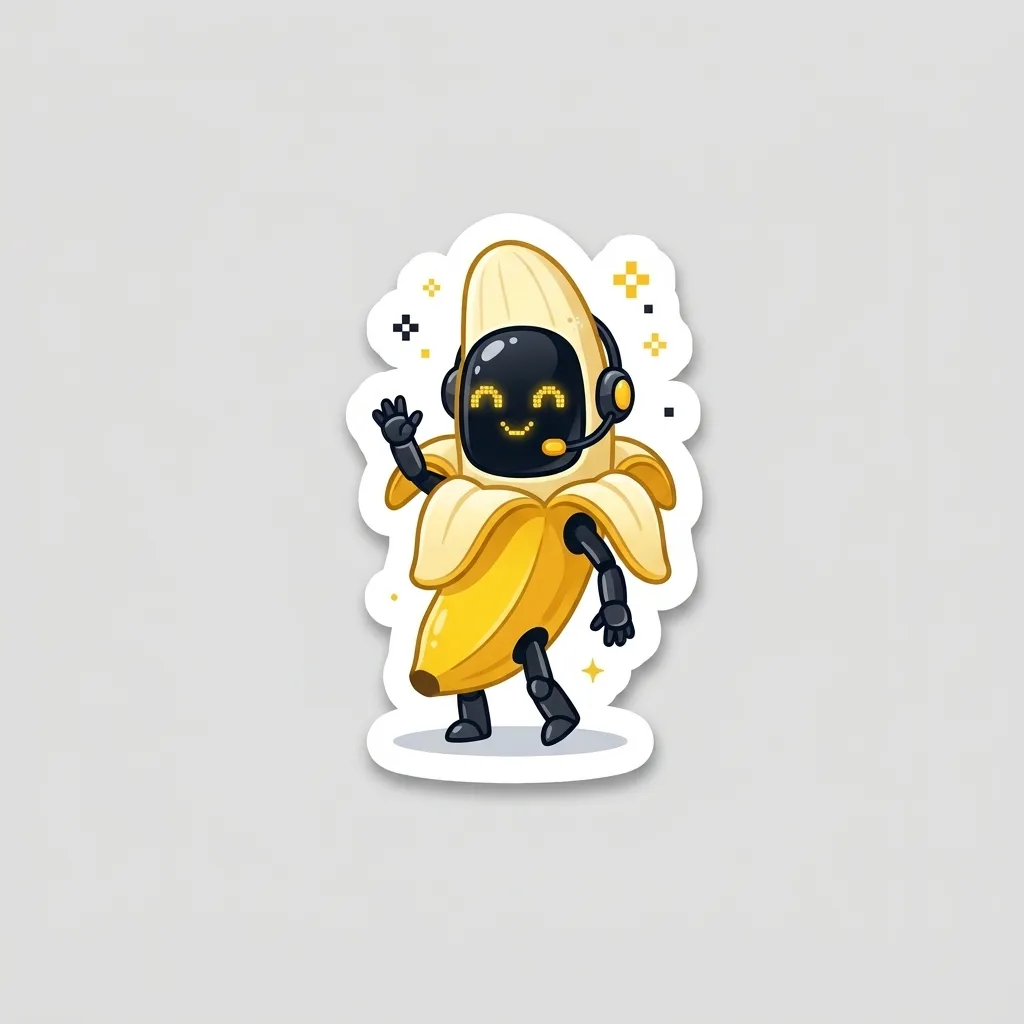
In our tests on GPT Image Hub, Nano Banana 2.1 took 32 to 55 seconds at 1K, 284 seconds at 2K and 515 seconds at 4K, because Gemini 3 image models always think before they draw. Nano Banana 2 rendered 1K images in about 20 seconds.
Nano Banana 2.1 vs Nano Banana 2 on GPT Image Hub
Both are Google Gemini image models. Nano Banana 2.1 (gemini-nano-banana-2.1) is Google's update to Nano Banana 2 (gemini-3.1-flash-image-preview):
| Specification | Nano Banana 2.1 | Nano Banana 2 |
|---|---|---|
| Price per image | 25 at 1K, 41 at 2K, 91 at 4K credits | 54 at 1K, 81 at 2K, 122 at 4K credits |
| Free with the sign-up credits | 1 at 1K | None; a 1K image costs more than the free credits |
| Reference images for edits | Up to 14 | Up to 14 |
| Time on the Hub at 1K | 32–55 s | about 20 s |
| Time on the Hub at 4K | 515 s | 44 s |
Nano Banana 2.1 is the cheaper choice and Google's recommendation for new projects; Nano Banana 2 is the faster one. Nano Banana 2 Lite renders 1K images for 25 credits in about 12 to 26 seconds, and Nano Banana Pro costs 108 credits and up. See Nano Banana 2 vs Pro for same-prompt tests.
Which Nano Banana should I use?
- Nano Banana 2.1: the lowest price for Nano Banana 2 quality, 25 credits at 1K, but slow at 2K and 4K.
- Nano Banana 2: about 20 seconds at 1K and 2K, at 54 at 1K, 81 at 2K, 122 at 4K credits.
- Nano Banana 2 Lite: the fastest and cheapest at 1K (25 credits), with up to 3 reference images.
- Nano Banana Pro: the highest quality, from 108 credits per image.
Common questions
Is Nano Banana 2 free?
You can try it free: the 25 credits on a new GPT Image Hub account make 1 image on Nano Banana 2.1 or Nano Banana 2 Lite at 1K. There is no unlimited free version, because Google charges for every image; after the free credits, Nano Banana 2.1 costs 25 credits at 1K.
What is the difference between Nano Banana 2 and 2.1?
Google describes Nano Banana 2.1 as an update to Nano Banana 2 with better visual quality, text rendering and multi-turn consistency, and recommends it for new projects. On GPT Image Hub it costs half as much (25 against 54 credits at 1K) but is slower, because thinking is always on.
Can I edit my own photos with Nano Banana 2?
Yes. Add up to 14 reference images and describe the change. In our test, Nano Banana 2.1 turned one concept from a mascot sheet into a die-cut sticker in 32 seconds and kept its shape, colors and face.
Why does Nano Banana 2.1 take longer at 4K?
Gemini 3 image models think before they draw, and the API does not let you turn it off. In our tests a 4K image took 515 seconds. GPT Image Hub waits up to 800 seconds for one image and refunds the credits automatically if generation fails.
Keep going