
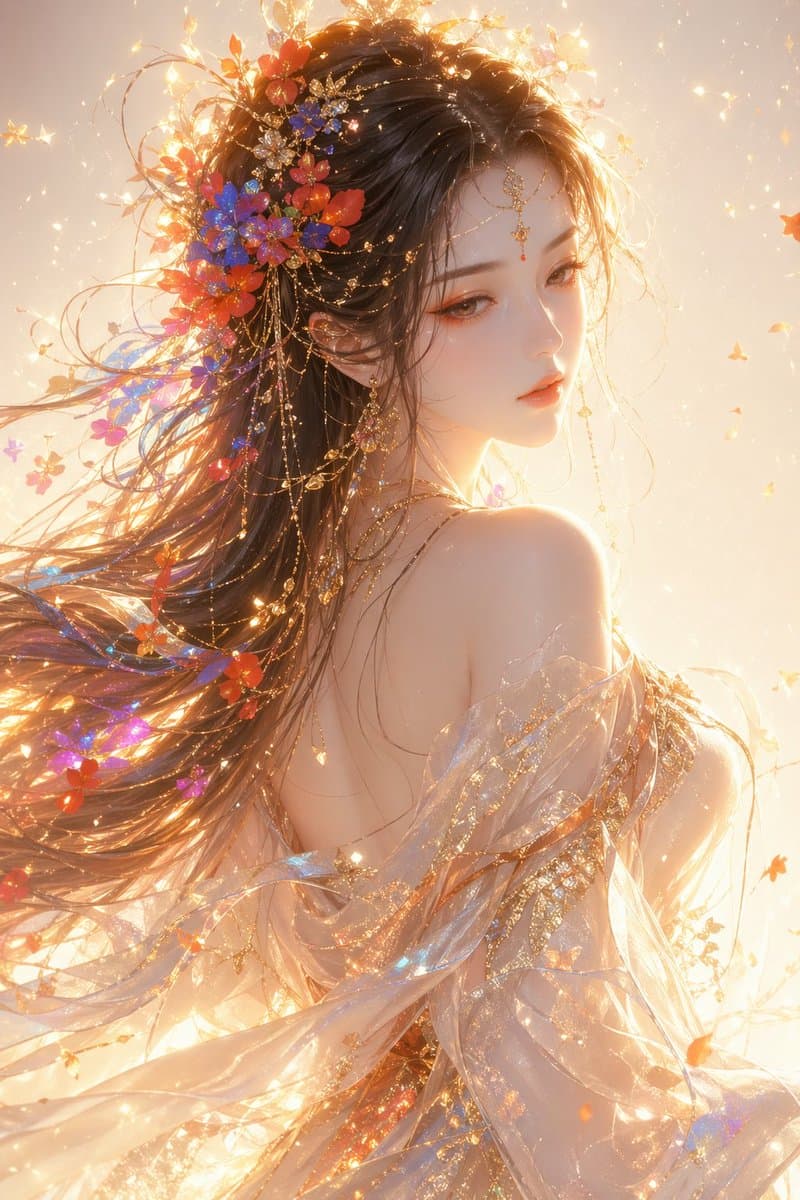
Eastern Fantasy Female Half-Portrait
Create an illuminated Eastern fantasy female half-portrait with shimmering silk and floral accents, ideal for game splash art, avatars, and posters.
Prompt
Oriental fantasy style woman, half-length portrait, looking back at the profile, with ethereal and elegant temperament, soft and divine beauty, delicate facial features, slightly lowered eyes, cold white and delicate skin, elegant orange-pink makeup, and golden highlights. The long hair is flowing, with colorful flowers and light particles (red, blue, orange, purple) incorporated into the hair. The hair has a sense of flow and air. Wearing a translucent silk dress and shawl, the material is light and transparent, the fabric flutters in the wind, and the surface has gilt texture and shining particles. The overall light and shadow is warm golden backlight, strong edge light, obvious volume light, floating light particles, soft light and flood light, creating a dreamy atmosphere The background is a clean light gradient with shimmer and particle effects, and the overall atmosphere is ethereal, dreamlike, and sacred. Style: high-end CG illustration, ultra-fine, film-level light and shadow, soft light rendering, 8K details, artstation popular work style
Prompt details
- Category
- UI / UX Design
- Model
- GPT IMAGE 2
- Cost per image
- 1K: 43 credits · 2K: 86 credits · 4K: 143 credits
- Aspect ratio
- 1:1
- Creator
- @liyue_ai
- License
- CC BY 4.0
- Added
- Updated