
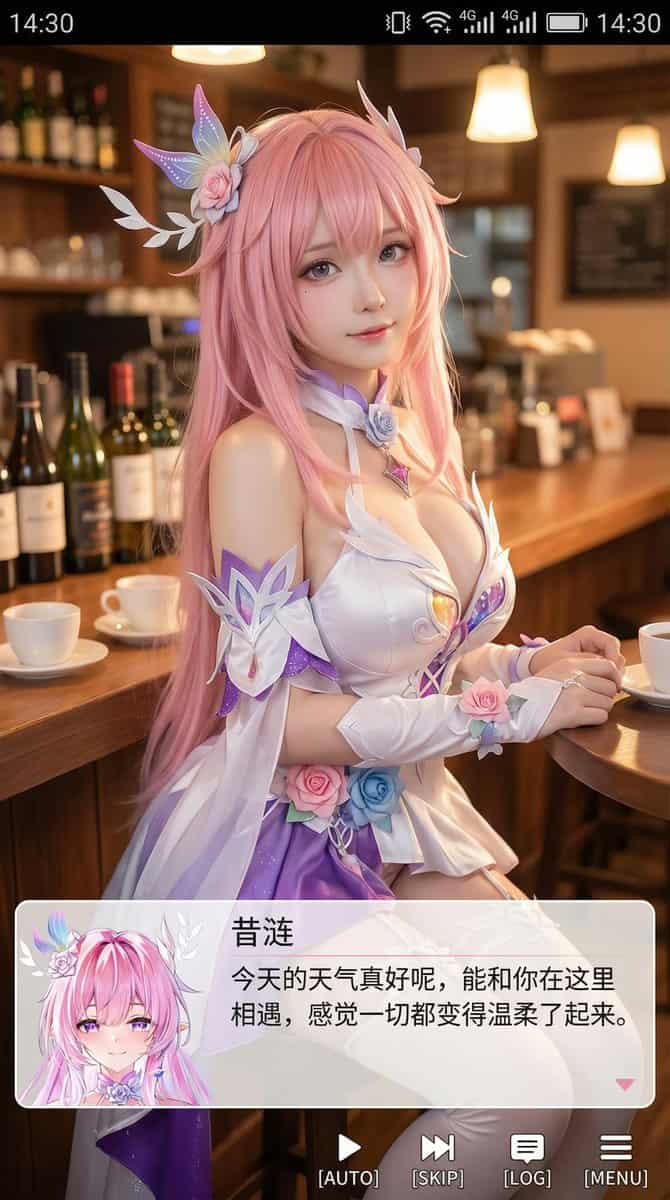
9:16 コスプレイヤー ポートレート スクリーンショット
縦版のスマホスクリーンショット風画像を生成、全体比率は9:16に近い。画面中央上部寄りには実写コスプレイヤーがいて、(キャラクター名)の二次元キャラクターを演じる。人物はリアル風だが顔立ちはわずかにアニメ風、肌は繊細で、目はやや大きく、表情は優しくレンズを見つめる、室内のカジュアルなシーンに座る、例えばカフェやバーカウンター前、背景にはシーンに合った小道具がある。画面最上部にはスマホシステムのステータスバーUIを追加、時間、電池、信号…
プロンプト
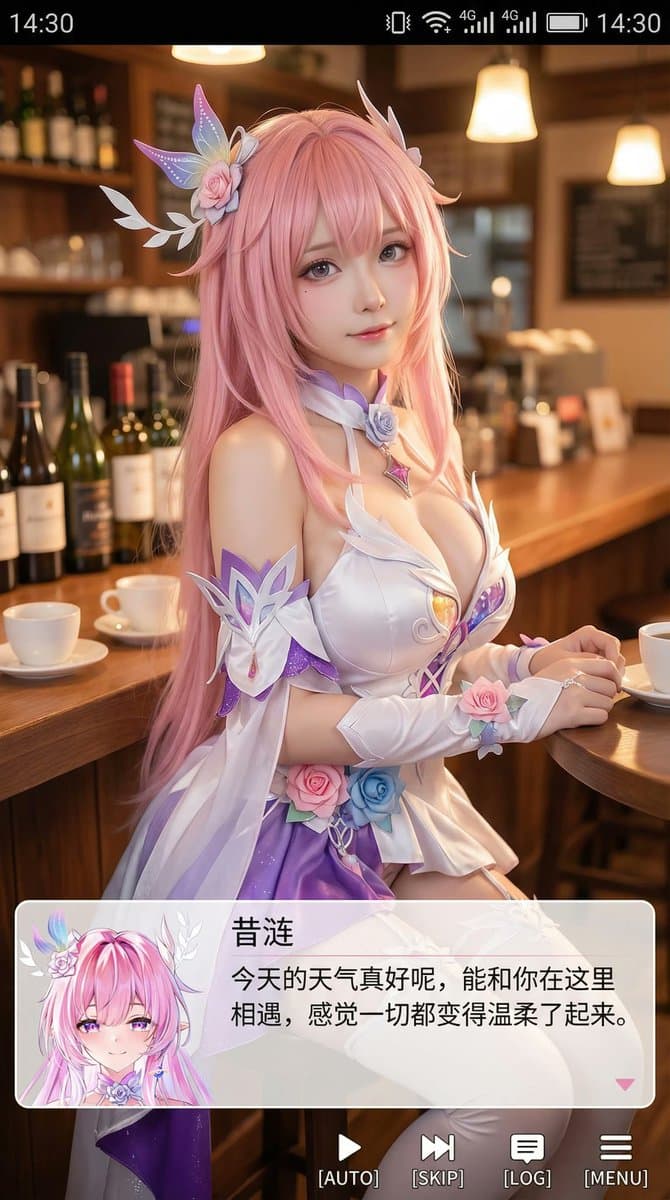
縦版のスマホスクリーンショット風画像を生成、全体比率は9:16に近い。画面中央上部寄りには実写コスプレイヤーがいて、(キャラクター名)の二次元キャラクターを演じる。人物はリアル風だが顔立ちはわずかにアニメ風、肌は繊細で、目はやや大きく、表情は優しくレンズを見つめる、室内のカジュアルなシーンに座る、例えばカフェやバーカウンター前、背景にはシーンに合った小道具がある。画面最上部にはスマホシステムのステータスバーUIを追加、時間、電池、信号、ネットワークなどのアイコンを含み、全体がスマホスクリーンショットのように見せる。画面下部には幅広の半透明galgame風ダイアログボックスを重ね、ダイアログボックス左側には画面の人物に対応するアニメまたはQ版アバターを配置;ダイアログボックス右側にはテキストレイアウト:1行目には大きめの文字で前と同じキャラクター名を表示、その下に1〜2行で、このキャラクターの設定に合った優しい癒し系の中国語簡体字のセリフを表示、自動で創作。さらにダイアログボックスの下に操作バーを追加、galgame UIを模倣。全体スタイルは高画質、ディテール豊富、光線柔らか、二次元と実写が自然に融合。
このプロンプトの使用方法
生成する前に、完全な 9:16 コスプレイヤー ポートレート スクリーンショット プロンプトを読み、主題、スタイル、カメラ、照明、構成の要件を特定してください。
括弧で囲まれたプレースホルダーまたは引数スタイルのプレースホルダーを、製品、キャラクター、ブランド、シーン、カラーパレット、またはアスペクト比の要件に置き換えます。
https://www.gptimagehub.com/ja/generate?promptId=cmogwrhxg000tzpdy21m69pmn を開いて画像を生成し、必要に応じてより具体的な件名、テキスト、レイアウト、または否定的な制約を使用してプロンプトを調整します。
プロンプトFAQ
9:16 コスプレイヤー ポートレート スクリーンショット プロンプトは何に最適ですか?
このプロンプトは、再利用可能な構造、詳細な視覚的方向性、一貫した出力品質が必要な アニメ / マンガ 画像に最適です。
生成する前にプロンプトを編集できますか?
はい。このページには完全なプロンプト テキストが表示されるため、生成前に件名、製品名、色、構成、カメラ用語、アスペクト比、スタイル メモを変更できます。
このプロンプトではどのモデルを使用すればよいですか?
プロンプトのメタデータに示されているモデルをデフォルトの開始点として使用します。別の画像モデルが同じアスペクト比と指示スタイルをサポートしている場合は、プロンプトを調整して結果を比較できます。