
落書きスケッチ風 AIビルダー
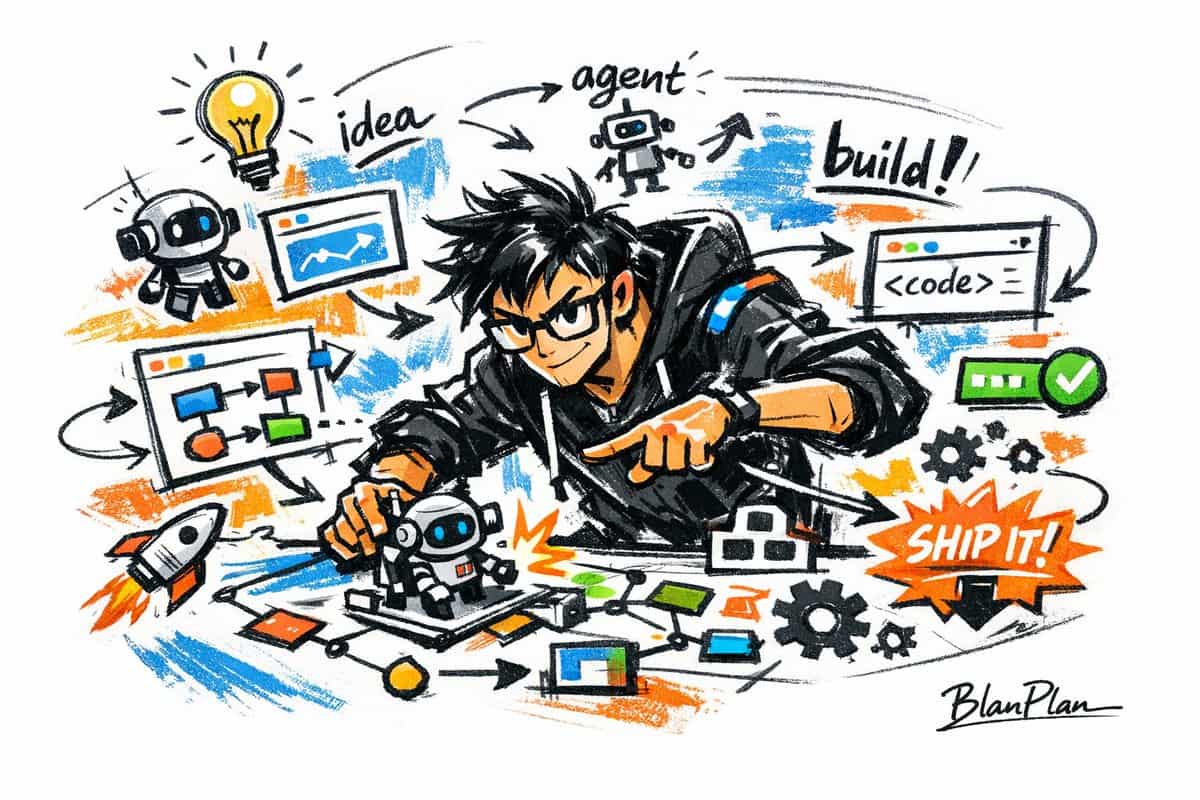
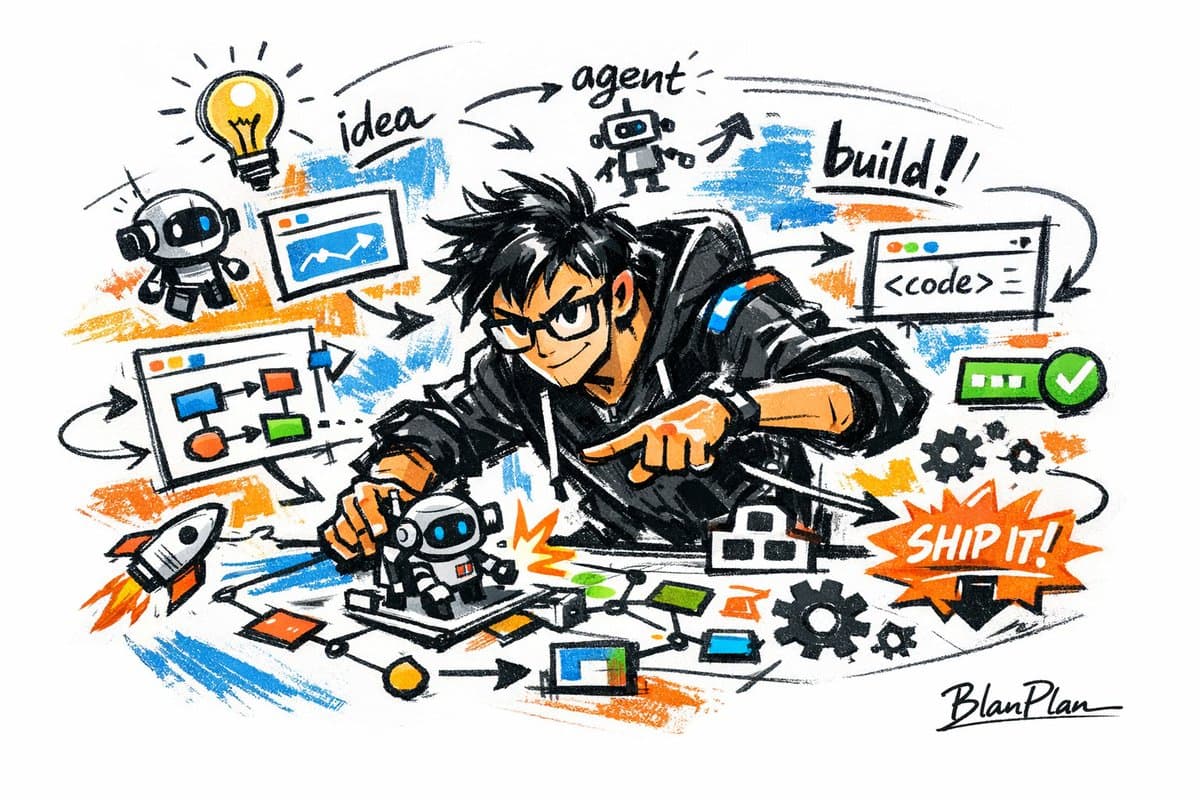
落書きスケッチ風で【すごいAIビルダー】を表現、全体的にすばやく描き出した、自由な変形、即興の手描き、下書き的な視覚効果を呈する。線は気ままに、誇張され、太さは不均一でよい、やや乱雑だがリズムと表現力があり、概括・誇張・面白み・気ままさを強調し、厳格なリアリズムや精細な描写ではない。色は粗く、ドライブラシ感の明確なブロック面で表現し、不均一な塗り痕、ブラシ跡、かすれ、被覆感を残してよい、色彩は【テーマ/主体】に応じて自動適応するが、全…
プロンプト
落書きスケッチ風で【すごいAIビルダー】を表現、全体的にすばやく描き出した、自由な変形、即興の手描き、下書き的な視覚効果を呈する。線は気ままに、誇張され、太さは不均一でよい、やや乱雑だがリズムと表現力があり、概括・誇張・面白み・気ままさを強調し、厳格なリアリズムや精細な描写ではない。色は粗く、ドライブラシ感の明確なブロック面で表現し、不均一な塗り痕、ブラシ跡、かすれ、被覆感を残してよい、色彩は【テーマ/主体】に応じて自動適応するが、全体は落書き風・スケッチ風・概括式の表現を保つ。透明水彩のにじみ効果は不要、繊細な水彩グラデーションは不要、紙テクスチャは不要、柔らかな霧化は不要、夢幻的質感は不要。背景は余白を主とし、シンプルでリラックスした未完成感とデザイン感を保ち、少量の補助的シンボル、矢印、記号、丸、繰り返し線、手書きの文字やその他の落書き要素を加えてよく、スケッチブックや随筆風の視覚言語を強化するが、混雑しすぎてはならず、主体と余白の雰囲気を損なってはならない。画面内容は事前に書き出す必要はなく、【すごいAIビルダー】によって自動推論し、最も適切な主体イメージ、動作、関連要素、シンボル、簡略化シーンを生成、全体は統一された落書きスケッチ風と誇張概括式の表現を保ち、複雑なリアル背景や過度な装飾は避ける。画面には専属サインの「BlanPlan」を自然に加え、画面の一部として、位置は控えめだが明確、左下、右下、またはタイトル付近に配置可能、スタイルは全体のレイアウトと統一、作品の署名やデザインの落款のように;署名フォントは精緻で控えめ、ハイクラス、大きすぎず、主体構図を損なわず、唐突または安っぽく見えないこと。
このプロンプトの使用方法
生成する前に、完全な 落書きスケッチ風 AIビルダー プロンプトを読み、主題、スタイル、カメラ、照明、構成の要件を特定してください。
括弧で囲まれたプレースホルダーまたは引数スタイルのプレースホルダーを、製品、キャラクター、ブランド、シーン、カラーパレット、またはアスペクト比の要件に置き換えます。
https://www.gptimagehub.com/ja/generate?promptId=cmogwsrax002fzpdyglphkwxt を開いて画像を生成し、必要に応じてより具体的な件名、テキスト、レイアウト、または否定的な制約を使用してプロンプトを調整します。
プロンプトFAQ
落書きスケッチ風 AIビルダー プロンプトは何に最適ですか?
このプロンプトは、再利用可能な構造、詳細な視覚的方向性、一貫した出力品質が必要な ui / ux デザイン 画像に最適です。
生成する前にプロンプトを編集できますか?
はい。このページには完全なプロンプト テキストが表示されるため、生成前に件名、製品名、色、構成、カメラ用語、アスペクト比、スタイル メモを変更できます。
このプロンプトではどのモデルを使用すればよいですか?
プロンプトのメタデータに示されているモデルをデフォルトの開始点として使用します。別の画像モデルが同じアスペクト比と指示スタイルをサポートしている場合は、プロンプトを調整して結果を比較できます。