
アニメキャラクターのブランドアイデンティティ&グッズボード
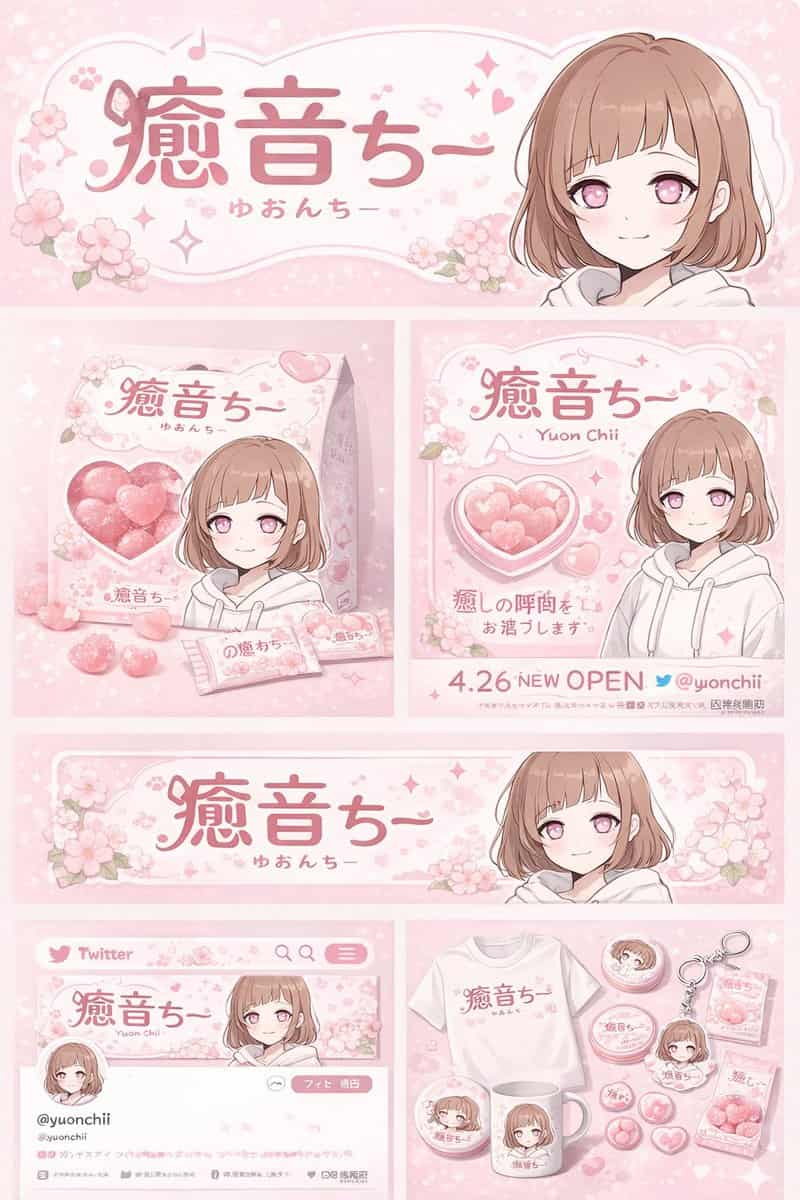
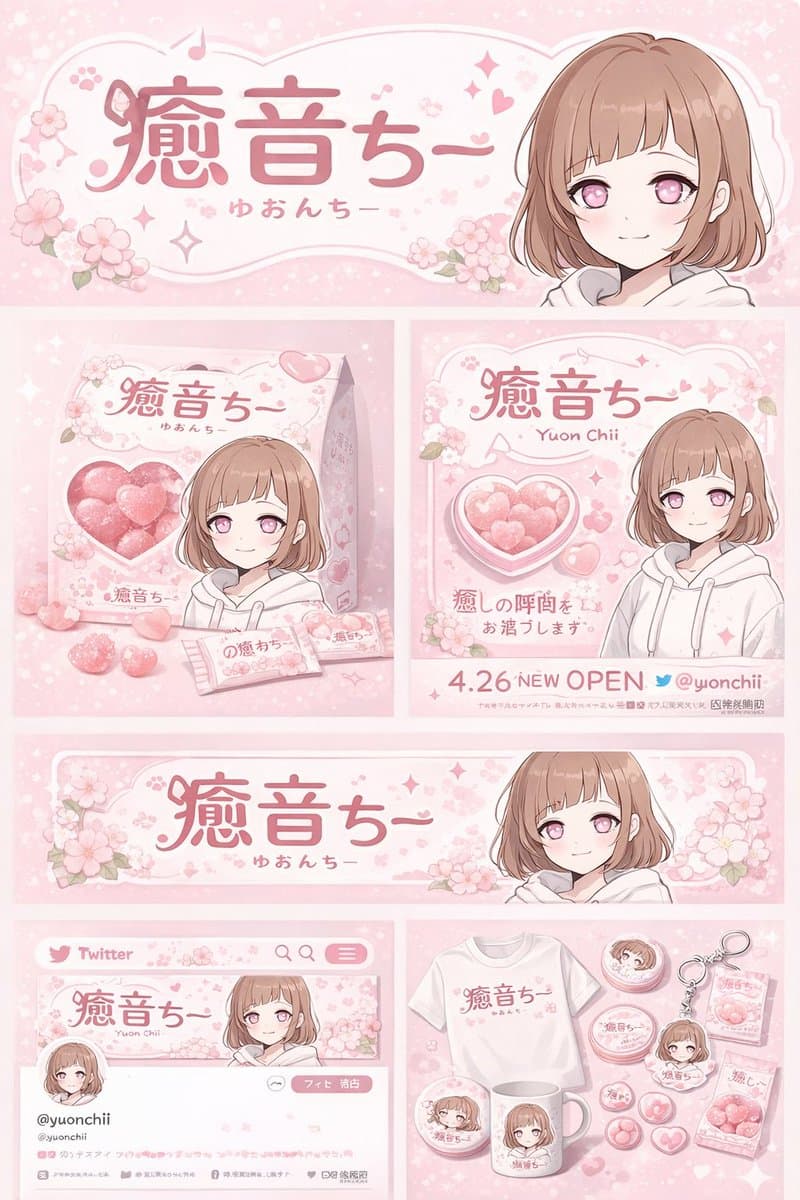
{ "type": "ブランドアイデンティティおよびグッズデザインボード", "theme": { "color_palette": "{argument name=\"theme color\" default=\"pastel pink\"} と白", "motif": "{argument name=\"motif\" default=\"cherry blossoms\"} とピンクのハート" }, "character":…
プロンプト
{ "type": "ブランドアイデンティティおよびグッズデザインボード", "theme": { "color_palette": "{argument name=\"theme color\" default=\"pastel pink\"} と白", "motif": "{argument name=\"motif\" default=\"cherry blossoms\"} とピンクのハート" }, "character": { "description": "短いブラウンのボブヘア、ピンクの瞳、白いパーカーを着た優しい笑顔のアニメ少女" }, "branding": { "main_logo": "{argument name=\"character name\" default=\"癒音ちー\"}", "sub_logo": "{argument name=\"character subtext\" default=\"ゆおんちー\"}" }, "layout": { "sections": [ { "type": "ヘッダーバナー", "position": "上部", "elements": ["大きなメインロゴ", "サブロゴ", "桜のグラフィック", "右側にキャラクターのポートレート"] }, { "type": "製品パッケージ", "position": "中段左", "elements": ["ピンクのハートキャンディが見えるハート型透明窓のある四角い箱1個", "箱に描かれたキャラクターイラスト", "個別キャンディの包み紙2枚", "散らばったハートキャンディ5個"] }, { "type": "プロモーションポスター", "position": "中段右", "elements": ["キャラクターのポートレート", "ハート型キャンディボウル", "メインロゴ", "テキスト '4.26 NEW OPEN'", "テキスト '{argument name=\"social handle\" default=\"@yuonchii\"}'"] }, { "type": "横長のウェブバナー", "position": "中下段", "elements": ["メインロゴ", "桜", "右側にキャラクターのポートレート"] }, { "type": "SNSプロフィールモックアップ", "position": "下段左", "elements": ["ロゴ入りヘッダー画像", "円形のプロフィール画像1枚", "ハンドル '{argument name=\"social handle\" default=\"@yuonchii\"}'", "フォローボタン1つ", "プロフィール文のモック"] }, { "type": "グッズコレクション", "position": "下段右", "count": 9, "items": ["ロゴ入り白Tシャツ1枚", "キャラクター入り白マグカップ1個", "丸い缶バッジ4個", "アクリルキーホルダー1個", "キャンディの袋2袋"] } ] } }
このプロンプトの使用方法
生成する前に、完全な アニメキャラクターのブランドアイデンティティ&グッズボード プロンプトを読み、主題、スタイル、カメラ、照明、構成の要件を特定してください。
括弧で囲まれたプレースホルダーまたは引数スタイルのプレースホルダーを、製品、キャラクター、ブランド、シーン、カラーパレット、またはアスペクト比の要件に置き換えます。
https://www.gptimagehub.com/ja/generate?promptId=cmogx4ed300ehzpdy31x8cahf を開いて画像を生成し、必要に応じてより具体的な件名、テキスト、レイアウト、または否定的な制約を使用してプロンプトを調整します。
プロンプトFAQ
アニメキャラクターのブランドアイデンティティ&グッズボード プロンプトは何に最適ですか?
このプロンプトは、再利用可能な構造、詳細な視覚的方向性、一貫した出力品質が必要な ロゴ・ブランディング 画像に最適です。
生成する前にプロンプトを編集できますか?
はい。このページには完全なプロンプト テキストが表示されるため、生成前に件名、製品名、色、構成、カメラ用語、アスペクト比、スタイル メモを変更できます。
このプロンプトではどのモデルを使用すればよいですか?
プロンプトのメタデータに示されているモデルをデフォルトの開始点として使用します。別の画像モデルが同じアスペクト比と指示スタイルをサポートしている場合は、プロンプトを調整して結果を比較できます。