
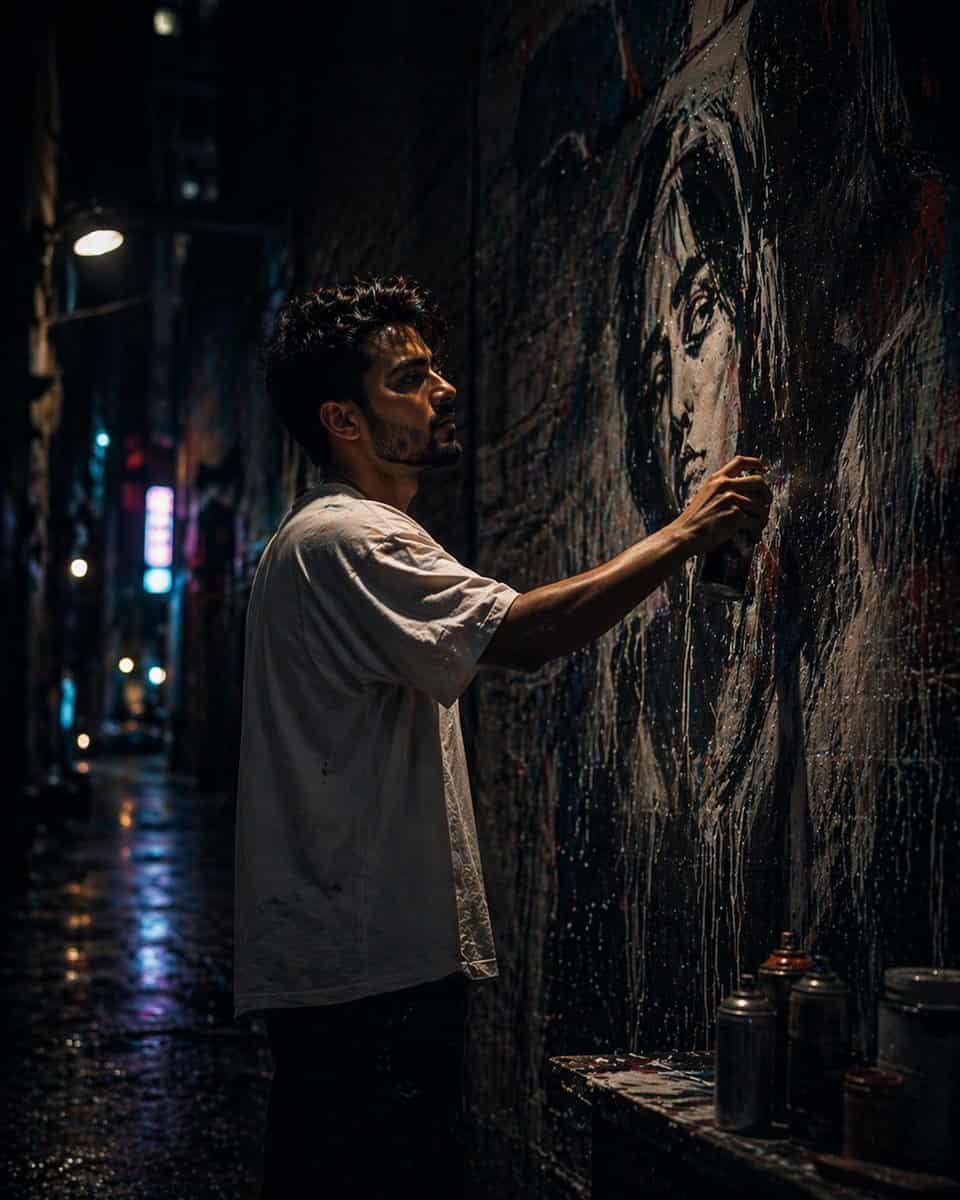
都市路地の壁画アーティスト
{argument name="setting" default="narrow urban alley"}で大規模な{argument name="mural subject" default="mural of a woman’s face"}を描く{argument name="artist" default="young male street artist"}の映画的で超リアルな夜のシーン。カメラアングルはやや低く、劇的で力…
プロンプト
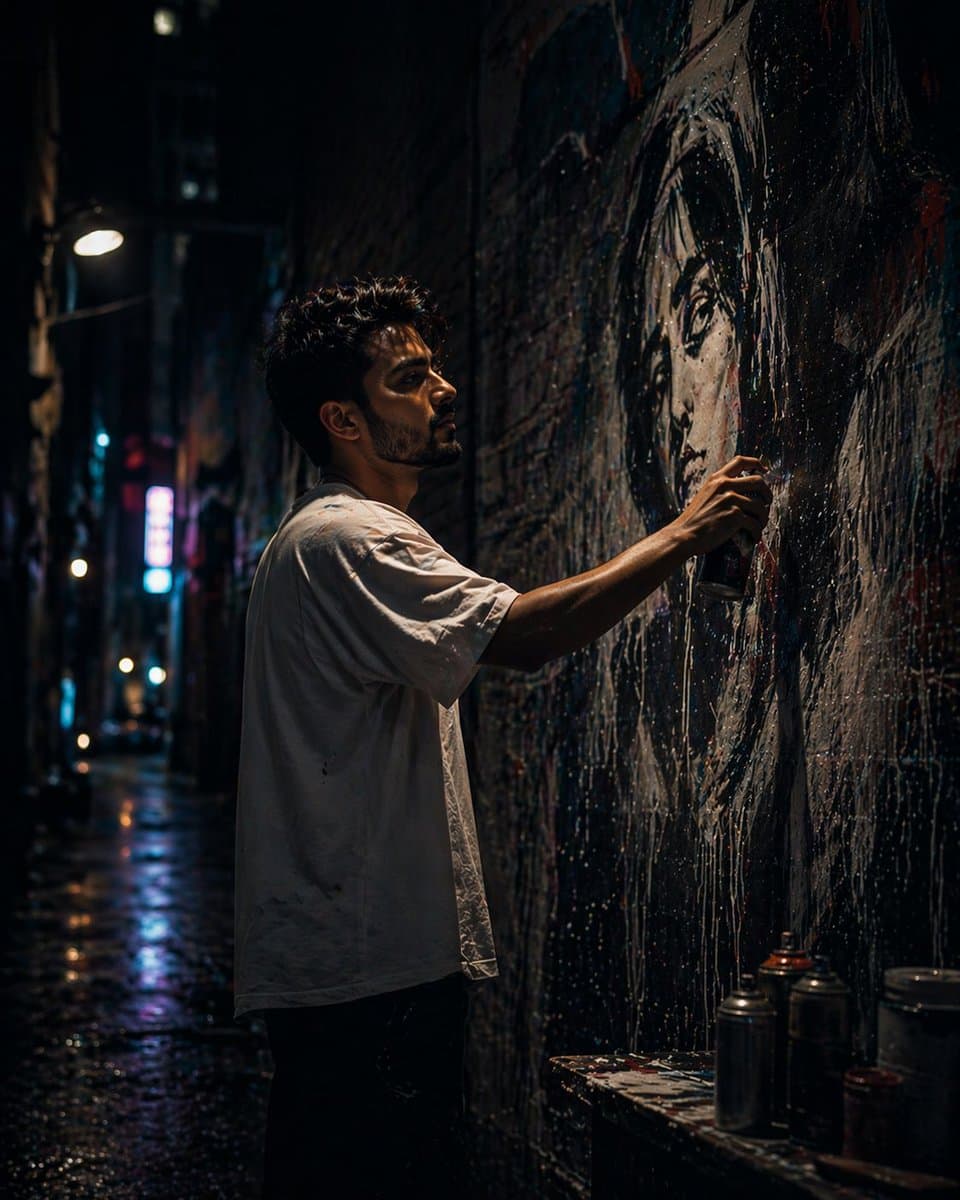
{argument name="setting" default="narrow urban alley"}で大規模な{argument name="mural subject" default="mural of a woman’s face"}を描く{argument name="artist" default="young male street artist"}の映画的で超リアルな夜のシーン。カメラアングルはやや低く、劇的で力強い遠近感を作り出している。アーティストは中程度の長さでやや乱れたダークヘア、薄い無精ひげまたは短いあごひげを持ち、ラギッドでクリエイティブな雰囲気を醸し出している。 彼はゆったりとした白いTシャツとカジュアルなジーンズを着用し、ややオーバーサイズで、リラックスしたストリートウェアの雰囲気を持っている。姿勢は集中していて没頭しており、壁の近くに立って積極的にスプレーペイントを行っている。 彼はテクスチャのあるレンガの壁に、巨大で超リアルな女性の顔の壁画を制作している。壁画は驚くほど詳細で——滑らかな肌の色調、リアルな照明、表情豊かな目、艶のある唇——まるで写真のように見える。スプレーペイントの細かいミストが空中に見え、光を捉えて動きと雰囲気を加えている。 設定は高い建物に囲まれた夜の狭い都市路地。環境はざらざらしてテクスチャがあり——古びたレンガ壁、ペイントの飛び散り、控えめな汚れ、都市的な摩耗。ネオンサインと遠くの街灯が、ティール、マゼンタ、青のトーンで鮮やかな反射を投げかけ、映画的でややサイバーパンクなムードを生み出している。 照明はドラマチックで重層的:クールなアンビエントライトが路地を満たし、暖かいネオンハイライトがコントラストを生み出す。控えめなリムライトがアーティストのシルエットを縁取り、暗い背景から彼を分離させている。壁画は部分的に照らされ、強い焦点として機能している。 雰囲気には軽い霧やミストが含まれ、奥行きを高め、照明を柔らかく光らせる。シーンは没入感があり、静かで、芸術的に強烈に感じられる。 被写界深度は適度に浅い:アーティストと壁画はシャープなフォーカスで、背景はボケのハイライトとともに柔らかいぼかしに溶け込む。 スタイル:超リアル、映画的写真、ストリートアート美学、超詳細なテクスチャ、ハイダイナミックレンジ、控えめなフィルムグレイン。 カメラ詳細:35mmまたは50mmレンズ、f/1.8〜f/2.8絞り、低光量写真、わずかなローアングルショット、自然な遠近感。 構図:縦フレーム(4:5または9:16)、被写体はやや中心からずれ、壁画がフレームを支配し強いビジュアルストーリーテリングを実現。 アップロードされた画像を参照として使用して画像を生成する
このプロンプトの使用方法
生成する前に、完全な 都市路地の壁画アーティスト プロンプトを読み、主題、スタイル、カメラ、照明、構成の要件を特定してください。
括弧で囲まれたプレースホルダーまたは引数スタイルのプレースホルダーを、製品、キャラクター、ブランド、シーン、カラーパレット、またはアスペクト比の要件に置き換えます。
https://www.gptimagehub.com/ja/generate?promptId=cmogx44rv00e9zpdy6v3nz7s1 を開いて画像を生成し、必要に応じてより具体的な件名、テキスト、レイアウト、または否定的な制約を使用してプロンプトを調整します。
プロンプトFAQ
都市路地の壁画アーティスト プロンプトは何に最適ですか?
このプロンプトは、再利用可能な構造、詳細な視覚的方向性、一貫した出力品質が必要な その他 画像に最適です。
生成する前にプロンプトを編集できますか?
はい。このページには完全なプロンプト テキストが表示されるため、生成前に件名、製品名、色、構成、カメラ用語、アスペクト比、スタイル メモを変更できます。
このプロンプトではどのモデルを使用すればよいですか?
プロンプトのメタデータに示されているモデルをデフォルトの開始点として使用します。別の画像モデルが同じアスペクト比と指示スタイルをサポートしている場合は、プロンプトを調整して結果を比較できます。