
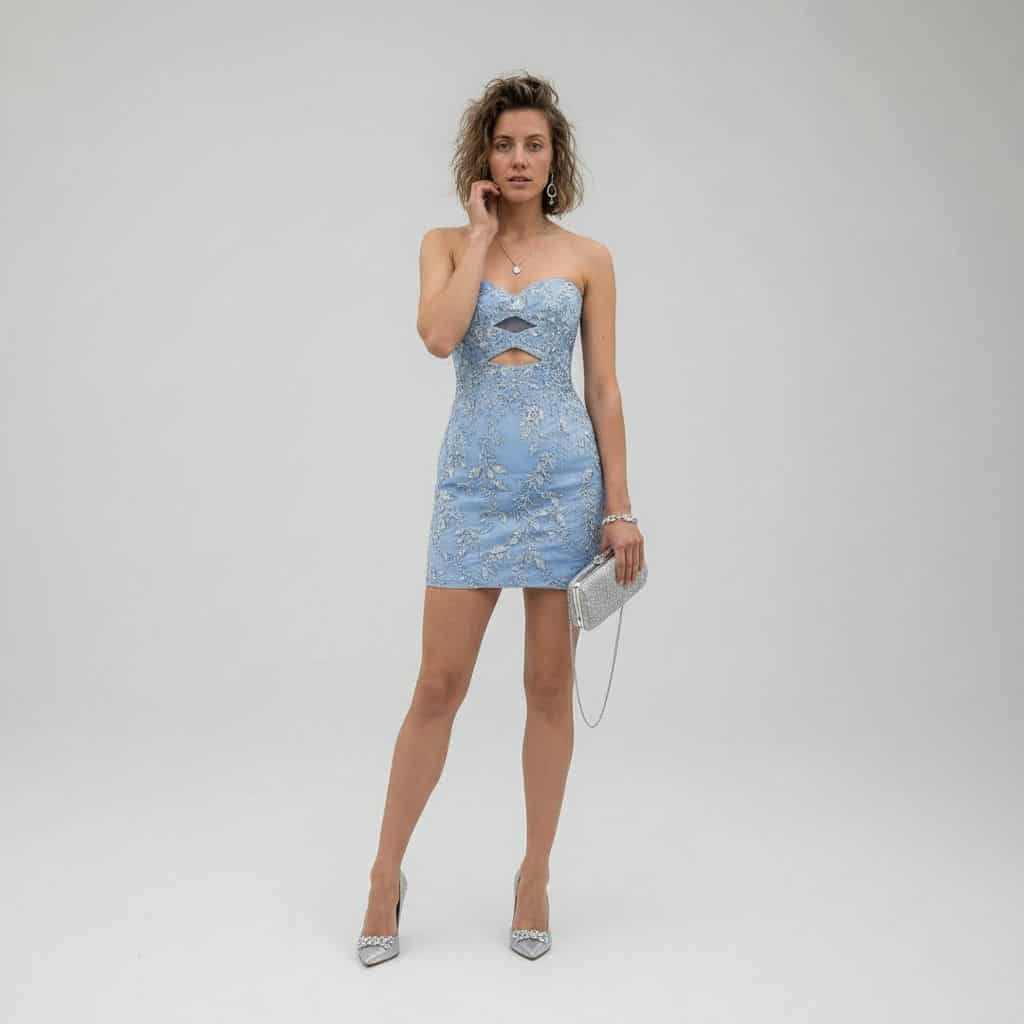
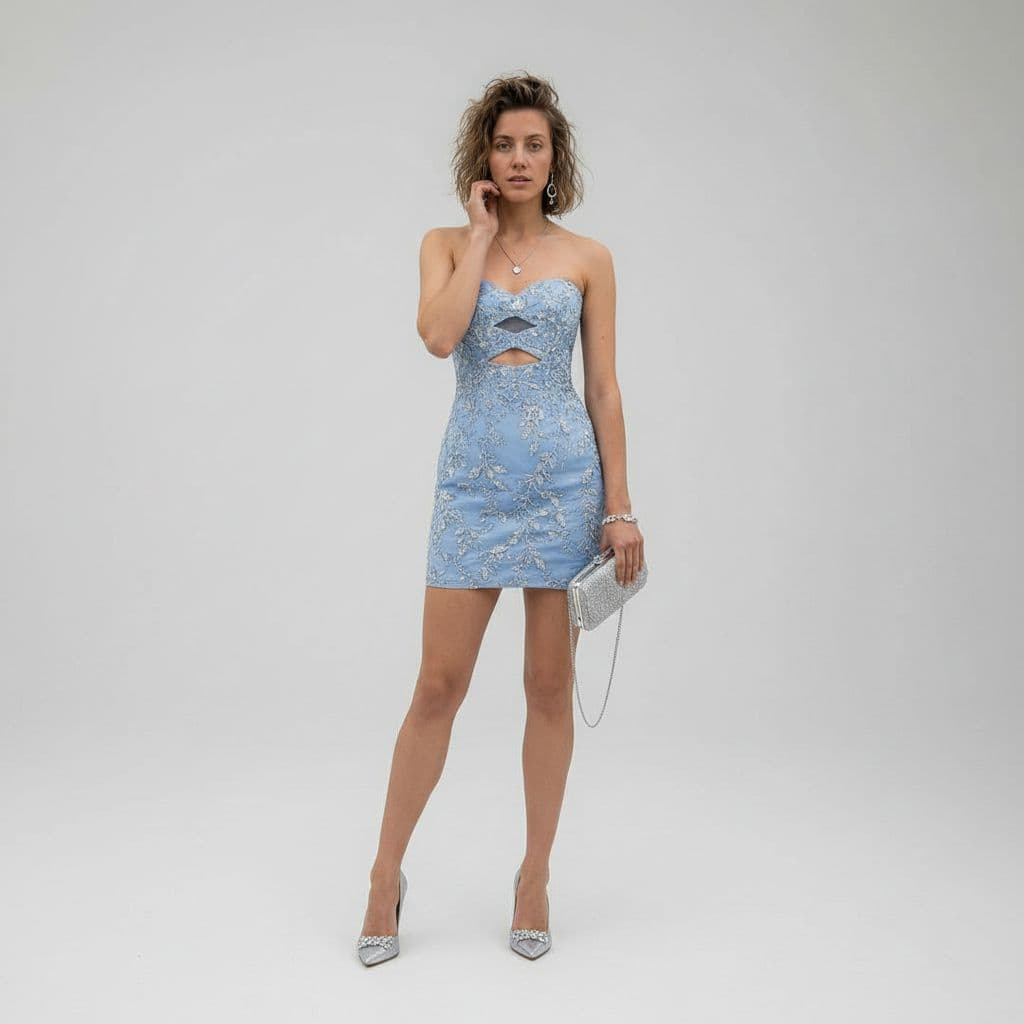
ラグジュアリースタジオ衣装変換
REFERENCE_0を被写体ベースとして、カジュアルな砂漠のスナップショットを全身ラグジュアリーファッションスタジオポートレートに変換する。デニムジャケット、タンクトップ、ショートパンツを、{argument name="dress color" default="powder blue"}の華麗なシルバーフローラル刺繍と胸元と上腰部分にちょうど2つの幾何学的なカットアウトが施されたフィットしたストラップレスミニカクテルドレスに置き…
プロンプト
REFERENCE_0を被写体ベースとして、カジュアルな砂漠のスナップショットを全身ラグジュアリーファッションスタジオポートレートに変換する。デニムジャケット、タンクトップ、ショートパンツを、{argument name="dress color" default="powder blue"}の華麗なシルバーフローラル刺繍と胸元と上腰部分にちょうど2つの幾何学的なカットアウトが施されたフィットしたストラップレスミニカクテルドレスに置き換える。設定をクリーンなシームレスのライトグレースタジオ背景に変更し、洗練されたハイエンドエディトリアルスタイリングを適用する。被写体の右手に細いチェーンストラップ付きの1つのシルバークラッチと1足の尖ったシルバーハイヒールを追加する。ポーズを片手を顔の近くに置いた優雅な立ちファッションポーズに洗練し、同じ人物と髪のアイデンティティを保ちながら、柔らかく映画のようなラグジュアリー照明とシャープな8Kファッション写真のディテールを適用する。
このプロンプトの使用方法
生成する前に、完全な ラグジュアリースタジオ衣装変換 プロンプトを読み、主題、スタイル、カメラ、照明、構成の要件を特定してください。
括弧で囲まれたプレースホルダーまたは引数スタイルのプレースホルダーを、製品、キャラクター、ブランド、シーン、カラーパレット、またはアスペクト比の要件に置き換えます。
https://www.gptimagehub.com/ja/generate?promptId=cmogwymuj00a1zpdyp8242o9t を開いて画像を生成し、必要に応じてより具体的な件名、テキスト、レイアウト、または否定的な制約を使用してプロンプトを調整します。
プロンプトFAQ
ラグジュアリースタジオ衣装変換 プロンプトは何に最適ですか?
このプロンプトは、再利用可能な構造、詳細な視覚的方向性、一貫した出力品質が必要な ui / ux デザイン 画像に最適です。
生成する前にプロンプトを編集できますか?
はい。このページには完全なプロンプト テキストが表示されるため、生成前に件名、製品名、色、構成、カメラ用語、アスペクト比、スタイル メモを変更できます。
このプロンプトではどのモデルを使用すればよいですか?
プロンプトのメタデータに示されているモデルをデフォルトの開始点として使用します。別の画像モデルが同じアスペクト比と指示スタイルをサポートしている場合は、プロンプトを調整して結果を比較できます。