城市河流敘事海報
海報與插畫

城市河流敘事海報

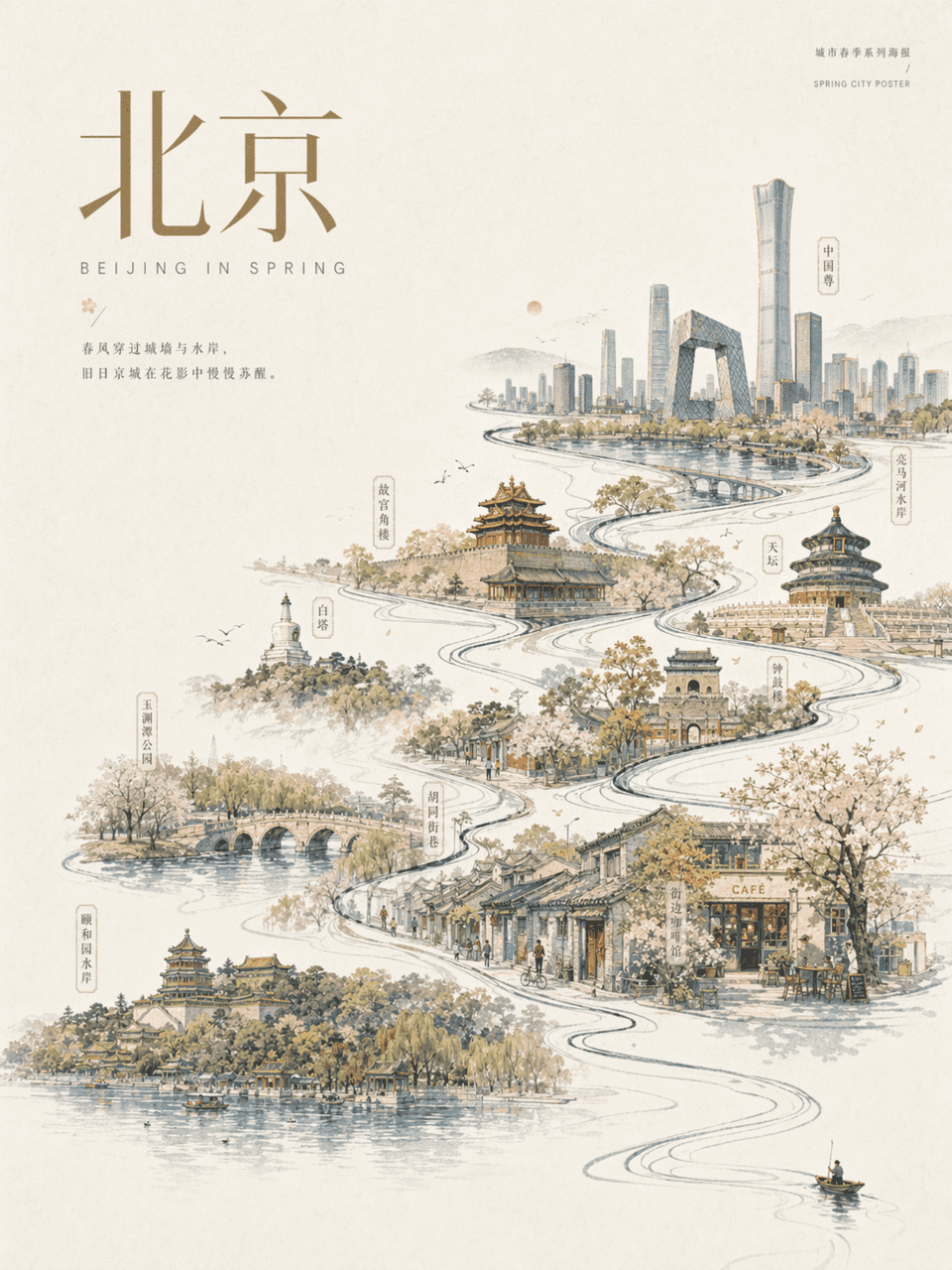
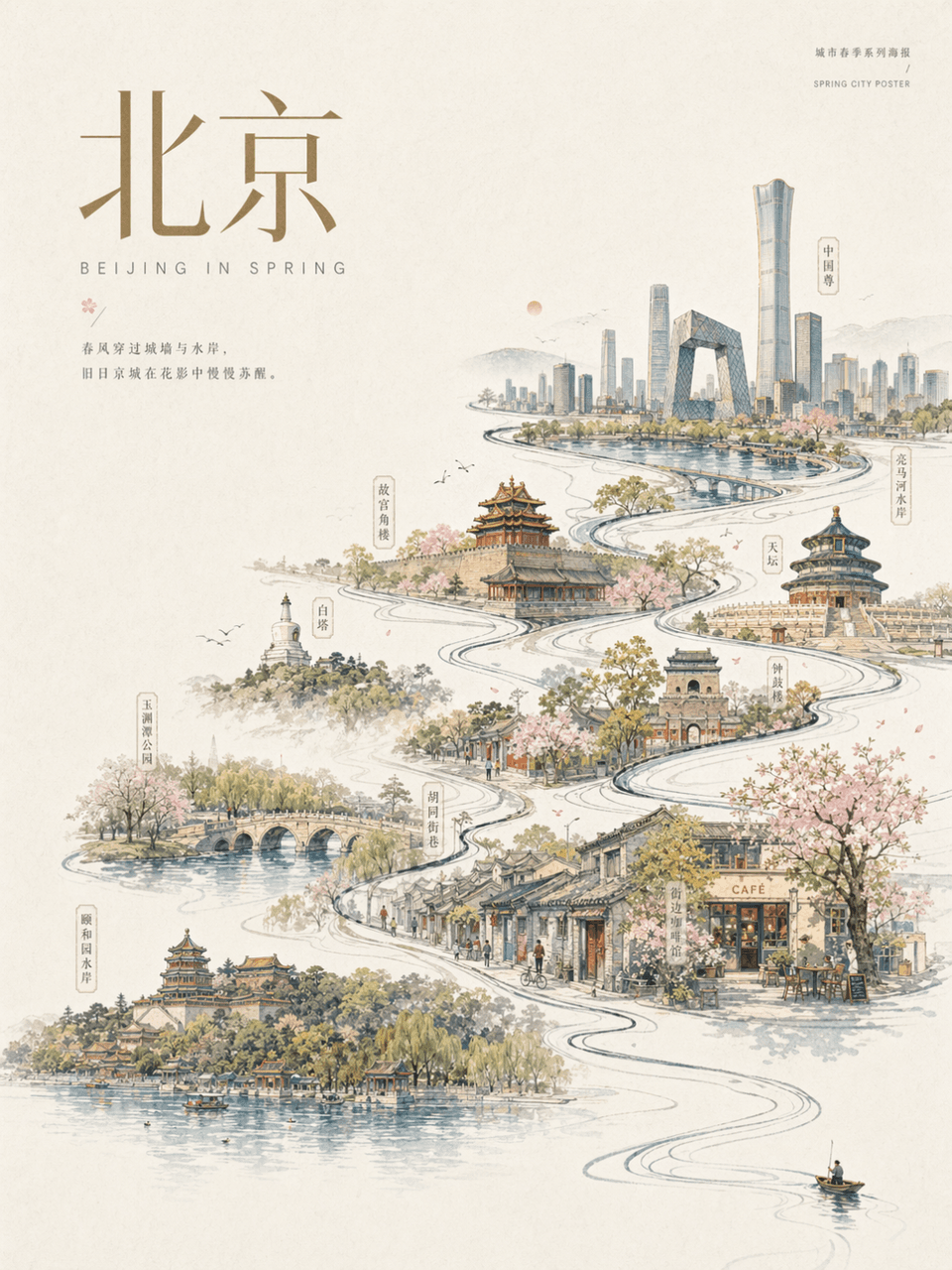
畫幅3:4,城市北京:設計一張北京春季城市海報。米白紙質背景,大面積留白。畫面右下角僅有一個極小的划船者、行走者或旅人,主體動作帶出一條流動主線,這條線逐漸演化為城市河流/街道/天際線,內部串聯地標建築、老城區、橋樑、公園、水岸、代表性街景。整體像手繪城市長卷與現代海報結合,優雅、慶典感、當代、剋制。並在畫面加入相同風格的主標題為 “北京”和裝飾文字。

提示詞

畫幅3:4,城市北京:設計一張北京春季城市海報。米白紙質背景,大面積留白。畫面右下角僅有一個極小的划船者、行走者或旅人,主體動作帶出一條流動主線,這條線逐漸演化為城市河流/街道/天際線,內部串聯地標建築、老城區、橋樑、公園、水岸、代表性街景。整體像手繪城市長卷與現代海報結合,優雅、慶典感、當代、剋制。並在畫面加入相同風格的主標題為 “北京”和裝飾文字。

How to use this prompt

1
Review the full prompt

Read the complete 城市河流敘事海報 prompt and identify the subject, style, camera, lighting, and composition requirements before generating.

2
Customize variables

Replace bracketed or argument-style placeholders with your product, character, brand, scene, color palette, or aspect ratio requirements.

3
Generate and iterate

Open https://www.gptimagehub.com/zh-TW/generate?promptId=cmogxlhan00m9xt5g5np8jezx, generate the image, then refine the prompt with more specific subject, text, layout, or negative constraints if needed.

Prompt FAQ

What is the 城市河流敘事海報 prompt best used for?

This prompt is best used for 海報與插畫 images where you want a reusable structure, detailed visual direction, and consistent output quality.

Can I edit the prompt before generating?

Yes. The full prompt text is visible on this page so you can change subjects, product names, colors, composition, camera terms, aspect ratio, and style notes before generation.

Which model should I use with this prompt?

Use the model shown in the prompt metadata as the default starting point. If another image model supports the same aspect ratio and instruction style, you can adapt the prompt and compare results.

其他模板