提示詞
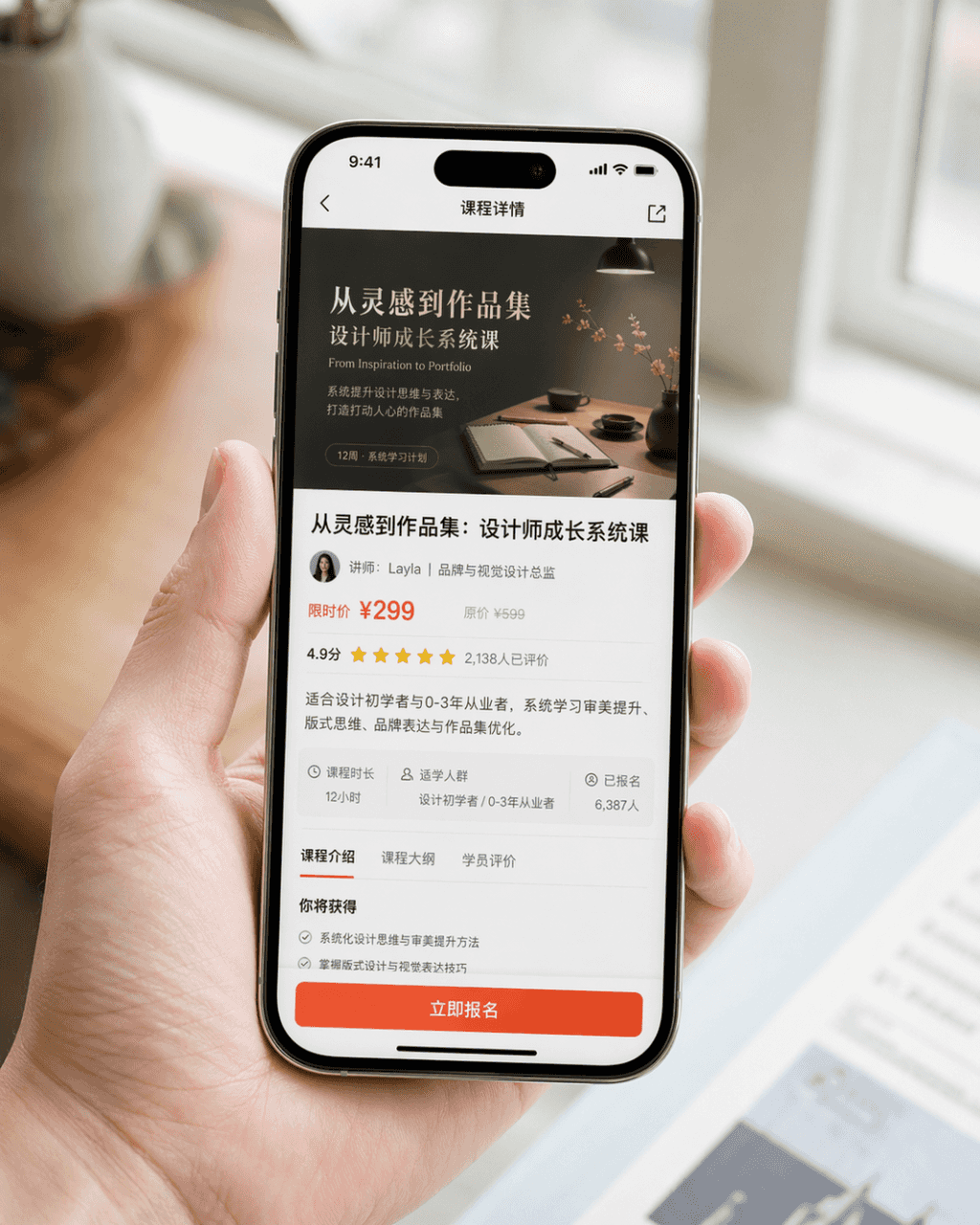
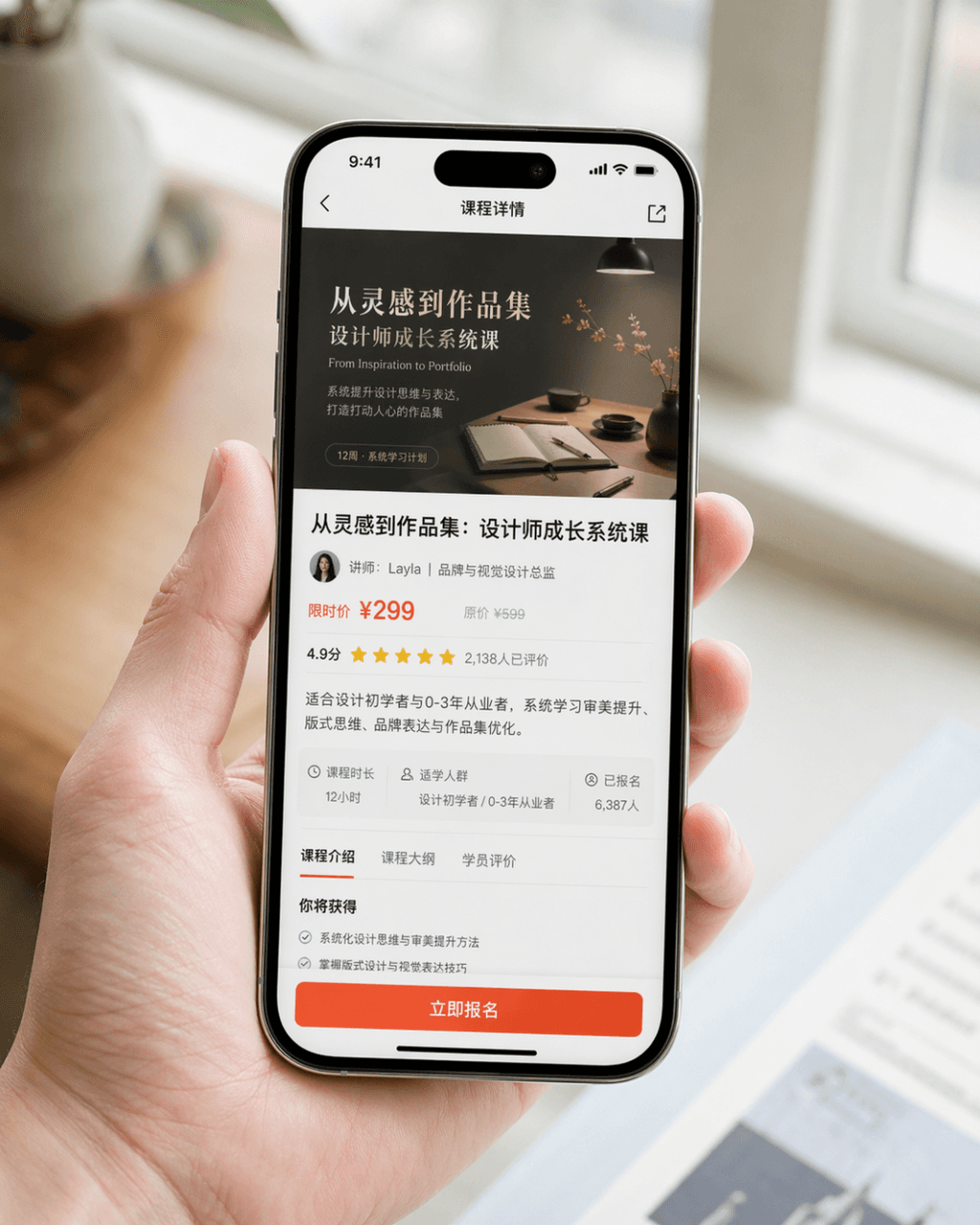
生成一張真實感很強的手機截圖宣傳圖,裝置為 iPhone 15 Pro,螢幕內容為 一款設計學習類 App 的課程詳情頁,頁面中清晰展示課程封面、課程標題、講師資訊、價格資訊、使用者評分、簡介摘要以及醒目的“立即報名”按鈕。畫面為 自然手持手機的近景構圖,人物手部乾淨自然,手機螢幕清晰明亮,背景虛化,整體像品牌官方釋出的產品 PR 圖。要求寫實攝影質感,光線柔和高階,構圖簡潔,細節真實,避免誇張 UI、避免廉價電商風、避免過度設計。
How to use this prompt
Read the complete 手機截圖宣傳圖 prompt and identify the subject, style, camera, lighting, and composition requirements before generating.
Replace bracketed or argument-style placeholders with your product, character, brand, scene, color palette, or aspect ratio requirements.
Open https://www.gptimagehub.com/zh-TW/generate?promptId=cmogxm5f000mvxt5gnyc2fxa4, generate the image, then refine the prompt with more specific subject, text, layout, or negative constraints if needed.
Prompt FAQ
What is the 手機截圖宣傳圖 prompt best used for?
This prompt is best used for 其他 images where you want a reusable structure, detailed visual direction, and consistent output quality.
Can I edit the prompt before generating?
Yes. The full prompt text is visible on this page so you can change subjects, product names, colors, composition, camera terms, aspect ratio, and style notes before generation.
Which model should I use with this prompt?
Use the model shown in the prompt metadata as the default starting point. If another image model supports the same aspect ratio and instruction style, you can adapt the prompt and compare results.