提示詞
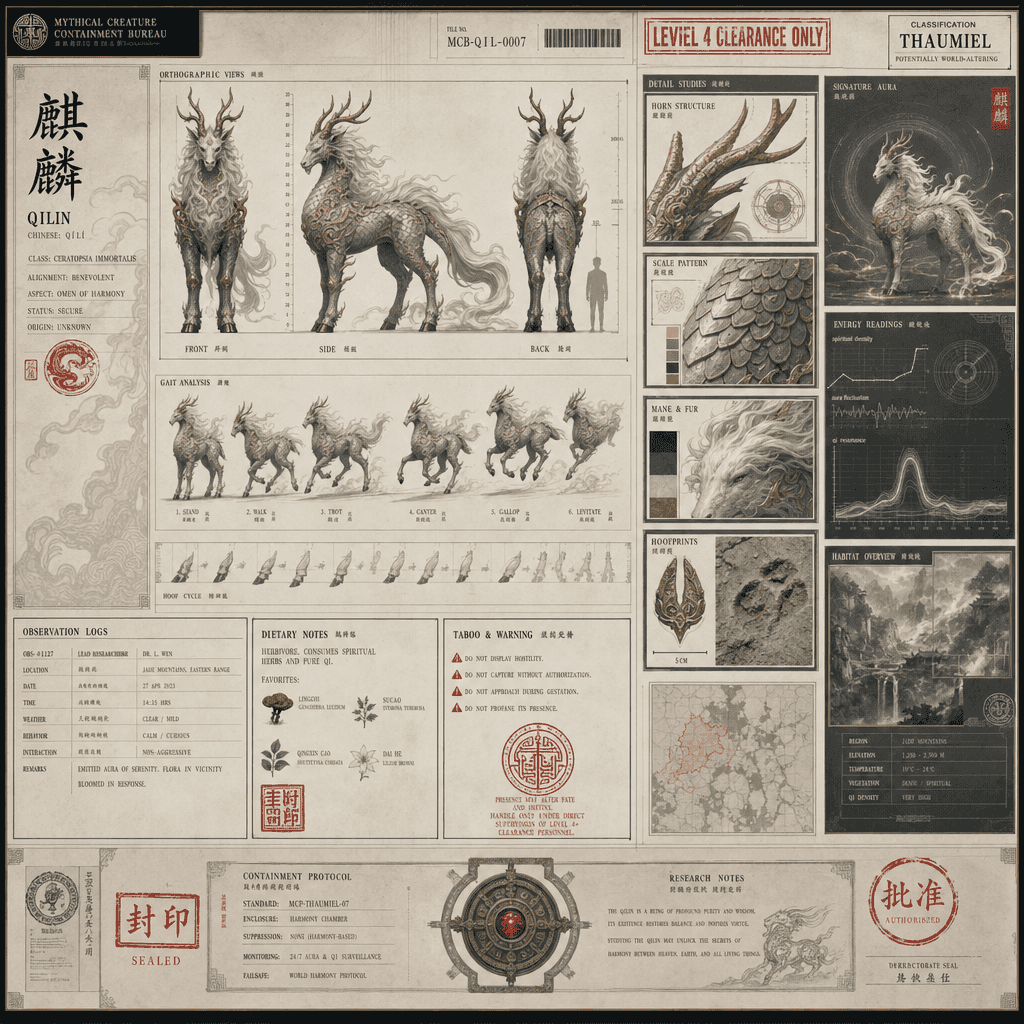
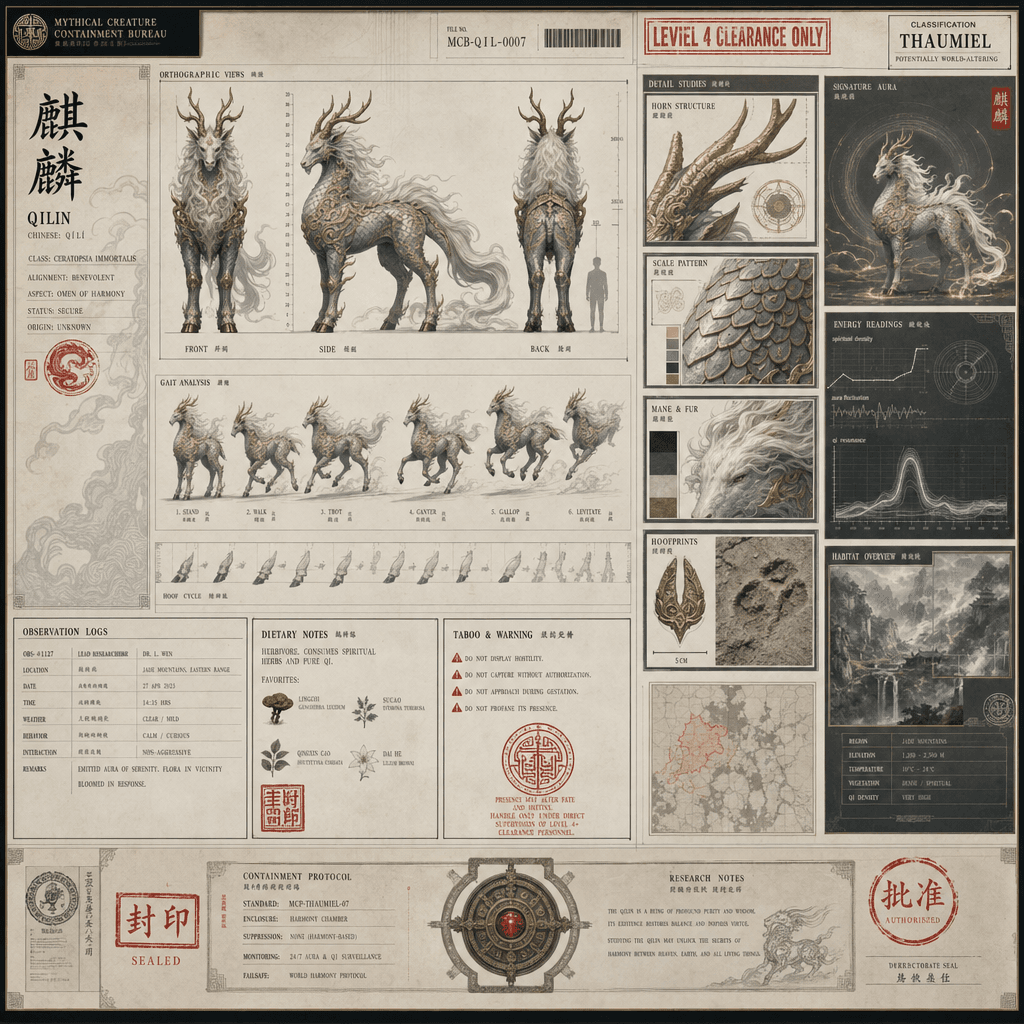
“神話生物收容局檔案頁:麒麟”,機構檔案設計與東方式幻想生物設定結合,畫面像絕密收容檔案,左側是麒麟正側背三檢視及步態分解,右側是角、鱗片、鬃毛、蹄印細節與棲息環境資料模組,檔案印有級別章、觀察日誌、食性和禁忌說明,整體兼具神聖感與現代機構冷靜氣質,比例 16:9。
How to use this prompt
Read the complete “神話生物收容局檔案頁:麒麟” prompt and identify the subject, style, camera, lighting, and composition requirements before generating.
Replace bracketed or argument-style placeholders with your product, character, brand, scene, color palette, or aspect ratio requirements.
Open https://www.gptimagehub.com/zh-TW/generate?promptId=cmogxks6r00jdxt5g1ntlnlob, generate the image, then refine the prompt with more specific subject, text, layout, or negative constraints if needed.
Prompt FAQ
What is the “神話生物收容局檔案頁:麒麟” prompt best used for?
This prompt is best used for 其他 images where you want a reusable structure, detailed visual direction, and consistent output quality.
Can I edit the prompt before generating?
Yes. The full prompt text is visible on this page so you can change subjects, product names, colors, composition, camera terms, aspect ratio, and style notes before generation.
Which model should I use with this prompt?
Use the model shown in the prompt metadata as the default starting point. If another image model supports the same aspect ratio and instruction style, you can adapt the prompt and compare results.