其他

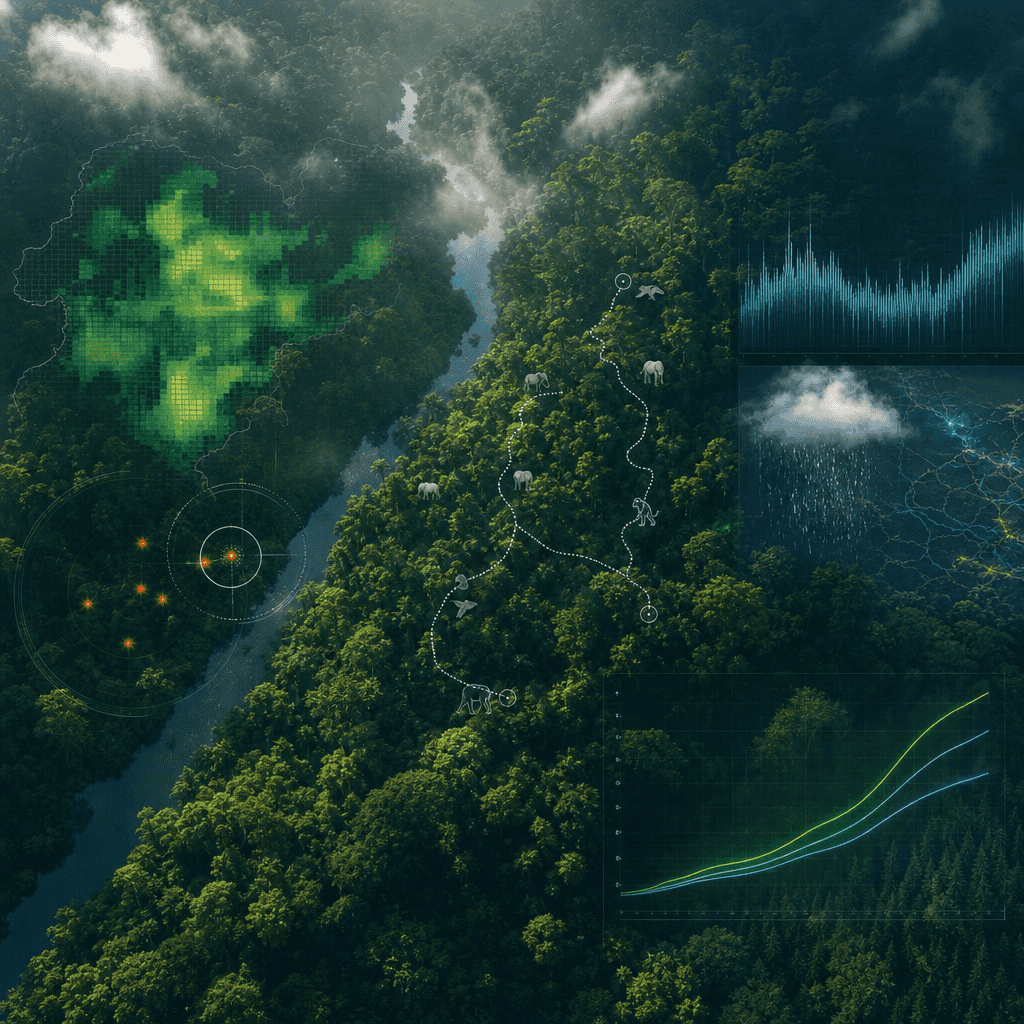
“雨林保護區監測總覽大屏”

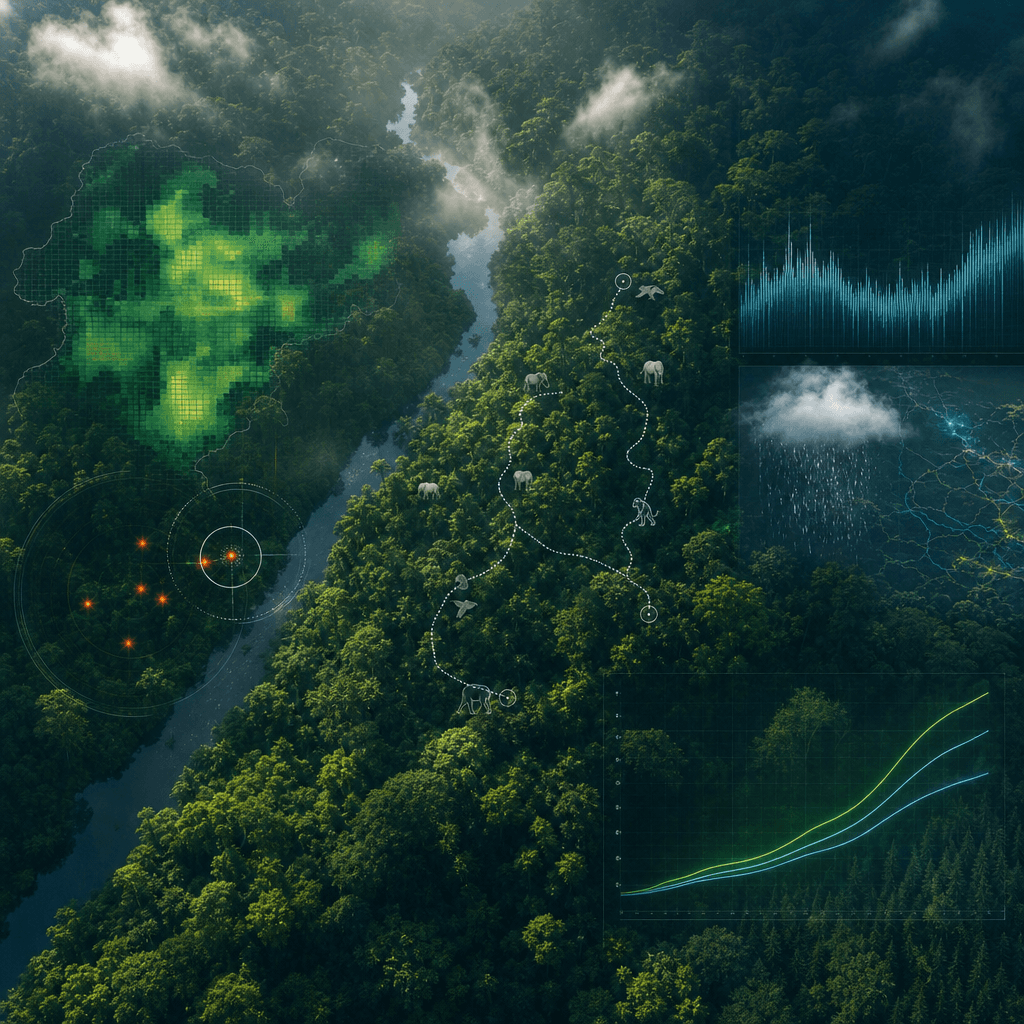
“雨林保護區監測總覽大屏”,生態科研 dashboard 與沉浸式自然攝影融合,畫面主背景是俯視熱帶雨林冠層的壯闊景象,前景疊加半透明資料層:樹冠密度、瀕危動物活動軌跡、偷獵預警、降雨量和碳匯曲線,標題像聯合國環保專案視覺,氣質專業莊重,色彩鮮明但不過飽和,比例 16:9。

提示詞

“雨林保護區監測總覽大屏”,生態科研 dashboard 與沉浸式自然攝影融合,畫面主背景是俯視熱帶雨林冠層的壯闊景象,前景疊加半透明資料層:樹冠密度、瀕危動物活動軌跡、偷獵預警、降雨量和碳匯曲線,標題像聯合國環保專案視覺,氣質專業莊重,色彩鮮明但不過飽和,比例 16:9。

How to use this prompt

1
Review the full prompt

Read the complete “雨林保護區監測總覽大屏” prompt and identify the subject, style, camera, lighting, and composition requirements before generating.

2
Customize variables

Replace bracketed or argument-style placeholders with your product, character, brand, scene, color palette, or aspect ratio requirements.

3
Generate and iterate

Open https://www.gptimagehub.com/zh-TW/generate?promptId=cmogxkpwn00inxt5gb8m75jh8, generate the image, then refine the prompt with more specific subject, text, layout, or negative constraints if needed.

Prompt FAQ

What is the “雨林保護區監測總覽大屏” prompt best used for?

This prompt is best used for 其他 images where you want a reusable structure, detailed visual direction, and consistent output quality.

Can I edit the prompt before generating?

Yes. The full prompt text is visible on this page so you can change subjects, product names, colors, composition, camera terms, aspect ratio, and style notes before generation.

Which model should I use with this prompt?

Use the model shown in the prompt metadata as the default starting point. If another image model supports the same aspect ratio and instruction style, you can adapt the prompt and compare results.

其他模板