
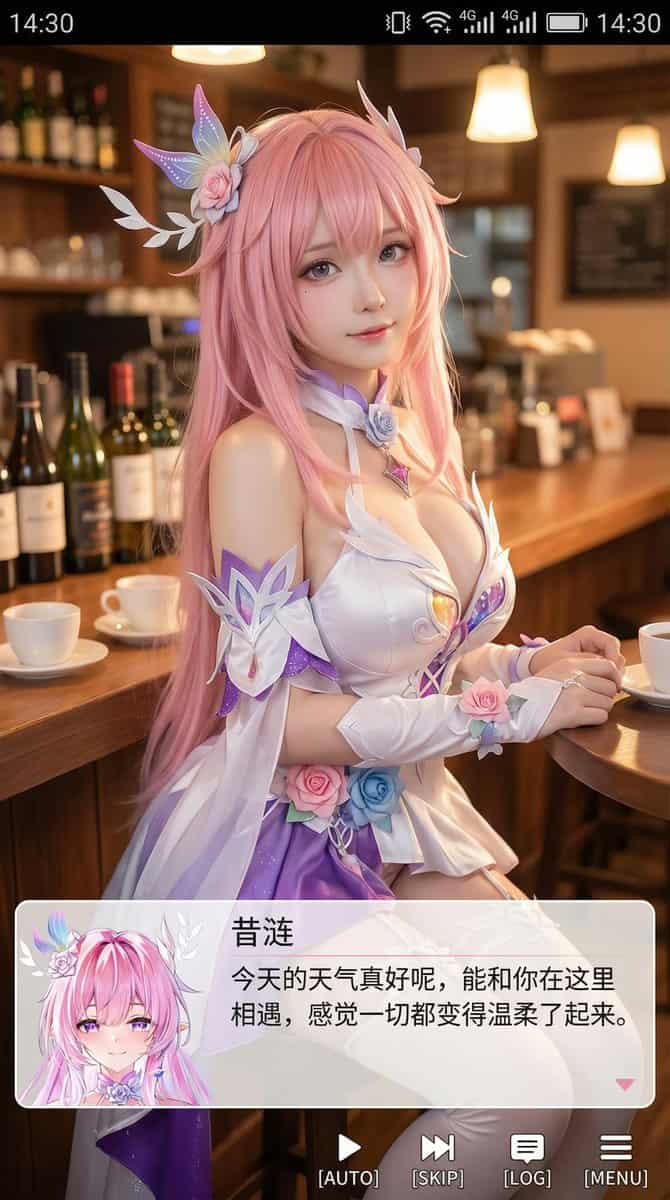
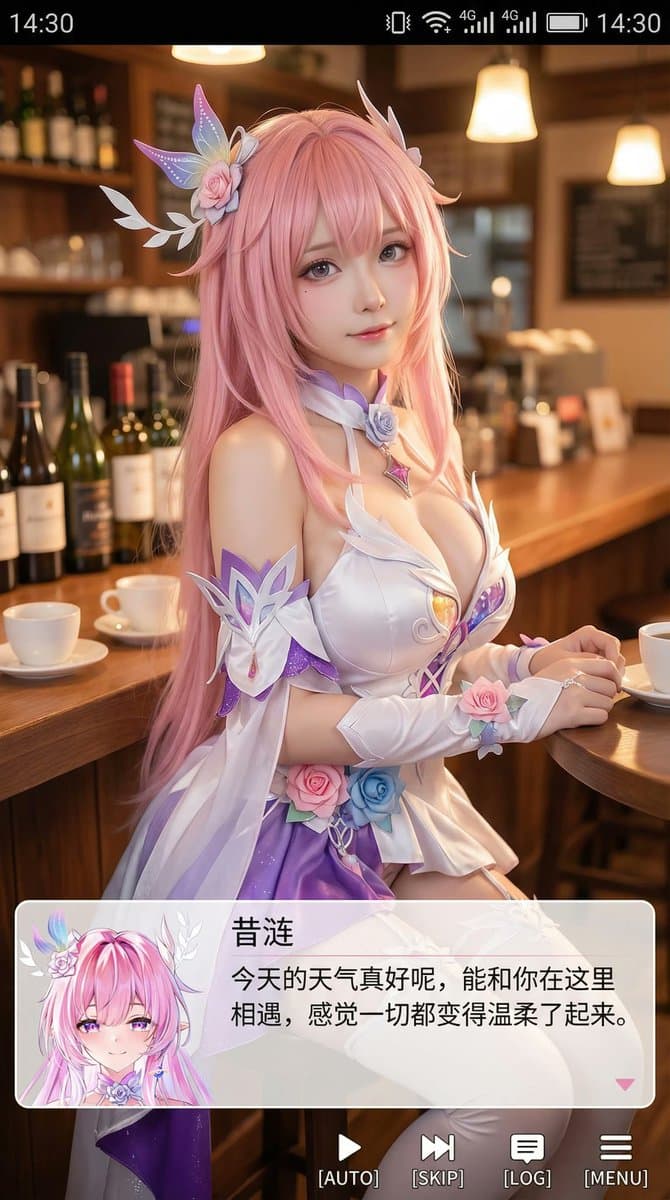
9:16 Coser 人像截圖
生成一張豎版手機截圖風格的圖片,整體比例接近 9:16。畫面中心偏上是一位真人 coser,扮演(角色名稱)的二次元角色。人物為寫實風格,但五官略帶動漫感,皮膚細膩,眼睛稍大,表情溫柔地看向鏡頭,坐在室內的休閒場景中,例如咖啡廳或酒吧吧檯前,背景有符合場景的道具。畫面最上方加入手機系統狀態列 UI,包括時間、電量、訊號、網路等圖示,讓整張圖看起來像手機截圖。畫面底部疊加一塊寬大的半透明 galgame 風格對話方塊,對話方塊左側放一個…
提示詞
生成一張豎版手機截圖風格的圖片,整體比例接近 9:16。畫面中心偏上是一位真人 coser,扮演(角色名稱)的二次元角色。人物為寫實風格,但五官略帶動漫感,皮膚細膩,眼睛稍大,表情溫柔地看向鏡頭,坐在室內的休閒場景中,例如咖啡廳或酒吧吧檯前,背景有符合場景的道具。畫面最上方加入手機系統狀態列 UI,包括時間、電量、訊號、網路等圖示,讓整張圖看起來像手機截圖。畫面底部疊加一塊寬大的半透明 galgame 風格對話方塊,對話方塊左側放一個與畫面人物對應的動漫或 Q 版頭像;對話方塊右側排版文字:第一行用較大字型顯示與前面相同的角色名字,下面一到兩行顯示一段適合這個角色人設的、溫柔治癒風格的簡體中文臺詞,由你自動創作。再在對話方塊下方加一條操作欄,仿照 galgame UI。整體風格高畫質、細節豐富、光線柔和、二次元與真人寫真自然融合。
如何使用此提示
在生成之前閱讀完整的 9:16 Coser 人像截圖 提示並確定主題、風格、相機、燈光和構圖要求。
將括號或參數式佔位符替換為您的產品、角色、品牌、場景、調色板或寬高比要求。
開啟 https://www.gptimagehub.com/zh-TW/generate?promptId=cmogwrhxg000tzpdy21m69pmn,產生圖像,然後根據需要使用更具體的主題、文字、佈局或負面約束來最佳化提示。
提示常見問題解答
9:16 Coser 人像截圖 提示符號最適合用來做什麼?
此提示最適用於您需要可重複使用結構、詳細視覺方向和一致輸出品質的 動漫 / 漫畫 影像。
我可以在生成之前編輯提示嗎?
是的。完整的提示文字在此頁面上可見,因此您可以在生成之前更改主題、產品名稱、顏色、構圖、相機術語、長寬比和樣式註釋。
出現此提示時我應該使用哪種型號?
使用提示元資料中顯示的模型作為預設起點。如果另一個影像模型支援相同的寬高比和指令風格,您可以調整提示並比較結果。