
提示詞
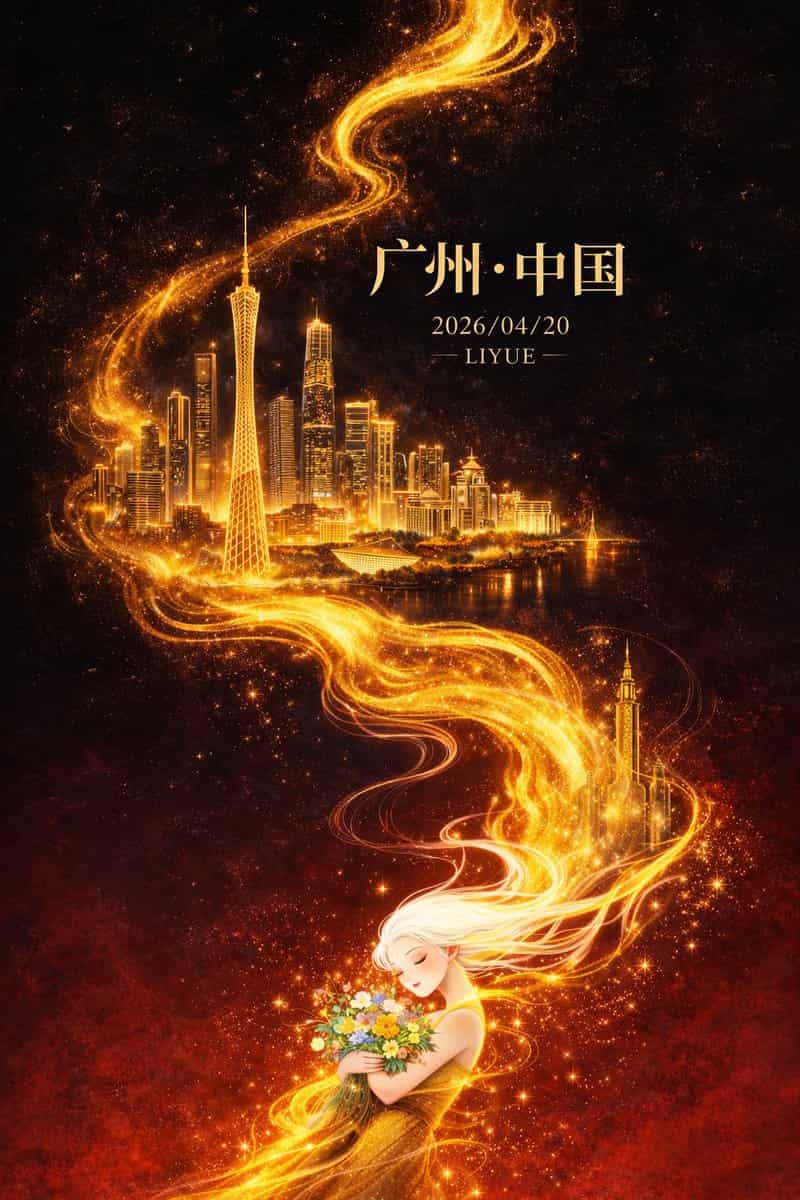
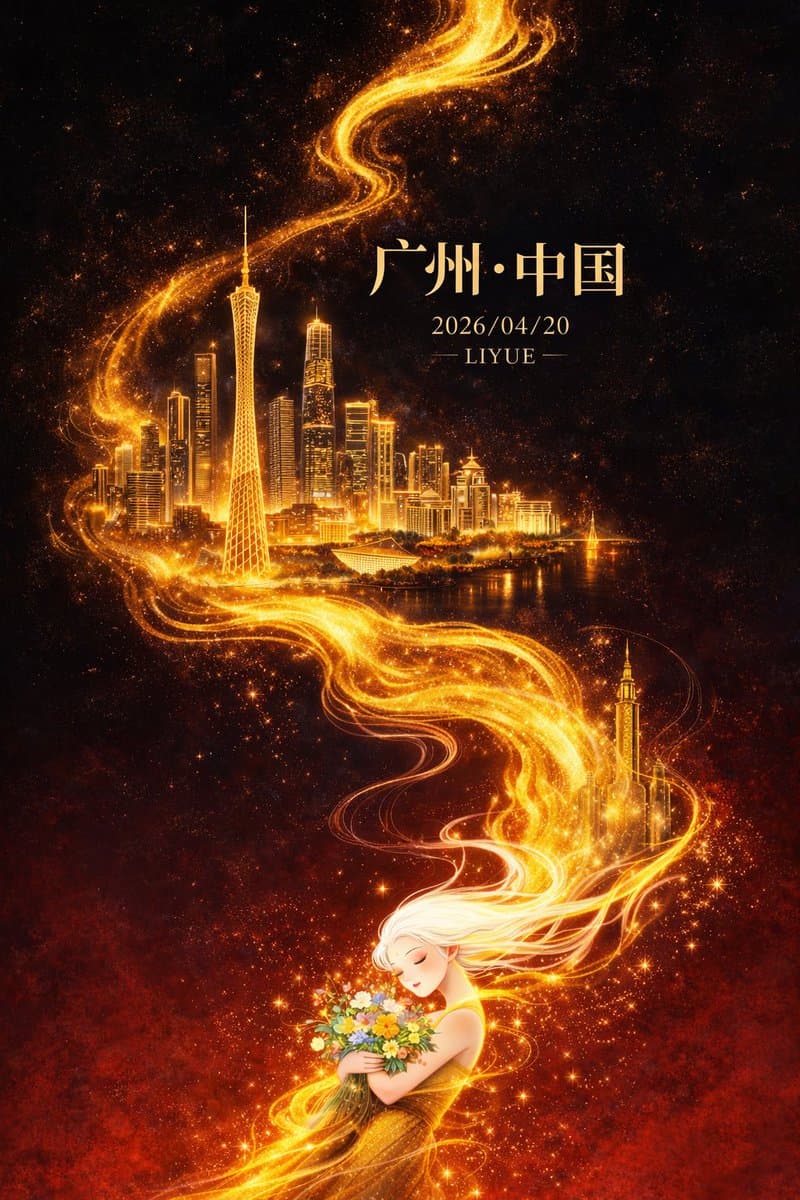
平面插畫,東方幻想風格高階城市海報設計,豎版9:16構圖,整體採用對角線+S型流動構圖,從左下向右上延展,畫面以深邃黑色為背景,自上而下漸變至濃烈暗紅色,形成強烈冷暖對比與空間縱深,背景帶微弱星塵與顆粒質感。畫面中央一條金色流動能量線條如火焰般蜿蜒貫穿,自底部向上延伸,具有流體質感、粒子光效與漸變高光,區域性帶細微能量碎屑與體積光。 金色流光中逐層浮現廣州城市地標建築群:廣州塔為視覺核心,比例突出,周圍融合珠江新城高樓群、獵德大橋及現代與嶺南建築元素,建築採用“精細線描 + 金色發光體塊”表現,輪廓清晰、細節豐富,在金色光暈映襯下彷彿懸浮於虛空,形成超現實空間層次,遠景輕微霧化增強縱深感。 畫面底部為一位東方白髮女性形象,長髮飄逸,如煙似霧,與金色流光自然銜接並逐漸融合,髮絲半透明帶漸變光感,姿態柔美,雙目微閉,神情寧靜,懷抱一束多彩鮮花,花間點綴微光粒子與星點效果,象徵人與城市能量的精神連線,人物細節適度簡化以突出整體設計感。 光影集中於金色流線、建築與人物輪廓,形成強烈明暗對比與視覺聚焦,整體氛圍宏大、神秘、具有東方神話意境且略帶治癒感。色彩以黑與暗紅為基底,高亮鎏金為主視覺強調,金色具備豐富明暗層次,輔以小面積高飽和花束色彩點綴,整體高階剋制。 頁面文字與畫面融合排版:頂部居中宋體大字“廣州·中國”,下方小字“2026/04/20”,再下方小字“LIYUE”,文字採用淡金色或柔和暖白色,與整體光影統一。高品質細節,電影級光影表現,體積光與粒子細節豐富,畫面乾淨無噪點,超高畫質8K解析度,商業級海報質感。
如何使用此提示
在生成之前閱讀完整的 Dark-Fantasy Guangzhou City Poster 提示並確定主題、風格、相機、燈光和構圖要求。
將括號或參數式佔位符替換為您的產品、角色、品牌、場景、調色板或寬高比要求。
開啟 https://www.gptimagehub.com/zh-TW/generate?promptId=cmogwtuu5003hzpdybo2xe7ua,產生圖像,然後根據需要使用更具體的主題、文字、佈局或負面約束來最佳化提示。
提示常見問題解答
Dark-Fantasy Guangzhou City Poster 提示符號最適合用來做什麼?
此提示最適用於您需要可重複使用結構、詳細視覺方向和一致輸出品質的 海報與插畫 影像。
我可以在生成之前編輯提示嗎?
是的。完整的提示文字在此頁面上可見,因此您可以在生成之前更改主題、產品名稱、顏色、構圖、相機術語、長寬比和樣式註釋。
出現此提示時我應該使用哪種型號?
使用提示元資料中顯示的模型作為預設起點。如果另一個影像模型支援相同的寬高比和指令風格,您可以調整提示並比較結果。