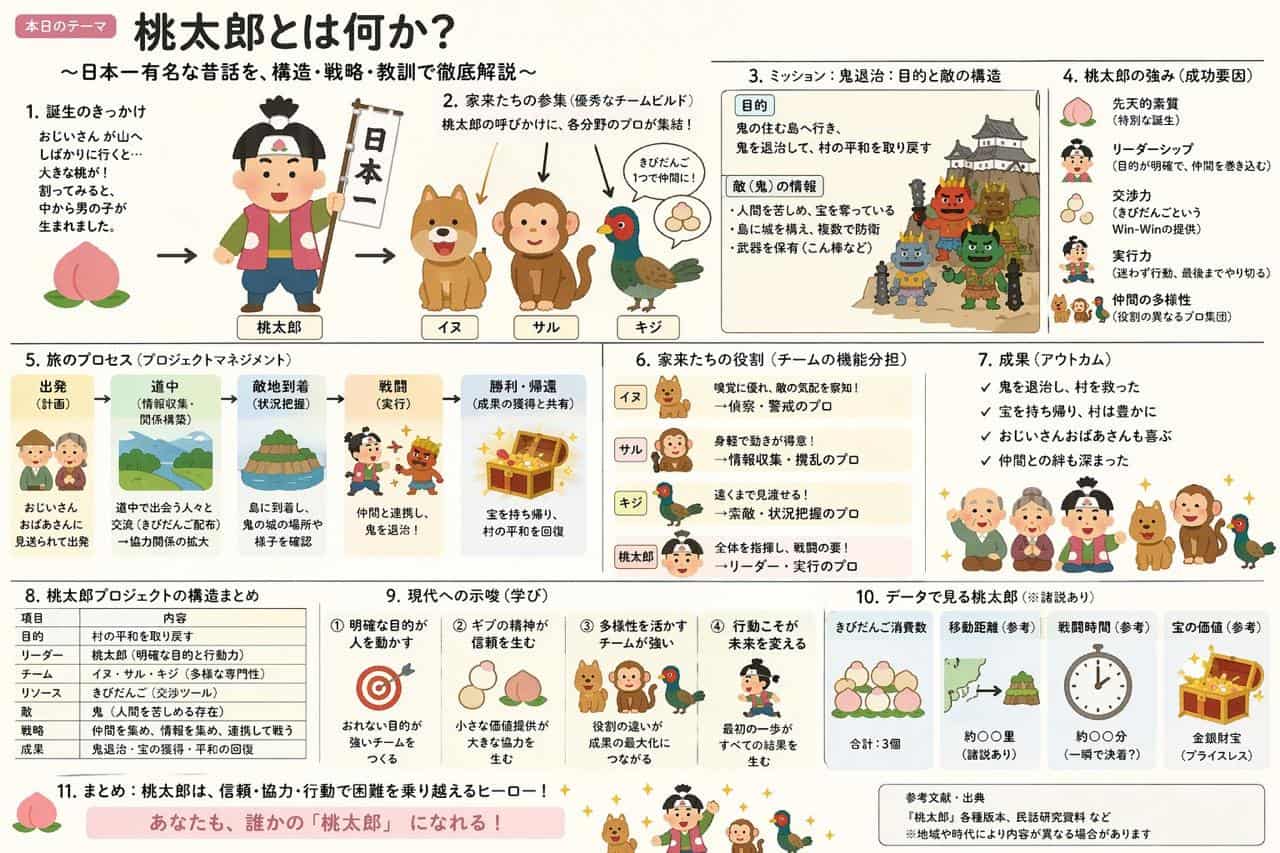
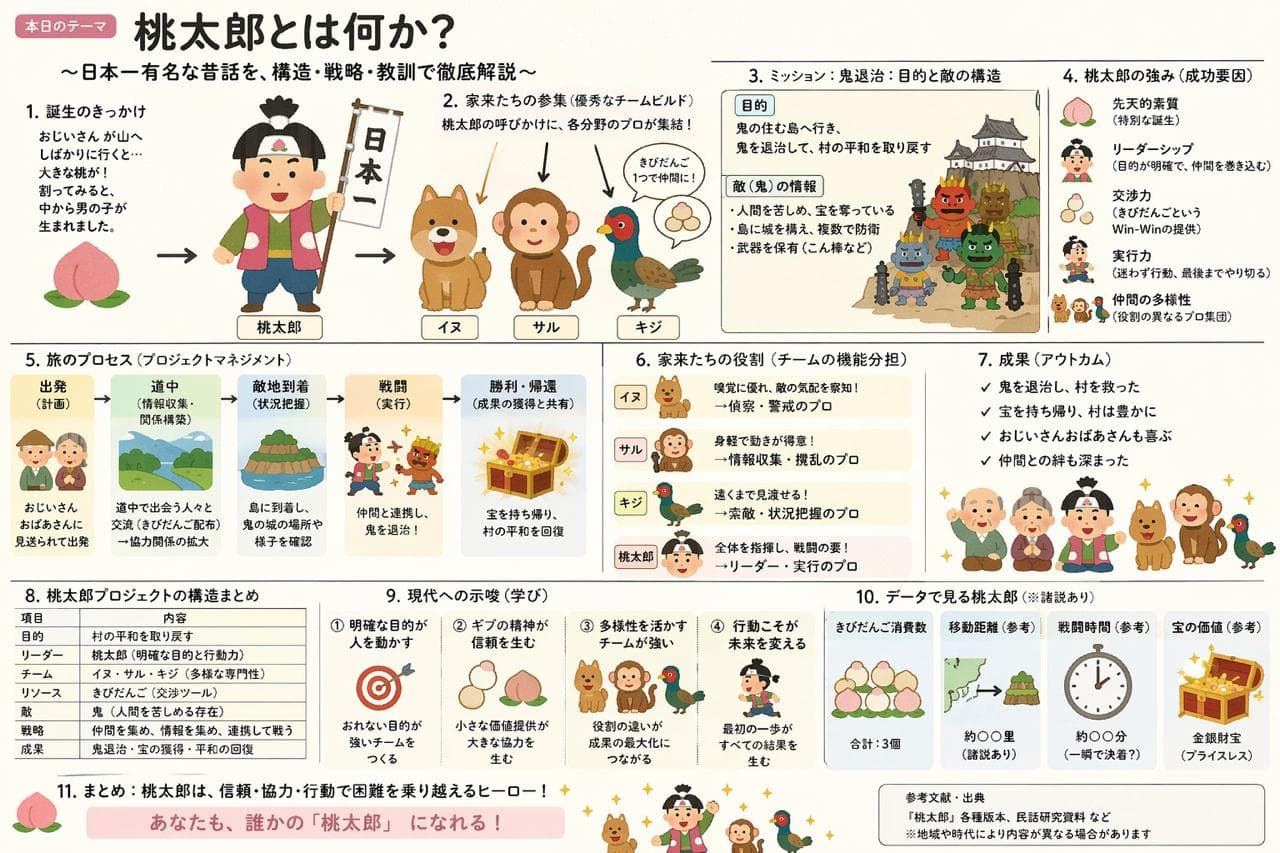
桃太郎講解幻燈片
UI / UX 設計

桃太郎講解幻燈片

製作一張桃太郎講解幻燈片(示意圖),融合“いらすとや”的溫和氛圍和“霞關幻燈片”的壓倒性資訊密度。

提示詞

製作一張桃太郎講解幻燈片(示意圖),融合“いらすとや”的溫和氛圍和“霞關幻燈片”的壓倒性資訊密度。

How to use this prompt

1
Review the full prompt

Read the complete 桃太郎講解幻燈片 prompt and identify the subject, style, camera, lighting, and composition requirements before generating.

2
Customize variables

Replace bracketed or argument-style placeholders with your product, character, brand, scene, color palette, or aspect ratio requirements.

3
Generate and iterate

Open https://www.gptimagehub.com/zh-TW/generate?promptId=cmogwvp980061zpdyypimoac4, generate the image, then refine the prompt with more specific subject, text, layout, or negative constraints if needed.

Prompt FAQ

What is the 桃太郎講解幻燈片 prompt best used for?

This prompt is best used for ui / ux 設計 images where you want a reusable structure, detailed visual direction, and consistent output quality.

Can I edit the prompt before generating?

Yes. The full prompt text is visible on this page so you can change subjects, product names, colors, composition, camera terms, aspect ratio, and style notes before generation.

Which model should I use with this prompt?

Use the model shown in the prompt metadata as the default starting point. If another image model supports the same aspect ratio and instruction style, you can adapt the prompt and compare results.

其他模板